Hansshow Wireless Gear Shift Stalk: Model Y Juniper / Model 3 Highland Install
Stick the rechargeable stalk behind the wheel, then plug its receiver into an open port under the console trim. A one-minute install.
Full video (6 min): Model Y Juniper Gear Shift Stalks: Why Everyone's Adding Them Back!
Get the parts
DEALCode "JOHN" for 20% off at Hansshow (per the video description)
White buttons are from the video description. “Generic pick” links are my suggestions, not from the video; confirm fitment and part number before buying. Some are affiliate links, so I may earn a commission at no extra cost to you.
Overview
Brings back a physical stalk for drive, reverse and park, which helps with three-point turns and U-turns without looking at the screen. It's wireless with a rechargeable battery and very close to Tesla's black. John found virtually no lag.
Vehicle & fitment
- Product
- Hansshow disassembly-free gear shift control stalk: wireless, rechargeable battery, double-sided tape mount
- Shown on
- Tesla Model Y Juniper
- Model Y Juniper / Model 3 Highland (per the description)
Always confirm fitment for your exact year and trim with the seller before buying.
Tools & parts
Tools
- Plastic trim remover
Parts
- Hansshow stalk + receiver
Step by step
- 1
Expose the ports▶ 2:07
Pull out the mat, then pop the small panel with a plastic trim tool and release its clip to reach the plugs.
- 2
Plug in the receiver▶ 3:23
There's already an open, unused port. Plug the receiver in there. An extra port is included if you need it.
- 3
Test▶ 4:03
Check drive and park before tidying up.
- 4
Stick on the stalk▶ 4:23
Wipe the spot behind the wheel, stick the stalk on and hold it for 15 seconds.
Wiring notes
- Receiver plugs into an existing unused port under the console trim, no splicing
Get the parts
DEALCode "JOHN" for 20% off at Hansshow (per the video description)
White buttons are from the video description. “Generic pick” links are my suggestions, not from the video; confirm fitment and part number before buying. Some are affiliate links, so I may earn a commission at no extra cost to you.
John's Tesla Model Y
More photos →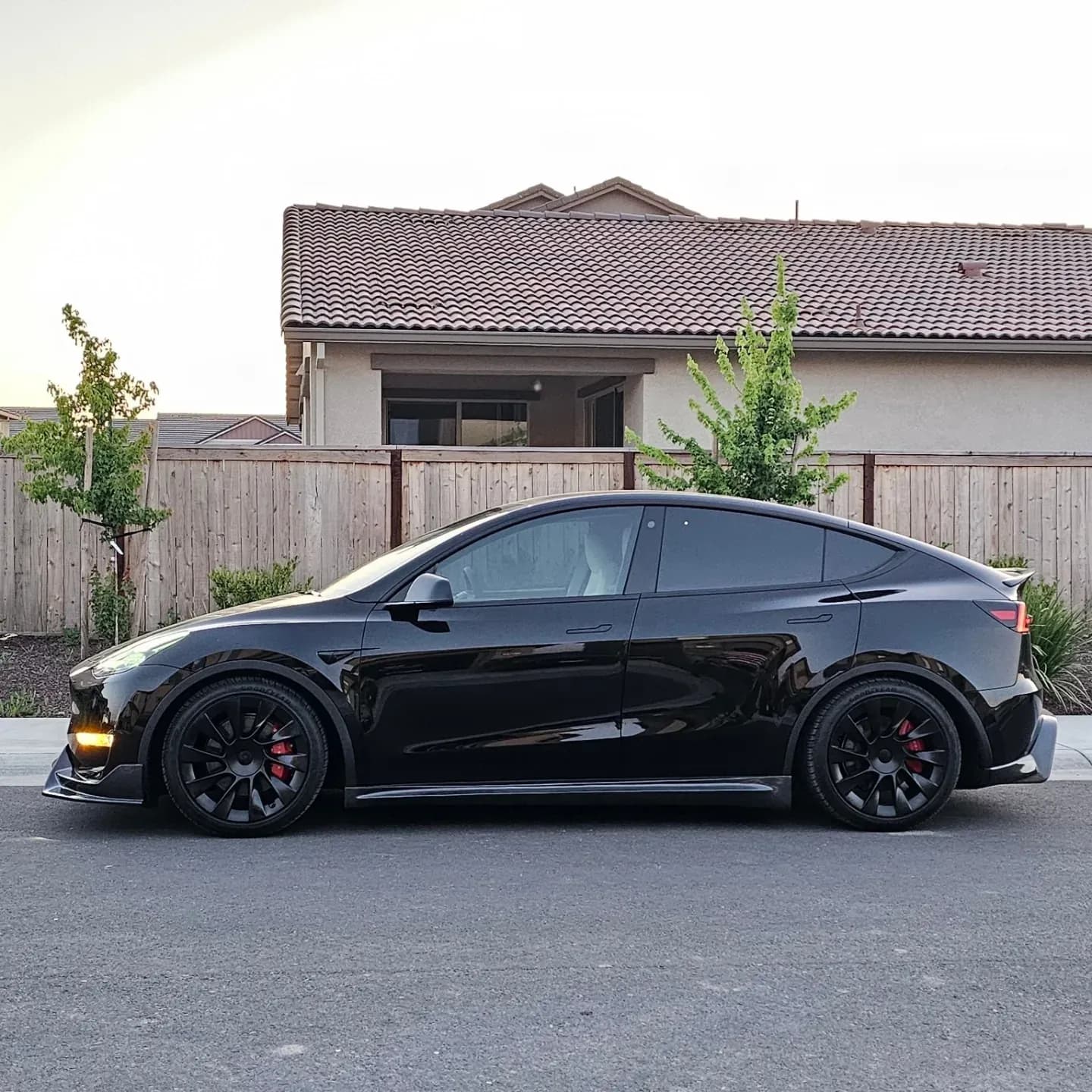
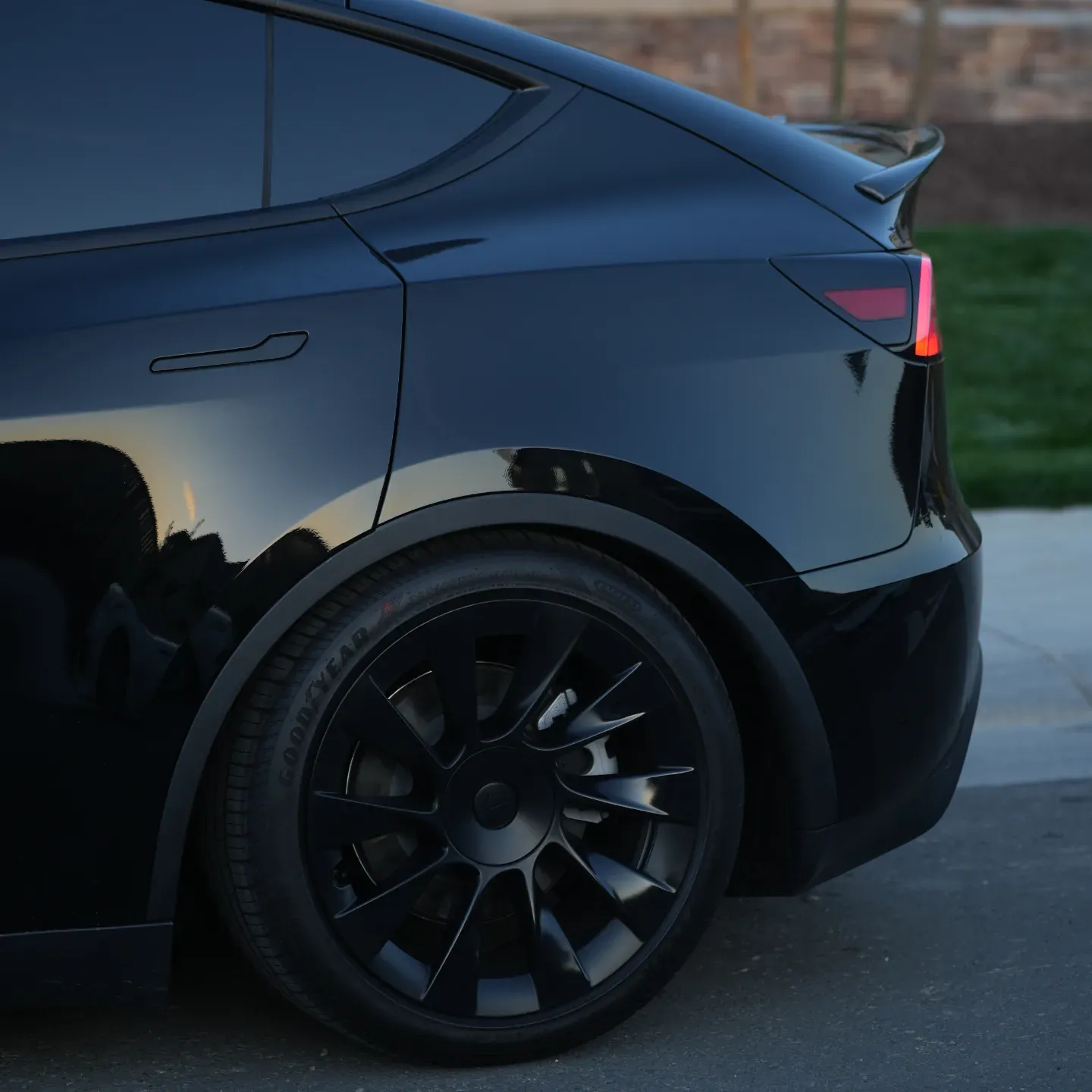
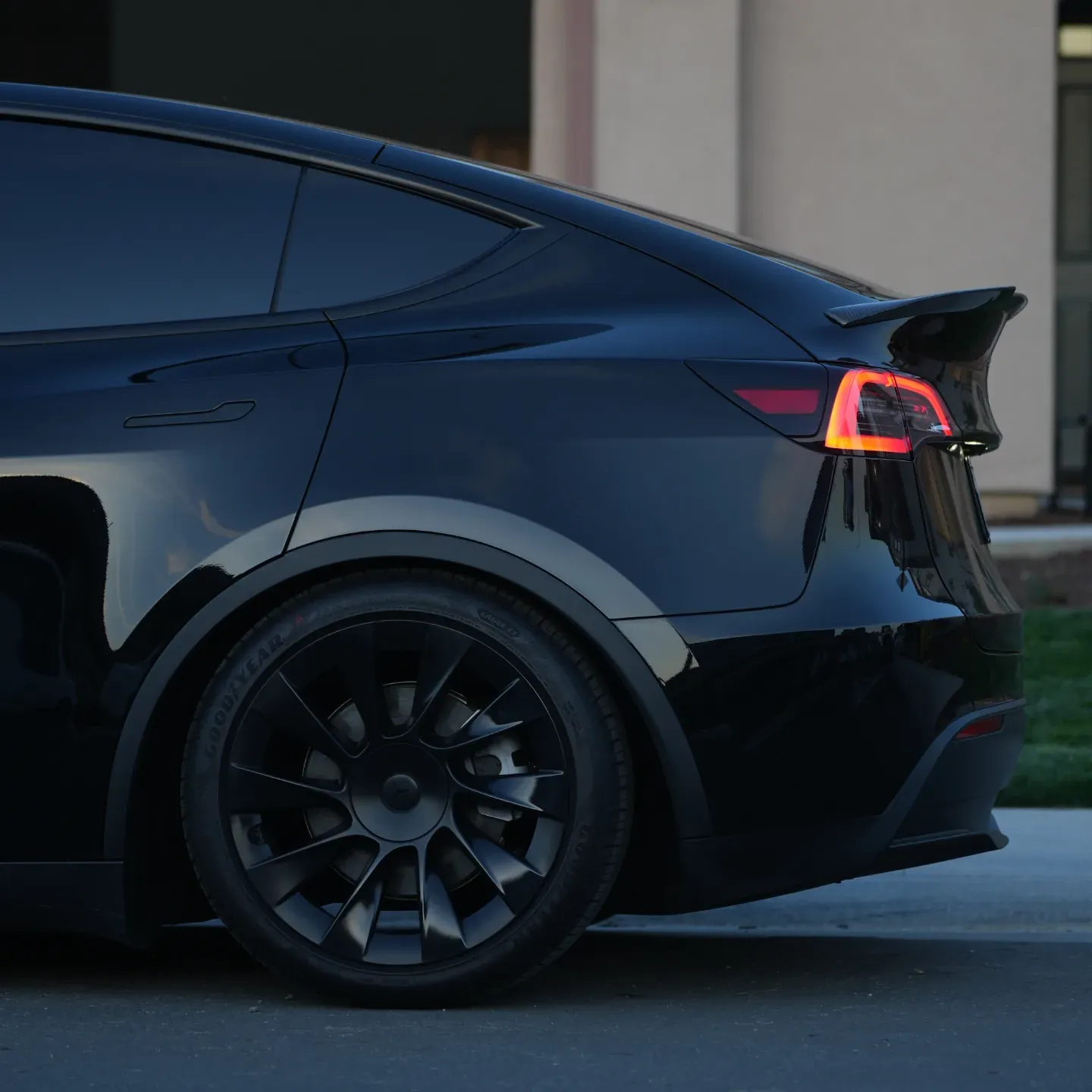
Photos from @ngooyen on Instagram. Follow for more.
Full transcript
Show the full transcript (72 lines) +
0:03The U-turn right now, way more natural
0:07like the old three-in-lines.
0:19All right, so we have the new
0:41But sometimes when you're trying to do quick maneuvers like three-point turning in like trying to u-turn and then you're in a parking lot
0:48It's just a little bit easier when you can just flick the stock
0:52Put in reverse flick again go to drive and it's all within fingers reach so we have a stock
0:58That's really easy. I have it right here now
1:02It's just double-sided tape and it goes
1:07Like right here
1:08Which is really nice so it kind of matches the
1:13Orientation the shape is the same and it's black now. Let's say the color. It's a little bit darker. Let's kind of compare it here
1:23Wow, there's actually metallic flakes in it. It's kind of really nice so it's actually very close in color
1:27I don't know if you can pick that on the in the camera if I would have to say is the
1:33This one slightly lighter
1:35And then what kind of gives it away here is the printing is a little is a lot nicer on the Tesla
1:42But you're not going to be able to see that because we're actually when you're behind the wheel
1:46You can just see R&D right here. So that's really cool
1:50easy easy install because well
1:54It's all wireless
1:56So you stick that right there
1:58And because it's wireless it does have a rechargeable
2:01Battery all right, so when you get access to there's a little some ports right here
2:07Just remove this. This is just simply just pull it off and it just the
2:11Just mat kind of just easily comes out and I guess
2:16This little panel right here. I'm using this plastic trim remover just to protect the
2:21Finish a little bit and you just want to pop this bad boy out and just say how my clips
2:32And then you're going to see a little clip right here
2:37Pop that one out and
2:40You should be able to just
2:43I'll remove it and then it'll explode expose that little area right there
3:09There you go and now we have access to the plugs we need to get to
3:17Yep
3:18So
3:23There's already an open port right here
3:28So I'm going to plug it right here
3:30See if you can get that
3:32Unused a little port right here
3:36And just plug it in right
3:39So
3:40And then it has a little thing if you want to add another port
3:43So that's just, extra
3:45And then
3:47It looks like we use this one
3:49You just tap that
3:56and then
3:59Tap that
4:01And we are done
4:03So I want to test it first to make sure it works
4:12We got drive, park
4:14So that's that's super easy. That's it install parlor took one minute
4:19Of. Of course, you want to wrap things up make, it look nice, but that's all it took
4:23All right, so we just stuck on the
4:27Thing right there and uh
4:31Give a nice little wipe
4:33And then we just hold it down for 15 seconds
4:36We're trying to just make sure the three the double-sided tape is on. They're good
4:42We're gonna we're gonna test this out
4:46Honestly, it's so natural. You don't even think about like using it
4:52Oh, it's so much better. It's fast. It's so much better way better than the touchscreen
4:57So I was saying I wanted to do a u-turn. Yeah, we're doing a u-turn right now
5:03Way more natural like the the old three wise
5:06Just boom he just yeah, this is way more natural
5:10The no look so you can looking at the road instead of the touchscreen
5:15So yeah, that pretty much does what you expected to do and
5:19I'll leave a link down below with more information about the battery life
5:24I'm sure it lasts a super long because uh, I mean just like requires no power or anything
5:30The number one thing I was curious about this product right here was the battery life
5:35Which I'll, post shouldn't be a problem and then the fitment which
5:38Looks, great to me
5:40No one's going to notice it it kind of just blends in because it's black and it's in a weird spot
5:45Where your steering wheel is locking it then responsiveness. How laggy is it? There is virtually no lag
5:52Um, it's fast. It's quick. So yeah, thank you guys for watching
Machine-transcribed from the full-length video and lightly cleaned (product names fixed). Watch the video for exact wording.