Suma Performance Wide-Angle Side Mirrors: Integra / Civic 11th Gen Install
Pop off the OEM mirror glass, move the white wiring clips to the Suma glass and snap it back on for blue-tint, heated, convex mirrors.
Full video (4 min): I Upgraded My Acura Integra Side Mirrors | Civic 11 GEN (Suma Performance Review)
Get the parts
White buttons are from the video description. “Generic pick” links are my suggestions, not from the video; confirm fitment and part number before buying. Some are affiliate links, so I may earn a commission at no extra cost to you.
Overview
Convex blue-tinted glass that shows more of your blind spot and cuts headlight glare at night, which helps in a lowered car. It keeps the heater and the blind-spot indicator.
Vehicle & fitment
- Product
- Suma Performance wide-angle convex mirror glass: blue anti-glare tint, heated elements, blind-spot indicator support, plug and play
- Shown on
- Acura Integra Type S
- Honda Civic 11th gen (per the description)
- Video notes it also fits the Integra Type S, Civic Type R and other models
Always confirm fitment for your exact year and trim with the seller before buying.
Tools & parts
Tools
- Included pry tool
Parts
- Suma Performance mirror glass (pair)
Step by step
- 1
Remove the OEM glass▶ 1:47
Pop off the factory mirror glass. There's a lot of grease behind it.
- 2
Unclip the wiring▶ 2:21
Gently unclip the white clips with the included pry tool.
- 3
Transfer the clips▶ 2:36
Move the clip holders to the Suma glass, push them in until they latch, and keep the wires out of the way.
- 4
Snap it on▶ 3:04
Push the glass into the housing.
Tip: On John's car the two ball joints didn't clip well. He removed that piece, popped the two balls in first, then mounted the mirror.
Wiring notes
- Reconnect the heater/blind-spot clips to the new glass
Get the parts
White buttons are from the video description. “Generic pick” links are my suggestions, not from the video; confirm fitment and part number before buying. Some are affiliate links, so I may earn a commission at no extra cost to you.
John's Acura Integra Type S
More photos →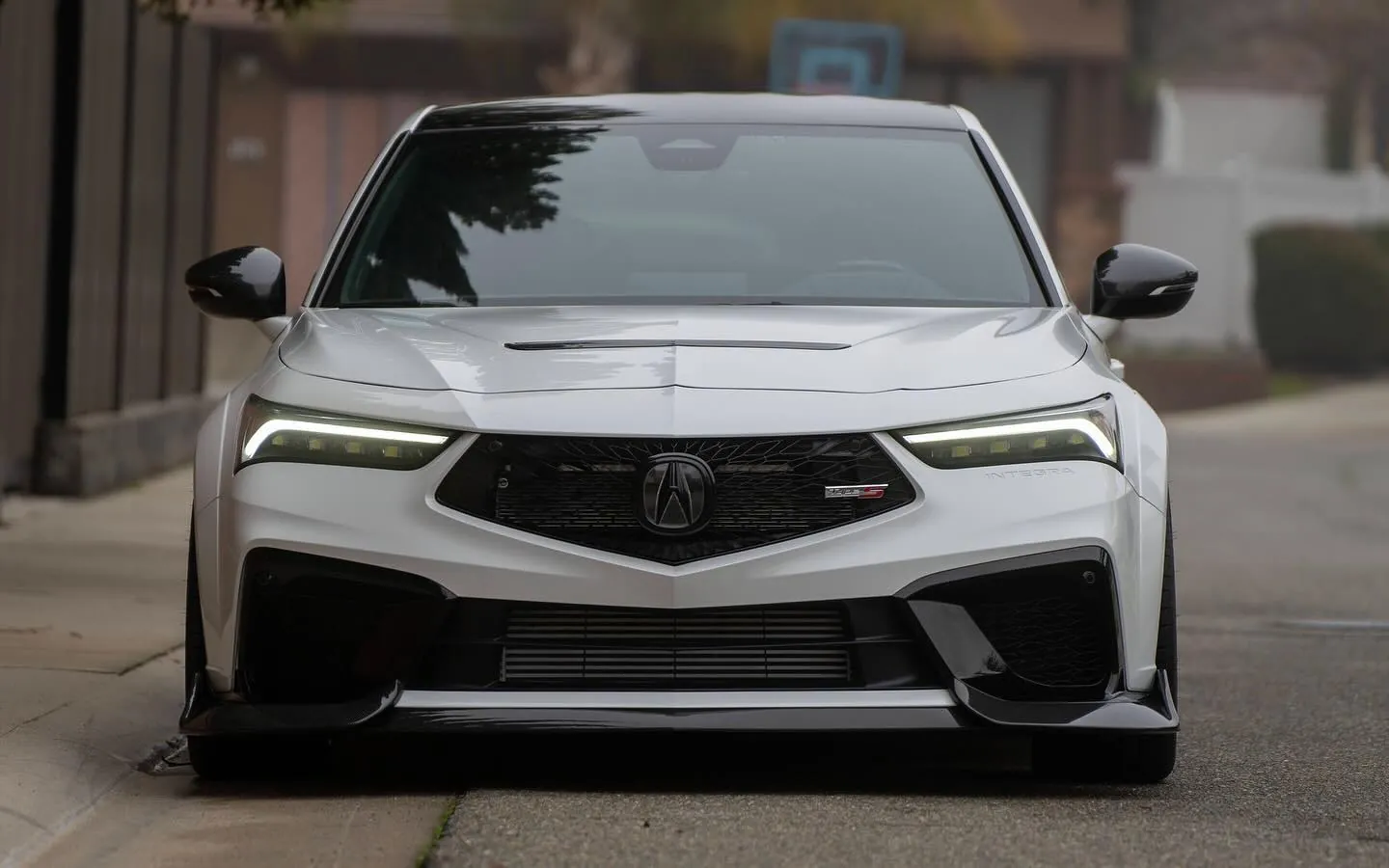
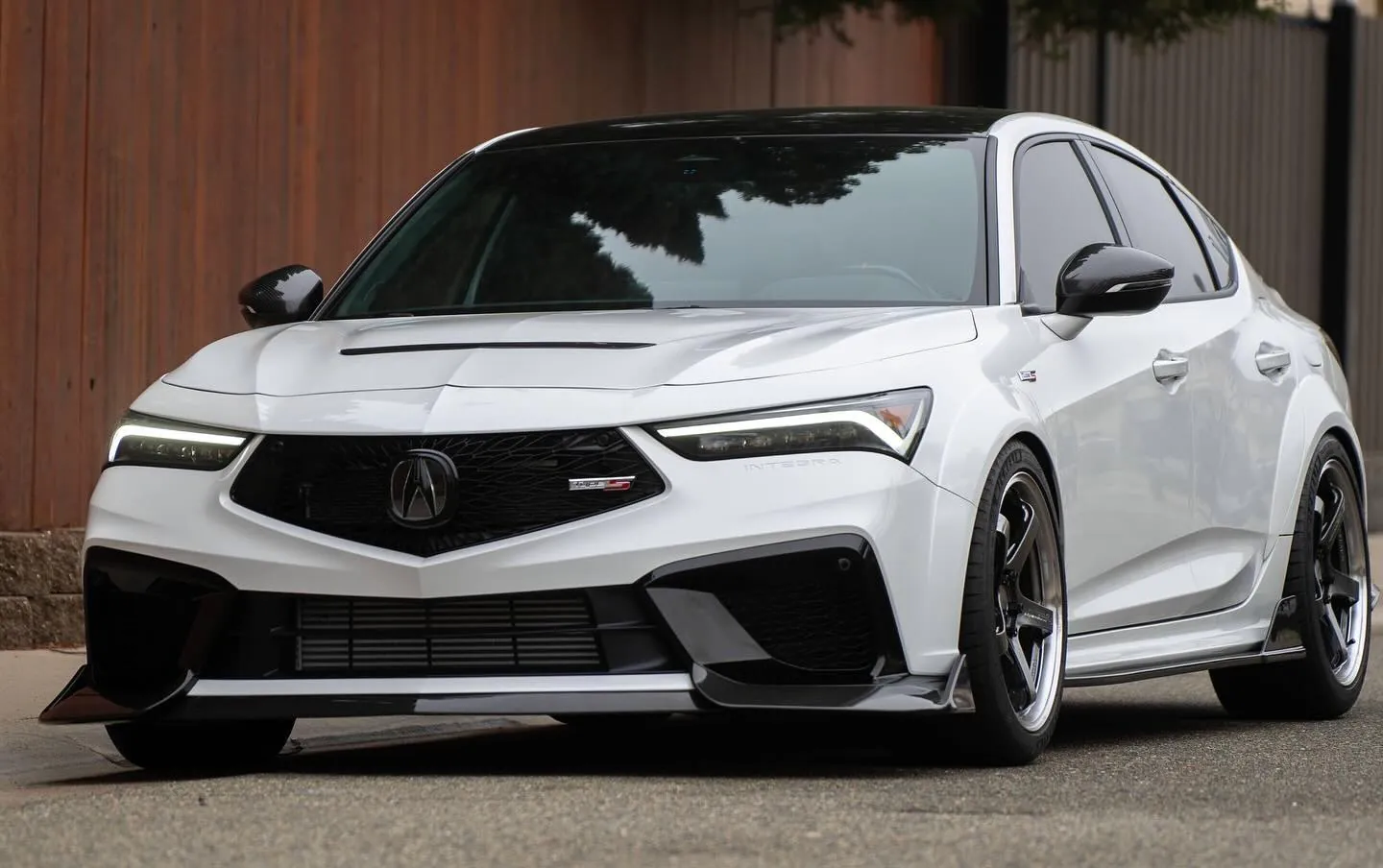
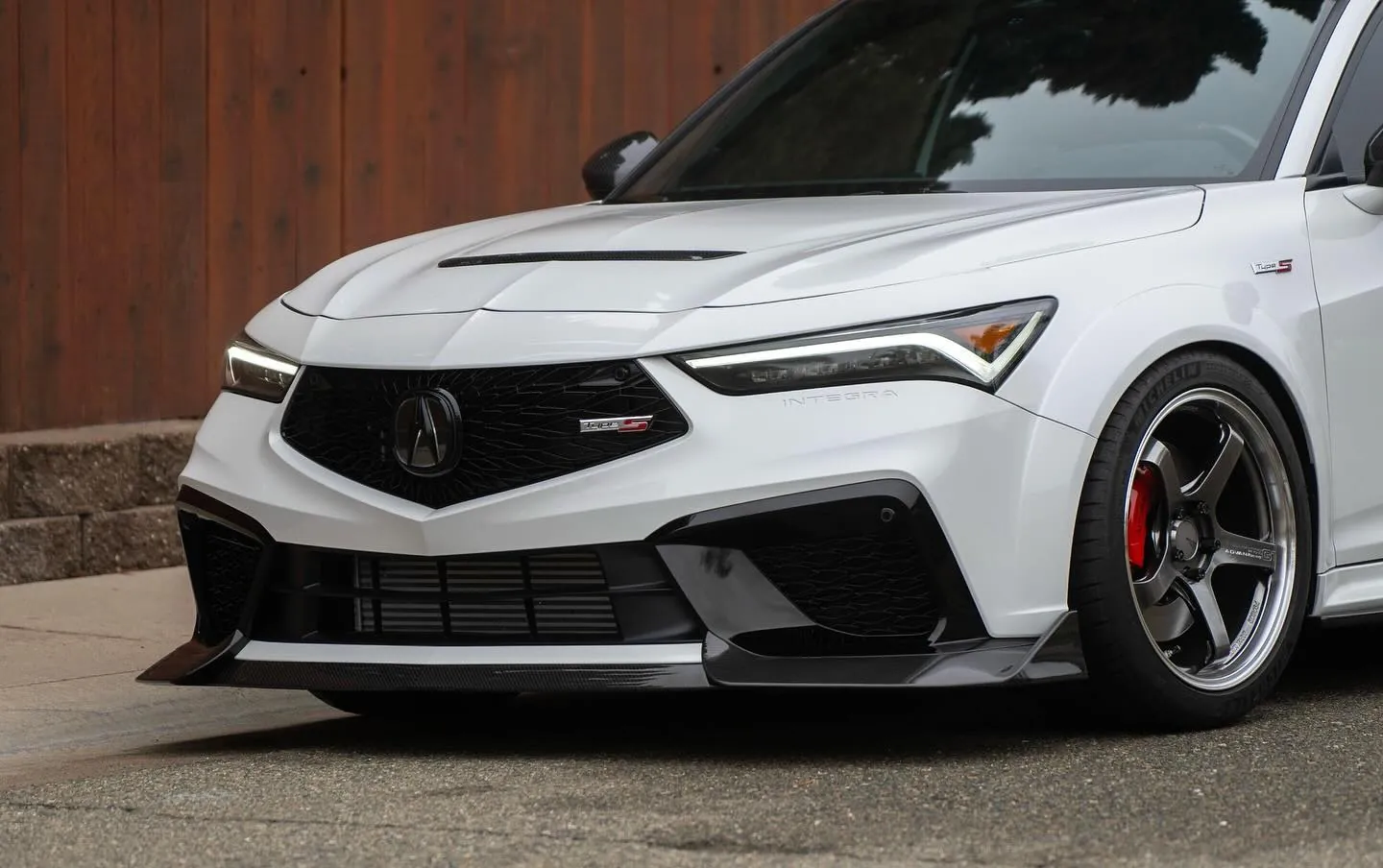
Photos from @ngooyen on Instagram. Follow for more.
Full transcript
Show the full transcript (36 lines) +
0:01What's up guys, it's the end of this video.
0:23Today we're gonna be looking at summa performances awesome music for the Integra Type-S and Civic
0:31Type-R and even on the S and M models.
0:35Now we're gonna be working on the滑, let me show you a unboxing.
0:41Alright, so after you open the box right here, I have it already kind of opened.
0:48You have these great blue reflections that will cut down on glare and, you know, late at night
0:56if you ever get blinded by cars, especially if your car is lowered or a smaller car.
1:02There you go.
1:03It also has the blind spot assist.
1:10So you can plug it in and I guess it'll blink like the OEM, which is also nice.
1:16And then it also has heated elements as well, and of course the big thing is the mirrors are
1:24convex, so you can see more.
1:47Alright let's remove the OEM mirror and while the mirror is removed there's a lot of grease.
2:17Let's put in that new mirror.
2:21So after removing the mirror, you want to unclip this white clip right here.
2:29I'm just using the pry tool that's included.
2:33Just be gentle.
2:36Alright so after I removed it, I'm transferring it to the new soon performance ones.
2:40There are these little clips holders.
2:46You want to push it back in.
2:47I think I like how you removed it.
2:50They do latch.
2:51Make sure all the wires are out of the way.
2:56Just clip them in.
2:58Pretty self-explanatory.
3:00Once you do that, you just push it back into the unit, the housing right here.
3:04Alright, this could have just been me, but these two little balls joints that kind of clip
3:10on did not work with it very well, so I just end up taking this piece off, popping
3:16the two balls a little in, and then I'm going to put the mirror on.
3:30So you can definitely see that there is a big difference.
3:33You can see more.
3:36And this is like in the garage.
3:38So imagine a little bit different when you're further out driving and it just gets bigger
3:43and bigger and bigger the farther things are from you, but yeah, that looks very
3:48good.
3:49I just wanted to show you guys that comparison.
Machine-transcribed from the full-length video and lightly cleaned (product names fixed). Watch the video for exact wording.