Why Built-In DSP Matters on an Android Head Unit: Sound Tour
John walks the DSP menus on an Android head unit: multi-band EQ, crossover/cutoff, sub control, fader, delay/soundstage, and speaker-distance tools — roughly 20% clearer/thumpier sound vs non-DSP, best over wired Android Auto/CarPlay instead of Bluetooth.
Full video (4 min): The importance of DSP in Android Head Unit · John's YouTube channel
Get the parts
- Universal / DSP-capable Android head unit (Amazon, link from the description)Buy ↗
- 2015+ WRX Android head unit non-DSP model (Amazon, link from the description)Buy ↗
- Search Amazon for Android head unit with DSPSearch on Amazon ↗
- AliExpress head units (link from the description)Buy ↗
- Dasaita head units on eBay (link from the description)Search on Amazon ↗
- Find the right CarPlay unit for your car (ngooyen.com)Buy ↗
CodeiDoing coupon code (NGOOYEN) — NGOOYEN
As an Amazon Associate I earn from qualifying purchases. Some links are affiliate links.
Yes — you can install This kit on the Built-in DSP Android head units vary by SKU — use the Amazon / AliExpress / eBay links from the description with a 4 min DIY job. John walks the DSP menus on an Android head unit: multi-band EQ, crossover/cutoff, sub control, fader, delay/soundstage, and speaker-distance tools — roughly 20% clearer/thumpier sound.
Overview
DSP (digital sound processor) is the step that makes modern Android head units worth taking seriously for audio. John flips through the amp/DSP menus: multi-band EQ, crossover and cutoff controls, dedicated sub adjustments, normal fader/balance, plus delay and speaker-distance tools for soundstage. It's more advanced than a basic EQ, but the difference is real — he pegs it around 20% better with thumpier bass, clearer highs, and better separation versus a non-DSP unit (still not Pioneer/Sony flagship territory, but closing the gap). For the best sound he runs wired Android Auto rather than Bluetooth. Presets help if you don't want to tune by hand; he often leaves things mostly neutral with a few enhancements on. Links from the description are below.
Vehicle & fitment
- Product
- Android head unit with built-in digital sound processor (DSP)
- Shown on
- Android head unit with built-in DSP (John demos on his WRX-era unit; non-DSP 2015+ WRX unit also linked)
- Built-in DSP Android head units vary by SKU — use the Amazon / AliExpress / eBay links from the description
- 2015+ WRX non-DSP model linked separately for comparison shopping
- Wired Android Auto / CarPlay sounds better than Bluetooth because Bluetooth compresses audio
Always confirm fitment for your exact year and trim with the seller before buying.
Tools & parts
Tools
- None — software tour of DSP menus
Parts
- Android head unit with built-in DSP
- USB cable for wired Android Auto / CarPlay
Step by step
- 1
What DSP is▶ 0:01
Built-in digital sound processor — the feature that makes Android-unit audio jump forward.
- 2
DSP menus▶ 0:17
Amp section with many EQ bands plus extra tabs the non-DSP units lack.
- 3
Crossover and sub▶ 0:47
Cutoff frequency, bass controls, and dedicated sub adjustments.
- 4
Fader and delay▶ 0:58
Normal fader/balance plus delay and speaker-distance tools for soundstage.
- 5
About 20% better▶ 1:41
Noticeably thumpier bass, clearer highs, and better separation — not crazy, but real.
- 6
Wired Auto over Bluetooth▶ 2:18
Use Android Auto/CarPlay over USB; Bluetooth audio is compressed.
- 7
Presets vs neutral▶ 2:43
EQ presets are audible; John often stays mostly neutral with a few enhancements on.
- 8
DSP wave▶ 3:19
Android units are stepping closer to Pioneer/Sony DSP sound — stay tuned.
Wiring notes
- No install wiring in this short. For best audio, prefer a wired USB Android Auto/CarPlay connection over Bluetooth.
Get the parts
- Universal / DSP-capable Android head unit (Amazon, link from the description)Buy ↗
- 2015+ WRX Android head unit non-DSP model (Amazon, link from the description)Buy ↗
- Search Amazon for Android head unit with DSPSearch on Amazon ↗
- AliExpress head units (link from the description)Buy ↗
- Dasaita head units on eBay (link from the description)Search on Amazon ↗
- Find the right CarPlay unit for your car (ngooyen.com)Buy ↗
CodeiDoing coupon code (NGOOYEN) — NGOOYEN
As an Amazon Associate I earn from qualifying purchases. Some links are affiliate links.
FAQ
What vehicle does this head unit fit?
It is shown for the Built-in DSP Android head units vary by SKU — use the Amazon / AliExpress / eBay links from the description. 2015+ WRX non-DSP model linked separately for comparison shopping Always confirm your exact year, trim and factory audio with the seller.
How long does the install take?
John's full video is 4 min. Plan on that much time for a careful DIY install, plus extra if you are new to dash work.
What tools do I need?
Tools called out in the guide: None — software tour of DSP menus.
Does it support wireless CarPlay or Android Auto?
Check the product listing for wired vs wireless CarPlay / Android Auto before you buy; John shows what worked in the video.
Where do I get the parts?
Use the buy links on this page for the unit and any harnesses John used. Some links are affiliate links.
Is this beginner-friendly?
The guide breaks the job into 8 steps with timestamps into the video. If you can remove trim panels carefully, you can follow along.
John's Subaru WRX
More photos →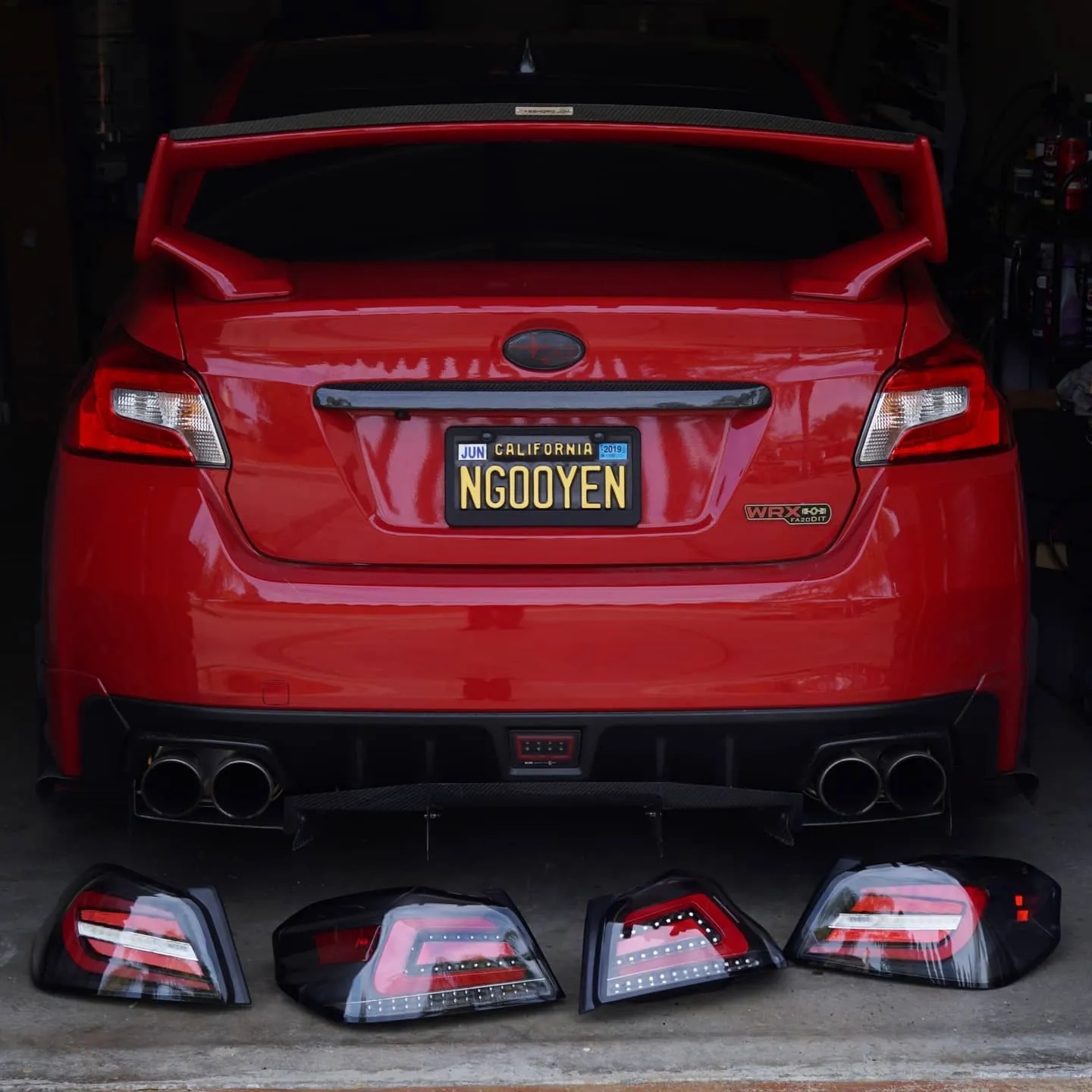
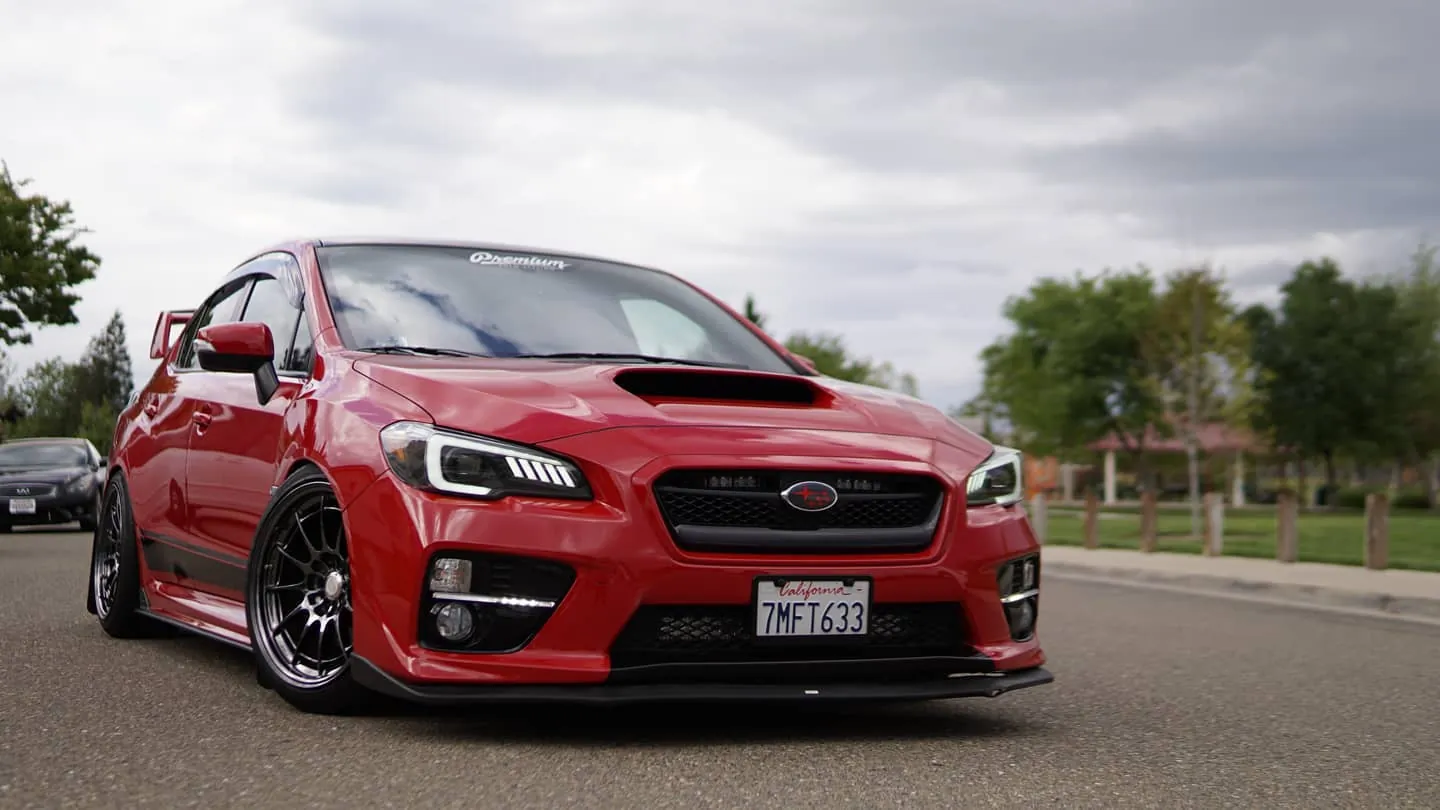
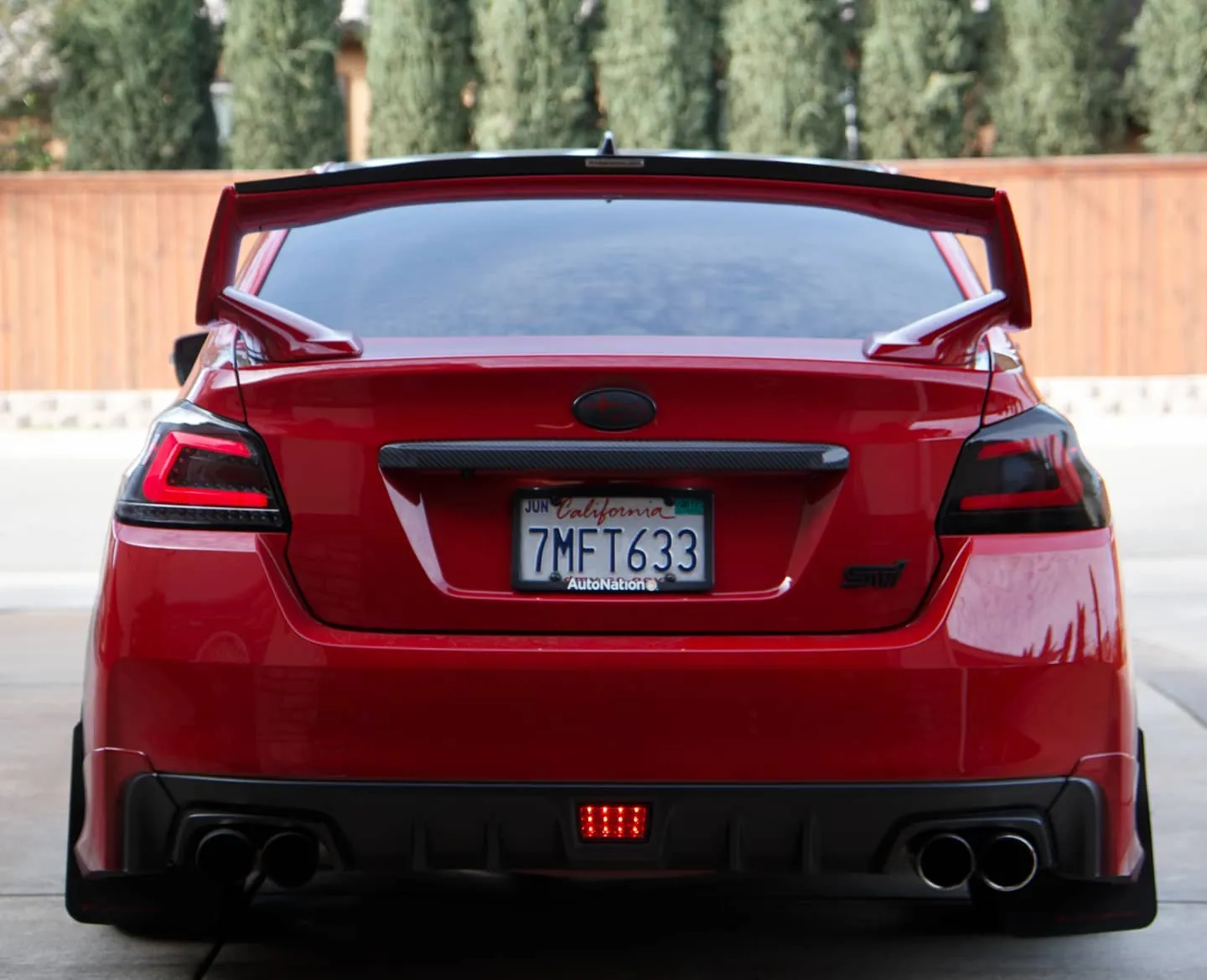
Photos from @ngooyen on Instagram. Follow for more.
Full transcript
Show the full transcript (90 lines) +
0:01guys so we're gonna show you a quick video on basically this new head unit
0:04video on basically this new head unit this has built-in DSP what that means is
0:07this has built-in DSP what that means is it's gonna have great audio that's a
0:09it's gonna have great audio that's a digital sound processor well let's just
0:11digital sound processor well let's just show you all the features alright so let
0:17show you all the features alright so let me just go through the menus with the
0:19me just go through the menus with the DSP you pretty much have all the
0:21DSP you pretty much have all the settings kind of built in it's just
0:23settings kind of built in it's just automatically gonna sound better but
0:24automatically gonna sound better but what you get with a DSP rather than not
0:27what you get with a DSP rather than not having one is you're gonna have also
0:28having one is you're gonna have also more just additional sound control so
0:32more just additional sound control so under the amplifier you're gonna have
0:34under the amplifier you're gonna have the usual how many bands this is but you
0:38the usual how many bands this is but you have a lot but you also have more tabs
0:43have a lot but you also have more tabs to customize it even further because it
0:45to customize it even further because it has all that processing you can do you
0:47has all that processing you can do you have the blood the fat the cutoff
0:49have the blood the fat the cutoff frequency you can base then you can
0:51frequency you can base then you can adjust your individual sub which is
0:53adjust your individual sub which is really nice and then down here you have
0:58really nice and then down here you have the common like directional where the
1:00the common like directional where the audio is coming from you have the front
1:03audio is coming from you have the front you know the fader and we all we all
1:05you know the fader and we all we all know about that but with the DSP units
1:07know about that but with the DSP units too they also have something right here
1:10too they also have something right here speciality so the specialty you have
1:14speciality so the specialty you have more options like where certain sounds
1:16more options like where certain sounds goes you have delay fader so like let's
1:19goes you have delay fader so like let's say your front speakers or whatever you
1:22say your front speakers or whatever you wanna have a really big soundstage and
1:24wanna have a really big soundstage and stuff like that if you guys know about
1:26stuff like that if you guys know about audio you can basically have somebody
1:28audio you can basically have somebody tune it for you or how to knit yourself
1:30tune it for you or how to knit yourself you have car speaker distance settings
1:32you have car speaker distance settings there's a lot more it might be a little
1:36there's a lot more it might be a little more advanced for the common user but
1:38more advanced for the common user but it's there let me tell you the sound
1:41it's there let me tell you the sound difference is a pretty big upgrade I
1:44difference is a pretty big upgrade I would say it's not something that is
1:46would say it's not something that is like crazy but it is definitely
1:48like crazy but it is definitely noticeable I would say the audio is
1:50noticeable I would say the audio is about 20% better the bass is that thumpy
1:53about 20% better the bass is that thumpy er you know the highs are that clearer
1:54er you know the highs are that clearer than the sound separation it's a lot
1:56than the sound separation it's a lot better now of course I can't really show
1:58better now of course I can't really show you because um the sound and doesn't
2:01you because um the sound and doesn't really transfer to the microphone into
2:02really transfer to the microphone into your speakers but from my experience
2:05your speakers but from my experience that's how it kind of is
2:09that's how it kind of is but yeah that is what the DSP is about
2:12but yeah that is what the DSP is about and what kind of software you can use to
2:15and what kind of software you can use to customize things what I usually do is um
2:18customize things what I usually do is um I don't really use Bluetooth too much I
2:21I don't really use Bluetooth too much I use Android auto so if you want the best
2:24use Android auto so if you want the best sounding audio I'll definitely look into
2:26sounding audio I'll definitely look into Android auto or apple carplay the sound
2:29Android auto or apple carplay the sound quality is a lot better when you use
2:31quality is a lot better when you use through direct plug-in or if you're that
2:34through direct plug-in or if you're that much of an audio file you want to use a
2:36much of an audio file you want to use a direct to plug in like a USB rather than
2:38direct to plug in like a USB rather than you know bluetooth which is you know
2:40you know bluetooth which is you know very compressed so this is like Travis
2:43very compressed so this is like Travis Cod and then you can adjust the EQ and
2:47Cod and then you can adjust the EQ and stuff like that and you can just the
2:51stuff like that and you can just the audio and there's a bunch of things I
2:53audio and there's a bunch of things I have certain things turned off but
2:54have certain things turned off but there's some presets and you can
2:57there's some presets and you can definitely hear the difference when you
2:59definitely hear the difference when you turn them on I on my system I kind of
3:02turn them on I on my system I kind of like it just everything kind of neutral
3:04like it just everything kind of neutral but it's there if you want same with
3:08but it's there if you want same with this right here you can turn all this
3:10this right here you can turn all this stuff on I like keeping this stuff on I
3:13stuff on I like keeping this stuff on I think it makes a big difference and it
3:15think it makes a big difference and it sounds dope anyways thanks you guys for
3:17sounds dope anyways thanks you guys for watching if you have any more questions
3:19watching if you have any more questions she's nothing below but the DSP wave is
3:22she's nothing below but the DSP wave is coming so stay tuned for the DSPs they
3:25coming so stay tuned for the DSPs they sound so much better and finally the
3:27sound so much better and finally the Android auto Android head units are
3:30Android auto Android head units are stepping up their game
3:32stepping up their game of course pioneers Sony them they all
3:34of course pioneers Sony them they all had really nice DSPs that just blow any
3:38had really nice DSPs that just blow any Android but this is a really good step
3:40Android but this is a really good step for Android head units to have getting
3:43for Android head units to have getting closer to that that sound quality that
3:45closer to that that sound quality that you know the bigger brands are known for
3:48you know the bigger brands are known for anyways guys thank you guys for watching
3:50anyways guys thank you guys for watching peace out
Machine-transcribed from the full-length video and lightly cleaned (product names fixed). Watch the video for exact wording.
Next step


