Android Head Unit Reliability Revisited: Daily Driver After Long-Term Use
John revisits his Dasaita Android head unit after long daily use: boot time and Bluetooth still snappy, Android Auto every commute with no hiccups, glass still clean, with only minor dust under the seal as a nitpick.
Full video (7 min): Android Head Unit: Reliable⁉ 🤔 | Revisted · John's YouTube channel
Get the parts
- Dasaita / Android head unit (Amazon, link from the description)Buy ↗
- Universal 10-inch Android head unit (Amazon, link from the description)Buy ↗
- USB adapter WRX/STI 2015 (Amazon, link from the description)Buy ↗
- USB adapter WRX/STI 2016+ (Amazon, link from the description)Buy ↗
- CarPlay / Android Auto USB dongle (AliExpress, link from the description)Buy ↗
- AliExpress head units (link from the description)Buy ↗
- Dasaita head units on eBay (link from the description)Search on Amazon ↗
- Find the right CarPlay unit for your car (ngooyen.com)Buy ↗
CodeiDoing coupon code (NGOOYEN) — NGOOYEN
As an Amazon Associate I earn from qualifying purchases. Some links are affiliate links.
Yes — you can install Dasaita on the Dasaita Android head unit linked in the description with a 7 min DIY job. John revisits his Dasaita Android head unit after long daily use: boot time and Bluetooth still snappy, Android Auto every commute with no hiccups, glass still clean, with only minor dust under the seal as a nitpick.
Overview
Viewers asked for an updated reliability take, so John revisits the Android head unit he's been dailying. Boot time is still quick; Bluetooth reconnects a few seconds after wake. His commute routine is plug in the phone and run Android Auto exclusively — Google Maps, music (Play Music / YouTube Music / Spotify / Pandora), podcasts, OK Google — with no hiccups and snappy response. Sound quality hasn't fallen off. The glass display still looks new with no scratches or bubbling; the only nitpick is a little dust under the bezel seal that you mostly don't notice with the unit on. He still calls it a dope unit for a daily. Product and adapter links from the description are below, plus a CarPlay Finder link to match units to other cars.
Vehicle & fitment
- Product
- Dasaita Android head unit (long-term reliability check) with optional CarPlay/AA dongle
- Shown on
- Subaru WRX daily driver with a Dasaita Android head unit (John's long-term install)
- Dasaita Android head unit linked in the description
- Optional CarPlay/Android Auto USB dongle linked for AliExpress
- WRX USB adapters linked for 2015 and 2016+ cars
- iDoing TPMS external sensors linked via eBay rover in the description
Always confirm fitment for your exact year and trim with the seller before buying.
Tools & parts
Tools
- Microfiber cloth for the screen
Parts
- Dasaita Android head unit (already installed)
- Phone USB cable for Android Auto
- Optional CarPlay/AA dongle
- Optional TPMS sensors
Step by step
- 1
Reliability question▶ 0:00
Electronics age — John revisits boot time, Wi-Fi/Bluetooth, and whether the unit still works day to day.
- 2
Boot and Bluetooth▶ 0:30
Still boots quickly; Bluetooth reconnects a few seconds after coming off sleep.
- 3
Android Auto every commute▶ 1:06
Plug in the phone, Auto launches, and that's the whole morning routine.
- 4
Apps that still work▶ 1:52
Maps, Google/YouTube Music, Spotify, Pandora, podcasts, OK Google — snappy with no hiccups.
- 5
Sound still hits▶ 3:18
Bass and overall sound quality haven't fallen off with age.
- 6
Build quality check▶ 3:40
Daily glass is still clean — no scratches, fingerprints issues, or bubbling.
- 7
Dust under the seal▶ 3:56
A little dust can sit under the bezel; mostly invisible with the unit on. Cars are dusty.
- 8
Verdict▶ 7:08
Still a dope daily unit after long-term use.
Wiring notes
- No new wiring in this revisit. Keep using the factory USB adapters for 2015 or 2016+ WRX/STI if you retained the console USB.
Get the parts
- Dasaita / Android head unit (Amazon, link from the description)Buy ↗
- Universal 10-inch Android head unit (Amazon, link from the description)Buy ↗
- USB adapter WRX/STI 2015 (Amazon, link from the description)Buy ↗
- USB adapter WRX/STI 2016+ (Amazon, link from the description)Buy ↗
- CarPlay / Android Auto USB dongle (AliExpress, link from the description)Buy ↗
- AliExpress head units (link from the description)Buy ↗
- Dasaita head units on eBay (link from the description)Search on Amazon ↗
- Find the right CarPlay unit for your car (ngooyen.com)Buy ↗
CodeiDoing coupon code (NGOOYEN) — NGOOYEN
As an Amazon Associate I earn from qualifying purchases. Some links are affiliate links.
FAQ
What vehicle does this head unit fit?
It is shown for the Dasaita Android head unit linked in the description. Optional CarPlay/Android Auto USB dongle linked for AliExpress Always confirm your exact year, trim and factory audio with the seller.
How long does the install take?
John's full video is 7 min. Plan on that much time for a careful DIY install, plus extra if you are new to dash work.
What tools do I need?
Tools called out in the guide: Microfiber cloth for the screen.
Does it support wireless CarPlay or Android Auto?
Check the product listing for wired vs wireless CarPlay / Android Auto before you buy; John shows what worked in the video.
Where do I get the parts?
Use the buy links on this page for the unit and any harnesses John used. Some links are affiliate links.
Is this beginner-friendly?
The guide breaks the job into 8 steps with timestamps into the video. If you can remove trim panels carefully, you can follow along.
John's Subaru WRX
More photos →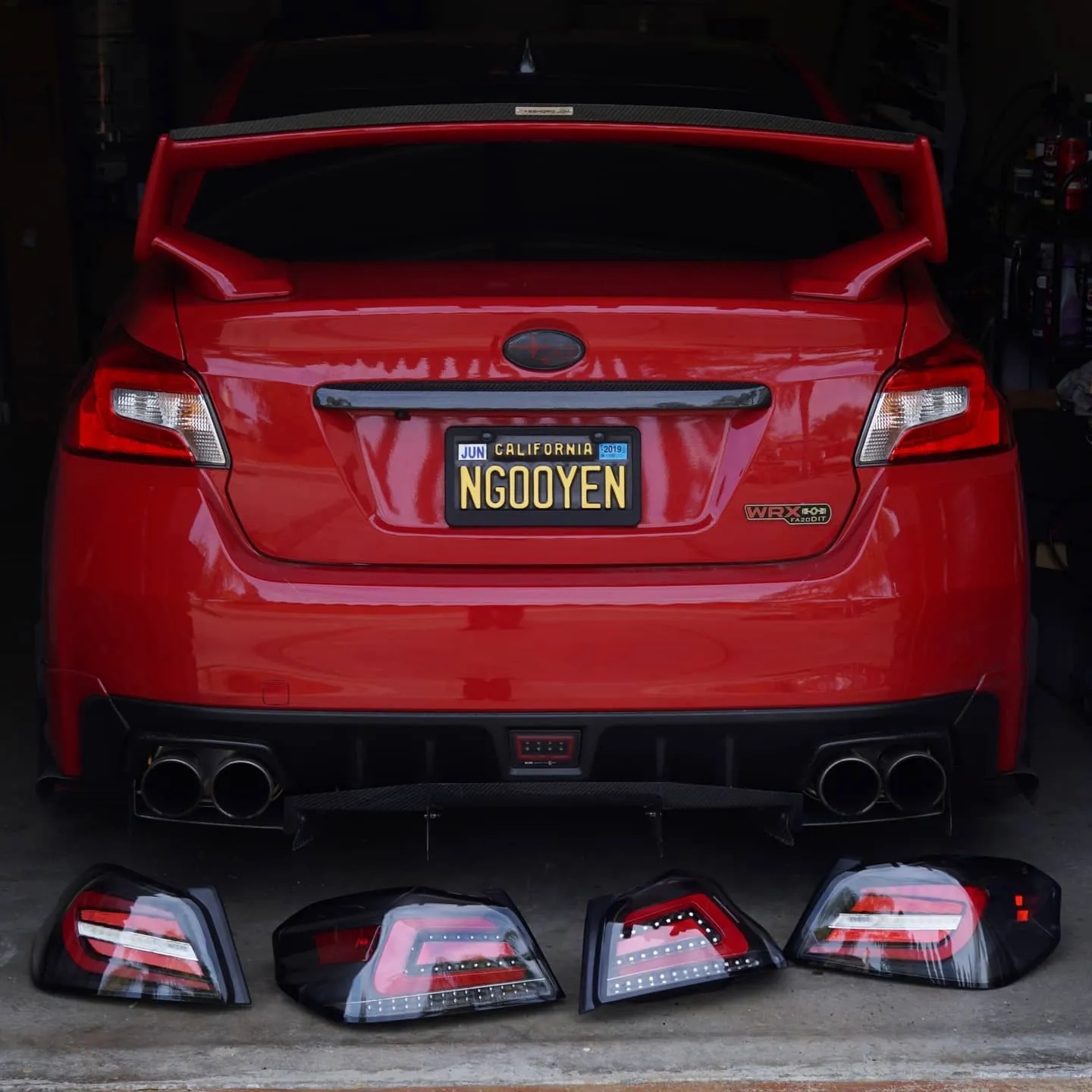
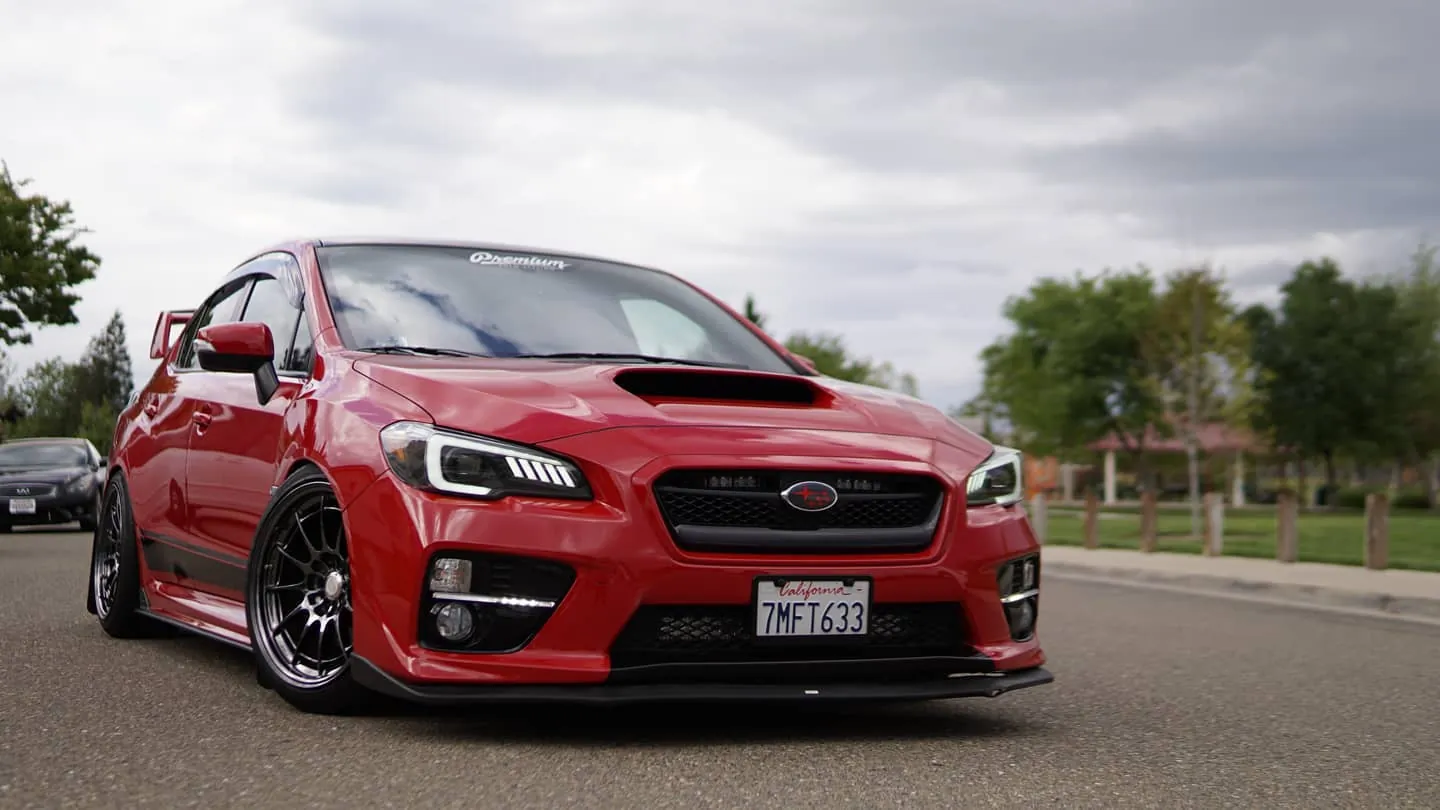
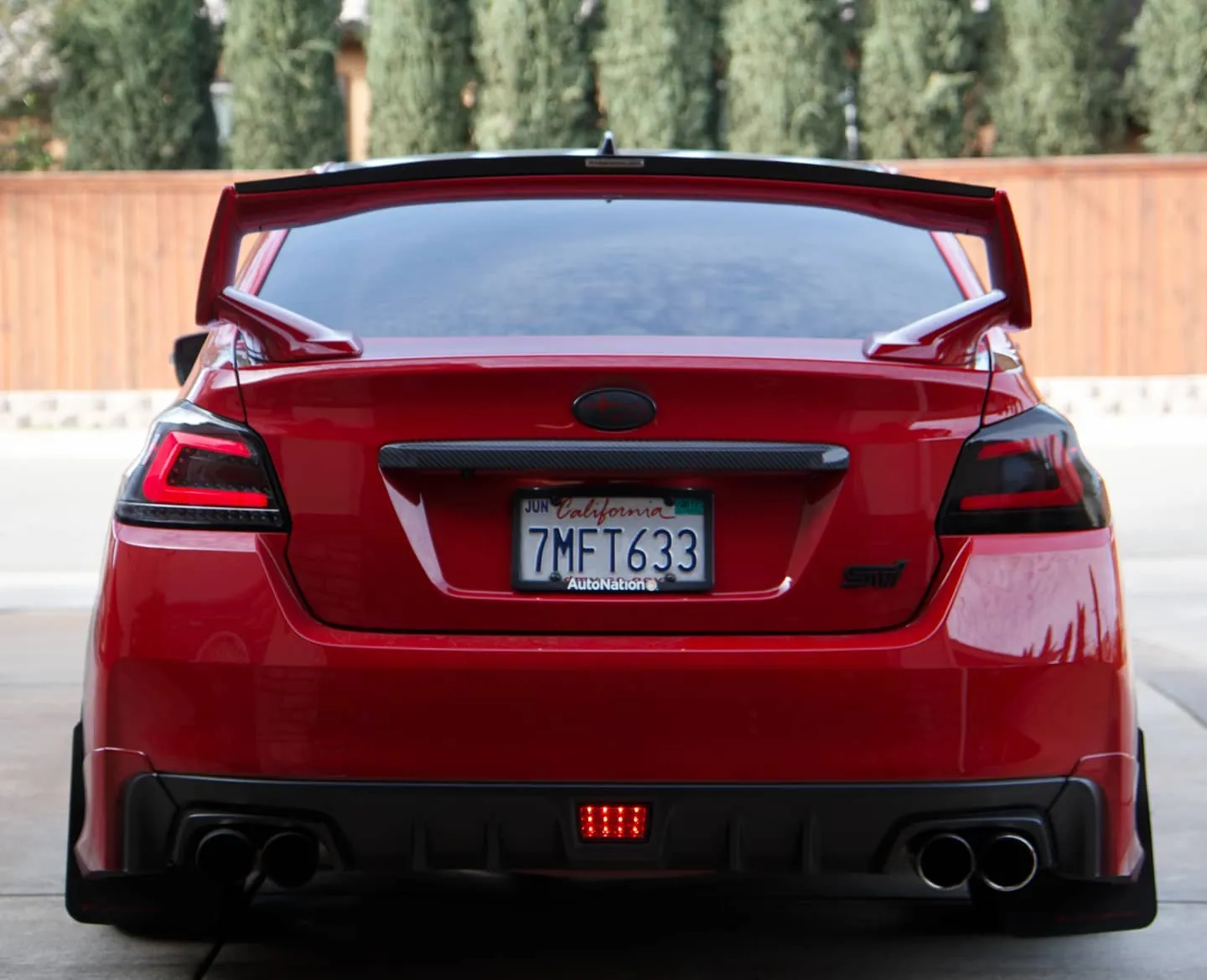
Photos from @ngooyen on Instagram. Follow for more.
Full transcript
Show the full transcript (45 lines) +
0:00what's up guys i'm back again today we're going to talk about the android head unit when it comes to
0:04reliability now of course, if you have any car, electronic part, or any kind of electronics, it ages
0:10and stuff like that that there's get out of date does it stop working let's say that there's
0:14the radio wi-fi you know things like that this to be generally concerned about so i'm just gonna
0:20touch up on my experience on this head unit that i've been having for a while now and that stay
0:30alright so let's just! just turn this bad boy on and it boots right up so the boot times and all that stuff has,
0:37has been basically been the same very quick boot times, you don't have to really wait it takes another
0:43like a few seconds for it to hook up to bluetooth blue tooth coming off of sleep so if you're
0:57monitors for the head in the visual readouts i link that below if you are interested of having
1:06basically a tire cap but yeah my use case is pretty simple i use android auto everyday this is my
1:16commuter so having have android auto the go to so load up auto play I have a usb right here
1:27me get my phone so my phone right here plug it in recognizes it and then it starts connecting
1:37so that's my go to every every morning every time I go home from
1:42and my phone and then forget about it so once your
1:49your of your phone is plugged in I use android auto exclusively and honestly
1:52I have no hiccups listen to music using google play, store
1:58you can use google music
2:03podcast is pand pandora you tube music and then there's also Spotify too as far as maps maps
2:11use maps a lot because when I'm driving and I'm commuting from day to work
2:27mute and then there I'm off right there i use everything the rest of my
2:33experience right here
2:35so that's. so let's use bluetooth a lot a lot a lot that I don't do
2:41I don't use that personally I just use
2:45i just my head I think that's,
2:50literally the best way for the android
2:54plug in your phone you're good to go use everything from your phone onto the screen so it's very snappy
3:00for example if I say ok google play m&m
3:10sure here's m&i on google play music it's pretty fast it's pretty quick it also
3:14shows you who texted you the bass hits
3:18hits hard so sound quality hasn't changed either
3:40build quality from what you can tell you can tell here I use this every day
3:44day like again my daily driver and there's no
3:47no scratches on the the glass display which is nice and it's still
3:49it's still keeping it pretty clean from fingerprints in nothing unusual bubbling
3:53or anything like that it's pretty much the way I got it
3:56there is one thing that I notice is the seal so sometimes there's dust on
4:10and really pixelpea the thing is when you're in your the car your car is so dirty that
4:16there's always dust on top of the screen but then
4:20it's a problem I literally just clean the screen before this video too
4:23but there's some specs of dust within the screen so that it's kind of annoying
4:28but if you turn your car on you can't really see it
4:32and honestly because there's always now your car is always dusty naturally
4:38from whether you leave the window open opening closing doors there
5:38that just has a lot of issues in general so I've been kind of I don't want to put
7:08that shell this is a dope unit
Machine-transcribed from the full-length video and lightly cleaned (product names fixed). Watch the video for exact wording.
Next step


