iDoing 10.25" Universal Touchscreen: Wireless CarPlay & Android Auto in the Honda S2000 AP2
Best pick
Best pick: iDoing 10.25" wireless screen
Bezels are a little thick (they hide imperfections); John thinks S2000 owners will be “super happy” if you work out the mounting.
Source: Video verdict · honda-s2000-idoing-10-25-wireless-carplay-screen
Fits: Universal listing — shown on AP2; you must solve mounting (3M tape or hard mount)
CodeiDoing coupon code (NGOOYEN) — NGOOYEN
$399.99 at iDoingPrice checked 2026-10-31 13:43 PDT. Watch for 11.11 sale pricing Nov 11.
A big 10.25" iDoing universal Android screen on the S2000 dash: mounted with 3M tape, it covers the radio surround and adds wired and wireless CarPlay and Android Auto.
Full video (5 min): Revolutionary Honda S2000 Upgrade: Massive 10" Touchscreen for Wireless Apple CarPlay & Android Auto · John's YouTube channel
Get the parts
- 3M double-sided mounting tape: Generic pick (not linked in the description)Generic pickSearch on Amazon ↗
- iDoing 10.25" Android radio head unit, 4GB / 64GB, universalBuy direct ↗
- Where to buy (AliExpress)Buy ↗
- iDoing head unit (eBay)Buy ↗
CodeiDoing coupon code (NGOOYEN) — NGOOYEN
As an Amazon Associate I earn from qualifying purchases. Some links are affiliate links.
Yes — you can install iDoing on the Universal head unit; shown on the Honda S2000 AP2 with a 5 min DIY job. A big 10.25" iDoing universal Android screen on the S2000 dash: mounted with 3M tape, it covers the radio surround and adds wired and wireless CarPlay and Android Auto.
Overview
John's favorite head unit for his S2000: a 10.25" iDoing universal Android screen. It's mounted with 3M tape, which has held up well (he goes through head units fast, so he skipped a hard mount). The big screen covers the whole radio surround and hides the imperfections a smaller unit left showing. It blocks the two small center vents, but those only blow in convertible mode, which he rarely uses. It auto-detects his phone through Z-Link for wireless CarPlay or Android Auto, and he says audio quality is a lot better than stock. His only complaint is the slightly chunky bezels. For the actual wiring, he points to his earlier S2000 head unit install video.
Vehicle & fitment
- Product
- iDoing 10.25" universal Android radio head unit (4GB / 64GB per the product link): Bluetooth, wired and wireless Apple CarPlay and Android Auto via Z-Link, radio, GPS and media apps
- Shown on
- Honda S2000 AP2 (John's car)
- Universal head unit (per the iDoing product link); shown on the Honda S2000 AP2
- You have to work out your own mounting. John used 3M tape; a hard mount is also possible
- It covers the two small center vents, which only matter if you use the convertible vent mode, per John
Always confirm fitment for your exact year and trim with the seller before buying.
Tools & parts
Tools
- 3M double-sided tape (John's mount); a hard mount is optional
Parts
- iDoing 10.25" universal Android head unit
- Vehicle wiring harness (see John's earlier S2000 head unit install)
Video chapters
- 0:00Head unit overview and fit
- 1:22System setup and operation
- 2:23Features and daily usability
- 3:48Conclusion and availability
Step by step
- 1
Mount it with 3M tape▶ 0:20
The unit is held on with 3M tape and has held up well. A hard mount is possible, but John goes through head units quickly.
- 2
Cover the whole surround▶ 0:44
His previous unit showed the outer perimeter, so the fit wasn't perfect. This bigger screen covers everything.
- 3
What about the center vents?▶ 0:53
It covers the two small center vents, but those only blow in convertible mode. John rarely uses that mode, and the big vents are the important ones.
- 4
Why this unit▶ 1:26
Bluetooth, plus wired and wireless Android Auto and Apple CarPlay, so he can just get in and drive with navigation handled.
- 5
Z-Link auto-connect▶ 1:50
It should auto-detect your phone and open Z-Link. If not, pick CarPlay or Android Auto manually. John uses Android Auto for almost everything.
- 6
Other apps▶ 3:14
There's radio, GPS, a gallery and video apps, and you can customize the layout. John only uses Android Auto / CarPlay.
- 7
Audio quality▶ 3:38
Audio is a lot better than stock. Better audio and wireless CarPlay / Android Auto are all he really needs from a head unit.
- 8
Fitment and bezels▶ 3:53
The bezels are a little thick, but the big unit hides the imperfections tucked behind it. On an S2000 you just have to figure out how to mount it.
Wiring notes
- Not covered in this video; John refers to his earlier S2000 head unit install for the harness wiring.
Get the parts
- 3M double-sided mounting tape: Generic pick (not linked in the description)Generic pickSearch on Amazon ↗
- iDoing 10.25" Android radio head unit, 4GB / 64GB, universalBuy direct ↗
- Where to buy (AliExpress)Buy ↗
- iDoing head unit (eBay)Buy ↗
CodeiDoing coupon code (NGOOYEN) — NGOOYEN
As an Amazon Associate I earn from qualifying purchases. Some links are affiliate links.
FAQ
What vehicle does this install fit?
It is shown for the Universal head unit; shown on the Honda S2000 AP2. You have to work out your own mounting. John used 3M tape; a hard mount is also possible Always confirm your exact year, trim and factory audio with the seller.
How long does the install take?
John's full video is 5 min. Plan on that much time for a careful DIY install, plus extra if you are new to dash work.
What tools do I need?
Tools called out in the guide: 3M double-sided tape (John's mount); a hard mount is optional.
Does it support wireless CarPlay or Android Auto?
Yes — wireless CarPlay / Android Auto is listed for this unit in the product copy John used.
Where do I get the parts?
Use the buy links on this page for the unit and any harnesses John used. Some links are affiliate links.
Is this beginner-friendly?
The guide breaks the job into 8 steps with timestamps into the video. If you can remove trim panels carefully, you can follow along.
Find your car
Compare every CarPlay head unit I've installed in this car, or find your car in the CarPlay Upgrade Finder.
John's Honda S2000
More photos →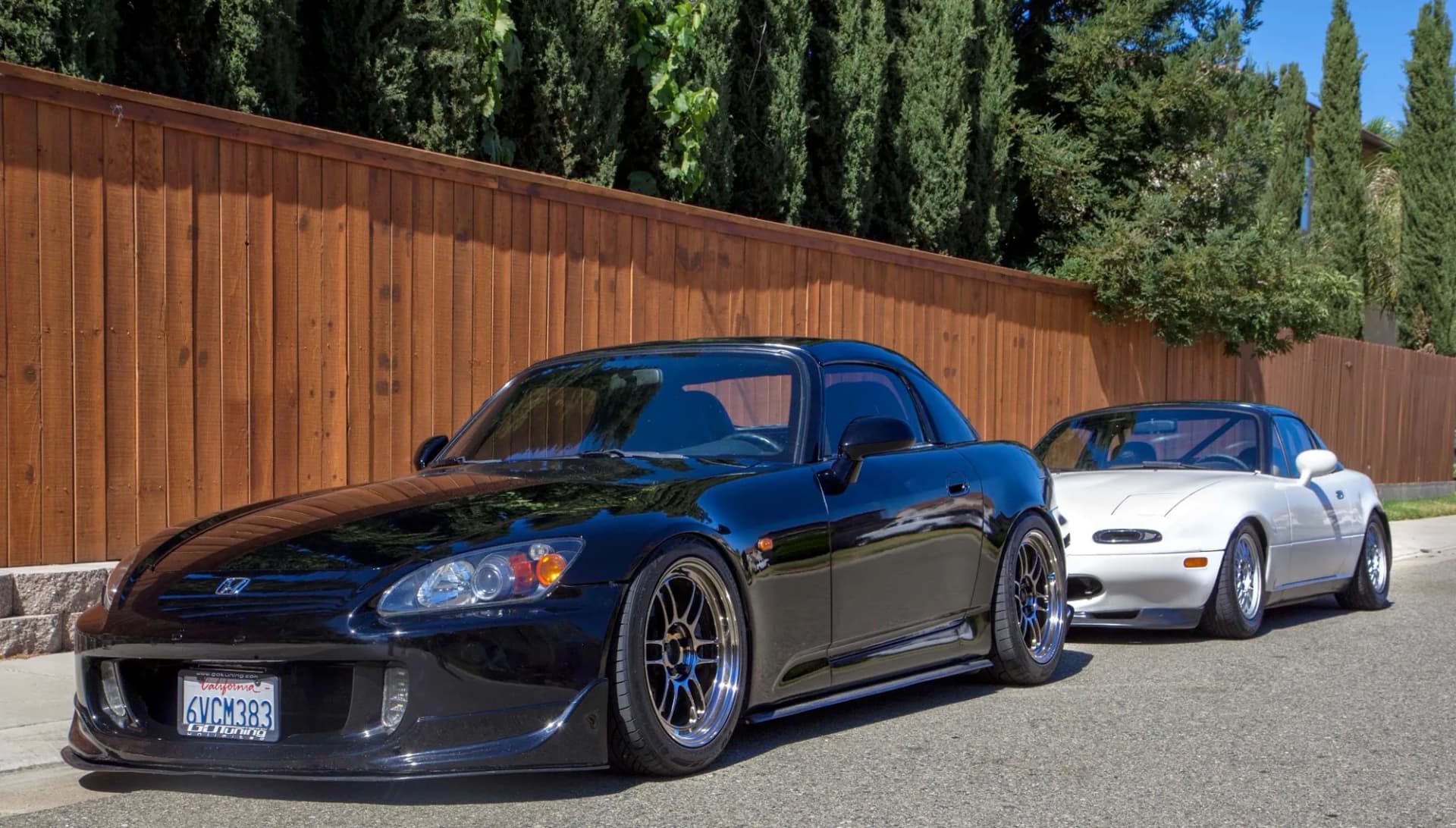
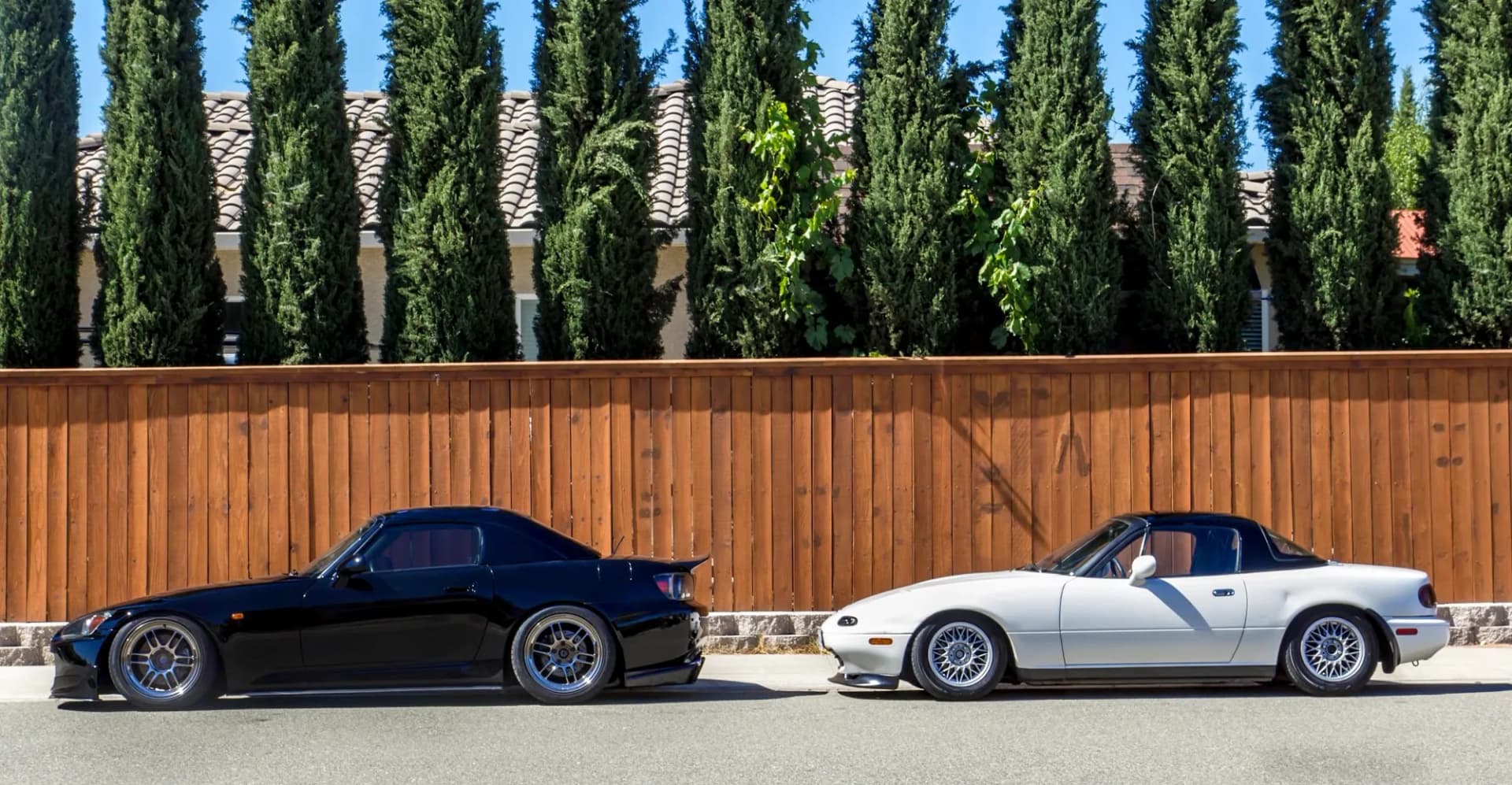
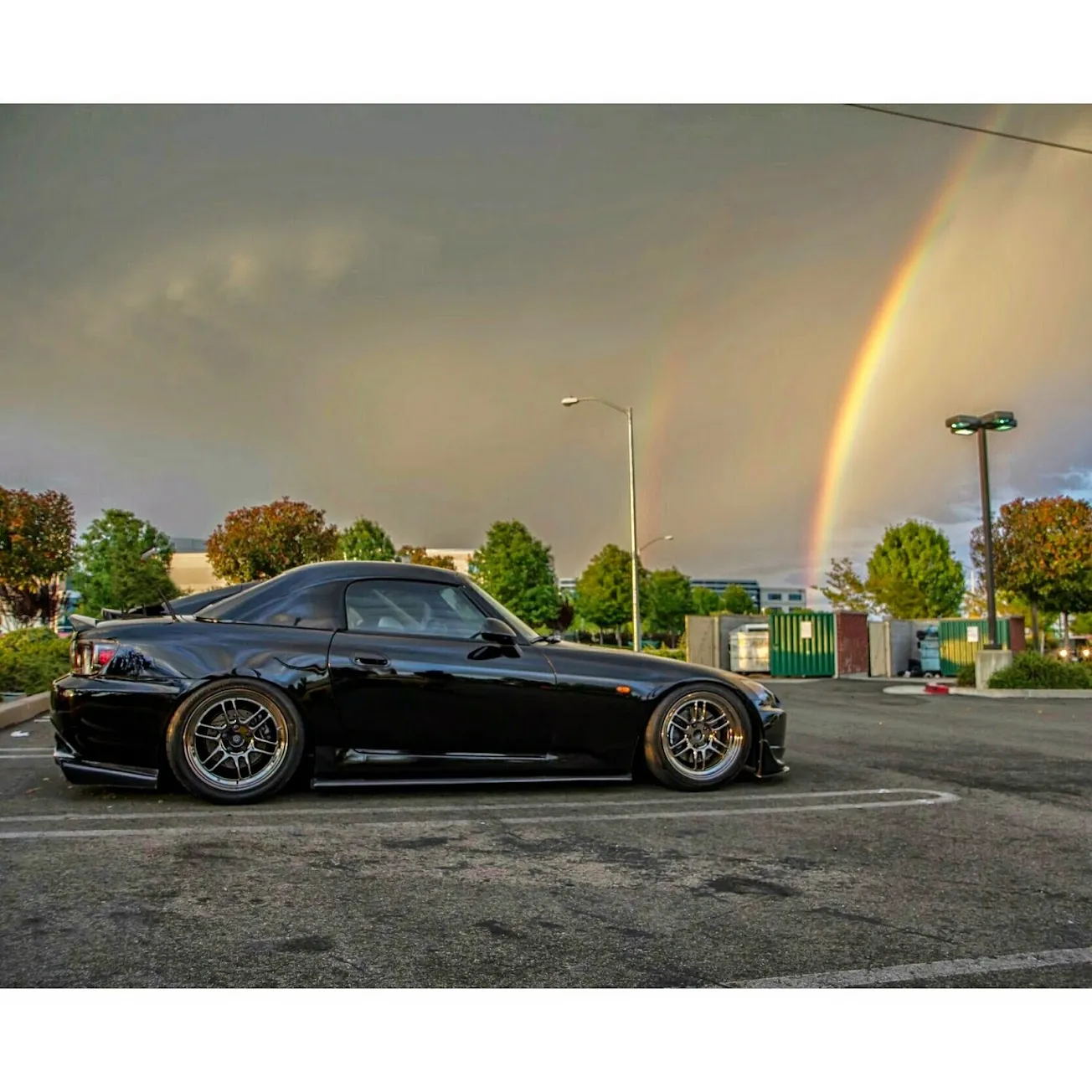
Photos from @ngooyen on Instagram. Follow for more.
Full transcript
Show the full transcript (64 lines) +
0:16What's up guys, it's your boy John. We're back again here with another video today
0:20We are in the Honda S2000 now for me. This is the head unit that I like now. it's mounted using just kind of 3
0:363m tape, but it's been holding pretty good. You can do a hard mount, but you know, I go through head units so fast
0:44It kind of showed the outer perimeter, so it wasn't a perfect fitment but with this it covers everything and
0:53Some people ask like what isn't there of vents right here. There's these two small small vents that if you put it into
1:02Convertible mode, that's the only time that that most of the time I don't use that mode
1:06I just use this mode but when you put in convertible mode
1:08It actually doesn't blow out of these ones and those big ones are pretty important
1:14So that's why I just leave it in this one and it blows for it to be fine
1:19So we'll get this bad boy started. Let me just start the car too
1:26So, for the most part the reason why I like something like this is because it has a Bluetooth
1:34Android Auto, Apple CarPlay both wired and wireless. So I can drive this car without knowing like
1:42Oh, am I gonna do this and that where am I supposed to go?
1:46This handles that perfectly
1:48so
1:50It should auto detect my phone and then go into Z-Link
1:55But if not we can go CarPlay or Android Auto, I'm gonna go in Android Auto and it should boot into
2:03So it's connecting right now. As you will see the little it's actually called a throbber
2:09which is an interesting
2:11Interesting way the way to set call it and boom right there where you are in Android Auto
2:16There's a max brightness. Let me just cancel the volume
2:27So use Android, Auto for the most part for everything
2:32So that's why it's real nice to have all that and with the new Android Auto update
2:36It definitely shows the map a lot
2:39So that's good and you know just driving this car just imagine driving it
2:44You know, it's just a little bit of for you know, but you know,,
3:14when it comes to the infotainment system.
3:16Now if you plan on watching videos or you know,
3:18is there is radio right here and stuff like that,
3:21there is all of these other options.
3:24It's just, I don't use them.
3:27So I know some of you guys might use them, GPS
3:30and stuff like that, I can see a better gallery.
3:32You customize it the way to make it look
3:34the way you want it.
3:35, but for my case only Android Apple Car Voice.
3:38So audio quality is a lot better than stock
3:41and that's all I really need when it comes to the head unit.
3:44Better audio, Apple CarPlay and Android Auto Wireless,
3:48that is important to me because I just want to walk
3:50into my car and be done with it.
3:53Fitment, this is an S2000, so when this car first came out
3:58this is basically a 2019 design.
4:03And for a 1990 design it still looks super clean,
4:07look at this and with this big old head unit with the,
4:11okay one thing I don't like is the bezels are a little
4:13thick, a little chunk, but it does hide all the imperfection
4:16you might, you can't even really see it,
4:20see it's tucked all the way back there.
4:23But yeah, so having a bigger unit hides everything
4:27which is perfect.
4:29Now if you are interested in
4:31this iDoing head unit, please just look
4:34in the links down below, I'll link it down below
4:36for, you can buy it from eBay or from Aliexpress
4:40and overall I think you'll be super happy
4:44if you have an S2000, you just gotta figure out
4:46how to mount it, and for my case, this is perfect.
4:51Thank you guys for watching, I'll catch you guys
4:53in the next video, if you guys were interested
4:56on how to install it, I have a previous video over here
4:59showing how to install a head unit
5:02into the Honda S2000.
5:06Alright, thank you, peace.
Machine-transcribed from the full-length video and lightly cleaned (product names fixed). Watch the video for exact wording.
Next step


