iDoing 9" CarPlay Head Unit for the Subaru WRX / STI: Old vs. New Version, Install & Review
John unboxes the 2021 iDoing unit for the WRX/STI, compares it with the 2017–2018 version (plug-in OEM-style connectors, 4G antennas, better heat sink), installs it in a 2017 WRX, and tours CarPlay, Android Auto and the settings.
Full video (11 min): The Difference Between iDoing Headunits over the years | SUBARU WRX / STI · John's YouTube channel
Get the parts
- Plastic trim removal tool: Generic pickGeneric pickSearch on Amazon ↗
- iDoing storeBuy direct ↗
- iDoing 9" head unit for the WRX / STI / XV / Forester 2016–2022Buy ↗
- AliExpress: 2016–2022 versionBuy ↗
- AliExpress: if you have a 2015Buy ↗
- The head unit on eBayBuy ↗
CodeiDoing coupon code (NGOOYEN) — NGOOYEN
DEALFactory settings code: 3368 (per the video description)
DEALCar launcher code: 7171 (per the video description)
As an Amazon Associate I earn from qualifying purchases. Some links are affiliate links.
Yes — you can install iDoing on the iDoing 9" Android 12 head unit for the Subaru WRX / STI / XV / Forester 2016–2022, per the product link in the description with a 11 min DIY job. John unboxes the 2021 iDoing unit for the WRX/STI, compares it with the 2017–2018 version (plug-in OEM-style connectors, 4G antennas, better heat.
Overview
A look at how iDoing's WRX/STI head unit has changed, from the version John's friend bought around 2017–2018 to the 2021 unit. The new one comes in a recyclable bag with silver bezels around the hazard button and the MFD, and a matte finish John prefers to the glossy factory trim, which shows dust. The big change is the wiring: early iDoing units used a Pioneer-style harness, while the new plugs match the factory head unit's inputs (6-pin, 10-pin, 28-pin), so you plug straight in with no extra harness and a much cleaner install. The new unit adds 4G antennas, a better heat-sink design and sturdier build; John's first-generation unit had dust issues. Installed in a 2017 WRX, the fitment is "100": hazards, vents and buttons all line up, maybe better than OEM. The IPS screen is punchy with good viewing angles but glossy, so expect some reflections. Android Auto ran through Carlink over USB with very little stutter, the factory reverse camera worked immediately, and the button lighting is RGB. John notes this unit is what started his channel.
Vehicle & fitment
- Product
- iDoing 9" Android head unit for the Subaru WRX / STI (2016–2022 listing): IPS screen, wired and wireless Apple CarPlay and Android Auto, OEM-matching 6/10/28-pin plugs, 4G antennas, RGB button lighting; the unit shown reports an octa-core 1.8 GHz CPU with 4 GB RAM and 64 GB storage
- Shown on
- Subaru WRX 2017 (a friend's car, with the factory backup camera)
- iDoing 9" Android 12 head unit for the Subaru WRX / STI / XV / Forester 2016–2022, per the product link in the description
- The description also links a separate AliExpress listing if you have a 2015
- On this 2017 WRX nothing extra was needed and the factory backup camera worked plug-and-play
Always confirm fitment for your exact year and trim with the seller before buying.
Tools & parts
Tools
- Plastic trim tool
- Screwdriver / socket for the factory radio (John's full WRX install video covers removal step by step)
Parts
- iDoing head unit with silver hazard / MFD bezels
- Plug-and-play harness with OEM-matching 6-pin, 10-pin and 28-pin plugs
- RCA (subwoofer) leads, microphone, extra USBs
- 4G antennas (new in this revision)
- A USB cable for your phone (not included)
Video chapters
Step by step
- 1
Unbox the 2021 unit▶ 0:16
Well packaged in a recyclable bag. Silver bezels surround the hazard lights and the MFD, with a matte finish.
- 2
Check the accessories▶ 1:05
Everything should be plug and play. This 2017 WRX has its backup camera on the factory display, and you shouldn't need to buy anything extra.
- 3
Old vs. new: the harness▶ 2:07
The 2017–2018 unit used a Pioneer-style harness. The new plugs match the factory head unit's inputs (6-pin, 10-pin, 28-pin), so they go straight in without additional harnesses and the install is a lot cleaner.
- 4
Old vs. new: build▶ 3:09
The new revision adds 4G antennas and a better heat-sink design, so it should be more reliable. The plastics feel the same, with small design tweaks; John's first-gen unit had dust issues.
- 5
Install and check the fitment▶ 4:33
Once installed, John calls the fitment 100: hazards, vents and buttons all line up, maybe better than OEM. The textured top doesn't show dust like the glossy factory trim. (John's separate WRX install video shows the full removal.)
- 6
Display▶ 5:35
IPS panel with punchy, vibrant colors and great viewing angles. It's glossy like most Android units, so you'll see some reflections.
- 7
Android Auto over USB▶ 6:25
The unit uses Carlink. Plugged in by USB, Android Auto started automatically with very little stutter and a fast-updating map. Bring your own USB cable.
- 8
Specs▶ 7:49
About Device shows an octa-core 1.8 GHz CPU, 4 GB RAM and 64 GB storage. The storage is handy for movies on road trips or for kids in the back.
- 9
Factory settings code▶ 9:07
John wasn't sure of the code on camera; the description lists factory code 3368 and car launcher 7171.
- 10
Reverse camera and lighting▶ 9:22
The factory reverse camera worked right off the bat, plug and play. Turn on the parking lights and the buttons light up; the color is RGB-adjustable. There are also sound and video-output settings.
Wiring notes
- OEM-matching 6-pin, 10-pin and 28-pin plugs go straight in (no adapter harness on the new revision).
- Accessory leads: RCA / subwoofer, microphone, extra USBs, 4G antennas.
- Factory backup camera works through the main harness.
Get the parts
- Plastic trim removal tool: Generic pickGeneric pickSearch on Amazon ↗
- iDoing storeBuy direct ↗
- iDoing 9" head unit for the WRX / STI / XV / Forester 2016–2022Buy ↗
- AliExpress: 2016–2022 versionBuy ↗
- AliExpress: if you have a 2015Buy ↗
- The head unit on eBayBuy ↗
CodeiDoing coupon code (NGOOYEN) — NGOOYEN
DEALFactory settings code: 3368 (per the video description)
DEALCar launcher code: 7171 (per the video description)
As an Amazon Associate I earn from qualifying purchases. Some links are affiliate links.
FAQ
What vehicle does this head unit fit?
It is shown for the iDoing 9" Android 12 head unit for the Subaru WRX / STI / XV / Forester 2016–2022, per the product link in the description. The description also links a separate AliExpress listing if you have a 2015 Always confirm your exact year, trim and factory audio with the seller.
How long does the install take?
John's full video is 11 min. Plan on that much time for a careful DIY install, plus extra if you are new to dash work.
What tools do I need?
Tools called out in the guide: Plastic trim tool; Screwdriver / socket for the factory radio (John's full WRX install video covers removal step by step).
Does it support wireless CarPlay or Android Auto?
Yes — wireless CarPlay / Android Auto is listed for this unit in the product copy John used.
Where do I get the parts?
Use the buy links on this page for the unit and any harnesses John used. Some links are affiliate links.
Is this beginner-friendly?
The guide breaks the job into 10 steps with timestamps into the video. If you can remove trim panels carefully, you can follow along.
Find your car
Compare every CarPlay head unit I've installed in this car, or find your car in the CarPlay Upgrade Finder.
John's Subaru WRX
More photos →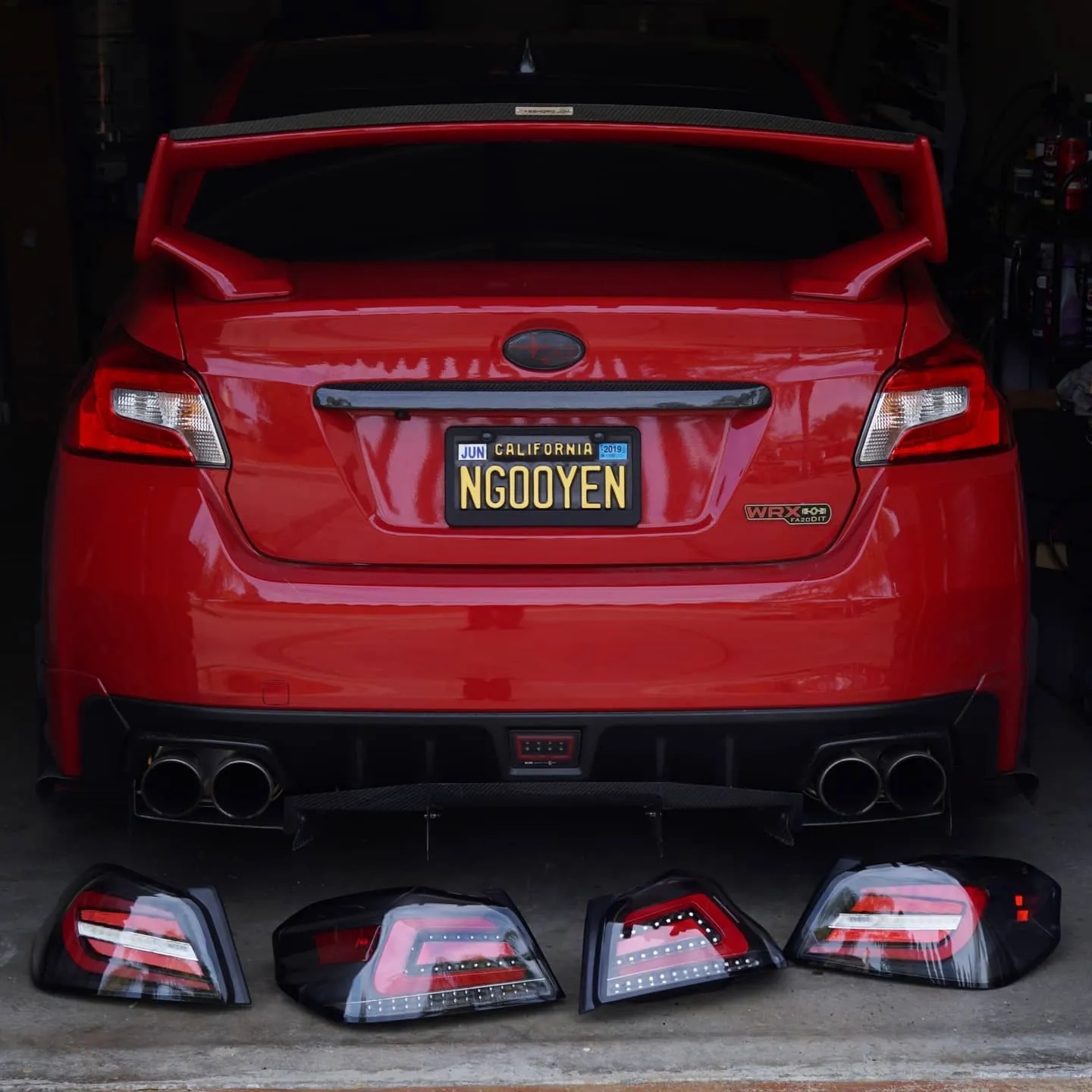
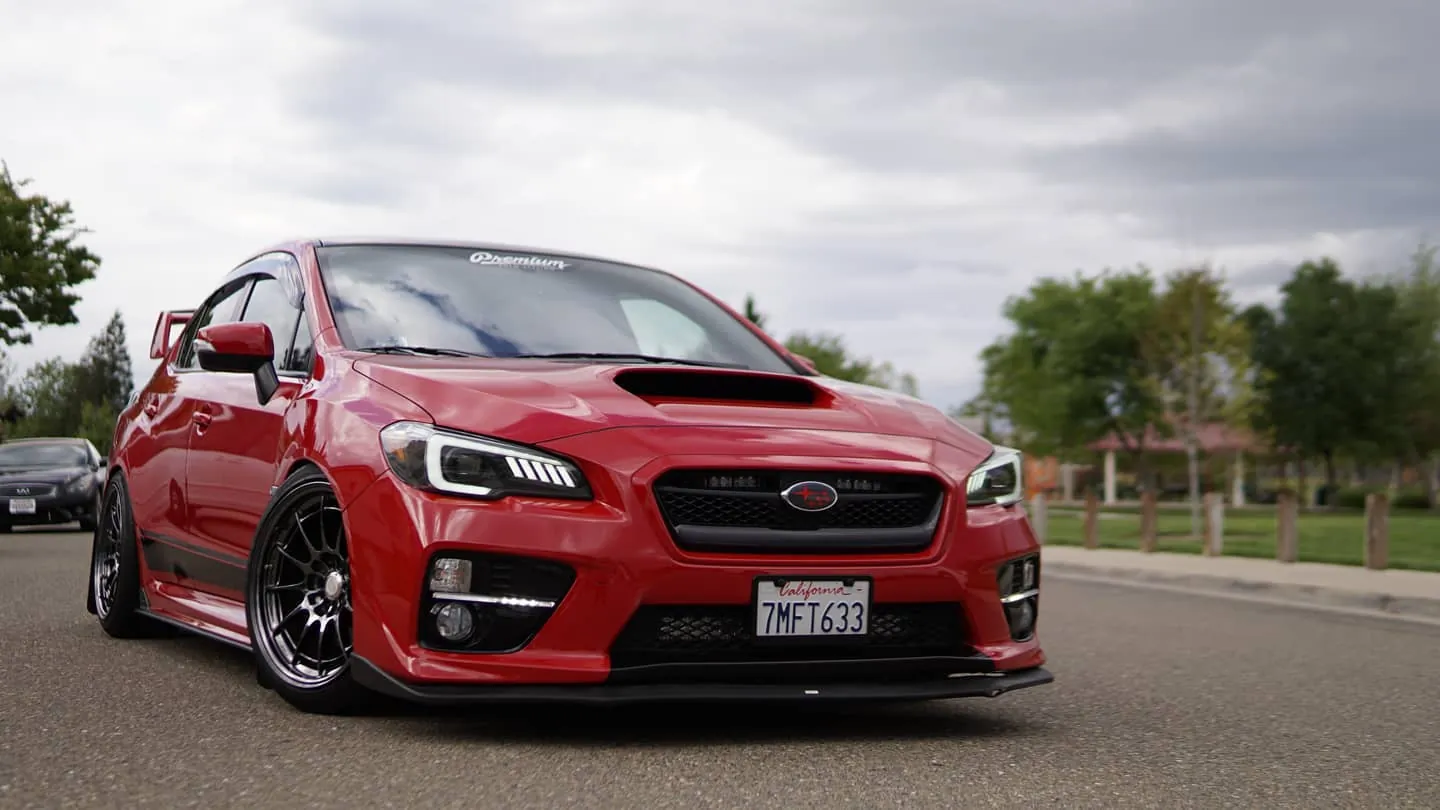
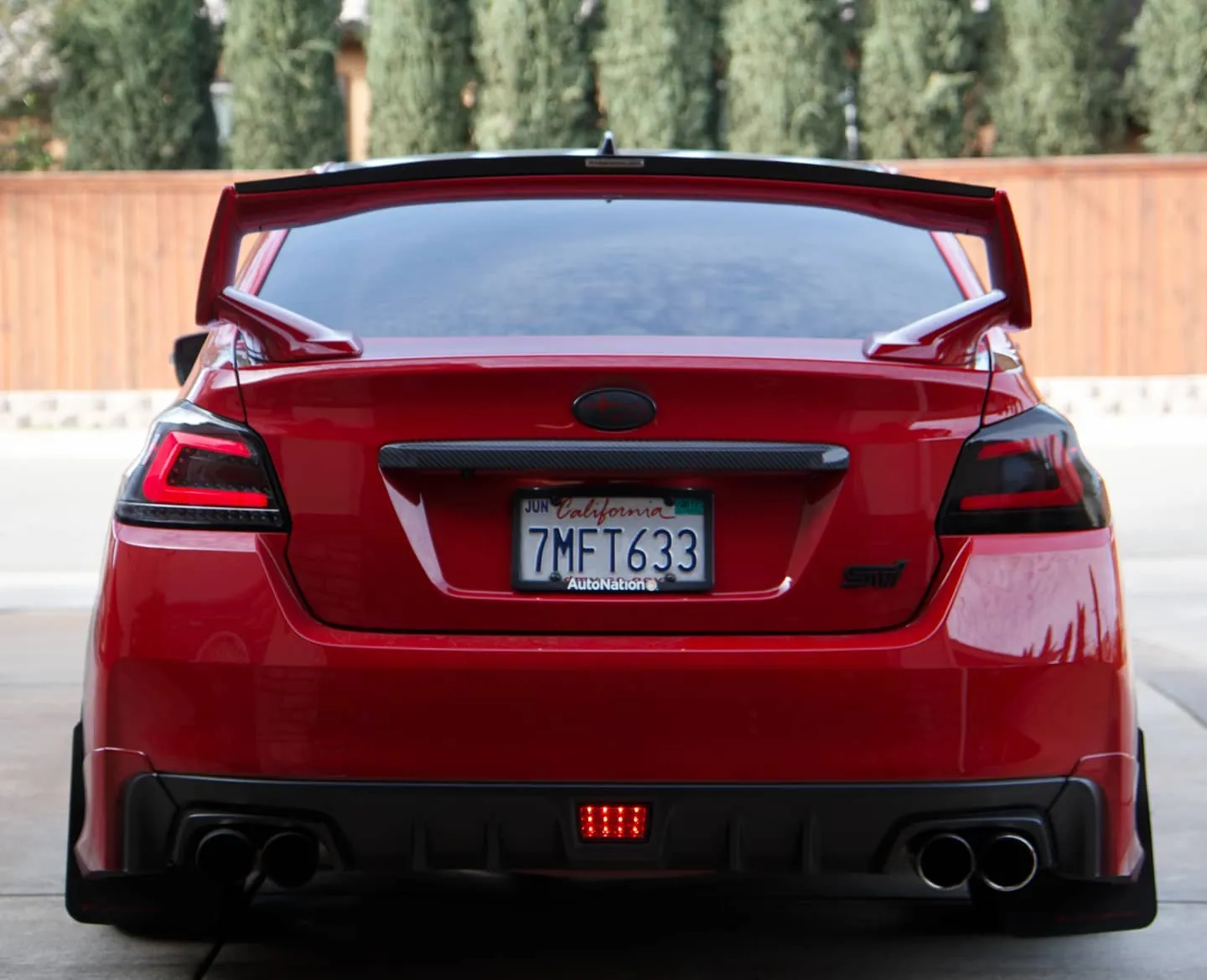
Photos from @ngooyen on Instagram. Follow for more.
Full transcript
Show the full transcript (41 lines) +
0:00one, we are back here with another video. iDoing WRX head unit for the WRX, STI, Forester, uh few others. But, we're just doing the unboxing right here, and then we're going to do the install. We have an
0:16iDoing gray head unit right here. And this is the latest and greatest. Has Android Auto, Apple CarPlay. Um great audio, great display, IPS, all the bells and whistles. I'll put the specs on it in a bit.
0:32It is packaged very well. And it has this recyclable bag. Check that out. Ooh, gorgeous, gorgeous. Now, you see the silver bezels, hazard lights, MF uh what is it? MFD? Or
0:49something like that. The mid-field display for the WRX. Um yeah, look at the finish. It's a matte finish. It's beautiful. Good. See if there's anything in the box. Looks like that's it. Now, the
1:05accessories, what do we have here? A lot. And everything in this kit right here will be able to be uh it should be plug and play. We do have a This is a 2017 WRX, sir? Yep. So, this car This car does have a backup
1:20camera on the actual display. Um other than that, um you don't You shouldn't need to buy anything extra. Uh we are in this interior of the Subaru WRX. Ooh, look at this nice trim piece, if you haven't seen it.
1:36I have an install video on my channel. I don't know if we even installed that piece, but I think we did. Well, you were at my house when we did the Uh so, yeah. I already We already installed it. If you want to see the uninstall, I'll put a link down below on where you
1:52can watch and go through it. But, we have the new head unit right here, and we're going to install it and then go over the features and the new features over the previous one. All right. So, uh because we're kind of just comparing
2:07the old to to I think this one we had probably in what 2017 2018. Now, this one's the newer one, 2021. And you can um look at the difference. So, iDoing originally had like the
2:22harness kind of like the Pioneers. But, since then they've moved on to something more that I would say this is a lot better, especially a lot easier. These plugs right here actually match the uh the plugs
2:38or I guess you'd say the inputs of the OEM head unit. So, when you plug in those plugs right there, you just straight plug them in. You no longer need additional harnesses
2:54for the most part. So, it just goes straight in. This is the This is the 6-pin, 10-pin, 28-pin. Um yeah, so it makes it a lot easier. It makes the install a lot cleaner. You still have these other accessories like
3:09RCA, if you want to do subwoofer, microphones, extra USBs. Um You got the now now you got the 4G antennas, which this one was um omitted in the previous revision. Also, these these are just built better.
3:26Like you can see kind of like the heat sink design. It's just better, so it should be more reliable. And just better overall built. As far as the plastics, they did change the design a little bit.
3:42You have a little like mesh pattern right here, like a bunch of cubes, which isn't on the new one, so maybe this is stronger. The fin designs, they all look very similar. Now, just touching the plastic, they feel exactly the same.
3:59But, I mean, they did change the design a little bit. Maybe they did fix a few things from the when it first came out cuz this I think my friend here had one of the first new redesigned ones. Uh I had the first generation ones where
4:16it wasn't like curved and I was having running into a lot of issues with the dust. But, these newer ones, they're a lot better built. So, with this revision, I'm hoping it's even better. And, of course, the software has the latest Android Auto and Apple CarPlay
4:33with the latest Android iOS 10, I believe. I'll put a little subtitle if I'm not remembering that quite quite right right. But, yeah. Let's slap this bad boy in. All right. Look at that. We have the
4:48iDoing head unit installed. Fitment is 100. Everything's clean. Everything fits nicely. All the buttons, the hazards, the vents. Just the fitment on the Let me show you
5:04guys close-up. I mean, it's it's just like OEM. I mean, OEM wasn't like 100%. I feel like maybe this one even fits better than the OEM. I actually like the texture of this one better than OEM. Like, the OEM one's like really glossy. So, it's like a dust magnet.
5:20But, this one, it's more you know, you do touch this area a lot and because it's kind of like flat up top, it does get dusty up right here. So, it's nice to have that. Ooh.
5:35Clean. Now, the display is great. Obviously, it's it's a lot better than even the newer Subarus. IPS panel, really punchy, vibrant colors, great viewing angles. Um
5:50There is a gloss factor to it. So, I mean, all all screens have this like at least for Android that I've seen, like most of them are this glossy finish. So, it's more punchy and vibrant and it has more contrast. But, it does have some reflections in this car. Not a big deal. I mean,
6:08uh it's not like we have a sun We don't have like a sunroof or like other crap. So, um we're good there. As far as the UI Uh you want to go over the UI real quick and show Android Auto and just the settings. Yeah, sure.
6:25I'm just going to unplug, replug. Yeah, you can plug that in right there. You might have to open the app. So, the app's going to be in the app drawer. Oh, I guess it automatically did it. So, this one's using Carlink right here.
6:42And there's the GPS using Android Auto. It's a It's a nice setup. We got Spotify and all that. It's beautiful, very fast data transfer rate. Look at that. Like, there's very little stutter at all.
6:58It updates the map incredibly fast. Um going over, we are hardwired through a USB. So, we have a USB cable from the back of the head unit. And they have harnesses coming out of it. Uh so, that we have a little wire that
7:15just kind of comes Every Everything's included. Everything we have talked about is included besides this extra USB cable right here that I mean, it's just like a Yeah, you your phone when it comes with it or you can buy one for cheap. So, things are good there. And yeah, just overall, very responsive.
7:33I mean, you can zoom out and it's not like a There's some residue right here. Let me just wipe it off. But, yeah, although the head unit itself is really clean. It's just a nice design. I'm really happy with it. iDoing a killer job. Let's see the some of the specifications
7:49for people who want to look about like about device. Let's see. So, it's using the Android 10. A bunch of all these build numbers. CPU is an octa-core 1.8 GHz with 4 gigs of RAM and then I have the 64 GB storage.
8:05Now, some people ask why do you need 64 gigs? Well, if you want to store things like movies, I know people back in the day, uh my girlfriend, my wife now, would watch Studio Ghibli
8:20movies or Disney movies in our car while she ate at lunch. And it's just, you know, you have a better sound system and um, you know, a bigger screen than your phone. So, sometimes that's something what people do. Same with if they go on a road trip
8:35and then you have people in. I had a guy who had a kid and he's like, "Yeah, I I just play something on here where he's in the like in the car seat in the back." So, all the way in the back and he's still looking at the screen watching I don't
8:50know. Baby Shark or something. I don't know what they watch nowadays. Back in my day, we watched um Blue's Clues. So, they were watching Blue's Clues for the kids in the back. So, there you have it. Bluetooth number, all that. I mean, the overall UI
9:07is good. Let me just show you something. I think the factory settings, if you guys actually get to the screen, it's try 126. Oh. So, I I'll post the code. I don't know it it might be 882. It's like 8868.
9:22I don't know. One of those numbers, I'll post it. They're a little bit different. Here's some general stuff. So, actually, can you show the reverse? And we plugged it in and reverse worked right off the bat. Boom. And I don't know if the signal's better. It
9:38looks good to me. Does it look better to you? Yeah, it looks fine. Okay, yeah, so I know sometimes when you're using an OEM camera, it looks kind of fuzzy, but um back in my day I used to have the backup camera right there, so I couldn't even tell like what the hell's going on. So,
9:53having it on the screen right there is nice. And it was plug and play, so that was super cool. I'm just uh There's some other settings you can mess with uh red So, actually turn on your headlights real quick or do your parking lights. This lights up red. And you can
10:10change the colors. It's RGB. There's that functionality. Great. And then you have the sounds, thus video output settings. Very cool. So, yeah, this was the iDoing head unit. Incredible head unit for you WRX boys. You know, this this head unit
10:25actually kind of started my channel, so this is this very important to me. This is very nice. Anyways, thank you guys for watching. I'll catch you guys in the next one. Peace.
10:57Hold me close till I get up. Time is
Machine-transcribed from the full-length video and lightly cleaned (product names fixed). Watch the video for exact wording.
Next step


