iDoing USB TPMS Valve-Cap Sensors on an Android Head Unit Install
External valve-cap tire sensors plus a small USB receiver add per-wheel pressure readouts to an iDoing Android head unit. Screw on the caps, plug the dongle into a spare USB, install the TPMS app, and switch bar to PSI.
Full video (4 min): Tire Pressure monitors caps | 5 Minutes to install · John's YouTube channel
Get the parts
- Axxess AX-SUBUSB USB adapter to keep the factory console USB, Subaru 2011+ (Amazon link from the description)Buy ↗
- iDoing head unit for the WRX (AliExpress link from the description)Buy ↗
- iDoing head unit for the WRX (eBay link from the description)Buy ↗
- Seicane WRX 2014–2016 head unit John was running at the time (Seicane link from the description)Buy ↗
As an Amazon Associate I earn from qualifying purchases. Some links are affiliate links.
Yes — you can install iDoing on the The TPMS shown is iDoing's universal USB kit: as long as your Android head unit has a USB port, it should work with a 4 min DIY job. External valve-cap tire sensors plus a small USB receiver add per-wheel pressure readouts to an iDoing Android head unit. Screw on the caps, plug.
Overview
John installs iDoing's TPMS on his friend Tom's WRX, which already runs an iDoing Android head unit. It's universal: any Android head unit with a USB port should work. Each wheel gets a locking nut and a sensor cap that screws onto the valve stem, so nothing goes inside the tire. Inside the car, the small TPMS receiver plugs into any free USB lead from the head unit. Start the car, install the TPMS APK, allow it to access the USB device, and the four sensors show up right away. It reads in bar by default (2.2), so he switches the units to PSI (about 33 to 36 PSI). The car's factory TPMS only warns that a tire is low; this shows each tire's pressure. The description adds that the head unit's steering wheel controls, backup camera, audio and power were plug and play, and that you'd only add an Axxess USB adapter to keep the factory console USB ports.
Vehicle & fitment
- Product
- iDoing USB TPMS: four external valve-cap sensors with locking nuts and a USB receiver dongle, plus the TPMS app (APK) on the head unit
- Shown on
- A Subaru WRX belonging to Tom (the car's owner), running an iDoing Android head unit
- The TPMS shown is iDoing's universal USB kit: as long as your Android head unit has a USB port, it should work
- The sensors are external valve caps, so you don't need to take the tires off
- The head unit's steering wheel controls, backup camera, audio and power were plug and play in this car; you only need a USB adapter if you want to keep the factory console USB ports (one per port)
Always confirm fitment for your exact year and trim with the seller before buying.
Tools & parts
Tools
- The small wrench/tool that comes with the TPMS kit for the locking nuts
Parts
- 4 external TPMS valve-cap sensors with locking nuts
- TPMS USB receiver dongle
- TPMS app (APK) on the head unit
- Axxess USB adapter (optional, one per factory USB port you want to keep)
Video chapters
Step by step
- 1
A universal USB TPMS▶ 0:00
This is iDoing's TPMS. It's universal: as long as your Android head unit has USB, you should be good to go.
- 2
Install the valve caps▶ 0:11
Each wheel gets a locking nut and a sensor cap. Thread the nut onto the valve stem, then screw the sensor cap onto the valve. Everything is external, so you don't have to take a tire off.
- 3
Plug in the USB receiver▶ 1:19
Behind the head unit, plug the TPMS USB receiver into any spare USB lead (this car had two free). Once it's plugged in, the sensors can talk to it.
- 4
Install and open the TPMS app▶ 1:58
Start the car. Install the TPMS APK (John links it in the description), open TPMS, and allow it to access the USB device by default. The sensors show up right away.
- 5
Switch bar to PSI▶ 2:41
It reads 2.2 at first because it's in bar. Change the units to PSI and Celsius; it now shows each tire, around 33.4 to 36 PSI. The factory TPMS only warns you; this shows every tire's pressure.
Wiring notes
- The receiver is a USB dongle: plug it into any free USB lead from the head unit, then install the TPMS app and allow USB access.
- Per the description, steering wheel controls, backup camera, audio and power were plug and play on this iDoing unit. Add an Axxess USB adapter only if you want the factory console USB ports to work.
Get the parts
- Axxess AX-SUBUSB USB adapter to keep the factory console USB, Subaru 2011+ (Amazon link from the description)Buy ↗
- iDoing head unit for the WRX (AliExpress link from the description)Buy ↗
- iDoing head unit for the WRX (eBay link from the description)Buy ↗
- Seicane WRX 2014–2016 head unit John was running at the time (Seicane link from the description)Buy ↗
As an Amazon Associate I earn from qualifying purchases. Some links are affiliate links.
FAQ
What vehicle does this head unit fit?
It is shown for the The TPMS shown is iDoing's universal USB kit: as long as your Android head unit has a USB port, it should work. The sensors are external valve caps, so you don't need to take the tires off Always confirm your exact year, trim and factory audio with the seller.
How long does the install take?
John's full video is 4 min. Plan on that much time for a careful DIY install, plus extra if you are new to dash work.
What tools do I need?
Tools called out in the guide: The small wrench/tool that comes with the TPMS kit for the locking nuts.
Does it support wireless CarPlay or Android Auto?
Check the product listing for wired vs wireless CarPlay / Android Auto before you buy; John shows what worked in the video.
Where do I get the parts?
Use the buy links on this page for the unit and any harnesses John used. Some links are affiliate links.
Is this beginner-friendly?
The guide breaks the job into 5 steps with timestamps into the video. If you can remove trim panels carefully, you can follow along.
John's Subaru WRX
More photos →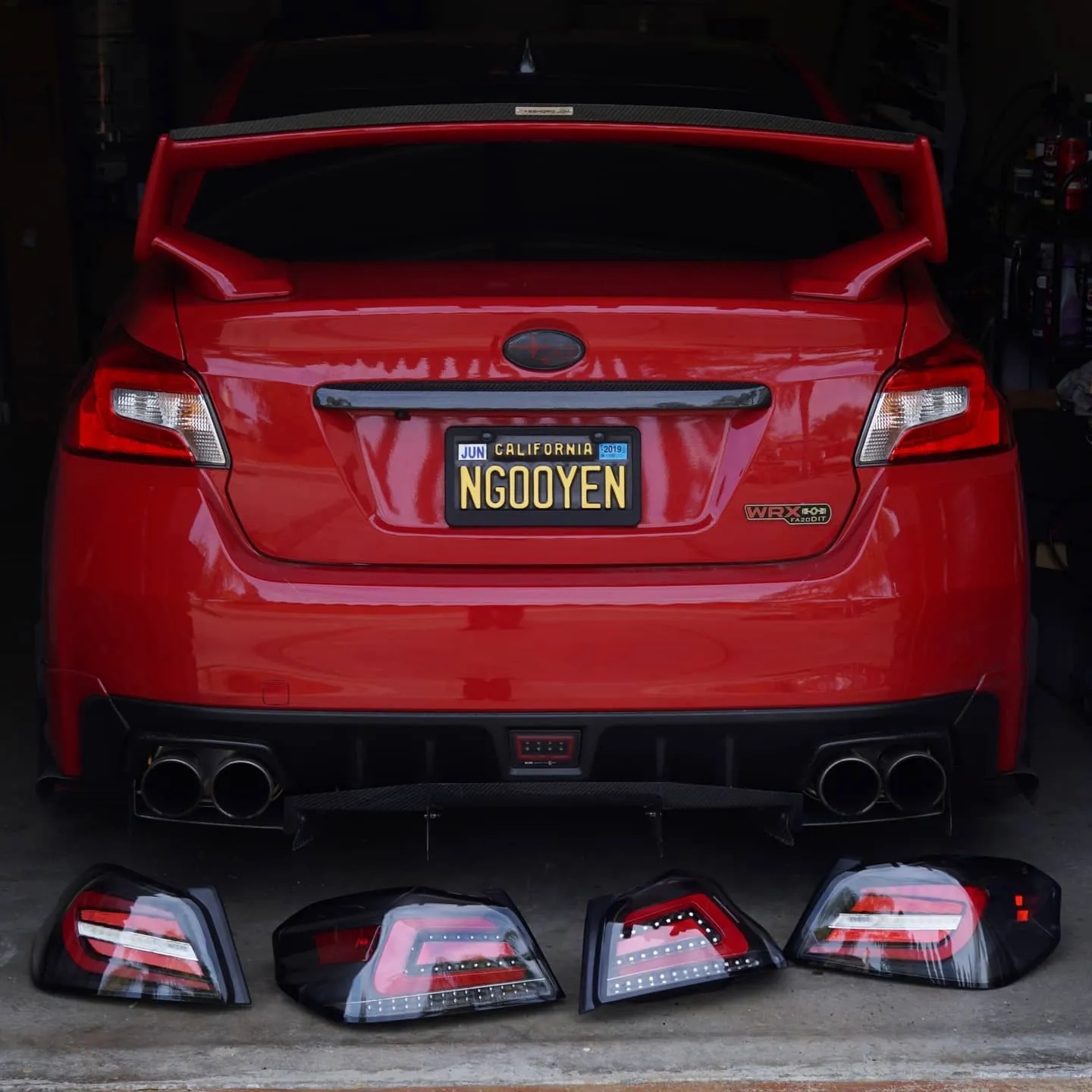

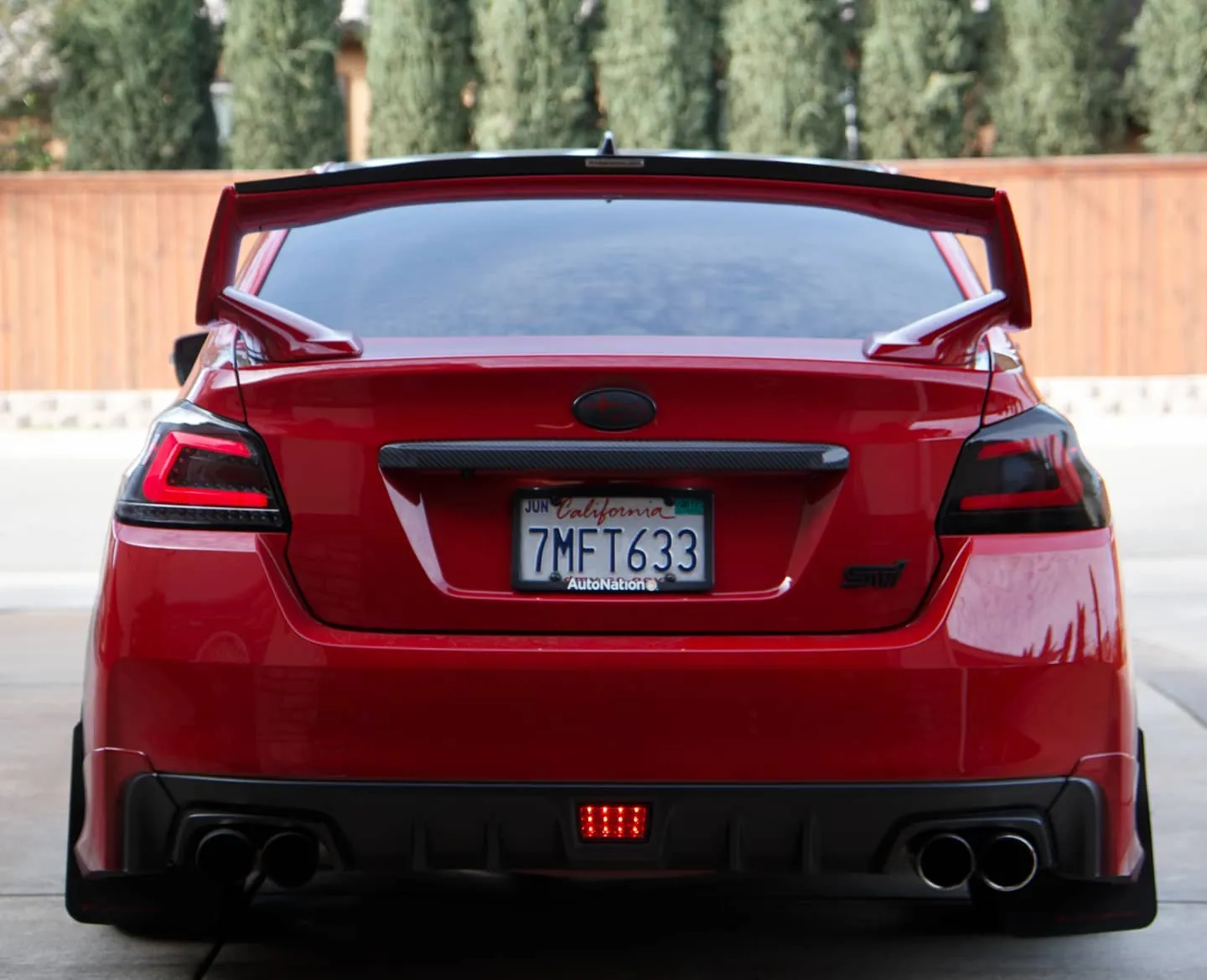
Photos from @ngooyen on Instagram. Follow for more.
Full transcript
Show the full transcript (27 lines) +
0:00so continuing on this is a TPMS by i doing what's great about this one is it is universal it's as long as you have an Android head unit with USB you should be good to go now let's look at the doll caps this is pretty much the essential bit a locking nut and then you have the
0:16valve stem the valve cap tie it on to the cap cap to the little valve stem and you should be sick so let's put this nut in here I'm just getting nice and screwed then for this you put it in here you hear it
0:33hiss you just kind of snug it you don't want to over tighten this here now you check up the back right there you can't screw then now iDoing also comes with a little kit that uses a little wrench and
0:49you want to put this on the little nut in the back and you want to tighten it while you're tightening this thing that way you'll get nice and secure just get nice and snug don't over tighten it so
1:04now that's all you have to do to install it notice how this says left front left front driver front makes sense now you do that to all four corners it's pretty easy to do this you don't have to take the tire out or anything it's all external that's the so I'll show you how
1:21to install your wireless sensor from the inside alright so you see this puppy right here this is a TPMS USB now all you have to do is plug it through a USB from your android head unit
1:36I have several USB s coming in here so I have two right here I can use I also have one that I can wire right here but for this purpose I'm just gonna use this one right here but any of the USB will work now all you have to do is plug it
1:52in so once plugged in now your your sensors can talk to this transmitter so let's fire up the car so the automatically already detects the TPMS make sure you also installed the APK it's very important I'll put a link down
2:03Make sure you also install the APK. It's very important. I'll put it down below for you to install the AP.
2:10APK. So if you can get from this angle right here. I can cancel it here so I
2:15I can show you how the APK looks like. But it's going to be this one right here.
2:20It says TPMS. So you click on that. It's going to be allow the app TPMS to access the
2:28the USB device. Of course we want it to. Let's just use by default.
2:40is now reading all the little wiring stuff that I have all valve caps installed now you be asking like hey why does this say 22 2.2 now this isn't bar you can change the metrics change the
2:55units to something I'm more familiar whose psi and of course I like Fahrenheit instead of Celsius now there's this I can understand this 33 point 4 psi 36 so now it's showing individual wheel now back then when my
3:13my car does have a TPMS internal but it doesn't report individual tire pressure so it's really neat that this has individual tire pressure I'm ready to go I can't even look at temperatures maybe that's good for tracking this is my
3:28daily so I don't do any tracking everything but I guess that's kind of neat that it shows temperature as well but yeah this is my iDoing and check out the TPMS it's actually a very affordable and it really it could change your way you drive you don't check your cheap tire pressures it's gonna it's
3:31The idea is that when you get to the
3:34This is
3:41my iDoing and check out the TPMS it's actually very affordable and it really it can change your way you drive you know check your TP tire pressures
3:43It's it's got it's not it's not
3:45It's so well integrated you can just you know hop back in and out real quick
3:51Seee your TPMS
3:52See what it's doing things below where you can get tape is you can get the iDoing TPMS tire pressure
3:57sensor it works for any answered head unit because it uses a little USB don
4:00Android head unit because it uses a little USB dongle but yeah also a links below is gonna be word you can get this head unit the head unit is also by iDoing check this out my Oh lighting it up so if you are
4:17interested in head unit links below as well thank you for watching I'll talk to you guys in the next one peace
Machine-transcribed from the full-length video and lightly cleaned (product names fixed). Watch the video for exact wording.
Next step