Seicane Android 8.0 Oreo Head Unit Review: What's New in 2018
John compares a Seicane Android 8.0 octa-core unit to the older radios: cleaner settings, smoother 3D maps, remappable wheel keys, adjustable RGB, a sleep boot, and why this is his favorite daily-driver mod.
Full video (26 min): Perfection? - Android Head unit 8.0 (Seicane) · John's YouTube channel
Get the parts
- Dasaita unit John later recommended (Amazon link from the description)Buy ↗
- Backup camera harness + AUX (Amazon link from the description)Buy ↗
- 12V-to-6V converter for a stock OEM reverse camera (Amazon link from the description)Buy ↗
- CarPlay / Android Auto adapter (AliExpress link from the description)Buy ↗
- Seicane 2014–2016 WRX Android unit (link from the description)Buy ↗
As an Amazon Associate I earn from qualifying purchases. Some links are affiliate links.
Yes — you can install This kit on the Review of a Seicane Android 8.0 Oreo octa-core unit in John's car, with the description pointing at the 2014–2016 WRX Seicane page as the buy link with a 26 min DIY job. John compares a Seicane Android 8.0 octa-core unit to the older radios: cleaner settings, smoother 3D maps, remappable wheel.
Overview
This is John's 2018 look at a Seicane Android 8.0 Oreo octa-core unit versus the older radios he had been running. The launcher is still simple, but settings are grouped more clearly (networks, connected devices) and the notification shade looks cleaner. Everyday speed is close to the previous octa-core; the bigger jump is polish, plus smoother 3D map rendering in iGO than a quad-core could manage. He walks the built-in radio (including an FM2 preset search), Bluetooth, a file manager, and EasyConnect over USB. Steering-wheel keys still work and can be learned on the unit — volume up/down and a long-press on hang-up are the examples he saves. RGB dash lighting is adjustable if you want it to match a Mustang or any other interior color. A rear camera plus a side camera come up in reverse, including while the unit is still booting. Sleep mode wakes almost instantly; a shutdown message appears when you switch the car off. Specs he calls out include 4 GB of RAM, a bright HD panel (not 480p), split-screen, and car menus for illumination ("Elements"), sleep timers, reverse mirroring and a custom boot logo. The unit was fine in 85–90°F cabin heat after 110-degree days. He calls this his favorite daily-driver mod — $300 to $400 versus a four-figure exhaust — and says you can install it yourself. The description's first Amazon links are a later recommended Dasaita pick plus the backup-camera harnesses; the Seicane WRX unit and a CarPlay adapter are listed there too.
Vehicle & fitment
- Product
- Seicane Android 8.0 Oreo octa-core head unit (about 4 GB of RAM in the video) with Wi-Fi, GPS, Bluetooth and remappable steering-wheel controls
- Shown on
- Universal / Subaru-fit Seicane Android 8.0 unit (shown in John's daily driver; the description also lists WRX-fit and universal harness links)
- Review of a Seicane Android 8.0 Oreo octa-core unit in John's car, with the description pointing at the 2014–2016 WRX Seicane page as the buy link
- Factory backup camera, if equipped, still needs the extra Amazon harness and a 12V-to-6V converter listed in the description. The FM antenna notes from earlier BRZ / 86 videos apply if you are wiring a universal chassis
- CarPlay and Android Auto need a USB adapter (AliExpress link in the description). A later Dasaita Amazon pick is also linked as an alternative
Always confirm fitment for your exact year and trim with the seller before buying.
Tools & parts
Tools
- Screwdriver for the GPS antenna mount (John says it is an obvious screw-down puck)
Parts
- Seicane Android 8.0 head unit and vehicle harness
- GPS antenna
- Optional backup-camera harness and 12V-to-6V converter
- Optional CarPlay / Android Auto USB adapter
Video chapters
- 0:04Android 8.0 UI
- 1:34iGO maps
- 2:53Radio app
- 4:46Bluetooth and files
- 5:21Steering-wheel keys
- 11:20RGB and cameras
- 13:22Boot and car settings
- 20:41Verdict
Step by step
- 1
Android 8.0 vs. the older unit▶ 0:04
John frames this as what Android 8.0 Oreo actually changes in 2018. The bundled launcher is basic and clean with slightly squarer icons. Settings are grouped more clearly (networks and internet, connected devices) and the notification shade is easier to read. Everyday speed is similar to the last octa-core; the UI is just tighter.
- 2
iGO maps and smoother 3D▶ 1:34
The Navigate shortcut has nothing preloaded — he uses iGO. After it locks a GPS signal, 3D map rendering is smooth on this octa-core unit. Older quad-core radios struggled with the same graphics. A 2D map mode is there too. The screen is very bright.
- 3
Radio app and FM2 preset search▶ 2:53
The tuner looks familiar if you have used Android 7.1 or 8.0 radio apps: clean layout, presets, and a seek/search. An FM2 bank can auto-fill presets from a quick search. He has no real complaints about the radio.
- 4
Bluetooth, files and EasyConnect▶ 4:46
He shows the Bluetooth app, the file manager (move folders and files on the unit), and EasyConnect over USB as the phone-mirroring option.
- 5
Learn the steering-wheel keys▶ 5:21
Factory wheel controls already work. Pressing a wheel button lets the unit detect it so you can assign a function — he saves volume up, volume down, and a long-press on the hang-up key.
- 6
Audio and the built-in extras▶ 8:41
His upgraded speakers and amp make the built-in audio kick harder. The unit ships with extra apps such as Torque. The GPS antenna is a large puck you screw down — hard to miss, and the paperwork is better than he expected.
- 7
Adjustable RGB and the cameras▶ 11:20
The button lighting is a red hue by default and is adjustable, which he notes if you have a Mustang or any interior color you want to match. Reverse brings up the rear camera and a side camera he has wired; they can appear even while the unit is still booting.
- 8
Sleep boot and the car menus▶ 13:22
Shut the car off and the unit says it is powering down. With instant/sleep boot enabled, it wakes as soon as the car comes back on. Behind the settings he calls out 4 GB of RAM, illumination ("Elements" — not a Honda Element), a sleep-timer, USB auto-play, reverse X-mirror, a custom boot logo, and key tones.
- 9
Heat, the screen, and the verdict▶ 20:41
Cabin temps were 85–90°F after 110-degree days and the unit kept running. The panel is a clear HD image, not 480p. Split-screen is available, and it feels snappier than the older models. He calls this his favorite daily-driver mod: $300 to $400, more useful day to day than a thousand-dollar exhaust, and you can install it yourself instead of paying an installer.
Wiring notes
- The description includes a 5% Seicane coupon: AFFSC-3555-KJ6ZN-FYNL. Confirm it still works at checkout.
- A later Dasaita Amazon pick (B0FSZ63GPY) is the first Amazon product link in the description, so that button is first here. The Seicane unit in the video is the 8.0 review unit.
Get the parts
- Dasaita unit John later recommended (Amazon link from the description)Buy ↗
- Backup camera harness + AUX (Amazon link from the description)Buy ↗
- 12V-to-6V converter for a stock OEM reverse camera (Amazon link from the description)Buy ↗
- CarPlay / Android Auto adapter (AliExpress link from the description)Buy ↗
- Seicane 2014–2016 WRX Android unit (link from the description)Buy ↗
As an Amazon Associate I earn from qualifying purchases. Some links are affiliate links.
FAQ
What vehicle does this head unit fit?
It is shown for the Review of a Seicane Android 8.0 Oreo octa-core unit in John's car, with the description pointing at the 2014–2016 WRX Seicane page as the buy link. Factory backup camera, if equipped, still needs the extra Amazon harness and a 12V-to-6V converter listed in the description. The FM antenna notes from earlier BRZ / 86 videos apply if you are wiring a universal chassis Always confirm your exact year, trim and factory audio with the seller.
How long does the install take?
John's full video is 26 min. Plan on that much time for a careful DIY install, plus extra if you are new to dash work.
What tools do I need?
Tools called out in the guide: Screwdriver for the GPS antenna mount (John says it is an obvious screw-down puck).
Does it support wireless CarPlay or Android Auto?
Check the product listing for wired vs wireless CarPlay / Android Auto before you buy; John shows what worked in the video.
Where do I get the parts?
Use the buy links on this page for the unit and any harnesses John used. Some links are affiliate links.
Is this beginner-friendly?
The guide breaks the job into 9 steps with timestamps into the video. If you can remove trim panels carefully, you can follow along.
John's Subaru WRX
More photos →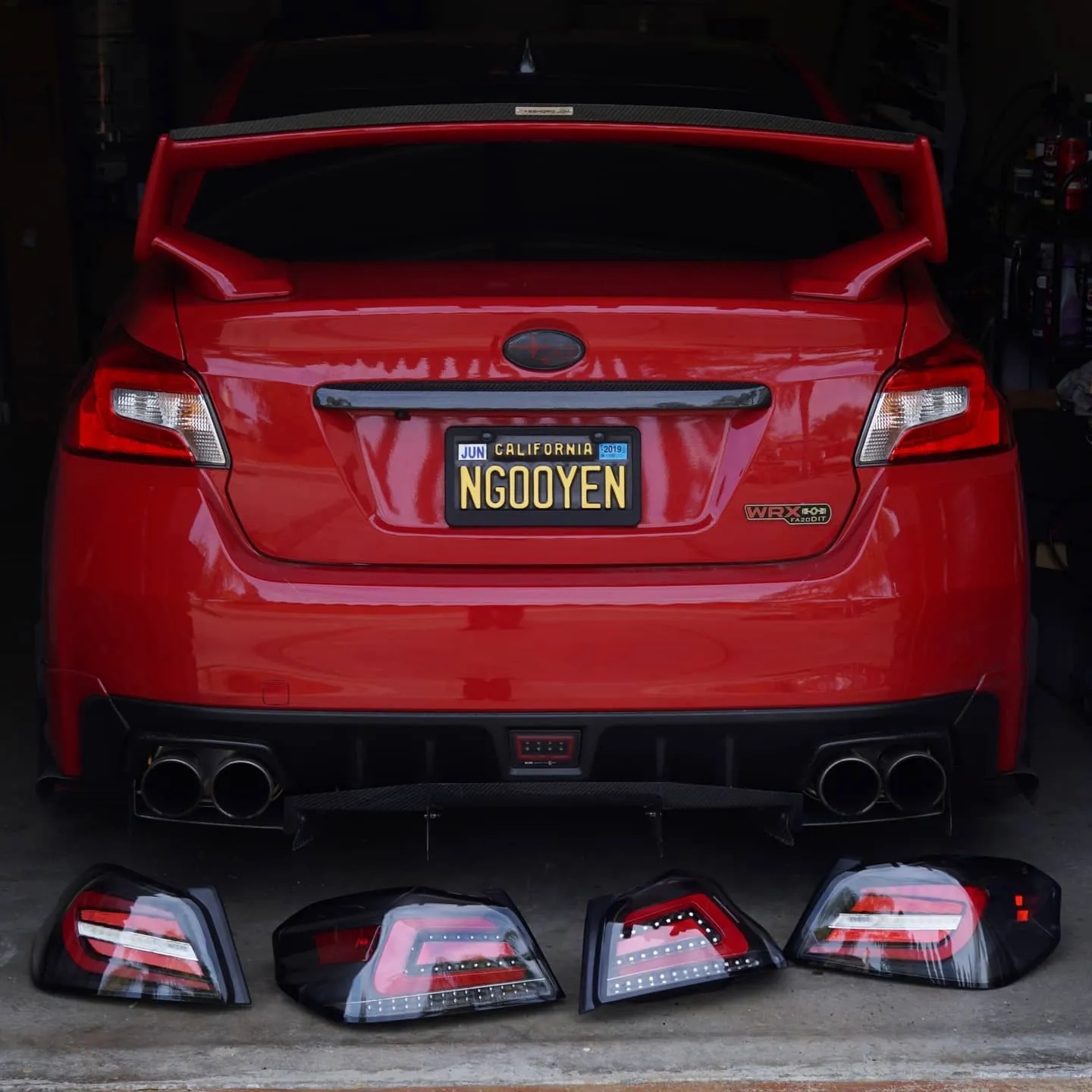
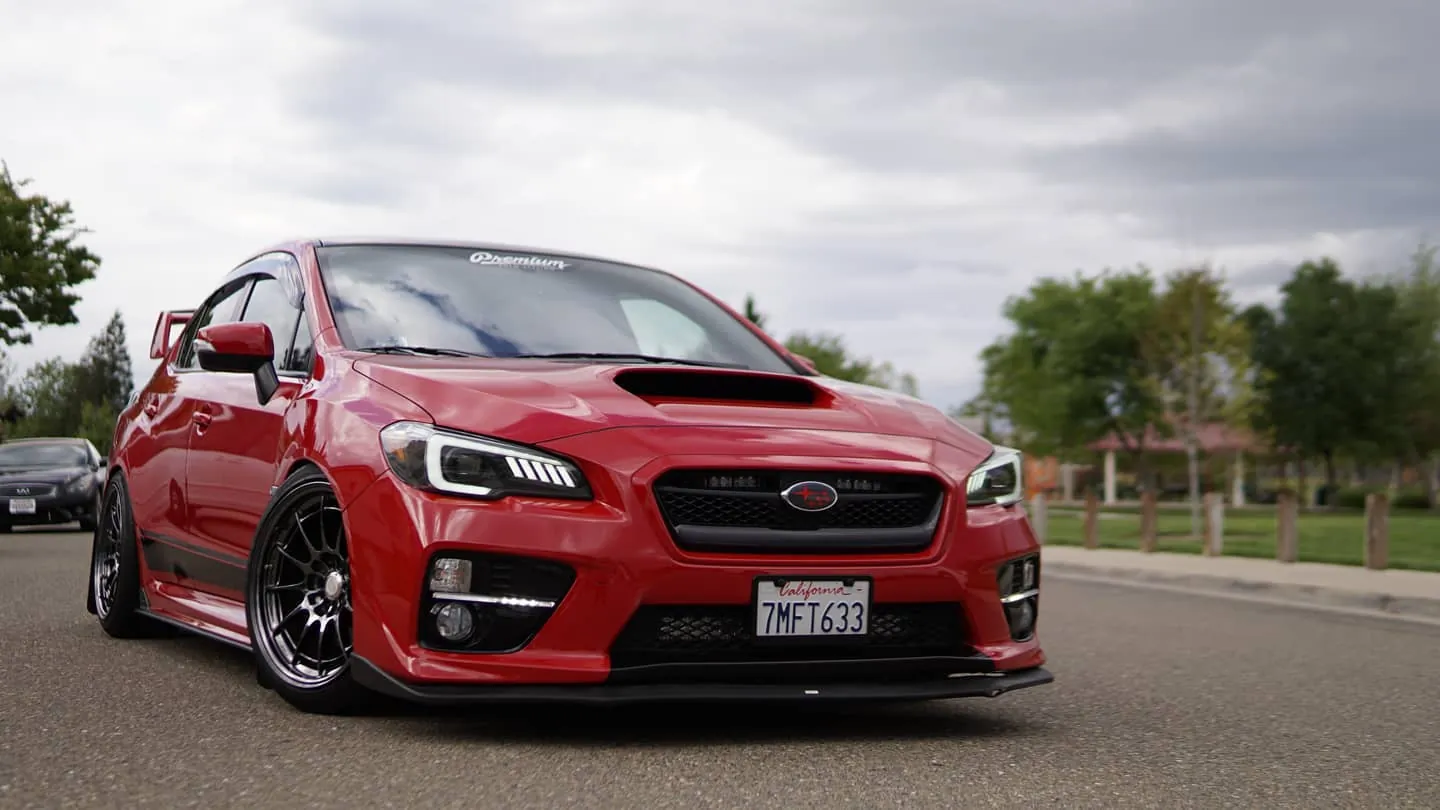
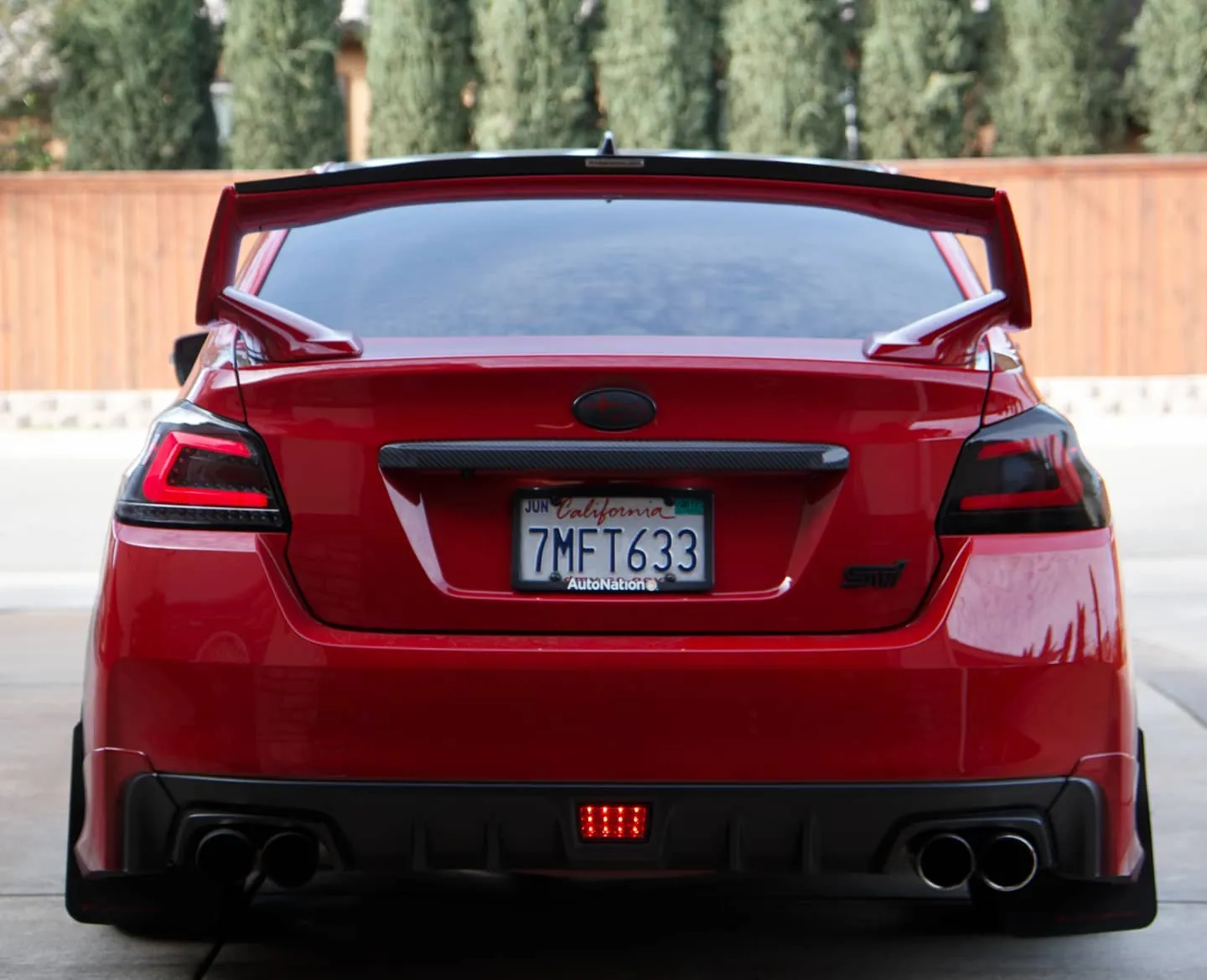
Photos from @ngooyen on Instagram. Follow for more.
Full transcript
Show the full transcript (318 lines) +
0:00What's up guys, it's your boy, John back again with another video today
0:04We're taking a look at the Android 8.0 Oreo and what kind of latest features that something like this brings to the table in
0:122018 let's get it
0:15Let's look at the user interface from the home screen to you know notification bars and like that so this is the
0:24launcher it comes with very basic very clean kind of like the
0:29Just the icons are a little bit more easier they're a little bit more squared
0:34But other than that it looks very similar to the old unit here is the settings menu again very similar
0:44Can't really tell there is new new things like the settings how things are more grouped together like networks and internet connected devices
0:52So the settings are a little bit more easy to read
0:55But not too much changed the notification bars a little bit cleaner with the font a little bit better
1:02As far as performance
1:04It is super snappy just like the original one so I'm not gonna say that hey this one brings a lot more speed
1:11It's a very similar in speed to the old one
1:14Except just things are a little bit more cleaner and a little bit more optimized I would have to say and with the user interface being
1:21A little bit cleaned up especially in the settings because in the home the launcher
1:25it all depends on what kind of launcher you use and
1:28If you like this style
1:29Go go for it. All right, so let's not talk about the apps that are built in last class
1:34Let see what happens when you hit navigate and
1:36With navigation it has nothing preset it to it
1:40Generally the navigation you want to use is I go
1:45So it's gonna be a loading and then time look for GPS signal and stuff like that
1:53So yes, it's working you can take it is 3d. I, I don't know how you guys can see that text
2:01So let me adjust the camera settings little bit. Oh, yeah, so it's very bright this
2:07This screen right here
2:09Yeah
2:11With the with the new 8.0 and the octa core head unit
2:153d rendering is a lot smoother frame rates per second. You can see the frame rate is actually really
2:21really smooth
2:23And
2:25Older units like the quad core might have to struggle with at least graphic graphically intensive stuff like this
2:30like this but yeah this thing is just breezing right by and it does take a second to load
2:37But compared to other things and how much stuff that is going on right here this is a really nice unit
2:44So that's the
2:47That's the GPS that you also have 2d which is kind of cool
2:53Let's look at the radio app and see what kind of features it has in the radio. Oh
3:00That thing slaps loud
3:03Anyways, you have your radio. This is if you're very familiar with Android
3:088.0 7.1. These are all very similar radio. I like that static of it's very clean very easy to use
3:15You have your tuner up here
3:18And then you can have presets as well as the search functions if you want to seek
3:23What kind of of available station. This is actually I'm now going to change all of my radio presets
3:29Which I don't want to do but if you want to do like a new
3:32But if you want to do like a new FM2, which is the FM2 presets, you can do a quick search,
3:39see what kind of, it'll basically occupy every single preset it runs into.
3:45This is I believe like stereo or something like that and then more I like that tags
3:51and things like that.
3:52Of course I wanted to have that so we'll keep it like that.
3:55It shows metadata information which is kind of cool.
4:00A lot of cool things you can do so there's a lot of features AFTA PTOI things like that
4:05So the radio app no complaints. It sounds good,
4:11No HD radio and no satellite radio too you have to download an app for that. I
4:15Don't really use radio, but I can see that peel from that
4:18Here's the music app
4:20I actually don't have any songs in here
4:23But here it is
4:26Let me see if I throw in a not sure if I have
4:32Any songs in this 64 gigabyte
4:35Micro SD. See what happens when you plug in an SD card
4:41Nothing so there's no songs in here anyway, so it's not detecting anything
4:46Bluetooth this is how the Bluetooth app looks like you have
4:50It this one defaults to pretty much your radio and not your radio, but your phone things like that and whoever called me
5:03So that's how it looks like you can actually import your
5:07Contacts as well get that information in settings. We already looked at
5:12Hmm looks like there's already things popping up in the widgets kind of cool
5:21Steering load. Those control work so you can see me kind of messing with the steering wheel controls right here
5:28video
5:30If you guys want to see how that looks looks like this
5:33Very basic Bluetooth. This is probably what you're gonna use a lot if you have your phone hooked up to it
5:38so I was charging my phone and
5:44I was watching some unbox therapy. So, um, yeah
5:47Just place it through here and then place it through here. If that's what you're into
5:53Let's not do that though. All right. So next off file browser
6:02Basically a file system for your Android head unit. You can go through and move objects move folders and files and other
6:10Directories like that
6:11DVR if if you have a USB camera, which I don't have you can plug a USB camera into here
6:18And then you can use it as a dash cam monitor information like that
6:22AVN is let's say if. If you hooked up a PlayStation or a
6:27Dash cam not dash in but a front camera rear camera. That's what I like to do and I have it kind of set up like that
6:35That's cool easy connection
6:40Let's see this actually works
6:48There's a bunch of options with the easy connect you can connect you through USB is for you to have this to work
6:52You have to download this app and then you can basically mirror your screen over
6:58Let's say you're on Instagram or something on your phone. You wanted to show something you can do that with this unit
7:04Which is kind of cool. It's kind of like Apple CarPlay in a way if you want Apple CarPlay or Android Auto
7:12So that Isy that's so cool
7:14All right, so there is will key study, which is how you map your steering wheel controls
7:20It's pretty simple. If you press a button on your steering wheel
7:24It will automatically detect just clicked it and then you can do you can
7:30you can select your settings what happens when you hit the phone button
7:33You can also just what you happens when you do the long press. So if you long press it
7:37Let's say you say I want to open the microphone if I long press it and then you can save your settings right there
7:43Kind of nice, let's do the hang up button
7:48And when I hit the hang off button on my steering wheel control, let's say I want to hang up if I long press it
7:56Let's do a mute
7:59There you go
8:01Let's save it
8:03. So I got my volume up volume down
8:07If I long press the hang up button
8:11Mutes is on
8:13And then if I long press it turns off and on so that's really cool
8:17You can get really customizable kind of like any if you're used to keyboard macros and hotkeys
8:23It's very simpler simple
8:26Next off. Let's go to amplifier. What kind of things we have here here
8:31One two three four five six seven eight nine ten eleven
8:35EQ balancer whatever you can turn on loudness and stuff like that the sound quality sounds pretty pretty good on
8:41I have upgraded speakers and an amplifier. So it really makes the sound kick pretty good. Oh
8:48if you like to do math or let's say you were at Starbucks and they're like hey
8:55can I get a venti coffee and you're like that's two tiny 25 times you know my five
9:0113 bucks
9:03You can do sign code sign tangent. You got pie. We got the natural log
9:08E stuff like that. That's very cool
9:12Clock that's self-explanatory APK installer basically
9:18installs AP
9:20applications, so if you need to install something
9:23It comes with some
9:25Applications here that they come pre pre enabled into here. You got torque
9:31to work.
9:31Wallpaper dabs. So torque allows you to monitor your kind of like a
9:35Cobb access port or kind of like a OBD2 reader allows you to do all that stuff and it's nice that comes in with it
9:43Now if it's pirated or you know legit copy and that's I don't know, but it is there
9:49instructions acrobat calendar chrome gmail the list goes on this unit does
9:58have GPS like you saw earlier so if you're saying hey my GPS antenna doesn't
10:03work it's really easy to install GPS antenna it's literally like a screw and
10:08you can't really miss it it's huge instructions I actually never seen
10:13instructions before so let's see what kind of instructions they kind show
10:17here mmm look at that
10:25intelligent operating main menu operations so let's kind of let's go
10:28skim through this Wi-Fi at 1.6 gigahertz or megahertz yeah just kind of
10:31got 1.6 gigahertz or megahertz yeah just kind of skim through this very cool how
10:46they have documentations on this because some guy really spent them time
10:50itn it's actually pretty well laid out but again this all this stuff is very
10:58easy to use and pretty self-explanatory even installing it was
11:04just a. Matter of a plug-and-play I actually have a video of me installing
11:07it if you need help with installing it you can click on this little card
11:11right here and they'll show you guys how to install a unit like this very
11:15easy you don't have to hire anybody and I just turn on my headlights so that's why
11:20you see this nice red hue now this light is actually adjustable if you're planning
11:26to have a let's say if you have a Mustang or whatever car and the lighting is
11:31it's teal on a Mustang you can change this color to according to
11:34whatever color you have and in my WRX that's how it is naps play store this
11:43is the navigation car TNPS
11:47now this is if you have if you buy the optional accessory you can monitor it
11:51each individual wheels tire pressure which is really nice yeah tire rotation
11:59mode you can see all the stuff it's very cool that something like this
12:03exists for this kind of platform Z box that's like some basically some
12:11bionaries and some you don't have to worry about Z box now let's talk about a
12:17little bit of things about the reverse camera the reverse camera is not plug-
12:21and play so just the camera so it's straight a little bit so the camera is
12:28not the camera is not plug-and-play but it is actually very easy to install there's
12:32clear labels on how to install it so if you're looking to how to install it
12:37it's pretty easy now my reverse
12:42camera is actually set up to be my rear camera my side camera so when I throw the
12:48car in reverse you notice that I actually had the side camera which is
12:51showing whatever is happening over there yes it does have the camera I bought
12:58has these little pre built-in lines which is kind of but it's there my
13:04but yeah so when I throw the car in reverse it automatically, automatically turns
13:14the screen on. Again, it's very easy to wire. I don't think you guys have issues, with that.
13:22Now, when you turn off your car, I'm gonna say power off shutting down unit. And I have
13:29it set up for instant boot up pretty much if I turn on the car. So let's say the car has
13:32much if I turn on the car so let's say the car has been off for about 10
13:37minutes in this case a few seconds but if when you turn your car back on
13:43just put in the accessory system boots up and it instantly pretty much is back
13:53you're ready for any action things like that I've had a car on to throw in reverse
13:58of course now the car when you throw your car in reverse I haven't
14:04powered through this when you put your car in reverse whether you're booting or or
14:11say your car is cold booted throwing in reverse will instantly turn it
14:16on now you probably saw those artifacts it's because my side camera the way I
14:22have it installed is I have it wirelessly installed so that's
14:26another thing all right so that's all the interfaces applications let's talk
14:33about something different talking about it earlier the performance now let's go
14:40to the settings let's look at what kind of thing is under the hood because the
14:44more horsepower you have the better system we want to know about the
14:51machine so again we're rocking with the px-5
14:55resolution 1024 by 600 actually very sharp so don't be like that's a low
15:00resolution that's a very sharp screen for especially for nine inch and you're
15:04sitting pretty far back it's not like your cell phone screen but it is
15:08is pretty clear 8.0 CPU is an 8 core 64-bit CPU cortex 853 8 1.5 gigahertz with 4-gigs
15:23of RAM now 4 gigs of RAM is plenty I think that's as much RAM as
15:27something like on a modern day phone actually so that's a lot of RAM you're
15:31that means you a lot of multitasking be able to run ways Pandora Spotify and all
15:37that I never have any issues with speed with this unit especially on a hot
15:40day let's say when you're in the sun you turn your unit I really don't have
15:44any issues with speed because you know it gets kind of hot and like an oven in
15:48your car sometimes and this thing handles it like a champ so speed wise very
15:53smooth very I mean it's all
15:55all you need to do is play music and stuff I don't see why it's too
15:59intense and then the more intensive things is like GPS like I showed you with
16:02Like I showed you with those 3d graphics
16:04But honestly you're not gonna run into too many slowdowns
16:08especially if you're the type of person who just brings their phone in and
16:11Just plays it through Bluetooth. Let's say you just have your phone
16:14And you're just like almost you go your car and just turn on Bluetooth, and then you're just gonna be playing
16:18Bluetooth music it's not a really big deal you know so there's that with it oh so
16:30I was talking about speed and the speed is phenomenal you're not gonna have any
16:35issues and of course when you're talking about other options when it comes
16:39to a car there is this unit is a car head unit so there's definitely car base
16:45things like steering wheel amplification navigation so these are the car
16:49application stuff so elements no it's not a Honda elements elements is the RGB
16:57functions of these lights so you can change into look all these colors any
17:01these colors any color you want remember depending on how you want
17:04you want it to look like it's just there for you anything you like I might
17:10give it red steering wheels really touched on this stuff navigation we
17:15already touched up on you can basically change your
17:19sounds depending on where you want your sounds to come off of and things
17:23like that so it's nice to have tailored things when it comes to navigation
17:27driver settings again the do you want you be able to watch a video while you're
17:32driving had notifications blocked while you're driving and I had those checked
17:36to mark because of course those are kind of distractions but also sometimes my
17:42passion likes to watch this in videos so I'll allow that and block
17:45notifications the less, the less pop-ups the better right there extra
17:49settings shut down delay when AC is off so yeah I have set to one hour your
17:55head unit can pretty much stay in sleep mode for depending on however long you
17:59want so auto sleep 30 seconds one hour that's basically when you turn off your
18:06When you turn off your unit and you turn it back on, how fast do you want it to do a cold
18:11boot.
18:12A cold boot is basically, you know, when you turn off your cell phone and you turn it on, it
18:15takes like 30, 40 seconds sometimes with my phone a little bit faster, but it does take
18:20a while.
18:21It usually takes 20 seconds for the system to boot up from a cold basically off state.
18:28Now with this options, you're pretty much able to have it in sleep mode, just like
18:36your phone. That way when you turn it on it wakes up very quickly. Play music when
18:40you have USB automatically. Reverse X-Mirror. So I have all these things on
18:45because this is going to pertain to your backup camera. Going on to factory
18:52settings. Now I believe it's one. The number is one two six. Now you really
18:59don't have to go into this depth to the path. Now you guys know it's one
19:02path now you guys know it's one to six but this is another menu that's really
19:06advanced I don't really touch any of this stuff so if you're into that then
19:10the only reason why I see somebody going into this is if they're changing their
19:16logo so again when you're booting up your system it does have an animation
19:21kind of like when you boot up a phone it says like it shows an apple in the
19:24middle and it boots up the lights up this the same thing with here you can
19:27boot up to a make sure be she or you know if you have high five the evil
19:31evil Asian or something. Just kidding, WRX all the way. But Toyota VW and yeah, boy, right
19:40now be rocking the Subaru. So we're going to keep it on the Subaru. That way. And you
19:45can even have a custom icon. Let's say if you want to rep something else, like a, um,
19:50let's say what the heck I have a McLaren, but there's no McLaren here. Maybe there
19:54isn't McLaren in here. But yeah, you can put your own logo if you're into that.
19:59It's a lot of customization features, so that's pretty much for the car settings.
20:04And the rest are pretty much anything you find on your normal phone like sounds and
20:09key tones, whether if you want, when you press something, it makes a beep noise.
20:16Now, personally, I don't like that, so I tap it off, and you can set up your notification
20:21sounds such or like that, so yeah, a lot of settings and features you can play
20:27with, which is kind of cool.
20:29So, let's conclude everything, this unit has been fast, it's been reliable,
20:33everything this unit has been fast it's been reliable I haven't had any
20:37crashes anything especially in the hot hot Sacramento California weather right
20:41now it's been 110 degrees here and there right now I'm in
20:45the car it says it's like 85 90 and it's hot I'm sweating but with that with all
20:50the hot and heat you know that really kills electronics it has been thermal
20:54throttling and I haven't noticed it such a decrease in performance or
20:58anything it's very fast actually the camera I'm using to record the Sony
21:02a6500 it's actually saying my camera is too hot right now it's not
21:06like in this book of course you can see right here this thing is taken like a
21:09champ so yeah let me just play a YouTube video all this it's happening or
21:14something like that it's been quick it's been fast it's been reliable because
21:21this is the resolution you guys can see so my camera shooting 4k and you see
21:25the resolution it's pretty much high definition it's not 480p it's higher
21:29than that it's very clear for a head unit in a car it's been amazing so
21:36should you upgrade if you have the older head units like an Android now if you
21:41have a 7.1 7.12 or something like that everything is very similar if you
21:48have the octa-core compared to the quad core versus the octa-core very
21:52similar of course the octa-core is a little bit faster and I had no
21:56issues with new applications or anything so the octa-core is here to
21:59stay and it has pretty good 3d graphics and stuff like that if you're
22:01If you're into gaming or anything like that, but gaming on your aNdra head unit on your car
22:06That's what are you gonna play Pokemon go or something? I don't even know if yeah, that's just not talk about it
22:12Anyways, yeah, so the performance have been really good when it comes to this
22:17and uh
22:19Should you upgrade for a 7.1? I
22:22I would probably say you might want to keep it unless you like just the 8.1 with
22:27more security patches and fixes and stuff like that everything else would be very
22:30would be very similar now if you have the older Android head units like in
22:33your if you're on kitkac 4.1 4.4 stuff like that then you definitely want to
22:37probably upgrade because you're gonna have a lot more new features like there
22:40is a split screen multi-screen things like that better security of course and
22:45it does feel very snappy compared to the older models but yeah
22:49so if you have the older units maybe something to consider now if you have an
22:54OEM unit like my my head unit from Subaru or Toyota or anything like that now
23:01those units are very cheaply made they're very I just don't like them I had to
23:06blow up bluetooth issues with my stern unit with the bluetooth on here it
23:12connects very fast and it's very snappy and actually sounds great with great
23:16metadata information now the OEM units they kind of
23:19of sound eh and they definitely look like little calculators or the screen
23:23resolution is really bad and it's just not designed very well and it's very cheaply
23:27made so if you have an OEM unit if you have a Subaru OEM unit Toyota must you
23:30If you have a Subaru OEM unit Toyota must you know,
23:33whatever you, definitely want to check in the
23:35Android head unit, at least look, look it up.
23:38See if you like it because this definitely wows
23:41everybody who goes into the car.
23:43So kit an Android head unit if you.
23:45If you haven't, I've been rocking these.
23:48It's my favorite mod in my car.
23:50So I have a Subaru WRX and I mod everything
23:53in this car. E85, you know, downpipe, cat-bat, headlights, tail lights, shift knob, this
24:02that performance, suspension wheel and this Android head unit is my favorite mod in my
24:09car. Sure, you know, a performance is great, but everyday DD seeing this compared to my
24:17old unit, man, I hated my old unit. It looked like trash and it made my interior look
24:23like a Subaru 90 90s 2000 interior and with this unit it makes it more modern
24:28up to scuff so looks are important are important to me,
24:30to me performance wise it sounds great it's reliable it's faster and it
24:35connects the Bluetooth a lot better than my OEM units so performance is better
24:39aesthetically it's a lot better and of course the price it's like three four
24:45hundred dollars like why would you not get some like this would you get a cat
24:49bag exhaust for a thousand or get some like this for four hundred now you have
24:53to ask yourself what's more important to you for daily driving and stuff like that
24:57mmm this is my favorite mod I told you I modded a crap out of my car so that
25:02So that concludes it links below if you're trying to buy and here's some I want to link some other
25:09alternatives if you want to buy something else, but
25:12That's my recommendation. This is my favorite mod on my car the Android head unit and is the 8.0 better than the other ones
25:19Yes, it is better now. If you have the older ones, definitely you want my look into it
25:24If you don't have have an answer hitting at all
25:27Buy one and install it. It's easy. Don't have to pay best buy or any audio installer
25:31or any audio installer you can do it yourself and that's key and it's fun
25:36when you do something yourself so please subscribe like and comment any
25:40thing below and I'll definitely help you guys out your boy got you okay alright
25:47peace out whoa
Machine-transcribed from the full-length video and lightly cleaned (product names fixed). Watch the video for exact wording.
Next step


