Seicane Android 7.1 Head Unit: 2017 WRX / STI / Forester Interface Review
A 22-minute tour of Seicane's Android 7.1.2 interface in John's WRX: cleaner apps, RGB, plug-and-play fitment for WRX / STI / Forester, and his verdict that it is a big step up from the year-old unit.
Full video (22 min): ANDROID Headunit: THEY MADE IT EVEN BETTER? (2017) Seicane · John's YouTube channel
Get the parts
- Backup camera harness + AUX (Amazon link from the description)Buy ↗
- 12V-to-6V converter for a stock OEM reverse camera (Amazon link from the description)Buy ↗
- A later recommended Android head unit (Amazon link from the description)Buy ↗
- Seicane Android head unit for 2014–2016 Subaru WRX (link from the description)Buy ↗
As an Amazon Associate I earn from qualifying purchases. Some links are affiliate links.
Yes — you can install This kit on the John says the install is plug-and-play if you have a WRX, STI or Forester with a 22 min DIY job. A 22-minute tour of Seicane's Android 7.1.2 interface in John's WRX: cleaner apps, RGB, plug-and-play fitment for WRX / STI / Forester, and his verdict that it is a big step.
Overview
John tours the Seicane Android 7.1.2 head unit in his WRX and compares it to the unit he ran a year earlier. The home screen and built-in radio, music and car apps look cleaner and more professional, with no bloatware. He walks Bluetooth, navigation, a split-screen Waze/Spotify setup, the DVD/input options, the car settings (brightness, wallpaper, dimmer, model 7.1.2), and the RGB button lighting. Security updates matter to him on a connected unit. The install, he says, is literally plug-and-play on a WRX, STI or Forester; Harman Kardon cars may involve an amp, but his still works. Final verdict: it is smooth, the panel and viewing angles are a step up, and it makes the car look much better. The description's first Amazon links are the backup-camera harness, a 12V-to-6V converter, and a later recommended unit; the radio in the video is sold on Seicane.
Vehicle & fitment
- Product
- Seicane Android 7.1.2 head unit for 2014–2016 Subaru WRX (the 2017 software/UI update in this video)
- Shown on
- Subaru WRX (John's car; he also calls out STI and Forester plug-and-play fitment)
- John says the install is plug-and-play if you have a WRX, STI or Forester
- Harman Kardon cars may need the amp on newer units; John says his Harman Kardon still works
- The description lists a Seicane 5% coupon: AFFSC-3555-KJ6ZN-FYNL — confirm it still works at checkout
Always confirm fitment for your exact year and trim with the seller before buying.
Tools & parts
Tools
- The unit is already installed in this video; no extra tools are shown
Parts
- Seicane Android 7.1.2 head unit for the WRX / STI / Forester
- Optional backup-camera harness and 12V-to-6V converter if you keep a factory camera
Video chapters
- 0:00Android 7.1 overview
- 0:11Home screen and apps
- 7:00Waze and Spotify
- 11:02DVD input
- 15:00Car settings
- 17:02Security and 7.1.2
- 20:13Verdict
Step by step
- 1
What Android 7.1 changes▶ 0:00
John frames the video around the new 7.1 interface: what it brings, whether you should upgrade from the older unit, and whether a first-time buyer should get it.
- 2
Cleaner home screen and apps▶ 0:11
The UI looks contemporary and simple, with no bloatware. The built-in radio and music apps look more professional than the tacky year-old unit, including album art on the music player.
- 3
Waze, Spotify and split screen▶ 7:00
He shows Waze and Spotify working together and notes the unit can split the screen so both stay useful on the road.
- 4
DVD and extra inputs▶ 11:02
A DVD player or similar source can plug straight in if you want it.
- 5
Car settings and 7.1.2▶ 15:00
He walks the car-specific settings, including navigation, brightness and the dimmer, wallpaper, and the model readout: Android 7.1.2.
- 6
Why the software version matters▶ 17:02
He calls out security as a real reason to be on a current Android build on a connected head unit, not just the 64-bit architecture.
- 7
Verdict and plug-and-play fitment▶ 20:13
Final verdict: it is a really good unit — smooth, with better colors and viewing angles, a professional-looking radio app, working steering-wheel controls and RGB lighting. Install is plug-and-play on a WRX, STI or Forester. Harman Kardon cars may involve an amp; his Harman Kardon still works. He says it makes the car look ten times better.
Wiring notes
- The description includes a 5% Seicane coupon: AFFSC-3555-KJ6ZN-FYNL. Confirm it still works at checkout.
- A wiring diagram John used is linked from the description (ft86club attachment).
Get the parts
- Backup camera harness + AUX (Amazon link from the description)Buy ↗
- 12V-to-6V converter for a stock OEM reverse camera (Amazon link from the description)Buy ↗
- A later recommended Android head unit (Amazon link from the description)Buy ↗
- Seicane Android head unit for 2014–2016 Subaru WRX (link from the description)Buy ↗
As an Amazon Associate I earn from qualifying purchases. Some links are affiliate links.
FAQ
What vehicle does this head unit fit?
It is shown for the John says the install is plug-and-play if you have a WRX, STI or Forester. Harman Kardon cars may need the amp on newer units; John says his Harman Kardon still works Always confirm your exact year, trim and factory audio with the seller.
How long does the install take?
John's full video is 22 min. Plan on that much time for a careful DIY install, plus extra if you are new to dash work.
What tools do I need?
Tools called out in the guide: The unit is already installed in this video; no extra tools are shown.
Does it support wireless CarPlay or Android Auto?
Check the product listing for wired vs wireless CarPlay / Android Auto before you buy; John shows what worked in the video.
Where do I get the parts?
Use the buy links on this page for the unit and any harnesses John used. Some links are affiliate links.
Is this beginner-friendly?
The guide breaks the job into 7 steps with timestamps into the video. If you can remove trim panels carefully, you can follow along.
Find your car
Compare every CarPlay head unit I've installed in this car, or find your car in the CarPlay Upgrade Finder.
John's Subaru WRX
More photos →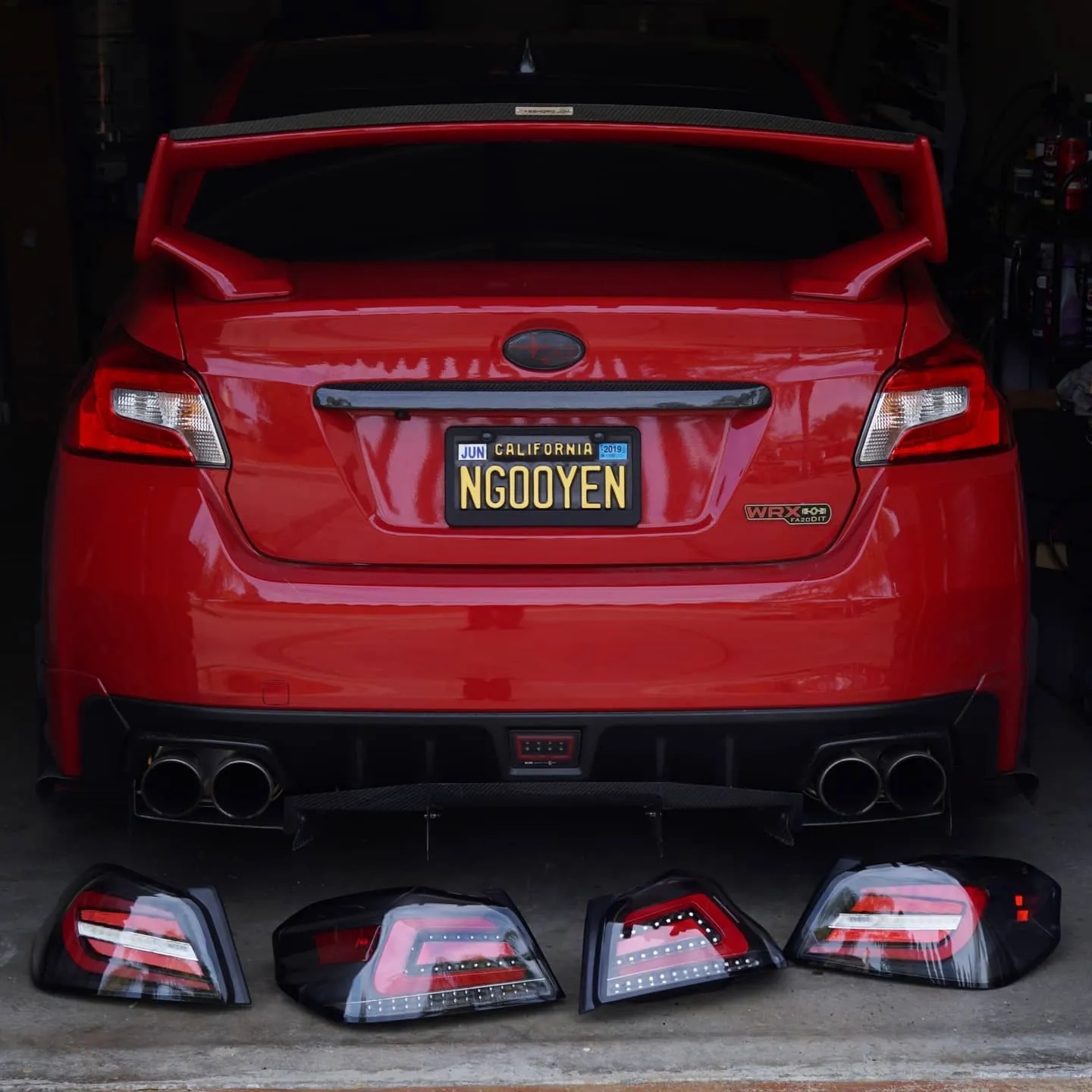
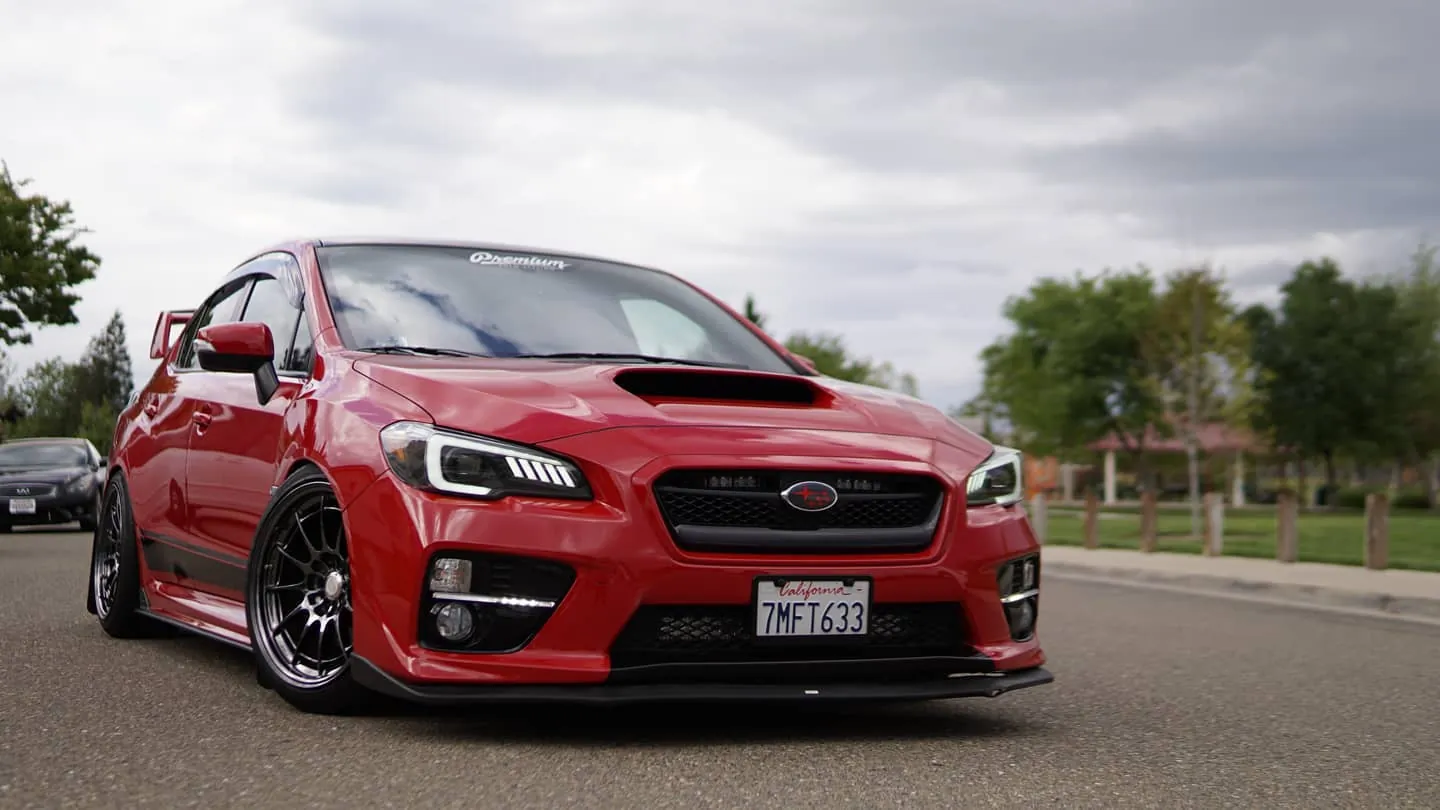
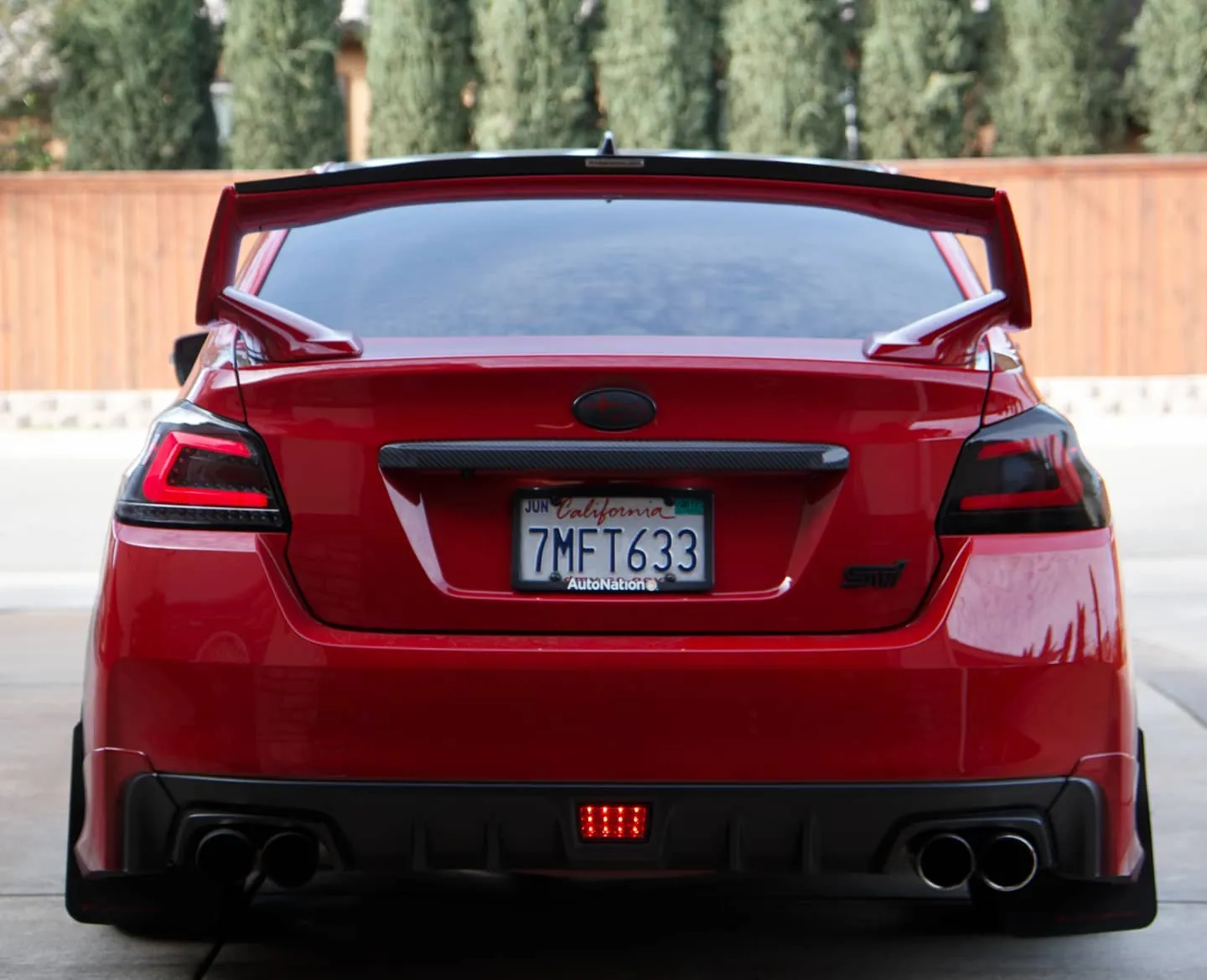
Photos from @ngooyen on Instagram. Follow for more.
Full transcript
Show the full transcript (331 lines) +
0:00It's new with, with the Android head unit. This is the 7.1, what kind of features does it bring,
0:04how does the user interface, if you have the old one, should you upgrade and if you don't
0:08have one already, should you go get, get it.
0:10Let's find out.
0:11With the Android 7.1, I can immediately tell the whole user interface is revamped.
0:23A modern yet simple feel that just feels everything feels very contemporary.
0:27The system doesn't come with any bloatware, as you expect.
0:30Check out these apps.
0:31They're pretty much the ones you come with.
0:33Just Google any Google Android system.
0:36There are some cool apps on top of it
0:38that is really tailored for cars.
0:41Of course, you want a radio app.
0:42That's not usually in a regular set.
0:45So let's check out the radio.
0:47And if you can see the interface,
0:48it's just nice and simple.
0:51Looks modern, clean, doesn't look very tacky.
0:54My old Android head unit from a year ago,
0:57It looked kind of tacky, it didn't look smooth,
0:59and kind of looked like a bad programmer did it.
1:02one actually design and looks very professional which is a huge
1:06plus now let's move on to other apps like the music app again very
1:10clean this is how it looks like if you guys were gonna buy it this is I need a
1:15doctor and it has a little album art that spins this is I actually really like
1:20that so it's a nice touch and if you go through the settings you can you can see
1:23there's a bunch of options you can use because you can plug in your USB flash
1:28drive you have your micro-USD and on top of that you have internal storage too
1:31And on top of that, you have internal storage too,
1:32if that was, something you were trying to look at.
1:34So speaking of software, I'm happy with it.
1:38You can tell it looks clean,
1:39looks the home interface works well.
1:42Now, when you're thinking of software too,
1:44when it comes to cars, a lot of people ask about,
1:47what about the steering wheel's controls?
1:50You're gonna be very happy.
1:51The steering wheel's controls works,
1:53and there's a bunch of functions baked in.
1:55So let me just scroll through the settings
1:56and let me show you what kind of
1:58kind of crazy thing I'm talking about.
2:00They really up their game with this one.
2:03With the steering wheels controls,
2:05it's actually really intuitive.
2:06So I have to really go in depth
2:08because I know a lot of people ask about these questions.
2:11Because everything and,
2:12baked in very well and integrated,
2:14any button you press on your steering wheel
2:15will automatically start to show like,
2:17hey, what do you want this hotkey to be?
2:19So if you're very familiar with gaming keyboards,
2:21then you're gonna feel right at home here.
2:23So if I hit volume up, it says what do you want to do?
2:28Of course, this is all the hot keys you can do.
2:31A short click, I want the volume up.
2:33Right now I have a long click I has nothing.
2:35Maybe I want the thing to be, you know, go to,
2:37if I had long press volume up,
2:39it goes to the equalizer, GPS, mute, Bluetooth.
2:44Like you can do all this.
2:45Maybe you want Google voice to pit pop up,
2:48loud settings, you know, there's just so many
2:51Like things you can do which I really like I
2:56Say you know this is like they really outdid themselves with the programming of the software
3:02to you I don't know if it's Google made or whoever the creator of this app
3:06itself the head unit itself but it's really well thought out things I like
3:11about so you know on your regular stuff there's a mode in home my steering
3:16control for mode I have mode but I long press it goes to the home menu what
3:21mode does to by the way it just scrolls through your your sources
3:25so there is like video AVN which I don't have anything plugged radio music
3:33but if I if I long press the mode button on my steering wheel control it goes back to home so this is why I really like the settings some people like nobs and stuff right here because they want to like that's fine because my car has steering
3:46controls I don't really reach for nobs I guess it's so accessible to just, you know, up on your steering
3:52controls for volume up and down I do all the time it works well because this is
3:58an Android head unit that has built-in GPS you don't have to spend you know
4:03700 800 a thousand bucks from like the big companies like pioneer Kenwood this has
4:08GPS built-in to and this is offline like you don't need data has built-in GPS
4:13like any time I see would buy separately so here's the GPS it comes with now it
4:19works well of course it works like any other GPS so if you're familiar, familiar
4:23with any car GPS system it works nicely it has this 3d pretty much point of
4:27view and the animations and everything it looks sharp and clear and no complaints I
4:30It looks sharp and clear.
4:32I have no complaints.
4:33I don't use this one though.
4:35See changed to, because it's nighttime time.
4:37It changed to this theme.
4:40and, it's smooth, it's responsive.
4:43I have no issues.
4:44I do not use this one unless I don't have any data.,
4:47I'm always on hotspot mode,
4:49because I like to play
4:57my Spotify and all that jazz.
4:59So I use this app called Waze, you might not have heard of it, see how fast it loads? It's quick, right? But we'll get into hardware later.
5:00This is even smoother than the other app.
5:02And the reason why I like this is because it talks about where the police officers are, where there might be something on the road and things like.
5:08So if you guys don't know about Waze, you guys want to look up to it because this app
5:12will save you from, you know, a traffic ticket
5:16or even a stoplight ticket or traffic light ticket.
5:20Because it reports all that stuff from the users.
5:22It's really nice.
5:23I love going on road trips with this.
5:25I feel like it's like a radar detector built into this.
5:29And with a big screen like this,
5:30phone but a big screen like this it makes the interface and accessibility and
5:35readability a lot easier so you can know things about more about the
5:39performance let's let me well without knowing the specs it's smooth it works
5:44well I have ways Spotify and a music lyric app on top of things and it
5:49still runs fine. I took a trip to San Francisco and for two hours road trip
5:56you know it gets hot right but it didn't get hot it didn't you feel hot it didn in
6:01slow down it was running like a champ with all those apps running at the
6:04same time and ways Spotify and that music app running especially any GPS
6:08app that takes a lot of memory and I'm really surprised that it worked
6:12without a hitch. Now that being aside hardware let's hear about it it
6:18uses an RK 1.6 gigahertz A9 quad core processor so the processor is pretty
6:25good it's similar to my last year's model I never had issues with my last year's
6:30model this year's even better the heatsink they use cools it like a
6:35champ you know you want great passively cooling there's no fans or anything they
6:39just have a really fat heatsink which I like as far as RAM it did come up for my
6:44last model I had a 1 gig now it's 2 gig that way I can multitask a lot better
6:47and things just feel a lot more fluid Ram's important to me I know a lot of
6:51people like 2 gigs it uses a 2 gig Samsung DDR3 and it it just flies it
6:56just flies really nice look at that low Spotify it has ways Spotify and
7:00It has ways, Spotify and ways have a built-in thing,
7:03so it has everything running at the same time.
7:06So you can have ways in Spotify on the same screen.
7:08So when you're GPS and you can be singing and all that,
7:11it's just well integrated.
7:13And it's more like an Android thing,
7:15but still like, to have Android on your car head unit,
7:19that's something else, I'll tell you.
7:21Other than that, hardware, touch screens responsive,
7:25no issues with that.
7:26And if you guys like RGB stuff,
7:28There's these lights are RGB my previous model. It was just red my other model. It was just white
7:31previous model it was just red my other model it was just white but this
7:35one's RGB you can change to any color you want so if you're
7:38big onto computer parts you know everybody loves RGB RGB is
7:43red green blue and it's in there let me show you guys real
7:46quick because if you don't know what I mean you pretty
7:51much give it my interior to you know red you green you got blue and you got you know show mode
7:59pretty cool huh so I'll match any interior you pretty much give it my interior
8:02I'll match any interior you pretty much give it my interior I mean if you guys
8:07are look watching this one specifically you probably have a
8:10if you don't whatever look at that red matches the whole theme right but for this
8:19do this just to demonstrate the RGB or on hardware let's talk about this screen
8:26my last year's model I'm gonna be honest the screen wasn't the best it had high
8:32resolution but it had really bad viewing angles the passenger said that the
8:36colors were inverted so anything that I I saw looked pretty good anything they
8:40saw it looked inverted that means they can't really use ways they couldn't
8:45help me out but with this screen any angle you're pretty much set yeah it looks
8:51like they're using an IPS panel this time and it's freaking bright I
8:55don't really have issues with the screen not being bright enough because it's
8:59just really you can see during the day very clearly if for those who use the
9:00you can see during the day very clearly if for those who use the sunglasses I had
9:06issues on my other one where it would look like this when I'm head straight so
9:11that's a really big plus for me because I use sunglasses a lot and if you're
9:15trying to look at your head unit you don't have to tilt your head look at it
9:18and it's still you know working which is important and the resolution of course is
9:43almost double the pixel of like your your Kenwood your yada yada yada but that's
9:49not the whole story it's all about the colors and I'm saying like this looks
9:53like an IPS and these colors pop so I'm really happy about that so if you're
9:59looking to upgrade it from an older model like I had this the last model
10:00model like I had this last model definitely was probably like a TN panel
10:04this is going to be like an IPS with great viewing those great color
10:08reproduction I'm very happy let me just go over some apps because you know I
10:13know you guys want to see what kind of apps are baked in Spotify and Pandora
10:17those are apps I downloaded of course they don't come but
10:21you can download any apps and you definitely want to download apps not like
10:24you know your OEM units where you're like I don't care about iHeartRadio or
10:28this and that navigation radio music these are all things you know file
10:33browser DVR what's that DVR is if you have a USB dash cam you can have it or
10:41just a USB camera you can use it as your dash cam I don't have that so I
10:45can use it but it's a good thing if you want like a dash cam built-in AVN is
10:52there's a bunch of composite cables in the background so that red white and
10:58and yellow cables for your PlayStation 2 or you know your Nintendo Wii or whatever
11:02you want to use DVD players you can plug that in right straight up
11:05gallery's pictures of course I think there's like a you know probably get
11:09some Chinese person in here I don't know what I don't know what this
11:13video but there's a picture of whoever assembled it thank you that
11:19is it connect that's an app a lot of people like to use because some you guys
11:24don't have hot spot but you can use and droid or
11:29on sec that's it
11:30but you saw there's Android and you can use it through USB or you can use
11:33Android Wi-Fi that's that's just it just mirrors the screen same with
11:37iPhone so if you guys don't have hot spot or you want just display your
11:41net you have a bunch of videos on your iPhone or something like that you can
11:44actually share the mirror the screen it's pretty self-explanatory and also touch
11:49does work on the screen so you can fly it through Instagram no problem I'm not
11:53going to show that it's really self-alternate it's just really simple
11:57to use steering
11:58steering wheel controls amplifier for those who want to look how it looks this is
12:00For those who wants to look how it looks. This is how it is
12:04Pretty self-explanatory, just going through the calculator, install more apps, you know,
12:13you want to install those nice apps, maybe they're not legal or not, so you got it, things
12:19aren't on the play store.
12:23Followed by these things, pretty much your go-to, and then I go, that's your GPS.
12:27DAB plus, if if you live in Europe or somewhere else, you can buy an HD module
12:32to getHD radio basically.
12:34I don't have that car team that same thing
12:36if you wanna buy like your own sensors.
12:38Of course this doesn't read on my car's set of sensors
12:42but it's there if you like it.
12:45Music matches my lyrics apps
12:47because I love listening to music.
12:51Of course I don't wanna get hit by copyright
12:55but you can have the lyrics pop up pretty much.
12:59it's in here there you go so it it does this thing let's go through the settings
13:09because you know you when you get something you get a new toy you want to
13:13look at the settings a little bit allalright Wi-Fi new drew you know you're
13:18boy Nuguyen and that's not how you pronounce it but you can call me Mr.
13:22Nagayan Nugyen that's cool display let's go check that out real quick this is
13:27with the Lyric apps, go away. Brightness level, you can get from eye, like you can bleed your eyes at night to, you know, regular, let's just night display so you can, when you have your dimmer switch on, you can control the brightness, so I have it pretty much right there, because of course you don't.t super bright at night, wallpaper, you know, touch assistive, all pretty standard stuff, you can make things look bigger or not, again, that's 7.1, it just looks clean and I really like the simple design, so let's get
13:32your eyes at night to you the night display so you can when you have your
13:37dimmer switch on you you can control the brightness so I have it pretty much
13:41right there because of course you don't want a super bright at night
13:43wallpaper you know touch assistive all pretty standard stuff actually
13:50make things look bigger or not again that's7.1 it just looks clean and I
13:54really like the simple design so let's get out
13:58here notification let's go sound so you can have key tone that's pretty much if
14:05pretty much if you like to have you like look like the you know when you press a
14:10button it turns on. I actually have the sound on off right now because I think
14:13music's playing. Probably by volume. You know these are all pretty much what
14:21you what you see is what you get. Element we were looking at earlier this is for
14:25your panel lighting. I like yellow, but we're having an RGB mode right now, okay.
14:32looking good looking good two gigs of memory with all the okay I'm running a
14:40crap ton of apps am I not let's go check it out I'm running Spotify music
14:45amplifier gal I'm running a lot of stuff right now and right now how much
14:52RAM am I using my the man about a gig am I being very inefficient yeah but it can
15:00handle it so whatever going through the specific settings navigation and stuff
15:08you can there's just a bunch of stuff there's like I'm good too much into
15:13navigation driving settings is something that you guys might like, you can watch
15:17a video while you're driving check that if you're not if you know you
15:20might be more if unchecked that extra settings these are kind of cool so you
15:26know how a lot of people tell me like hey you know the startup time on the
15:30Andrew had you know it's a little bit long it's honestly it's not that long
15:34but people say that's the number one thing they complain about and do I'm like as soon as I start I start my car
15:39I put my seatbelt in and whatever I'm about to like put in reverse and drive off it's already running
15:44don't be tripping but some people are just like you can choose how long the unit
15:51stays into sleep mode I have an hour because when I get in and out
15:55let's say if I go to somewhere to eat and I come back out it's it basically ready to go
16:01instantly so let me just show you that real quick so if you turn off your car it
16:09turns off cool and then let's say open the door close it blah blah blah come back.
16:16It's already ready to good to go see it didn't have to boot no long boot here and
16:22also if you guys are throwing in reverse, let me just throw that out there.
16:25If it's even loading like the Andrew screen if you throw in reverse it
16:29automatically shows the reverse screen so you don't have to worry about it
16:30shows the reverse screen screen so you don't have to worry about it loading up when
16:34you're trying to reverse.
16:35For those who have the reverse on the screen.
16:39Yeah, extra settings, chock full of good stuff.
16:43Allow music to play automatically
16:45when the USB or SD is inserted.
16:48Cool, check that.
16:51Steering with controls, we already touched on that.
16:53And let's look at these tablet status.
16:57Here's the model if you wanna update, 7.1.2.
17:02you know, honestly security. Security is actually really important
17:06if you do have the older firmware you're more prone to having things get hacked
17:10or your information leaking so having the latest android there is a benefit
17:15besides having that 64 you know bit architecture you also have
17:20better security and a lot of people love security obviously because you
17:24get better peace of mind more information on the stuff bill number
17:29stuff like that if you're trying to hack it and put custom ROMs
17:30If you're trying to hack it and put custom ROM the ROMs, which a lot of people do, here's
17:35So, if you're into that, it's there, I used to be into that, maybe I will be, but
17:42I'm so happy with the unit as is, I'm not trying to like, you know, do stuff, to it.
17:48In factory settings, there is a password, I think it's 1, 2, 3 or something.
17:56Okay, it's not 1, 2, 3.
18:01One, two, six.
18:06Mm. One, two, six.
18:07So if you guys got this head unit, it's one, two, six.
18:09Ooh, kind of secret menu.
18:11So these are a bunch of other settings like that.
18:13Car logo. Oh, that's cool.
18:17Initially, the default is like Android, which looks like this.
18:22And there's a bunch of car manufacturers, and you can get your own one if you want your custom.
18:27So the default one is this Android.
18:30So when you turn on your head unit, it shows Android,
18:33you know, Accra, Alfa, Merrill, Audi.
18:37If, I don't know, there's just so much, okay?
18:41Of the course, my car's a Subaru.
18:43Maybe I want to put my own user custom icon.
18:46It's there.
18:48But let...
18:49Just stick to Subaru, okay?
18:51Here's some radio, I'm not presets,
18:53but radio stuff for the bands.
18:56I'm in the the US, so I'm using something something to 107 voices.
19:04So I guess if you want to have things individually sound louder than the others, here it is.
19:09Bluetooth should be a little bit louder because for some reason Bluetooth is always a little,
19:12a little bit quieter.
19:13So it's a 14, I haven't touched these settings, these are all stock.
19:17CAN bus, again, bunch of stuff, I haven't really touched it, more stuff, and more stuff, it's
19:33like I said if it pertains to you there it is
19:37now I hit you guys with a lot of information it's no secret
19:43that's the beauty of the system though there's a lot of things to
19:47learn I'm not saying it's hard to use but it's one of
19:51those things that it's easy to get into but if you want
19:55to master it and have every single thing it's there for you you know it's not holding
19:59your hand too much when it comes to you like
20:00much when it comes to you want like hey you're not allowed to do this you don't
20:04like that think about when you they restrict you do a lot of stuff this you
20:07can go crazy but it is very easy to use I'm like oh man again the steering
20:13controls that thing is awesome so what's the final verdict right the final
20:24verdict you already know this is a really good union I'm no stranger when it comes
20:28to Android units and I see the evolution this is so good it's so smooth
20:30androhead units and I see the evolution this is so good it's so smooth
20:34yes panel that's what really allowed me the colors, the viewing angles
20:38such a step up good job good job and the apps and the way it looks
20:42so professional the music I'm not ashamed to use the radio app I'm not ashamed
20:46the steering there's just so much stuff going on that I just everything
20:50is just such a big upgrade and I mean check out the RGB
20:54now for those who's curious about the install this is so easy to and install
20:58plug and play literally you just take this out
21:02if you have a WRX an STI a Forester
21:06you know or you know anything like that you guys should get this even more
21:10it's plug and play
21:14of course plug and play
21:18it's plug and play it's
21:24plug and play
21:29of course if you have the Harman Kardon the newer units
21:32If you have the Harman Kardon on the newer units,
21:34you might get an amp.
21:35But if you don't have a Harman Kardon, it works.
21:38My Harman Kardon, it works.
21:39Anyways, go get this unit.
21:41links in description below there's me I love the song too by the way and the
21:46lyrics I don't I've been on the low mmm it's like a karaoke bar in here with that
21:52I'm signing off this is such I'm so glad I had this unit makes my car look 10
21:58times better
Machine-transcribed from the full-length video and lightly cleaned (product names fixed). Watch the video for exact wording.
Next step


