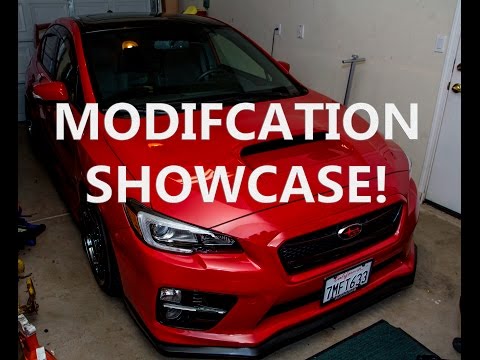
Digital TV Tuner for a Dasaita Android Head Unit: Subaru WRX Install
John plugs a Dasaita digital TV tuner into the labeled TV-tuner port on his WRX head unit, powers the dual antennas, scans for channels, and warns you not to watch this while driving.
All Subaru WRX / STI 2015–2022 head units I've installed →
- Also see: Dasaita WRX / STI / Forester redesign
Full video (7 min): TV in a CAR?! | Android Head Unit · John's YouTube channel
Get the parts
- WRX / STI / Forester Android head unit (Amazon link from the description)Buy ↗
- Universal Android head unit (Amazon link from the description)Buy ↗
- USB adapter for WRX/STI 2015 (Amazon link from the description)Buy ↗
- USB adapter for WRX/STI 2016+ (Amazon link from the description)Buy ↗
- Dual-antenna TV tuner on AliExpress (link from the description)Buy ↗
As an Amazon Associate I earn from qualifying purchases. Some links are affiliate links.
Yes — you can install Dasaita on the The tuner plugs into the TV-tuner port on the back of the Dasaita-style head unit (he calls out the port labeled for the tuner) with a 7 min DIY job. John plugs a Dasaita digital TV tuner into the labeled TV-tuner port on his WRX head unit, powers the dual antennas, scans.
Overview
John adds over-the-air digital TV to the Android head unit in his WRX. The metal tuner box has AV, USB/mini-USB, antenna, power and an LED; the dual antennas need their own 12V (red accessory, black ground). He pulls the head unit, plugs the box into the port labeled for the TV tuner — it clicks in — powers the antennas, and runs a channel scan. Channels come in with usable quality and some lag he is not bothered by. He is clear that the driver should not watch this on the road: it is for passengers or for hanging out with the engine off. The AliExpress dual-antenna listing is first in the description, then Amazon links for a WRX/STI/Forester unit, a universal unit, and the 2015 / 2016+ USB adapters.
Vehicle & fitment
- Product
- Dasaita (or compatible) digital TV tuner box with dual antennas that plugs into the TV-tuner port on the Android head unit
- Shown on
- Subaru WRX / STI / Forester (the Amazon head-unit link in the description is for those cars; John is in his WRX)
- The tuner plugs into the TV-tuner port on the back of the Dasaita-style head unit (he calls out the port labeled for the tuner)
- The description's first Amazon product link is a WRX / STI / Forester head unit, then a universal version
- John says this is for passengers or for sitting in a parking lot with the engine off — not for the driver on the road
Always confirm fitment for your exact year and trim with the seller before buying.
Tools & parts
Tools
- The usual radio-removal tools to slide the head unit out far enough to reach the rear ports
Parts
- Digital TV tuner box
- Dual TV antennas with a 12V lead
- Android head unit with a TV-tuner port
Video chapters
Step by step
- 1
The tuner box and antennas▶ 0:00
John shows the metal digital-TV tuner (AV, USB / mini-USB, antenna, power, LED) and the dual antennas, which need their own power.
- 2
Plug into the TV-tuner port▶ 1:14
He slides the Dasaita-style head unit out and plugs the box into the port labeled for the TV tuner. It clicks in cleanly, which keeps the wiring simple.
- 3
Power the antennas▶ 1:59
The antenna lead has a red and black wire. He takes accessory power for red and ground for black, then fires the unit up.
- 4
Scan for channels▶ 3:12
From the menus he runs a search. Channels come in; quality is fine and there is some lag he is not worried about. Volume is whatever the station is broadcasting.
- 5
Don't watch this while driving▶ 5:00
He repeats that the driver should not use this on the road. It is a passenger or parking-lot feature. If you do not like over-the-air TV, you can skip the box.
Wiring notes
- Tuner box plugs into the head unit's labeled TV-tuner port. Dual antennas need accessory 12V (red) and ground (black).
Get the parts
- WRX / STI / Forester Android head unit (Amazon link from the description)Buy ↗
- Universal Android head unit (Amazon link from the description)Buy ↗
- USB adapter for WRX/STI 2015 (Amazon link from the description)Buy ↗
- USB adapter for WRX/STI 2016+ (Amazon link from the description)Buy ↗
- Dual-antenna TV tuner on AliExpress (link from the description)Buy ↗
As an Amazon Associate I earn from qualifying purchases. Some links are affiliate links.
FAQ
What vehicle does this head unit fit?
It is shown for the The tuner plugs into the TV-tuner port on the back of the Dasaita-style head unit (he calls out the port labeled for the tuner). The description's first Amazon product link is a WRX / STI / Forester head unit, then a universal version Always confirm your exact year, trim and factory audio with the seller.
How long does the install take?
John's full video is 7 min. Plan on that much time for a careful DIY install, plus extra if you are new to dash work.
What tools do I need?
Tools called out in the guide: The usual radio-removal tools to slide the head unit out far enough to reach the rear ports.
Does it support wireless CarPlay or Android Auto?
Check the product listing for wired vs wireless CarPlay / Android Auto before you buy; John shows what worked in the video.
Where do I get the parts?
Use the buy links on this page for the unit and any harnesses John used. Some links are affiliate links.
Is this beginner-friendly?
The guide breaks the job into 5 steps with timestamps into the video. If you can remove trim panels carefully, you can follow along.
Find your car
Compare every CarPlay head unit I've installed in this car, or find your car in the CarPlay Upgrade Finder.
John's Subaru WRX
More photos →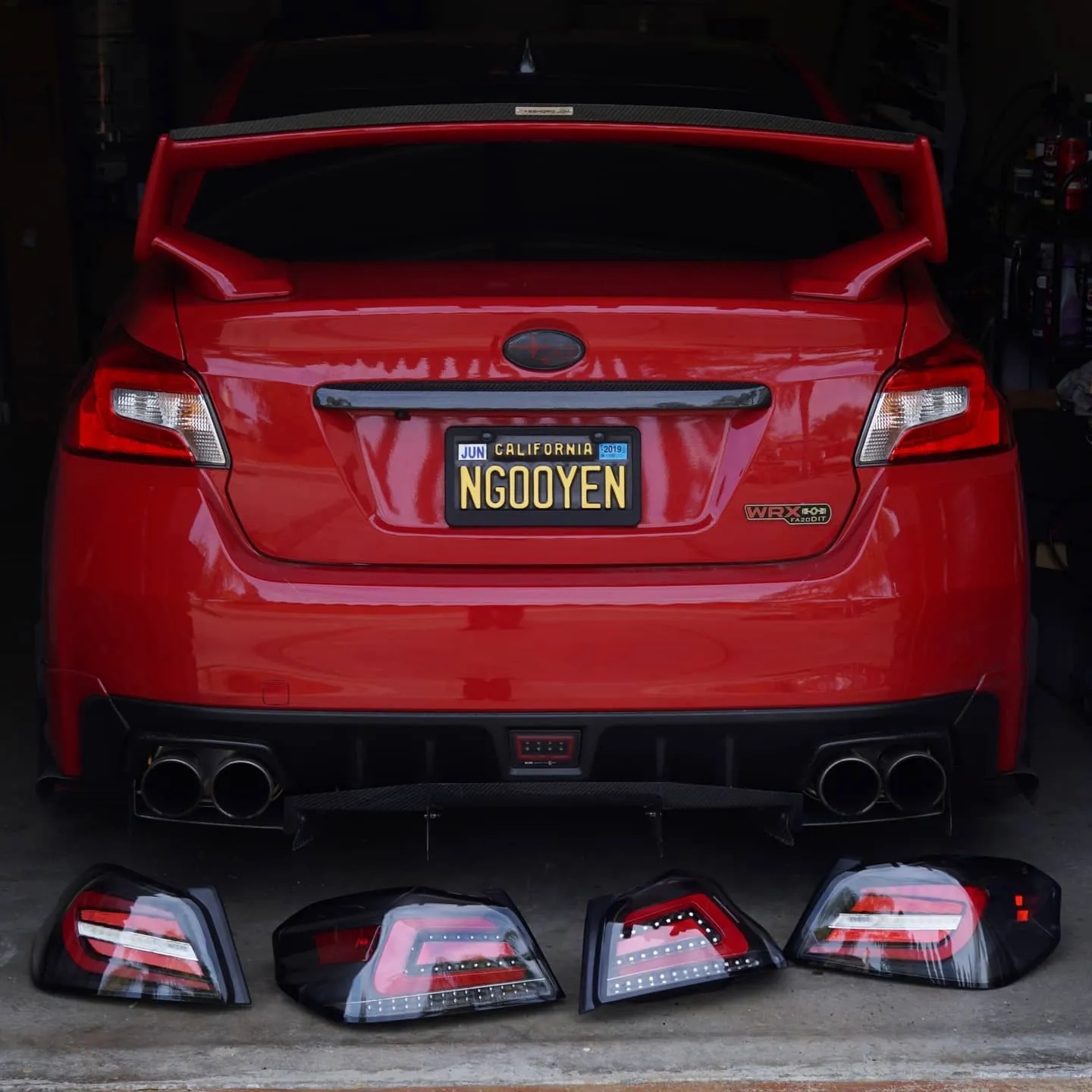
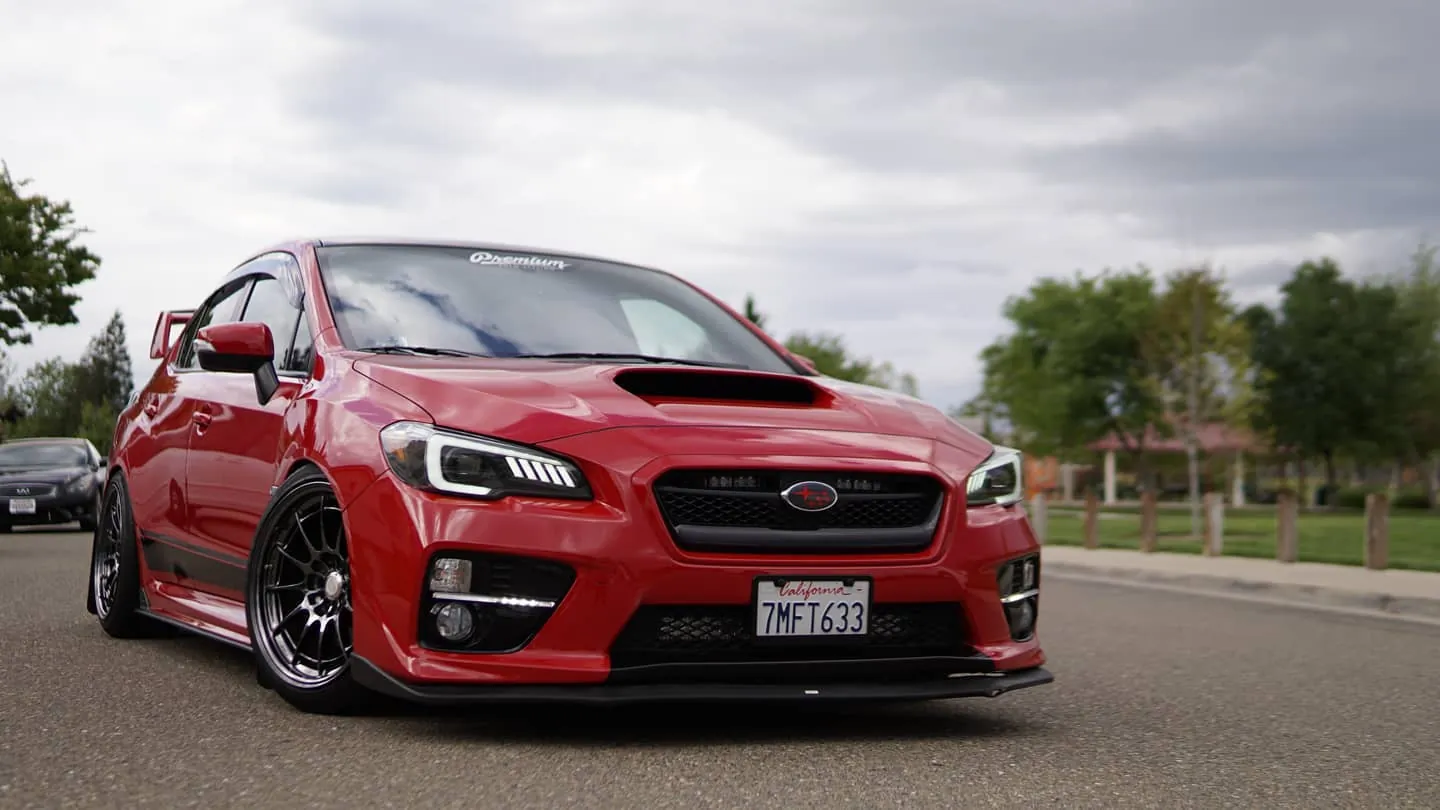
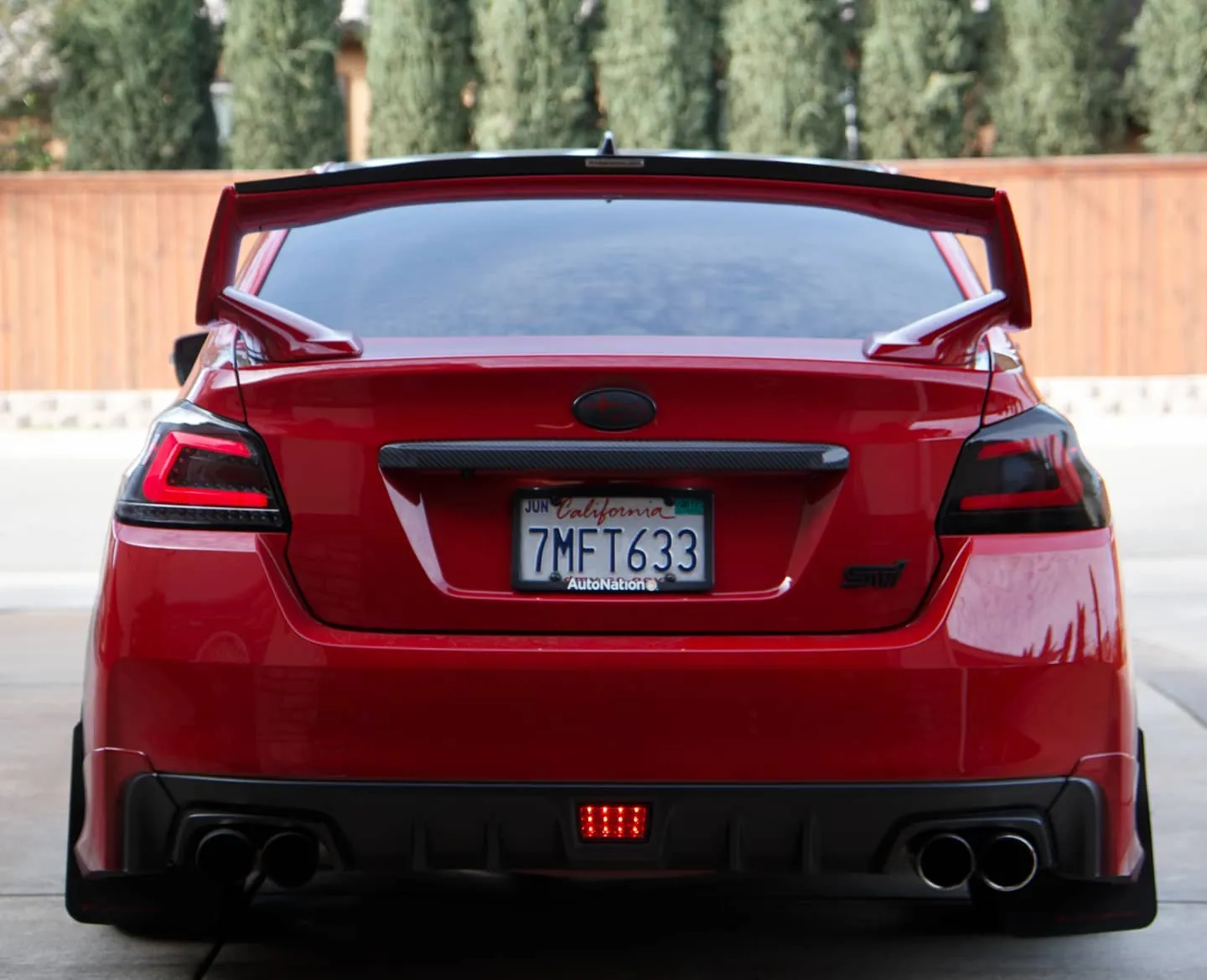
Photos from @ngooyen on Instagram. Follow for more.
Full transcript
Show the full transcript (68 lines) +
0:00Alright so for the end of this video what's kind of cool is you can have a
0:05car digital TV tuner and watch TV over the air. So let's just go it just
0:13just go over here. One-handed is not easy my friends and there is the TV tuner.
0:23You guys get a good look at this. Wow nice piece of metal. Looks like you have
0:30metal looks like you have some inputs see VBS audio USB looks like a mini USB very cool on this side you have antenna power and an LED let's set that down
0:57down here Wow so this looks like it's the antenna we were looking at earlier some pretty beefy antennas with some power going through it and some kind of harness oh because this is by the pi
1:01So this looks like it's the antenna we were looking at earlier
1:05Some pretty beefy antennas with some power going through it and some kind of harness oh
1:14Because this is by the Dicita the Sada
1:18You can plug it directly into the back of the head unit making wiring a lot easier
1:23So let's get to it. Oh, so I took the head unit out. It's simple enough guys
1:29All you have to do is plug it into the TV tuner
1:33Which is labeled right here TV tuner is definitely going to be E which is going to be this one by the thing
1:40So let's get that's just do that real quick
1:46By the bing by the boom
1:49It clicks in so beautifully
1:52And now we have this box
1:56ready to go
1:59Let's screw in the antenna, but I believe the intent is gonna need additional power
2:01But I believe the antenna is gonna need additional power because there is a black and red wire.
2:12So we're gonna probably get some power from somewhere and we should give it a
2:18fire up. So plugging in was great. I also had a power the antenna so I just got
2:24the ground from the red black wire and then the red for the red wire pretty
2:29simple enough. Ground is black. This red one is accessory. So let's get this unit a
2:35unit to fire up and see how it goes all right so looks like I have some signals I went to the menus and I hit search and it's pretty much just scanning everything I have to see if
2:52it's compatible so very interesting very interesting indeed it's been about a minute or two and I'm just gonna loud to keep on looking for some channels and hopefully it finds some channels for me to watch something because that would be great alright so
3:12after searching and stuff it has all the channels with volume I don't want to hear it but the quality is actually
3:28really nice it is an HD receiver so you're getting stuff like 1080i I guess it's down sampling it to whatever but it's still TV so don't expect too much from it but yeah let me just go through
3:31HD receiver so you're getting stuff like 1080 I guess it's down sampling it to
3:36whatever but it's still TV so don't expect too much from it but yeah let me
3:44Just go through the menus and stuff.
3:46EPG shows like the program guy,
3:50which is kind of nice to have.
3:51You can see a bunch of information.
3:53Yeah, you can just cycle through, the comment and stuff.
3:56Laugh TP, see what this is.
3:59Well Wilson, you can wish on a date.
4:03stuff right there so yeah I can see how this could be useful if you're like really bored or something or Alan and on your lunch break and you just want watch TV when you don't have Wi-Fi or whatever just
4:18one of us and watch some TV I guess you can like certain episodes nicer episodes but certain things you can only see on TV like sports and like NBA it's that's something to keep in mind up another thing I still notice that this menu is really cheesy and
4:30So that's something to keep in mind up.
4:31Another thing I like to notice
4:33that this menu is really cheesy and outdated.
4:36so if you look at the UI,
4:38it just looks like it's not the best,
4:41kind of clean look and it's also not the most responsive.
4:45So when I click on the menu, you see how there's like a lag.
4:49Same when I go to listing, it just takes a hint.
4:55Now I'm not really used to it being that slow.
4:59So, you see how laggy it is?
5:00See how like lag it is not a big deal, deal but I mean in this day and age
5:06It shouldn't be this laggy. Now if you can tell that certain channels are
5:11depending on your signal
5:14Just like the back in the day
5:17I'm actually in my and it's not getting the best signal
5:23So some channels are gonna have that that is to be expected
5:28So depending on where you mount your antenna, it's actually really important if you want to get the best quality
5:40concludes it depending on what you want this might be something you guys will like there's just more options of course I have to clean everything up and make it look nice but I think this is a really cool alternative especially if you have kids
5:55or something and or just for your own entertainment having options for more media outlets and definitely something that to be had well that concludes it thank you guys for watching you guys
6:11we're looking at purchase something like this links down below if you guys are looking to purchase this head unit also look down below both these products for bite are by asada and you know they're doing it they're doing it good a lot of options remember there's sepia TPMS extra USBs
6:29there's this thing TV tuner DVR to record like if you don't have if you have a dashcam you want recorded through here they have their own dash cam units so you can have everything being powered by your head unit so it's very
6:32DVR to record like if you don't have it if you have a dash cam you want to record it through here
6:38They have their own dash cam units so you can have everything being powered by your head unit. So it's very all in one
6:46It's a cool unit definitely so check it out
6:48It's the TV tuner and I just have it right here because I'm just kind of you know ghetto fixing it right now
6:54But check this out. It's a cool product and you know, you can't say. Say no to options
7:00It's never, if you don't like it, you know,
7:02get it but if you do like it, get it. It's good to have option guys. Anyways, options,
7:10options, options, that's it. Peace out guys.
Machine-transcribed from the full-length video and lightly cleaned (product names fixed). Watch the video for exact wording.
Next step