Dasaita Head Unit Redesign for the WRX / STI / Forester
John reviews Dasaita's redesigned WRX / STI / Forester Android unit: tighter bezels, curved corners, capacitive RGB buttons, 1280×600, and a plug-and-play install. CarPlay still needs a dongle on this model.
All Subaru WRX / STI 2015–2022 head units I've installed →
- Also see: Dasaita universal octa-core review
- Also see: Dasaita digital TV tuner in the WRX
Full video (6 min): Android Head Unit: Underrated? | Redesign | Dasaita · John's YouTube channel
Get the parts
- WRX / STI / Forester Android head unit (Amazon link from the description)Buy ↗
- Universal Android head unit (Amazon link from the description)Buy ↗
- USB adapter for WRX/STI 2015 (Amazon link from the description)Buy ↗
- USB adapter for WRX/STI 2016+ (Amazon link from the description)Buy ↗
- Dasaita Amazon storefront (short link from the description)Buy ↗
- Dasaita store (link from the description; code JOHNNGUYEN is 8% off)Buy direct ↗
- AliExpress Dasaita listings (link from the description)Buy ↗
- Dasaita CarPlay USB dongle on AliExpress (link from the description)Buy ↗
CodeDasaita coupon code (8% off) — JOHNNGUYEN
As an Amazon Associate I earn from qualifying purchases. Some links are affiliate links.
Yes — you can install Dasaita on the Dasaita's redesign in this video is specifically for the WRX, STI and Forester with a 6 min DIY job. John reviews Dasaita's redesigned WRX / STI / Forester Android unit: tighter bezels, curved corners, capacitive RGB buttons, 1280×600, and a plug-and-play install. CarPlay still needs a dongle on this model.
Overview
John looks at Dasaita's 'new wave' redesign for the WRX, STI and Forester. The front has less bezel, tighter curved corners, and capacitive buttons with RGB (solid or cycling). Resolution stays 1280×600 — better than the 800×480 he associates with typical aftermarket decks. The vent/trim area is blacked out instead of the older silver surround; the front microSD slot moves to the back, which looks cleaner but is less handy. He thinks the unit is underrated, performance has been solid, packaging is good, and the install is plug-and-play. This model still needs a separate dongle for Apple CarPlay and Android Auto. The description leads with the Dasaita store, then Amazon links for a WRX/STI/Forester unit, a storefront, a universal unit, and the 2015 / 2016+ USB adapters; an eBay search rover and AliExpress dongle are also listed. Amazon product links are first here.
Vehicle & fitment
- Product
- Dasaita redesigned Android head unit for WRX / STI / Forester, 1280×600, capacitive RGB buttons, microSD moved to the rear
- Shown on
- Subaru WRX / STI / Forester (the redesigned Dasaita unit in this video)
- Dasaita's redesign in this video is specifically for the WRX, STI and Forester
- John says the install is plug-and-play and user-friendly
- This model still needs a dongle for Apple CarPlay and Android Auto (AliExpress dongle link in the description). USB adapters are listed for WRX/STI 2015 and 2016+
Always confirm fitment for your exact year and trim with the seller before buying.
Tools & parts
Tools
- The unit is already in the car for this review; John calls the install plug-and-play
Parts
- Dasaita redesigned WRX / STI / Forester Android head unit
- Optional CarPlay / Android Auto USB dongle (required on this model)
- USB adapter for 2015 or 2016+ WRX/STI if you use the dongle
Video chapters
Step by step
- 1
The WRX / STI / Forester redesign▶ 0:00
John introduces Dasaita's redesigned unit for the WRX, STI and Forester. Less bezel, curved corners, and a more 2018 look than the older face.
- 2
Capacitive RGB buttons and 1280×600▶ 0:50
The buttons are capacitive and can sit on one color or cycle. Resolution is still 1280×600, which he contrasts with the 800×480 of typical aftermarket decks.
- 3
Blacked-out trim and the microSD move▶ 1:21
The vent/trim surround is now black instead of silver — a taste thing. The front microSD slot moves to the rear: cleaner, but less convenient if you used it often.
- 4
Will it still be current later?▶ 3:01
He talks through the usual worry that a head unit will feel dated in a year or two, and why the design refresh helps.
- 5
Plug-and-play, with a CarPlay dongle▶ 5:02
Install is plug-and-play and user-friendly. This model still needs a dongle for Apple CarPlay and Android Auto — the description links one. He thinks the redesign is underrated.
Wiring notes
- John calls the install plug-and-play. CarPlay / Android Auto on this model is a USB dongle, with separate 2015 and 2016+ USB adapters in the description.
- Dasaita checkout code JOHNNGUYEN is 8% off; confirm it still works.
Get the parts
- WRX / STI / Forester Android head unit (Amazon link from the description)Buy ↗
- Universal Android head unit (Amazon link from the description)Buy ↗
- USB adapter for WRX/STI 2015 (Amazon link from the description)Buy ↗
- USB adapter for WRX/STI 2016+ (Amazon link from the description)Buy ↗
- Dasaita Amazon storefront (short link from the description)Buy ↗
- Dasaita store (link from the description; code JOHNNGUYEN is 8% off)Buy direct ↗
- AliExpress Dasaita listings (link from the description)Buy ↗
- Dasaita CarPlay USB dongle on AliExpress (link from the description)Buy ↗
CodeDasaita coupon code (8% off) — JOHNNGUYEN
As an Amazon Associate I earn from qualifying purchases. Some links are affiliate links.
FAQ
What vehicle does this head unit fit?
It is shown for the Dasaita's redesign in this video is specifically for the WRX, STI and Forester. John says the install is plug-and-play and user-friendly Always confirm your exact year, trim and factory audio with the seller.
How long does the install take?
John's full video is 6 min. Plan on that much time for a careful DIY install, plus extra if you are new to dash work.
What tools do I need?
Tools called out in the guide: The unit is already in the car for this review; John calls the install plug-and-play.
Does it support wireless CarPlay or Android Auto?
Check the product listing for wired vs wireless CarPlay / Android Auto before you buy; John shows what worked in the video.
Where do I get the parts?
Use the buy links on this page for the unit and any harnesses John used. Some links are affiliate links.
Is this beginner-friendly?
The guide breaks the job into 5 steps with timestamps into the video. If you can remove trim panels carefully, you can follow along.
Find your car
Compare every CarPlay head unit I've installed in this car, or find your car in the CarPlay Upgrade Finder.
John's Subaru WRX
More photos →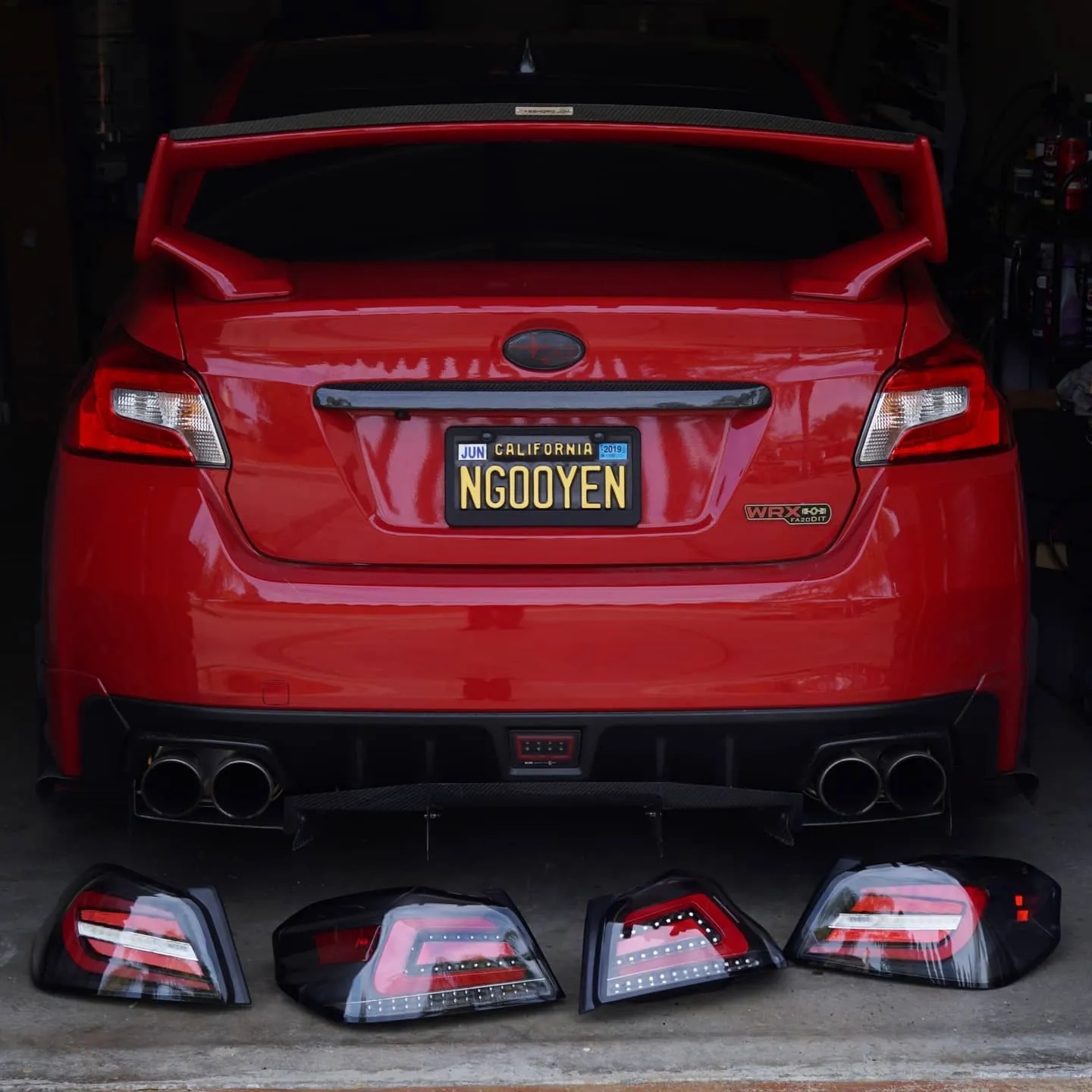
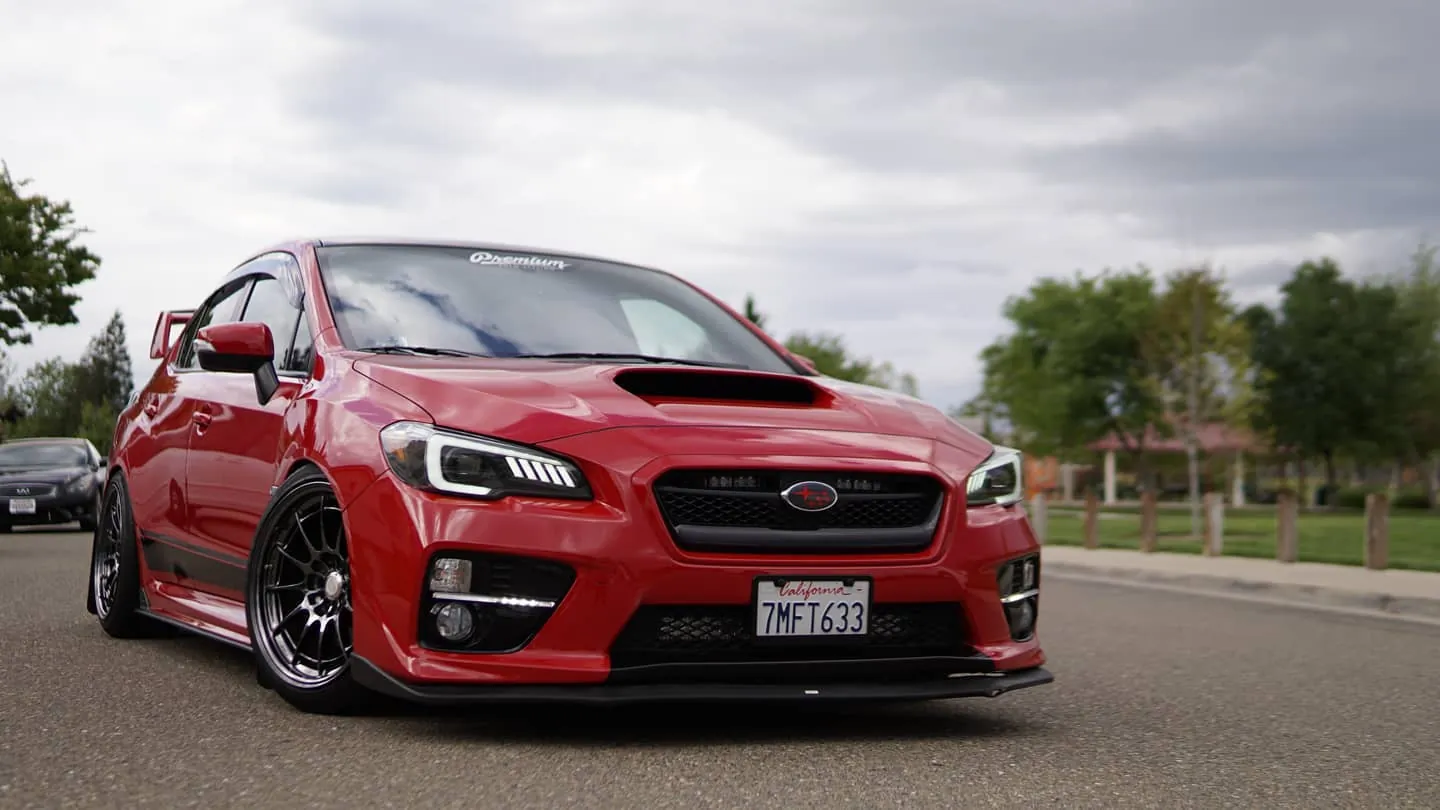
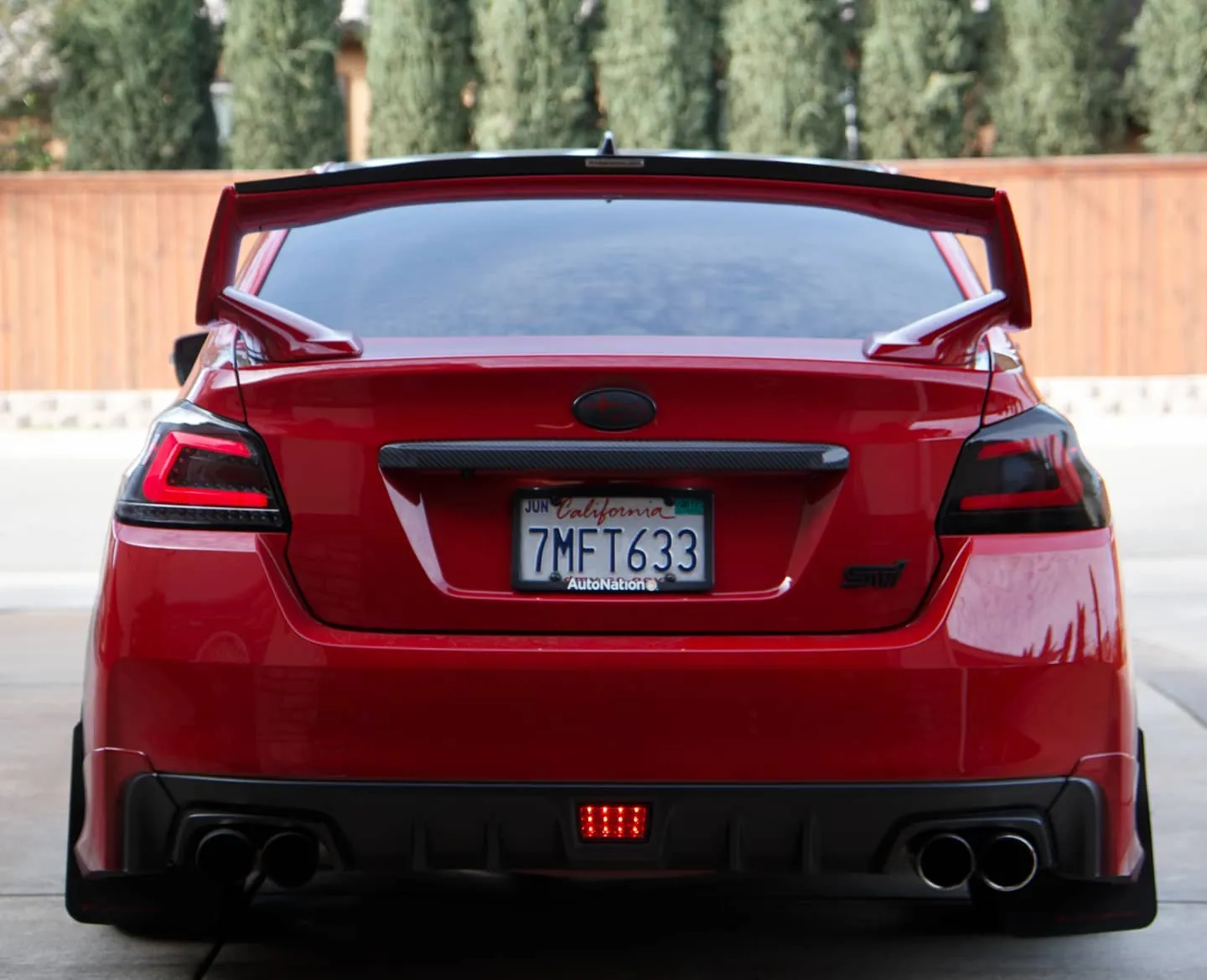
Photos from @ngooyen on Instagram. Follow for more.
Full transcript
Show the full transcript (87 lines) +
0:00Hey guys, it's your boy John back again with with another video welcome back to the Android corner today
0:06We take a look at the new wave of the Sada head units redesfined specifically for the WX STI and Forster
0:12Boom, this is the Android head unit
0:16The Sada came up with a pretty cool design. It's feeling more like a 2018
0:21Less bezel in the front. It's different the corners. They look fantastic the way they curve and shape around the light
0:30Elevating the look completely yet. Everything looks very contemporary
0:35That's a great thing with this head unit
0:38They're starting to get the iPhone slash Samsung curves around the corners
0:42I mean, they're still bezels but there's a lot less
0:45Before head unit, I expected some bezels because it's a head unit
0:50But I'm glad it's shrinking it makes a big difference the buns are super responsive and are capacitive
0:57RGB goodness here so you could pick any color or have it cycle through any color while you're doing it
1:02while you're doing it it just cycles. Resolution is still the same as the
1:06previous models but still better than what Alpine, Pioneer and other companies
1:11are offering. This is a 1280 by 600 versus your traditional what other
1:16aftermarket head unions are having 800 by 480. Now the vents are
1:21completely blacked out and some may like this sleeker look. Some may
1:25prefer the old silver round the trim a minor adjustment but it doesn't really
1:31matter after a while so it's a real deal. I mean if you like the silver round
1:37the thing thatís fine, that's fine if you like this more blacked out look it's
1:41pretty much the same. Now they also removed the micro SD in the front
1:46using a little micro SD slot and they moved it to the back which is you
1:51know it looks slicker but it is more inconvenient how many times did you use
1:55use that microSD card, depending on your own use case.
1:58I found it handy and convenient, but it's gone to the back.
2:02You know, it's it's gone to the back
2:05I'm glad it's still there though. And of of course there are still a bunch of inputs and outputs in the back
2:113x USBs Wi-Fi
2:13It has the GPS the RCA the reverse camera even the TV tuner tire pressure monitoring
2:19The list goes on when it. It comes to accessories and capabilities
2:25Now
2:26I've been using this units for a few days, and it's been fantastic
2:29The Sada is one of those few brands where they don't skip out on processing, you know the internals
2:31They don't skip out
2:35Everything feels smooth, slick, and it runs very well.
2:39I think you'll be very happy if you purchase this.
2:41And you're not going to be running into any issues later on.
2:44Especially because this unit is much faster than what, you know,
2:49Subaru puts into their heads.
2:51Now, it's been rock solid for a long time for me.
2:57day in and day out I've been using this and I never had a hitch. Now some might say
3:01Now you know some I say you know what about a year from now two years I heard this I heard that you know
3:07User stories or maybe you know, they just want to stick with tried and true. Basically, they want to stick with Pioneer and whatever
3:15That's fine. If you guys want to do that then do that
3:17But I've been using these head units and it's been great. It's a lot
3:21Faster than those other head units as well. I primarily use Google Maps and Google Google music
3:28To listen to my music while I'm using Android Auto
3:31Now, you know, I never felt the felt it once being slow. Remember, that's pretty intensive to have Google Maps and
3:39You know Google music running. I can have Google Maps and run YouTube
3:44It's that's more of an, intensive use case. I don't know if most most devices can do that
3:49But here it's running everything in a very high resolution
3:53For a head unit relatively speaking and it's been great
3:57Sound wise it's been great with the upgraded speakers. I have I have an amp and the Harman Kardon system
4:04And they do a good job filling up the space is it killer like the best of the best?
4:09No, but for 90% of people out there, it's gonna sound great
4:13Now if you're looking to buy this
4:16Links below on where to get it. It's a newer model
4:19So make sure you order quick because definitely it's gonna sell out and
4:24When they sell out sometimes they jack up the price
4:28This unit is completely plug-and-play for the 2016 WRX and STI and even foresters
4:34So if you guys are asking about reverse camera serial controls and all that mumbo-jumbo that
4:40You usually have to deal with with an aftermarket head unit and you know
4:43Stereo controls can cost 70 100 bucks something ridiculous
4:47This has a built-in so it has all the harnesses for you to get that working
4:51You don't have to worry about that same with of course the dash trim. It's built in you
4:56Don't have to worry about that GPS Wi-Fi Bluetooth everything is good to go here
5:02It's plug-and-play the install is very easy. You're covered and it's also very user-friendly
5:09There are our guides and guides like mine on YouTube that make it really simple
5:15Some people like it, you know, simple and I'm not an audio guy by any means
5:20So I'm not trying to diss the audio guys and try to take their job away
5:23But the install on this one is a piece of cake. You know required or anything like that
5:29Now install time should take you roughly an hour if it's your first time. I can do this less than 15 minutes
5:36So, you know, you can try to speed test you see if you can beat me
5:40But I've been doing this for a while. So don't expect you to be that 15 minute warrior now
5:45It's fun and rewarding just doing it
5:47So I would at least give it a try guys and if you don't like it, you know
5:51Maybe you should have an audio guy installed for you next time. Now. There's a lot of accessories
5:54I'll be taking a look at
5:56such as the tire pressure sensors TV tuners
5:59OB the two capabilities where you can use the torque app and such in the following days if you guys are interested
6:04These videos do take some time to make and I've actually been very busy
6:08So but I still want to create stuff out for you guys. So let me know
6:12Comment down below what you guys want to see and what might be the priority
6:16Let me hear your thoughts on this new design. Do you prefer this over the older one?
6:23What would you like to see guys?
6:25Anyways, until the next one catch you guys later
6:29peace
Machine-transcribed from the full-length video and lightly cleaned (product names fixed). Watch the video for exact wording.
Next step


