DDPAI Inexpensive Dash Cam Overview and Install (Subaru WRX)
Unbox, hide the power wire, and set up an affordable DDPAI dash cam in John's WRX (HomeLink / compass overhead console). He routes it stealthy, walks the Wi-Fi app, and says the footage is sharp for the price.
Full video (9 min): Sleek inexpensive Dash Cam Overview/Install · John's YouTube channel
Get the parts
- Search Amazon for a DDPAI dash cam (he said Amazon had it; no /dp/ link was in the description)Search on Amazon ↗
- DDPAI dash cam on Gearbest (link from the description; coupon CAR18OFF)Buy ↗
As an Amazon Associate I earn from qualifying purchases. Some links are affiliate links.
Unbox, hide the power wire, and set up an affordable DDPAI dash cam in John's WRX (HomeLink / compass overhead console). He routes it stealthy, walks the Wi-Fi app, and says the footage is sharp for the price. This 9 min guide covers the The car is not named on camera. The overhead HomeLink / compass console and A-pillar path.
Overview
John unboxes an affordable DDPAI dash cam — matte-black body, lens shroud, snapshot remote, USB leads, and a capacitor so it does not die the instant you kill the car. Install is the usual power-and-tuck job; making it look clean is the work. He hides the cigarette-lighter power point, fishes the cable up, and tucks it under the compass / HomeLink overhead so the camera looks more OEM than the factory HomeLink mirror's exposed wire. The phone app connects over Wi-Fi (he compares it to a GoPro), with albums, a 'camera on the road' social feed, brightness, snapshot-on-button, and a Chinese startup chime he turned down. Footage is sharper than he expected for the price, and it stays quiet and incognito. The description only lists Gearbest plus coupon CAR18OFF; he mentions Amazon has it too, but there is no Amazon /dp/ in the description, so the Amazon button is a tagged search.
Vehicle & fitment
- Product
- DDPAI (labeled DT PI / DDPI on the box and in the startup sound) inexpensive dash cam with Wi-Fi app, snapshot remote, and a capacitor that holds power after shutdown
- Shown on
- John's Subaru WRX (HomeLink / compass overhead console in the video; the car is not named on camera)
- The car is not named on camera. The overhead HomeLink / compass console and A-pillar path match John's WRX
- He hides power by taking apart the cigarette-lighter area and fishing the USB cable up to the header
- The description links Gearbest with coupon CAR18OFF. He also says Amazon carried it; no Amazon /dp/ link was in the description, so the Amazon button is a search
Always confirm fitment for your exact year and trim with the seller before buying.
Tools & parts
Tools
- Trim tool to pop the cigarette-lighter bezel and overhead console
- Fish tape or a stiff wire to route the USB lead
Parts
- DDPAI dash cam, USB power lead, snapshot remote, and a microSD card (not included in the shots)
Video chapters
Step by step
- 1
Unbox the DDPAI kit▶ 0:02
The box feels like soft, high-quality cardboard. Inside: a matte-black camera, a plastic lens shroud, a snapshot remote on a keychain, and USB leads. A capacitor holds power for a while after shutdown so the unit does not cut off instantly.
- 2
Plan the wire path▶ 1:54
Plan of attack: run the cable cleanly along the headliner and down to a USB power lead he already has in the glove-box area, then hide the cigarette-lighter power point.
- 3
Hide power and tuck under the compass▶ 2:32
He takes the cigarette-lighter area apart so power is stealthy, fishes the wire out of the metal box, and tucks it under the compass / HomeLink overhead. He says it is pretty easy on this car.
- 4
Installed look vs the HomeLink mirror▶ 3:29
Once it is in, the camera looks more OEM than the factory HomeLink mirror, which still shows a little exposed wire. From outside the car you can barely see it.
- 5
Wi-Fi app and settings▶ 5:03
The phone app connects over Wi-Fi, like a GoPro: live view, snapshots (from the app or the remote), albums, and a 'camera on the road' feed. Under settings he sets speaker volume (the notification speaker is quiet until you turn it up), snapshot-with-video, date overlay, and he finds the Chinese 'DDPI' startup chime annoying.
- 6
Footage and verdict▶ 8:34
After it has been running, there is no weird beeping. The footage is sharp for the price, and the camera stays incognito, which is what he wanted. Peace of mind if someone hits the car. He says it is a no-brainer and points to the description for the store link — he also mentions Amazon has it.
Wiring notes
- USB power from a hidden cigarette-lighter / 12V point, fished up the A-pillar and tucked under the HomeLink / compass overhead console.
- The description lists Gearbest coupon CAR18OFF. Confirm it still works at checkout.
Get the parts
- Search Amazon for a DDPAI dash cam (he said Amazon had it; no /dp/ link was in the description)Search on Amazon ↗
- DDPAI dash cam on Gearbest (link from the description; coupon CAR18OFF)Buy ↗
As an Amazon Associate I earn from qualifying purchases. Some links are affiliate links.
FAQ
What vehicle does this install fit?
It is shown for the The car is not named on camera. The overhead HomeLink / compass console and A-pillar path match John's WRX. He hides power by taking apart the cigarette-lighter area and fishing the USB cable up to the header Always confirm your exact year, trim and factory audio with the seller.
How long does the install take?
John's full video is 9 min. Plan on that much time for a careful DIY install, plus extra if you are new to dash work.
What tools do I need?
Tools called out in the guide: Trim tool to pop the cigarette-lighter bezel and overhead console; Fish tape or a stiff wire to route the USB lead.
Where do I get the parts?
Use the buy links on this page for the unit and any harnesses John used. Some links are affiliate links.
Is this beginner-friendly?
The guide breaks the job into 6 steps with timestamps into the video. If you can remove trim panels carefully, you can follow along.
John's Subaru WRX
More photos →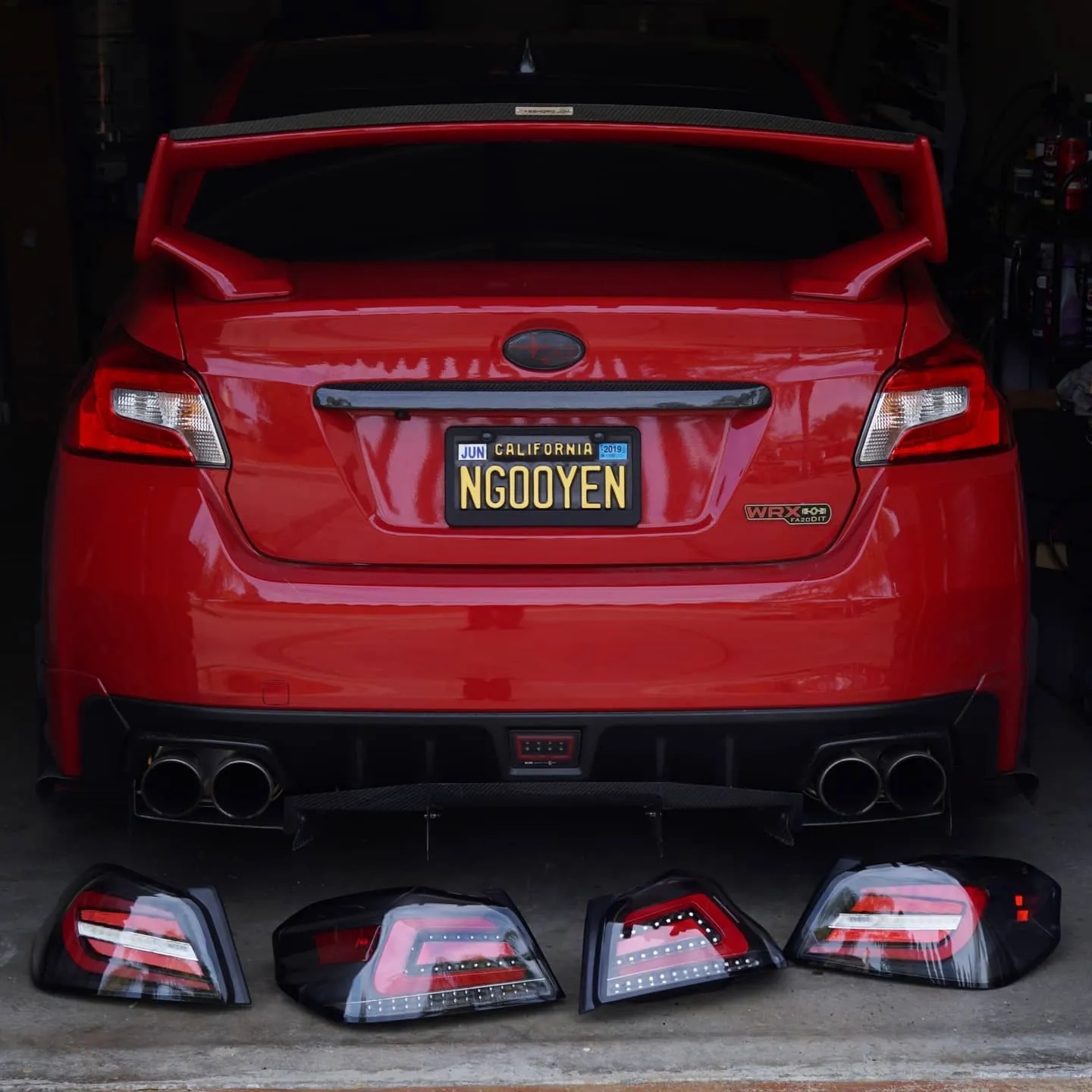
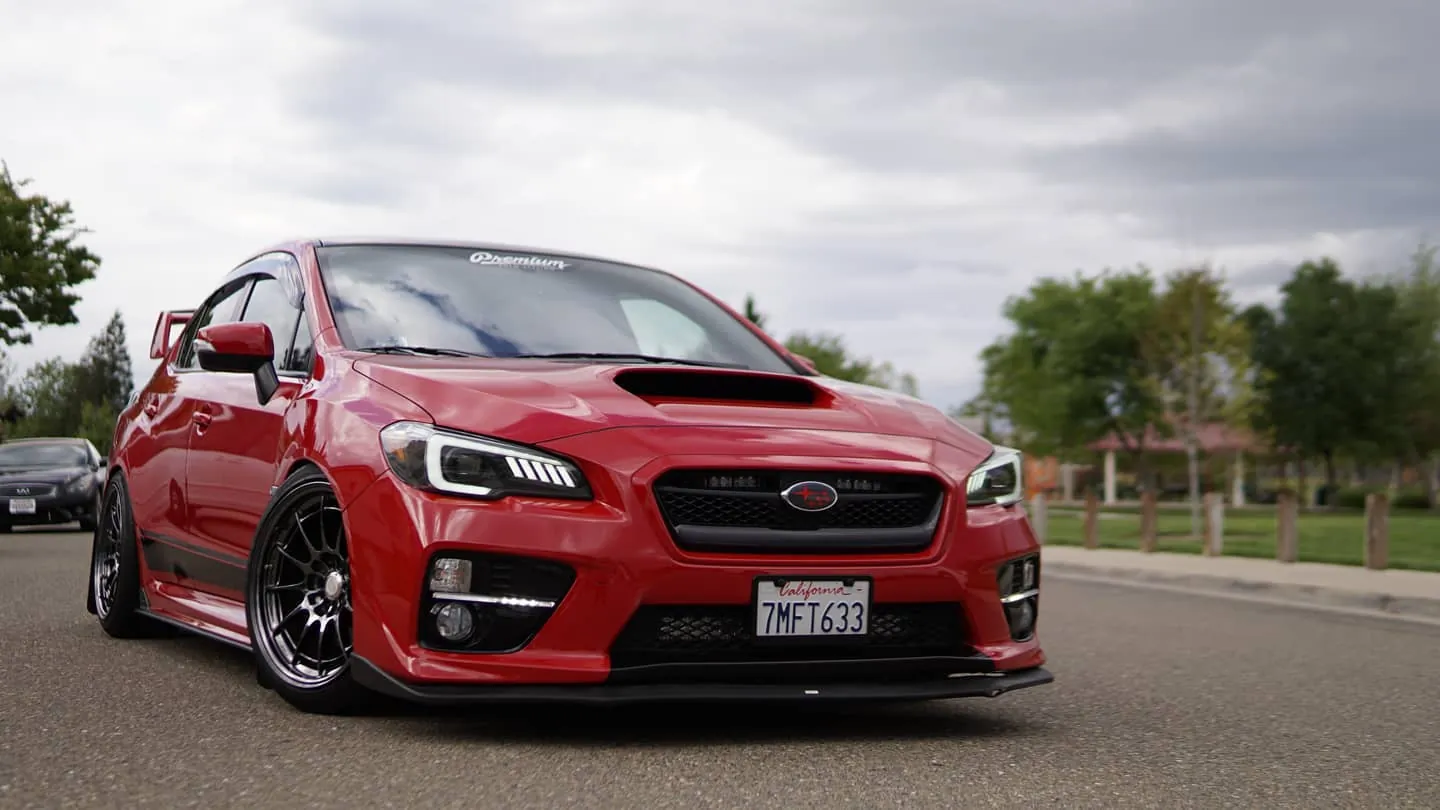
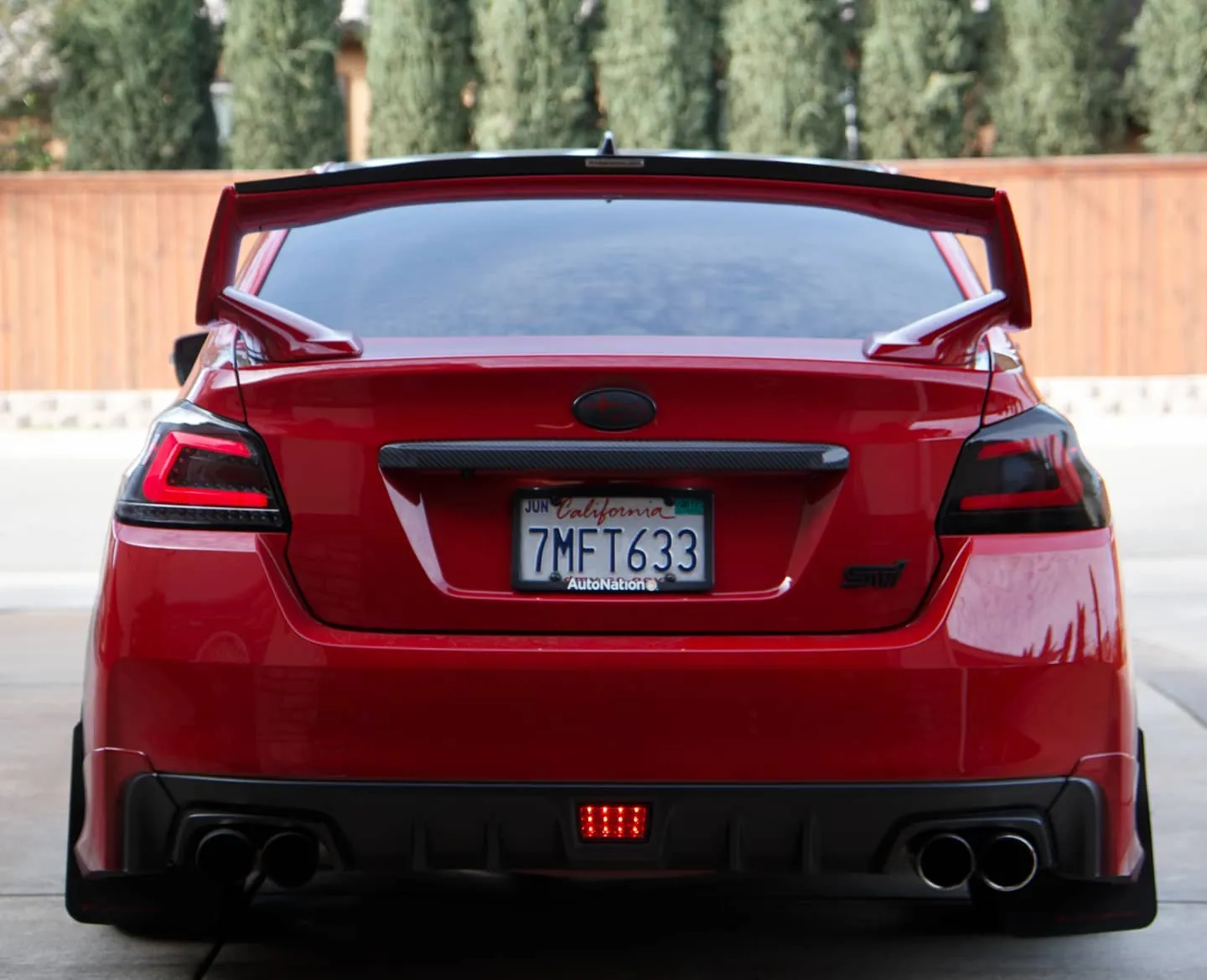
Photos from @ngooyen on Instagram. Follow for more.
Full transcript
Show the full transcript (78 lines) +
0:02all right look at this packaging by DT PI this is a dashcam that is really affordable off the bat the packaging is super nice this box material it's kind
0:19of like a softer like a high-quality I don't know but it feels like a really nice kind of cardboard feel almost velvety next off you have little flaps it has a really cool design looks like
0:35their logo right there something like it was that a man on a parachute okay but besides that I think there's a little home full of this is more information about their stuff what you guys came here to see is the camera
0:51itself and it's a nice piece it's matte black so no glossy fingerprints or ugliness gonna happen over there comes with a little plastic shroud to protect
1:07your lens for now and you also get this little button right here it's like a little keychain or wherever you want to put it to take snapshots up that's awesome
1:22additional wires are in here us bees in so forth but yeah here's the main unit let's get this in focus here's the main unit comes up the speaker and I believe
1:37there's a capacitors in your two so when you turn off something it's not gonna instantly power off it's gonna hold power for a while so you put the microSD card but yeah an awesome product and the
1:54packaging is just really nice plan of attack is obviously route the wire so it's nice and neat all the way over here back down and then there's a USB cable
2:11that I have in the glove box most likely we've got to take this piece off right here don't know how it should be pretty easy I ran wires over here previously it
2:27looks kind of messy but I'm tucking everything in so gotta make it look nice so the cigarette lighter that usually is right here basically we took it apart so I can have it hidden stealth that way I can power it on without any issues the
2:32So the cigarette lighter that usually is right here, basically took it apart so I
2:37can have it hidden stealth, that way I can power it on without any issues.
2:42The wire fished
2:45through here, coming outside this little metal box, this is the other side, and I'm just
2:49pretty much tucking it all the way up, it's pretty easy on this car.
2:55Alright, so I tucked all the wires underneath this little compass thing, where the home
3:00Underneath speck underneath this little compass thing where the
3:05home leak wires usually go and I just pretty much tuck the wires all the way over
3:12into this loop it goes right here crosses and I still haven't finished
3:19wiring it all the way but it's really stealthy just looks so clean the way I
3:29did it all right so dash cam is installed it's it's actually so again to recap it it's
3:30Alright, so dash cam is installed, it's actually, so again to recap, it's really
3:36easy to install this, it's usually just power it up, hook up the USB to that.
3:44Now making it look nice and clean, that's a different story.
3:51So I got it nice and clean wrapped up, yeah boy doing it big, making it look so OEM,
3:56it actually looks more OEM than the home link mirror.
3:59See now this is running through a little protected trim, I mean look at the home link
4:01little protected trim. I mean look at the HomeLink mirror man you can see a
4:05It's a little exposed wire,
4:07Y'ep oes, dad, looks better then OEM.
4:11This just looks clean.
4:12When you're driving,
4:14Look at that.
4:17Okay, you can see the dash cam.
4:20When you're outside the car,
4:22you can barely see it too.
4:23So let's get that going.
4:27Nice and
4:37there's just too much the DISA Vic right here in the camera it blends in so well that you can't even really tell so let's look
4:52at the apps so here is the app you have camera it's punching a little bit if camera on the road which is like a social media like what other people see you get your
5:03You have camera on the road, which is like a social media, like what other people see,
5:09you got your albums, you got me, which you can adjust your settings and stuff, and connect
5:19to a camera, so let's go connect to the camera, go to the camera, maybe just hit this
5:28play button, so it connects to the camera through Wi-Fi, kind of GoPro, so now you have
5:30So it connects to the camera through Wi-Fi.
5:33Kind of GoPro.
5:35So now you have the view of my dash.
5:37Can you do landscape?
5:39Yes, you can.
5:41You can see my phone within the camera.
5:47Nice.
5:48You can take pictures.
5:52You can take pictures, and you also have this little button it came it came with.
5:58If you are inclined to press, you can take pictures of this button too.
6:03it's up to you but it does auto record video the whole time now looking at more at the menu so you can get this bad boy in focus under settings now this is where the the meat and potatoes are
6:19camera settings John's Debbie Eric's obviously now you can set the car camera of all you to fifty to a hundred percent I said 250 you can probably turn it up I can barely even hear it can you guys hear that that's through
6:30you can probably turn it up, I can barely even hear it, can you guys hear that, that's through
6:35the speaker of that unit, so if there's any notifications or anything, it will tell
6:43you right there, so we turned it up to 57%, video with snapshots, so when you
6:51click on the button, it like basically puts a little time holder, let's just see
6:58what's under advanced settings, I mean I would want date and sound, date and
7:02time displayed, startup sound, it's kind of annoying, it's like DDPI blah blah blah
7:07every time it turns, you turn on your car, if it was some kind of Japanese voice,
7:11that would have been cool, but it's some Chinese voice, so here's the dash cam,
8:14so here's the dash cam oh wait you can't see it boom there's the dash cam it's
8:34so here's the dashcam oh wait you can't see it boom there's a dashcam it's been running really good it's no weird beeping or any weird sounds coming out of it it's been quiet and super incognito that I haven't really noticed
8:50that I had it which is what I really wanted now the footage is definitely pretty sharp for the price I didn't think it would be that clean for the price it was going for a links in description where you can get it from the main site or
9:02links in the description where you can get it from their main site or even
9:06Amazon they have it too, but it's been super nice and there's really no
9:10complaints and what's more important is it gives me a lot of peace of mind
9:15when I'm driving, just in case you know someone hits me or tries to
9:19pretend like you know runs into my car, I have that kind of footage to stop that
9:25kind of shenanigans, but other than that it's been real good
9:29good, real good, so that concludes it, peace out you should guys definitely
9:32So that concludes it.
9:34Peace out, you should guys definitely should get it.
9:41It's a no brainer.
9:45Peace out.
Machine-transcribed from the full-length video and lightly cleaned (product names fixed). Watch the video for exact wording.
Next step