Carlinkit Ai Box: Wireless CarPlay, Android Auto, YouTube and Netflix Through USB (Acura NSX)
Plug the Carlinkit Ai Box into the car's CarPlay USB port to get wireless CarPlay and Android Auto, plus a full Android system for YouTube and Netflix.
Full video (7 min): Netflix, Youtube, Wireless Carplay Enable Through this USB Adapter Device | Ai Box · John's YouTube channel
Get the parts
As an Amazon Associate I earn from qualifying purchases. Some links are affiliate links.
Yes — you can install This kit on the Plugs into the USB port where you would normally plug in your phone for CarPlay with a 7 min DIY job. Plug the Carlinkit Ai Box into the car's CarPlay USB port to get wireless CarPlay and Android Auto, plus a full Android system for YouTube and Netflix.
Overview
John always wanted wireless CarPlay and Android Auto in his NSX without replacing the whole factory system. The Carlinkit Ai Box plugs into the USB port like a phone and runs a full Android operating system that "tricks" the car, so you get wireless CarPlay and Android Auto through the AutoKit app, plus apps like YouTube, Spotify and Waze. Steering-wheel controls still work. Install is as easy as plugging in a phone, and he calls it the most reliable and stable Ai Box he has tried.
Vehicle & fitment
- Product
- Carlinkit CarPlay Ai Box: Android 12, Snapdragon processor, 8GB RAM and 128GB storage (per the video), wireless CarPlay and Android Auto through AutoKit
- Shown on
- Acura NSX (John's car, factory wired CarPlay system)
- Plugs into the USB port where you would normally plug in your phone for CarPlay (per the video)
- Shown on the Acura NSX; the car info screen reads it as a Honda / Clarion unit
Always confirm fitment for your exact year and trim with the seller before buying.
Tools & parts
Tools
Parts
- Carlinkit Ai Box
- Optional: SIM card for internet when you're not using CarPlay / Android Auto
Video chapters
- 0:00Introduction
- 0:18Introducing the car linkage
- 0:55Wireless carplay setup
- 1:42System navigation and apps
- 3:02System settings
- 3:57Device specs
- 4:38Video streaming
- 5:57Final thoughts
Step by step
- 1
Plug it into the CarPlay USB port▶ 0:47
Plug the box in through USB, the same way you would plug in your phone. It shows up on the factory screen; tap it to open the Android system.
- 2
Connect CarPlay or Android Auto wirelessly▶ 1:07
Open AutoKit, which handles wireless and wired CarPlay and Android Auto. Once set up, it connects while your phone stays in your pocket.
- 3
Navigate the system▶ 1:42
Use the floating button to go back to the main menu; music keeps playing. Steering-wheel controls work, including skipping songs. The "car" app goes back to the car's own menu.
- 4
Apps▶ 2:01
There's an APK installer for your own apps, plus Spotify, YouTube, Waze and a media player for videos and music.
- 5
Display and navigation settings▶ 2:21
Display settings let you hide the floating button. John keeps it because it disappears after a while and the box has no hard buttons. Pick your navigation app (he likes Waze).
Tip: Apps like Waze inside the box need a SIM card for internet. CarPlay and Android Auto use your phone's data instead.
- 6
Clarity and boot app▶ 3:13
A slider adjusts the video clarity (John left it at about 80% so it doesn't stutter). Set the boot-up app to open AutoKit so CarPlay or Android Auto starts every time you get in.
- 7
Android settings and specs▶ 3:57
Pull down from the top for Android-style settings like dark mode and themes. John's box shows 128GB of storage (112GB free), 8GB of RAM and a Snapdragon processor.
- 8
Wi-Fi and YouTube▶ 4:34
The box links to your phone over Wi-Fi, so using Wi-Fi on the box itself cuts that link. On Wi-Fi, YouTube runs like the phone app and looks sharp on the NSX screen (around 480p, adjustable to 720p).
- 9
Final thoughts▶ 6:02
Install is as easy as plugging in a phone. He compares it with a box that ran at about five frames per second; this one stays smooth and keeps up. It's small enough to tuck in the glove box or a storage spot.
Wiring notes
- Plugs into the factory CarPlay USB port; no other wiring.
Get the parts
As an Amazon Associate I earn from qualifying purchases. Some links are affiliate links.
FAQ
What vehicle does this install fit?
It is shown for the Plugs into the USB port where you would normally plug in your phone for CarPlay. Shown on the Acura NSX; the car info screen reads it as a Honda / Clarion unit Always confirm your exact year, trim and factory audio with the seller.
How long does the install take?
John's full video is 7 min. Plan on that much time for a careful DIY install, plus extra if you are new to dash work.
What tools do I need?
Basic hand tools and a plastic trim tool cover most of this install; see the Tools section for the full list.
Does it support wireless CarPlay or Android Auto?
Yes — wireless CarPlay / Android Auto is listed for this unit in the product copy John used.
Where do I get the parts?
Use the buy links on this page for the unit and any harnesses John used. Some links are affiliate links.
Is this beginner-friendly?
The guide breaks the job into 9 steps with timestamps into the video. If you can remove trim panels carefully, you can follow along.
John's Acura NSX
More photos →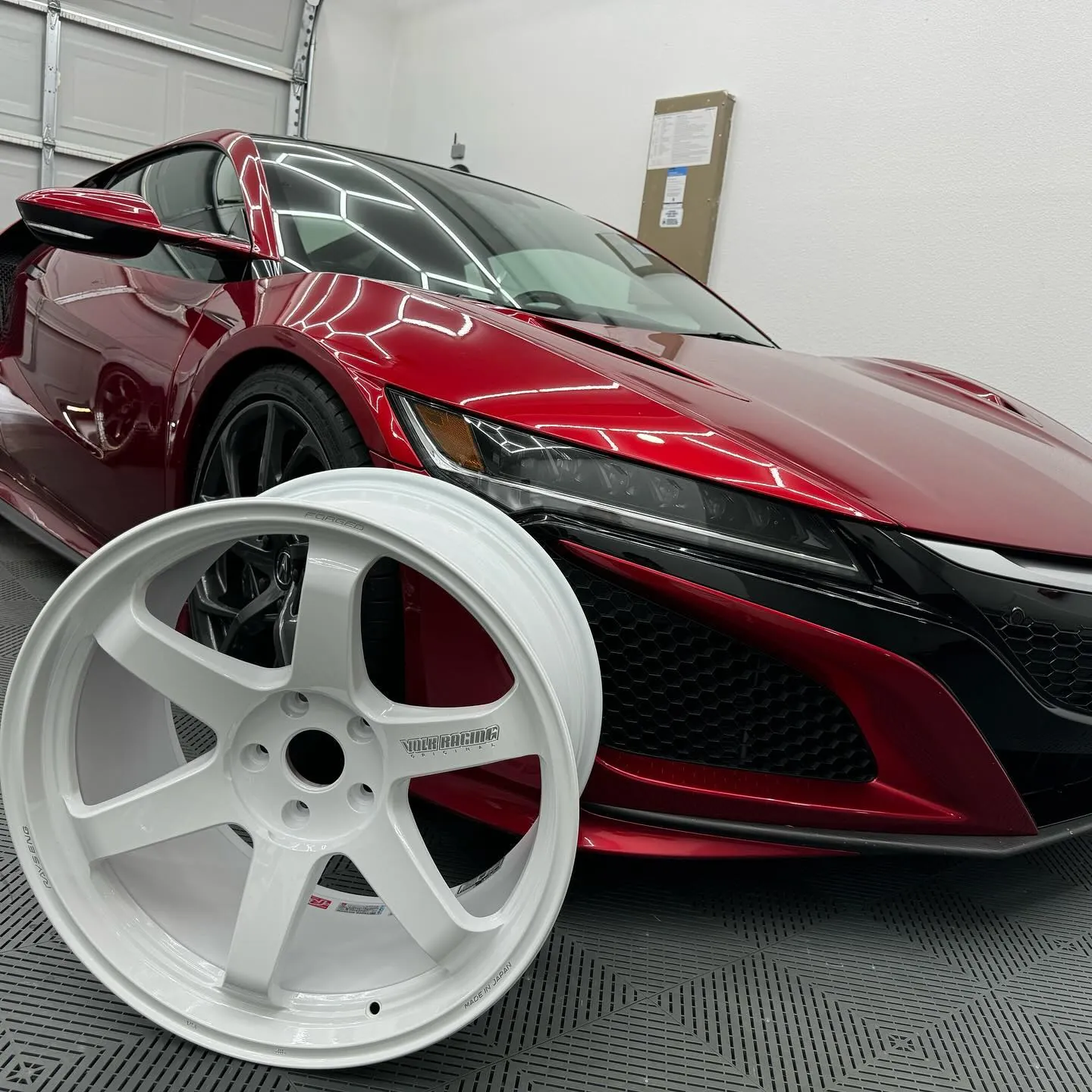
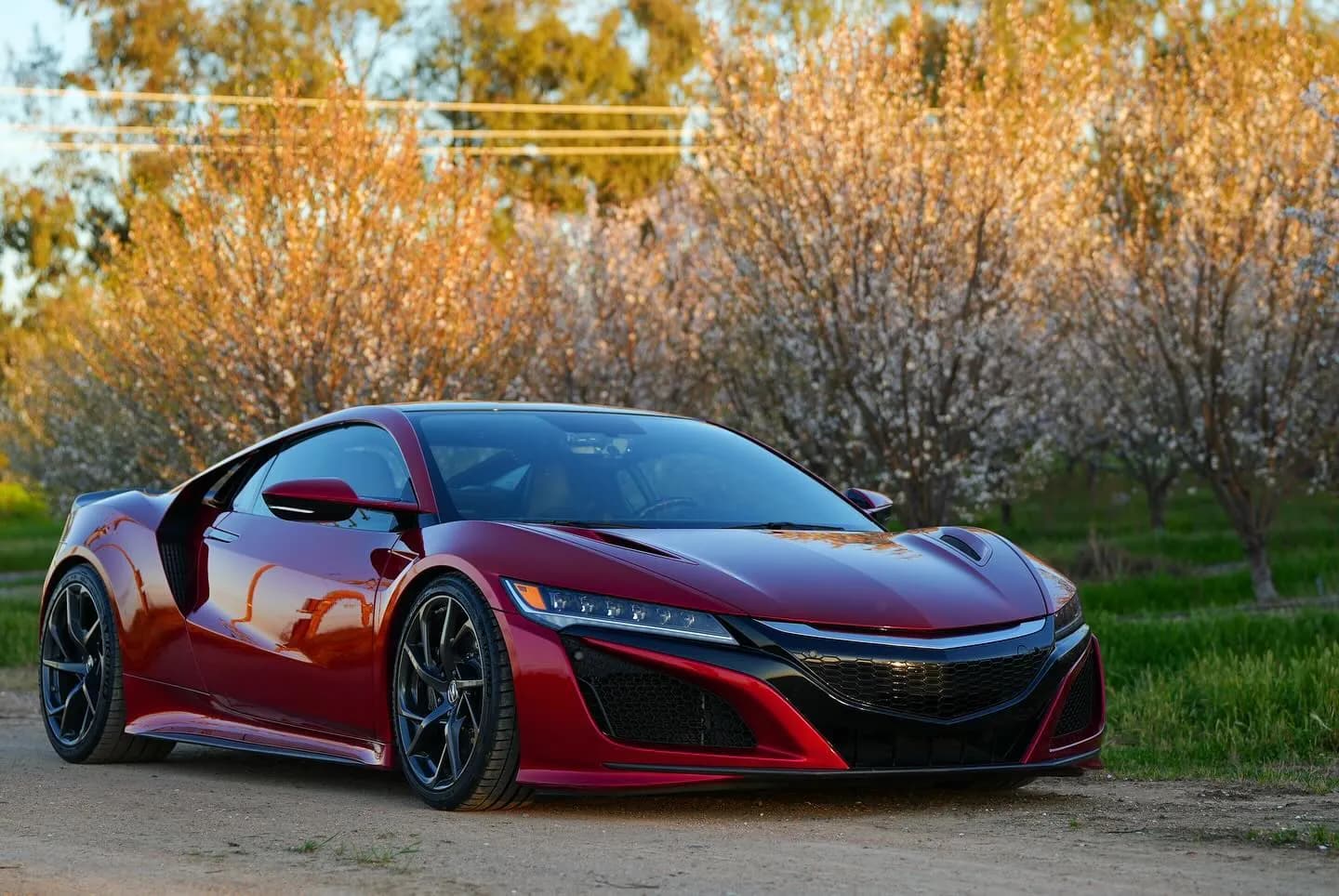
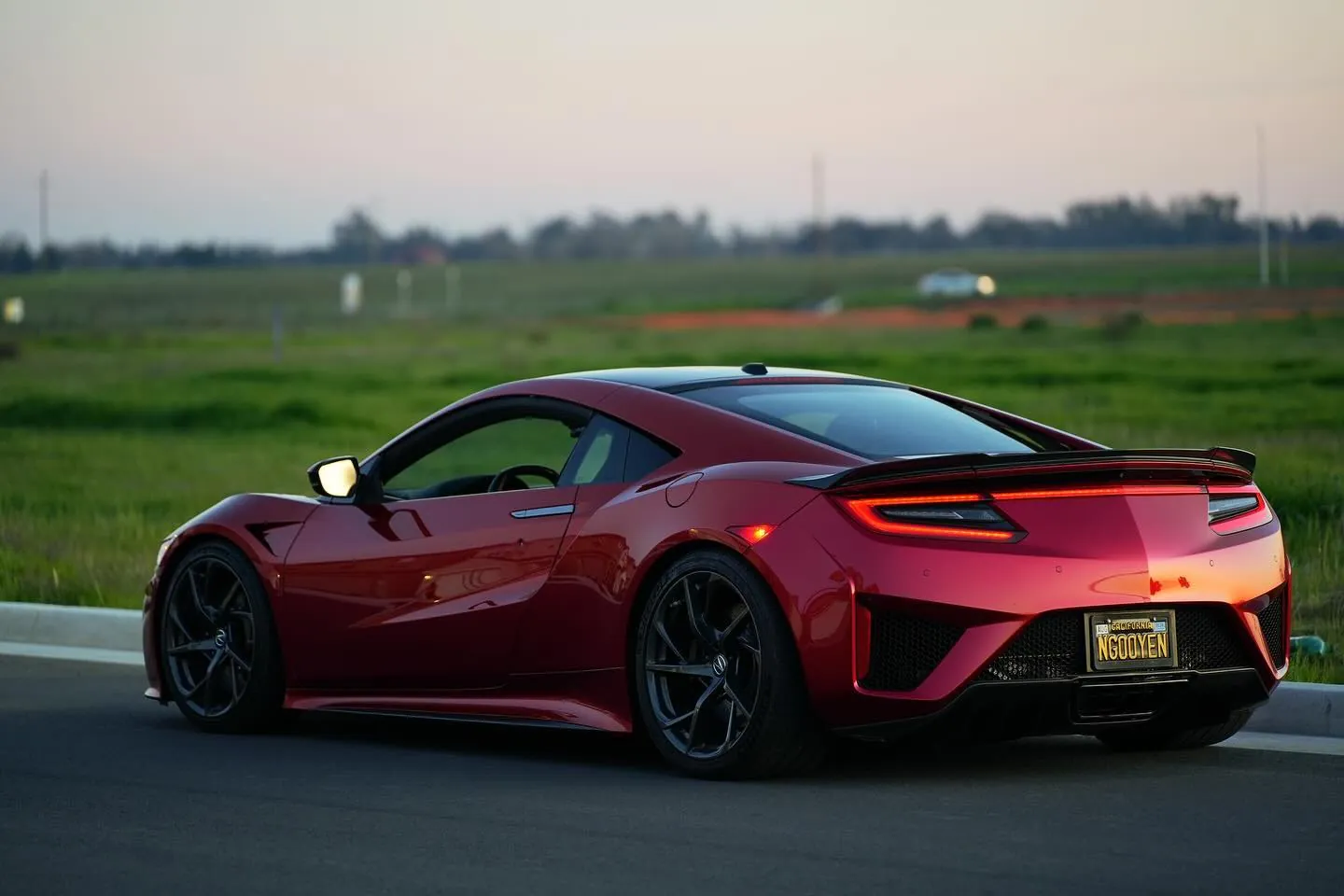
Photos from @ngooyen on Instagram. Follow for more.
Full transcript
Show the full transcript (90 lines) +
0:00What's up guys? It's your boy John. We back again here with another video today
0:04We're gonna be taking a look at the Acura NSX and I've always wanted
0:10Wireless Apple CarPlay and Android Auto. So I have been a little cool product that actually does that so let me show you
0:18Now we're taking a look at the Carlinkit. It's an Android box an AI box
0:23Now what is that now if you're looking to get wireless Android Auto and Apple Car play
0:29system, which I have right here
0:33Then you were pretty much stuck with changing your whole system because you wanted wired wired
0:38Also, if you wanted to watch YouTube videos or anything like that that was out of the question because because
0:43Your O em device preventing you from doing that with this little box right here
0:47it'sIt's super cool because you plug it in through USB. How you would normally plug in your phone and it would show up
0:59We click on it right here, and actually it's running in a whole Android operating system
1:07Off a USB so it tricks the device and now you can run Apple CarPlay and Android Auto through here
1:14Using Auto Kit, which I use wireless and wired. It's beautiful. It works great.
1:19Let me show you an example here boom. It's already in there. So yeah, this. This is Android Auto
1:27wireless like it's connected to my phone
1:30but
1:31Yeah, you just hop into my phone
1:33Hop into my car and my phone is in my pocket
1:36And I don't have to worry about anything like that in terms of plug it in which could be annoying
1:42Now use that little button to go back to the main menu
1:46Your music are still playing if you wanted and of course steering wheel control works
1:51Which is nice and you can skip the song with your steering wheel controls as well
1:55These apps are pretty self-explanatory car actually just goes back to the car main menu
2:01If you're curious about that APK installers you can install your own apps
2:05Which is nice Auto Kit was that car play and Android Auto is going settings. I'll go through
2:11Through him in the second Spotify YouTube ways
2:15I'll see a player. Is this a media player to play videos and music to
2:21Display settings if you want to get rid of this floating button
2:24This is where you get rid of it. I like keeping it on there because it actually disappears after a while
2:29And because there's no actual hard buttons on it
2:34It's just better these hard buttons are kind of meant for the actual OEM system
2:40navigation setup
2:42You can choose your navigation app
2:45which
2:48I
2:49Like using ways personally
2:51but
2:55Yeah you would need to have a sim card in there stuff like that to get the internet going on for ways
3:02Original vehicle settings now if you go a car just to back pedal a bit if you use car play and Android Auto
3:08You don't have to worry about sim card or nothing. It uses your data from your phone
3:13Optional vehicle settings you can use this
3:16Slider to adjust the clarity. It's already sharp from the looks like it's at 80%
3:21It's already sharp the way it is and I don't want it to stutter anything so perfectly finding the way it is
3:28Optional settings factory settings Google account access points names
3:34Bootup app that's important the important every time I
3:37Sit in this car it auto and Android Auto and Apple Carplay is what I use you can change that, to
3:44Whatever you want if you, want to boot a certain app go for it and then here's your version number
3:50Auto kit car info
3:53It says is a Honda some clarion usb's
3:57Very cool now if you're going to access a different setting settings you pull down from the tops and this will be more
4:03reminiscent of a Android
4:06Head unit or a tablet so you got I got a hundred twenty eight gigs
4:11112 free so I've plenty of storage
4:14dark mode themes and what not
4:18About how much storage does it have season a snapdragon processor?
4:23I'll show more the specs in the description if you're interested
4:28And and or 12 128 gigabytes and eight gigs of RAM that's actually a lot of RAM
4:34And that's beautiful now if we're gonna use Wi-Fi
4:41Keep in mind the way it links to your phone wirelessly is a Wi-Fi so it's gonna say hey
4:46if you're gonna use Wi-Fi on this device then it's kind of cut
4:51Which I want to do Wi-Fi on this device because I want to show you some features like the
4:57Like the YouTube alright have YouTube right here it
5:01it uses like a very mobile app like a phone app and
5:07Yeah, let's just click on something
5:10Of course there's some ads
5:12Clarity looks great really depends on your own system, but on this Honda slash accurate unit
5:18It is very sharp and I believe this is 480p. You can. Can change it
5:24to
5:25720 I'm not sure they'll make much of a difference on this display
5:30But yeah, looks good. So that's YouTube of course
5:34There's the passenger jet forced to audio
5:38So there's that and if I wanted it to go back hit this little ball right here
5:45Go home
5:49Like your phone
5:51Which is kind of cool. I don't know if I get that in focus
5:54But yeah, that's pretty much the Android AI box
6:00Super cool, it's
6:02Very easy install means like plugging your phone to charging it. It's incredibly
6:3210 minutes not 10 minutes ago, but maybe like 30 seconds ago and I'm running at like five frames per second
6:38This one very smooth. It's it keeps up
6:45So
6:46Engine kit sorry the engine turns on sounds mean. Yeah, so latencies have been issued this one from car Carlinkit
6:55amazing
6:56So I'll leave the links down below if you guys were interested in this product
7:00It's
7:02Pretty beautiful too and can fit into into any place
7:05In your interior so I can put this in the glove box or I can look in this car
7:10I have a little storage spot right here where I can put stuff in, like sign my sunglasses and stuff like that, so
7:16great
7:17Anyways, thank you for watching. I'll catch you guys in the next one. Peace
Machine-transcribed from the full-length video and lightly cleaned (product names fixed). Watch the video for exact wording.
Next step


