How to Set Up iPhone Apple CarPlay on an Android Head Unit (Wireless, Step by Step)
Pair your iPhone over Bluetooth, let the head unit hand off to Wi-Fi for wireless CarPlay, and see how maps, music and auto-reconnect work on an aftermarket Android unit.
Full video (9 min): IPhone's Apple Carplay on an Android Headunit | Full Indepth Setup Tutorial · John's YouTube channel
Get the parts
As an Amazon Associate I earn from qualifying purchases. Some links are affiliate links.
Yes — you can install This kit on the Works only on Android head units that list Apple CarPlay / Android Auto support; check the listing before you buy, per John with a 9 min DIY job. Pair your iPhone over Bluetooth, let the head unit hand off to Wi-Fi for wireless CarPlay, and see how maps, music and auto-reconnect.
Overview
By popular request, John walks through setting up an iPhone with Apple CarPlay on an aftermarket Android head unit. First, make sure the unit you buy actually supports CarPlay and Android Auto; not all do. Pairing starts in Bluetooth: search on the head unit (John named his "NSX"), select it on the iPhone, and CarPlay loads. The phone then connects to the head unit over Wi-Fi for a strong wireless link, which is how it carries maps, messages and music. Maps are fast and responsive even in his garage, the home screen shows maps and a media widget, steering-wheel and head-unit buttons skip tracks, and the app drawer shows whatever CarPlay apps are on your phone (it even detected the car as an Acura). Swipe down from the top to get back to the Android interface; the Z-Link app is what runs CarPlay. Next time you start the car, the iPhone reconnects automatically. John's take: iPhones actually work better with these Android units than Android phones do, CarPlay gives full playlist and album-art control instead of Bluetooth's basic skip and title, and it's his favorite modification for any car without CarPlay. Units run about $200–300, with higher-end QLED/IPS models around $500.
Vehicle & fitment
- Product
- Android head unit with built-in wireless Apple CarPlay and Android Auto (the unit shown is linked in the description)
- Shown on
- Any car with an Android head unit that supports CarPlay (shown on John's NSX head unit)
- Works only on Android head units that list Apple CarPlay / Android Auto support; check the listing before you buy, per John
- Setup shown with an iPhone and the head unit's Z-Link app
Always confirm fitment for your exact year and trim with the seller before buying.
Tools & parts
Tools
Parts
- Android head unit with CarPlay / Android Auto support
- iPhone with Bluetooth and Wi-Fi on
- Z-Link (CarPlay app on the head unit)
Video chapters
- 0:00Introduction to head units
- 0:44Pairing your iPhone
- 1:45Exploring CarPlay features
- 3:44Wireless connection demo
- 5:00CarPlay vs Bluetooth
- 6:19Conclusion and recommendations
Step by step
- 1
Check your head unit supports CarPlay▶ 0:30
Not all Android head units have Apple CarPlay and Android Auto. Make sure the listing says it does before you buy.
- 2
Pair over Bluetooth▶ 1:00
On the head unit, open Bluetooth and hit search. On your iPhone go to Settings → Bluetooth and select the head unit. John renamed his to "NSX" so it's easy to find.
- 3
Let it go wireless▶ 1:35
After pairing, the phone links to the head unit over Wi-Fi for a strong signal; that's what makes CarPlay wireless. Texts, Spotify or Pandora, and maps all show up.
- 4
Try maps and the home screen▶ 2:02
Maps are fast and responsive, even in a garage. The home screen shows maps and a media widget, and the head unit's buttons or your steering-wheel controls skip tracks.
- 5
Explore the app drawer▶ 3:11
Phone, Music, Maps, Messages, Car, Podcasts, Audiobooks, Calendar, Settings and any CarPlay app on your phone, like Spotify, show up automatically.
- 6
Get back to Android▶ 3:43
Swipe down from the top to return to the head unit's own interface. The Z-Link app on the head unit is what runs CarPlay; tap it to bring CarPlay back.
- 7
Auto-reconnect▶ 4:28
Start the car again and the iPhone reconnects on its own. A reminder to keep Bluetooth on may pop up; just close it.
Tip: Walk in with the phone in your pocket and CarPlay comes up without a phone mount.
- 8
CarPlay vs Bluetooth audio▶ 5:40
With plain Bluetooth you usually only get next/skip and maybe the song title. CarPlay gives you playlists, album art, like, repeat and shuffle.
- 9
Budget▶ 7:38
Units with CarPlay and Android Auto run about $200–300; the best displays (QLED/IPS) and faster processors run around $500, and premium brands like Pioneer can reach $1,200 with better sound.
Get the parts
As an Amazon Associate I earn from qualifying purchases. Some links are affiliate links.
FAQ
What vehicle does this head unit fit?
It is shown for the Works only on Android head units that list Apple CarPlay / Android Auto support; check the listing before you buy, per John. Setup shown with an iPhone and the head unit's Z-Link app Always confirm your exact year, trim and factory audio with the seller.
How long does the install take?
John's full video is 9 min. Plan on that much time for a careful DIY install, plus extra if you are new to dash work.
What tools do I need?
Basic hand tools and a plastic trim tool cover most of this install; see the Tools section for the full list.
Does it support wireless CarPlay or Android Auto?
Yes — wireless CarPlay / Android Auto is listed for this unit in the product copy John used.
Where do I get the parts?
Use the buy links on this page for the unit and any harnesses John used. Some links are affiliate links.
Is this beginner-friendly?
The guide breaks the job into 9 steps with timestamps into the video. If you can remove trim panels carefully, you can follow along.
John's Acura NSX
More photos →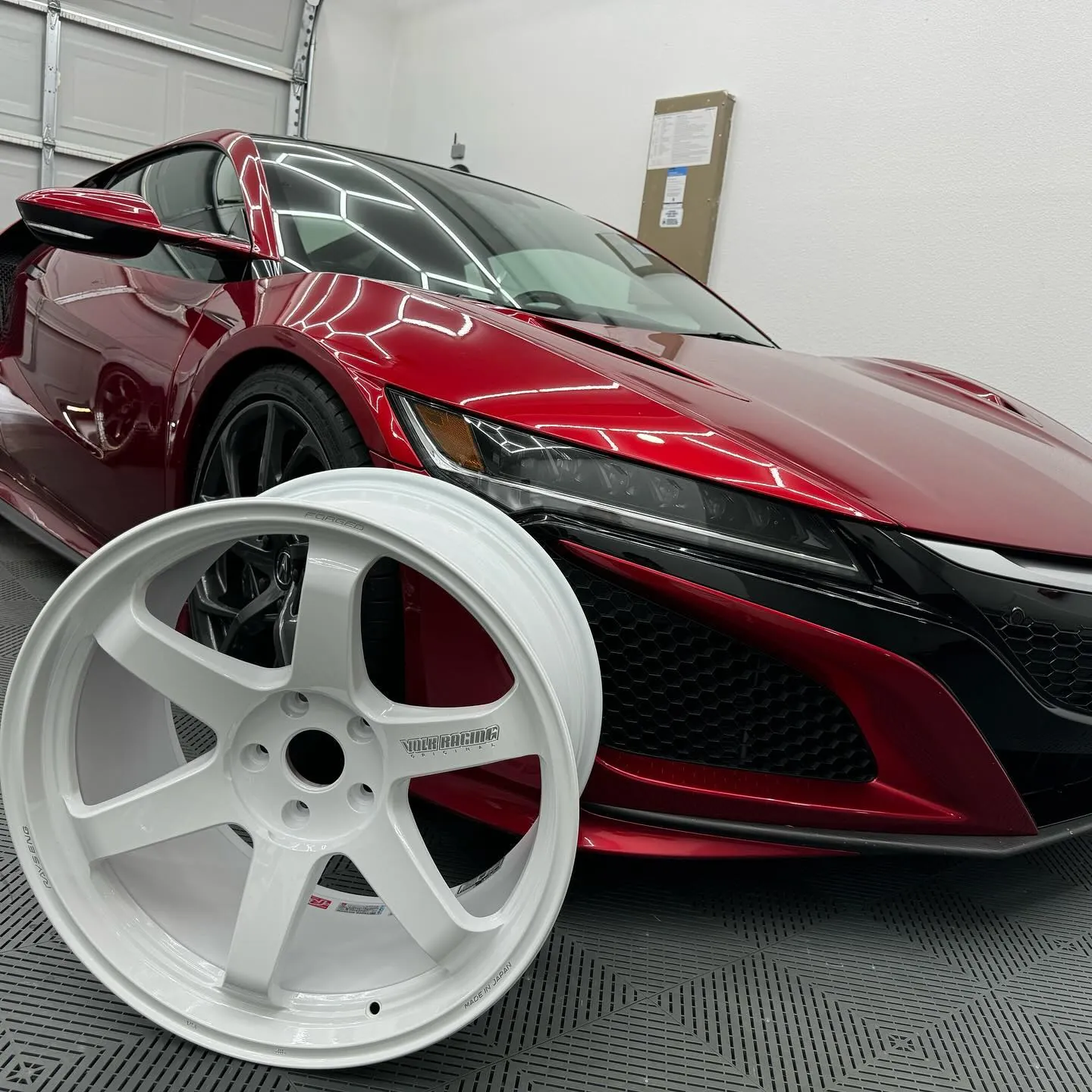
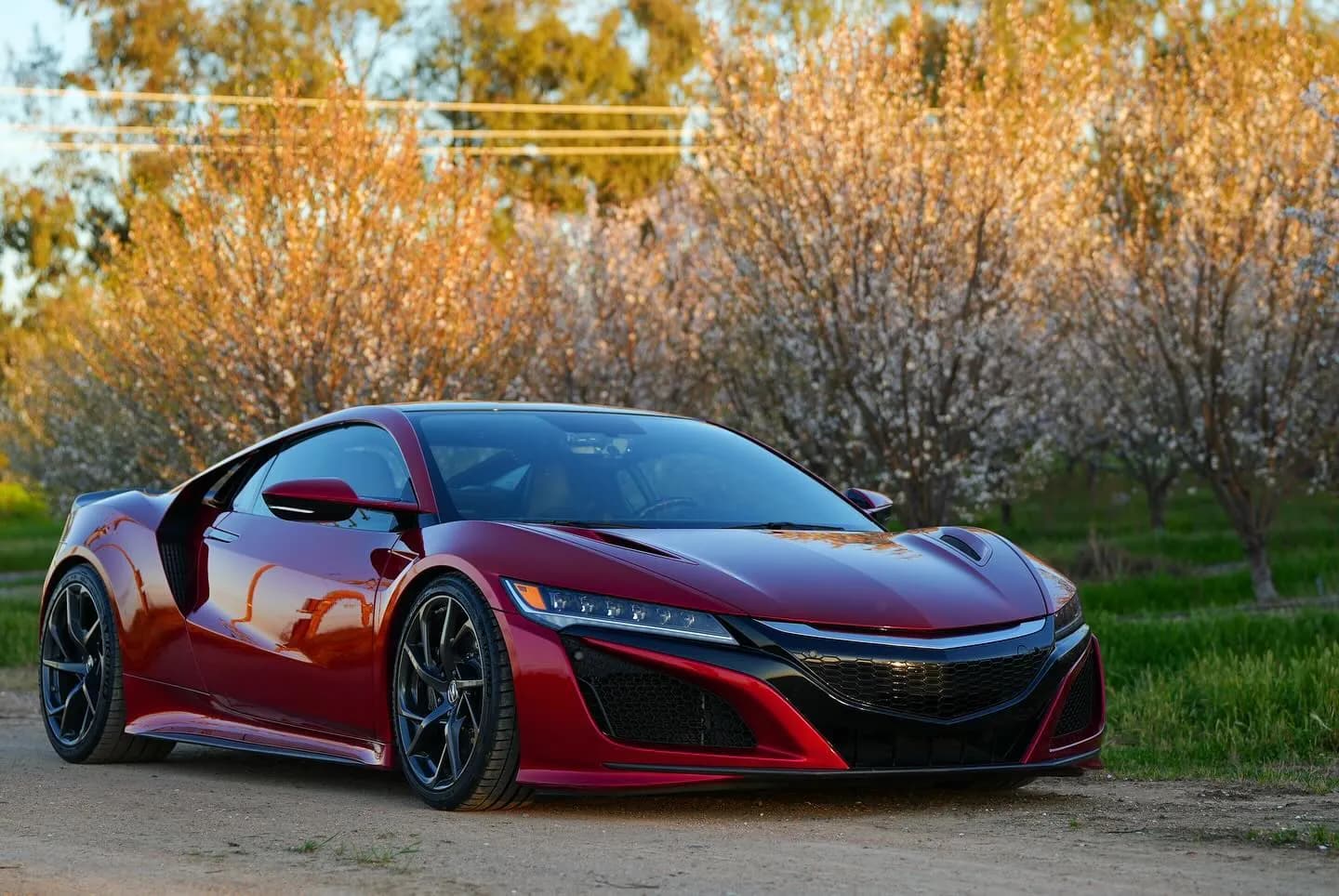
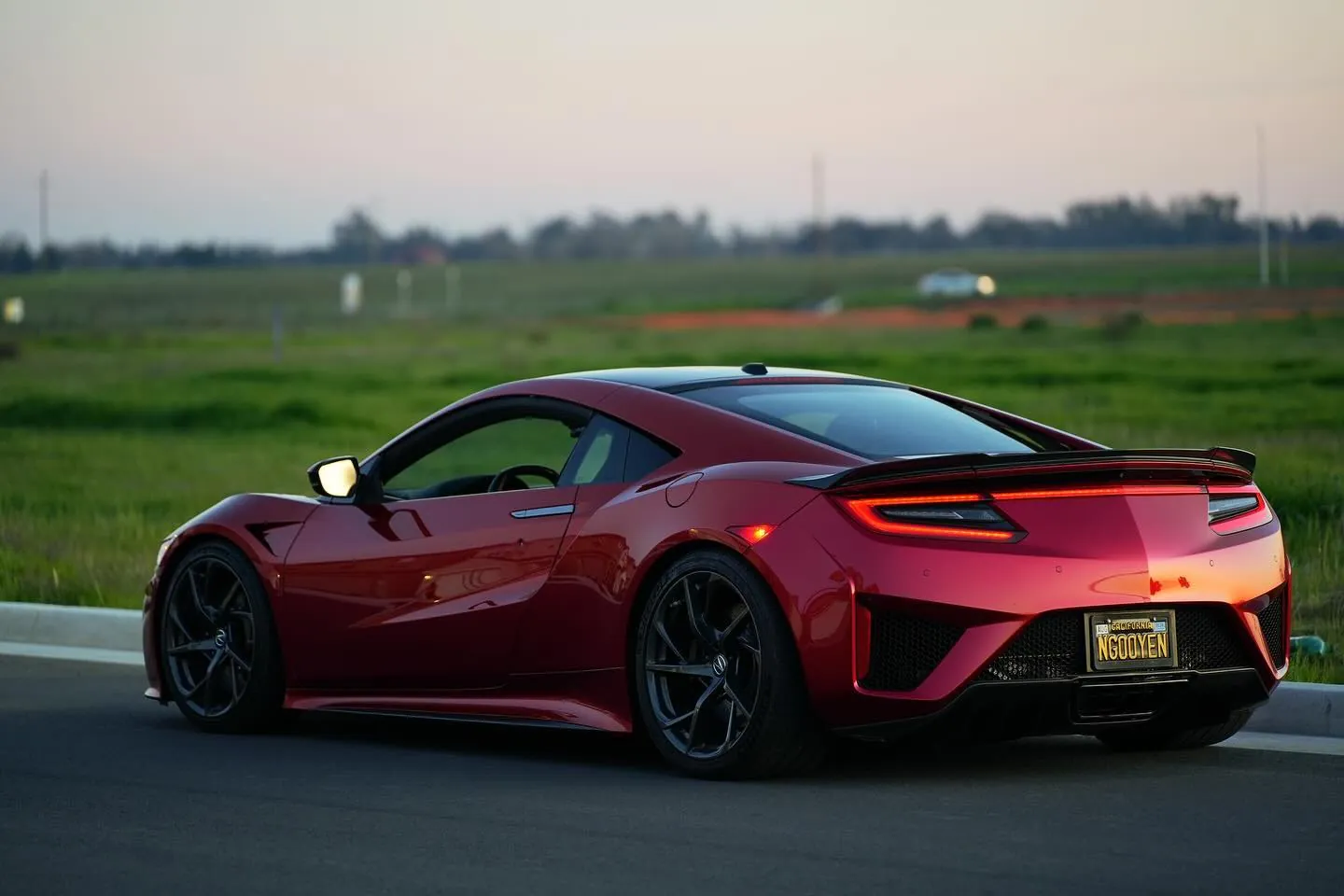
Photos from @ngooyen on Instagram. Follow for more.
Full transcript
Show the full transcript (101 lines) +
0:00What's up everyone it's your boy John
0:02Today we're gonna be taking a look at something special a lot of you guys have been asking about iPhones
0:30Now the first thing is not all head units have Apple CarPlay Android Auto, so
0:35make sure in the description of wherever you buy it, it's gonna have it.
0:39Now the one I'm showing right here, I'll put a link down below showing where you
0:42can get it if you're interested.
0:44So boom, first starting it up, this is the side of the interface.
1:00When you go to Bluetooth, you want and pair your phone.
1:03So, let's just hit search right here.
1:07It's going to be searching and on your phone you want to go to here.
1:12Go to Bluetooth. All right,
1:19finds it so it pairs through Bluetooth so on my head unit, I just called it
1:25it NSX because that's the car and you can see right here is loading right up try to
1:30get to make sure that this is in focus for y'all but yeah so this is the iPhone
1:35all wireless all through Bluetooth no no Wi-Fi or anything. So what it happens
1:40is your phone your head unit through Wi-Fi so it gets a really strong
1:46signal and that's how it's wireless and it can display all this information which
1:51is beautiful so now if I get a text message or anything I can see it right
1:54here I can see who texts me I use Spotify but Pandora and whatever you
2:02like to use a also there you have your maps, so this is the maps it's actually
2:11really really fast and really responsive too so maps is generally the
2:15most intensive things and you can to see I
2:17I'm in my garage right now and it's still picking up signal
2:21it's still no issues here it's just responsive
2:25oh my man that very responsive
2:30and make sure this thing's in focus for y'all.
2:34There you go
2:35focus. You can see it very, very nice, very responsive and just works well. So let's go
2:43to the home screen. The home screen is going to have your maps and like a widget of your
2:47media player, food, drinks and shopping. So right now I have this song playing. You can
2:54have it playing great. You can skip to and this will also work with your steering wheel
3:02controls too if your car has it or if you have any buttons right here you hit
3:07next it will it will all work it's very integrated which is nice now we
3:11now we can look at the app drawer we got phone music maps message car and it
3:16detects my cars in Acura which is awesome which is correct and now playing
3:23podcast audiobooks calendar settings Spotify and also have teams so whatever
3:29application is on your phone, it will show up here on your thing.
3:36So let's say if I had Pandora installed or other applications, it will be displayed here.
3:43It's very nice, very easy to do and if you ever want to go back to your original user
3:49interface, you can just wipe down from the top and then you're back here.
3:52Now the application that I'm using that has all this Android Auto Apple Car application is on
3:57is on your phone.
3:58So this is what makes the magic happen.
4:00You click on Z-Link and it's just kind of.
4:03Kind of load your iPhone and play music.
4:07So that's great.
4:08Now there's two ways to connect your phone.
4:12What I showed you guys was called wireless, which is my go-to.
4:28and then get into the car and start the car again and right now it goes to the
4:38last thing I had open which was the Bluetooth. It sees that my iPhone's
4:43connecting automatically connects it does have this this hey make sure Bluetooth
4:49is on but you can close it because Bluetooth is on but look at that you
4:53walk into your car and you have Apple CarPlay just like that it's so
4:58So beautiful and well integrated.
5:00and I mean this is kind of sad to say but using an iPhone is better than using an
5:09Android phone on your head unit. Which is weird because this is an Android head,
5:14head unit you would think Android, head units and Android phones would talk to each
5:18other better. It's not the case whoever developed these applications the
5:22software for the head unit. They tailored it more to an iPhone or it's
5:28just more refined or whatever iPhone has it just good.
5:31So if you have an iPhone, you're gonna love the Android head
5:35units because it's, I mean
5:37look at that, it just works so well.
5:40I'm just gonna go through the UI.
5:45So usually when you connect your front to Bluetooth,
5:48you only have like these kind of things.
5:50But if you have a Apple CarPlay,
5:53you can go through your playlist.
5:55um you can see you know this is what i've been listening to jack harlow and just you can hit like
6:02you and repeat shuffle into a new radio it's
6:06so you?
6:10and all you have is next skip and maybe the title of the song but but rarely would you get like album
6:16mart and have all this cool ui stuff you can do and using gps on your phone doesn't really
6:25It's just less clutter, you don't have to have a car phone mount, you just walk into
6:29your car, phone in pocket and all this stuff will display.
6:34It's actually amazing and I think you're gonna love it if you guys have a car that doesn't
6:39have Apple CarPlay, it's my favorite modification you can do on a car.
6:45The infotainment is so-so important and to have that kind of modern touch to it,
6:50it's just exquisite.
6:53I have like a, so I had, I went to like a 2018 car speach car.
6:58I'm like, okay, it doesn't even have Apple car plays.
7:01So lame.
7:02And then I stepped into like the older version of the car in 2008 and we put the head unit and I
7:09would rather be in a 2008 car than a 2018 car, like 10-year difference just because the infotainment
7:15sense is such a big deal.
7:17I mean we already know that electronics advance and the advancement from 2008 to 2018 should
7:25be big but for some reason even Honda and even
7:30Toyota sometimes
7:32they don't put Android Auto or Apple CarPlay in their 2022 models
7:35because of budget savings or whatever, but yeah
7:38the aftermarket scene has you, you can get these units for
7:41anywhere from, you know, just make sure they have
7:45Android Auto and Apple CarPlay compatible, but you can get them from like 200 to like
7:49300 bucks, which in the grand schemes of everything
7:53is not that much. The higher end models could run you probably like
7:57500 for the best of the best, the best displays, Q, QLED, IPS, better processor and stuff like that,
8:05but if you're just kind of use Apple CarPlay and have a decent EQ, you can go for the
8:11budget, but the more expensive you go, the pioneers of 1200 bucks, you do get better sound, so just
8:19keep that in mind. I'm going to be linking this head unit and some of my recommended head
8:23units down below if you guys were interested and it'll mean a lot to me if you
8:53I'll talk to you later.
Machine-transcribed from the full-length video and lightly cleaned (product names fixed). Watch the video for exact wording.
Next step


