Dasaita 4K Front + Rear Dash Cam: Unboxing and Install (Acura NSX)
Unbox the Dasaita 4K Wi-Fi dash cam, mount it with the included 3M pad, power it from the 12V accessory socket over USB-C and tuck the cable along the trim.
Full video (5 min): The First Mod on any new car. Installing a 4K Dashcam for Your Vehicle | Tutorial | Dasaita · John's YouTube channel
Get the parts
- Dash cam hardwire kit: Generic pick (for parked recording; not linked in the description)Generic pickSearch on Amazon ↗
- Dasaita 4K dash cam (Dasaita store)Buy direct ↗
- Dasaita websiteBuy ↗
- Find Dasaita 4K dash cam on eBayBuy ↗
CodeDasaita coupon code (8% off) — JOHNNGUYEN
As an Amazon Associate I earn from qualifying purchases. Some links are affiliate links.
Unbox the Dasaita 4K Wi-Fi dash cam, mount it with the included 3M pad, power it from the 12V accessory socket over USB-C and tuck the cable along the trim. This 5 min guide covers the Universal windshield-mount dash cam with tools, parts links and the full video.
Overview
John calls a dash cam the first mod on any new car. He unboxes Dasaita's 4K dash cam (Wi-Fi, G-sensor, motion detection, GPS and HDR, plus a rear camera) and installs it in his NSX. Rather than tapping a fuse, he powers it from the 12V accessory socket over the USB-C cable, then hides the cable around the trim. A hardwire kit with a fuse tap and ground is an option if you want parking coverage; John explains these adapters generally cut power below a set voltage. He says the recording quality, software and phone app are all good, with no issues.
Vehicle & fitment
- Product
- Dasaita 4K dash cam with rear camera: Wi-Fi with a mobile app, G-sensor, motion detection, GPS, wide field of view, HDR, USB-C power
- Shown on
- Acura NSX (John's car)
- Universal windshield-mount dash cam (shown in the Acura NSX)
- Powered from the 12V accessory socket; an optional hardwire kit lets it run while parked
Always confirm fitment for your exact year and trim with the seller before buying.
Tools & parts
Tools
- Pry tool (included)
- Zip ties (included)
Parts
- Dasaita 4K front dash cam
- Rear camera
- 3M adhesive mount and screen film
- Velcro cable straps
- USB-C cable and 12V adapter
- Optional: hardwire kit with fuse tap and ground
Video chapters
Step by step
- 1
Check the specs▶ 0:04
4K, Wi-Fi, G-sensor, motion detection, a wide field of view, GPS and HDR. The specs are printed on the back of the box.
- 2
Unbox the accessories▶ 0:32
The camera is small, about palm-sized. Inside you get a film for the screen, a real 3M adhesive mount, a rear camera, Velcro cable straps, a pry tool and zip ties, a USB-C cable and a 12V adapter.
- 3
Optional hardwire kit▶ 1:41
John also has a hardwire kit: tap a fuse and connect the ground. He explains these adapters generally cut power once the battery drops to a certain voltage, and it's what you use if you want the camera on while the car is parked.
- 4
Rear camera▶ 2:09
The rear camera has a small microphone. John says he may or may not install it depending on how the cables run.
- 5
Power from the 12V socket▶ 2:32
In the NSX you could power it by fuse, but John uses the 12V accessory socket. Then it's a matter of snaking and hiding the cables.
- 6
Route and plug in▶ 2:50
Loop the cable all the way around the trim to the camera and plug in the USB-C. Then fish the USB cable out of sight.
- 7
Verdict▶ 4:34
Good quality and easy to use. It records with no issues, the front and rear cameras work, and the software and mobile app are good.
Wiring notes
- USB-C from the 12V accessory socket adapter (John's method).
- Optional hardwire kit: fuse tap plus ground, with a low-voltage cutoff for parked recording.
Get the parts
- Dash cam hardwire kit: Generic pick (for parked recording; not linked in the description)Generic pickSearch on Amazon ↗
- Dasaita 4K dash cam (Dasaita store)Buy direct ↗
- Dasaita websiteBuy ↗
- Find Dasaita 4K dash cam on eBayBuy ↗
CodeDasaita coupon code (8% off) — JOHNNGUYEN
As an Amazon Associate I earn from qualifying purchases. Some links are affiliate links.
FAQ
What vehicle does this install fit?
It is shown for the Universal windshield-mount dash cam. Powered from the 12V accessory socket; an optional hardwire kit lets it run while parked Always confirm your exact year, trim and factory audio with the seller.
How long does the install take?
John's full video is 5 min. Plan on that much time for a careful DIY install, plus extra if you are new to dash work.
What tools do I need?
Tools called out in the guide: Pry tool (included); Zip ties (included).
Where do I get the parts?
Use the buy links on this page for the unit and any harnesses John used. Some links are affiliate links.
Is this beginner-friendly?
The guide breaks the job into 7 steps with timestamps into the video. If you can remove trim panels carefully, you can follow along.
John's Acura NSX
More photos →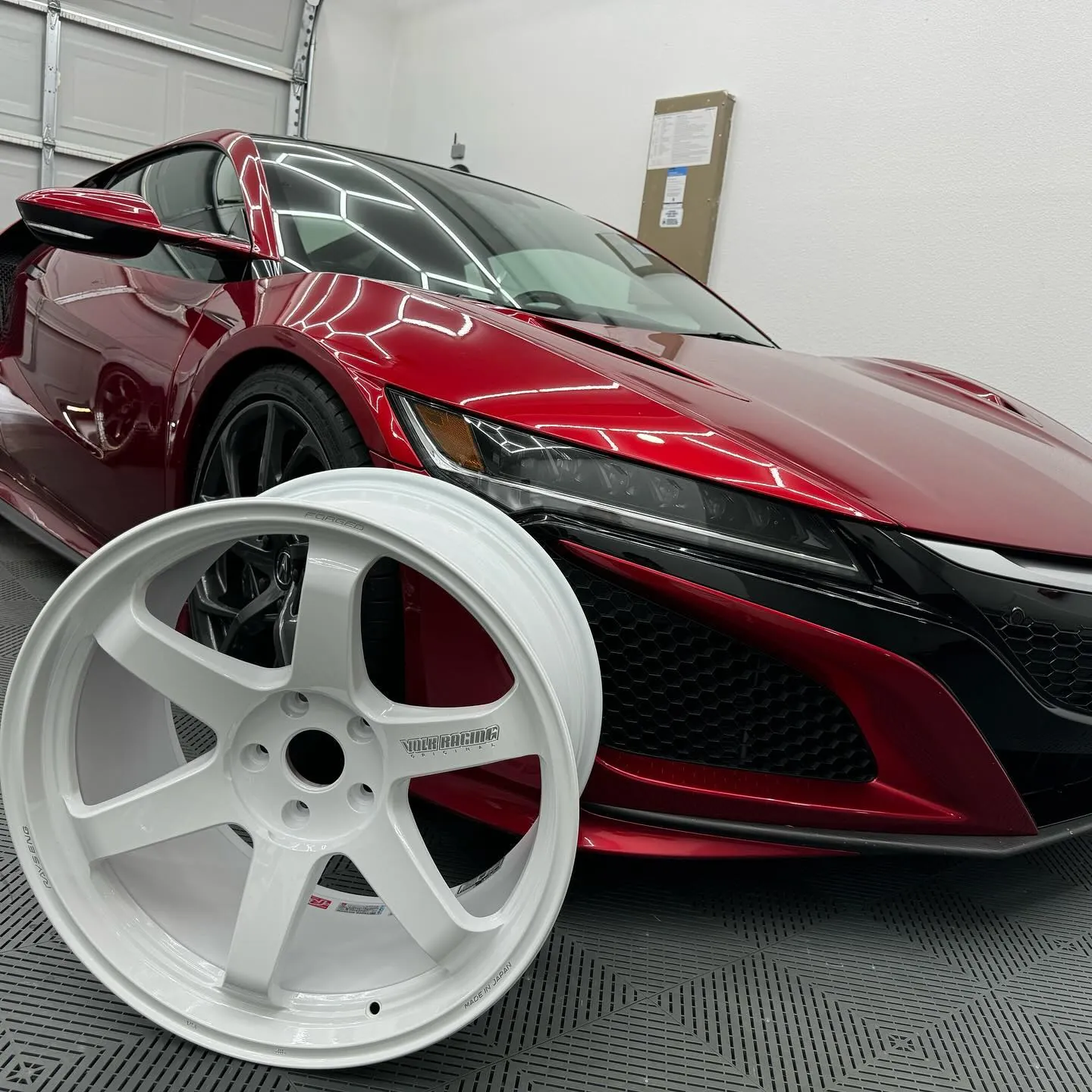
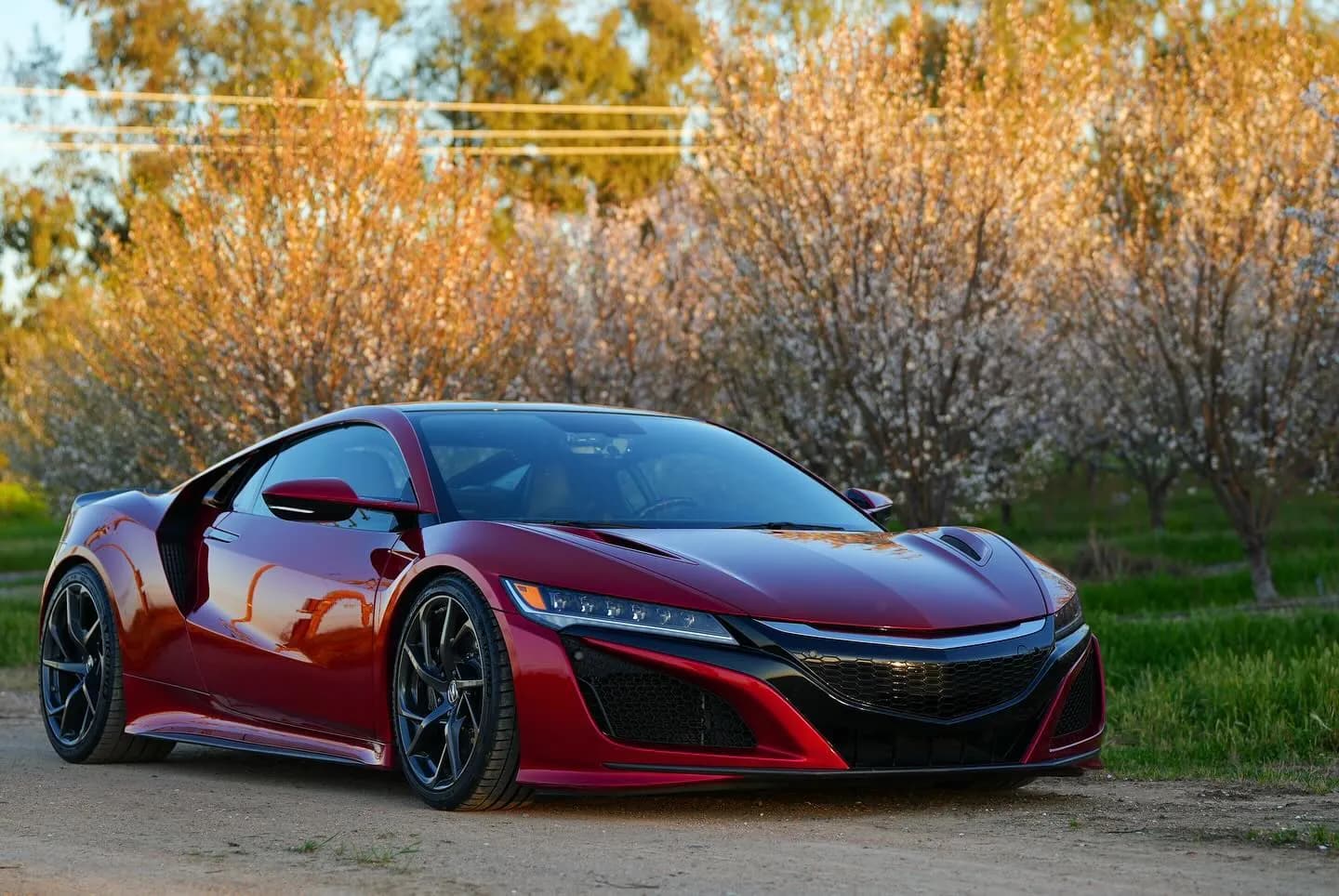
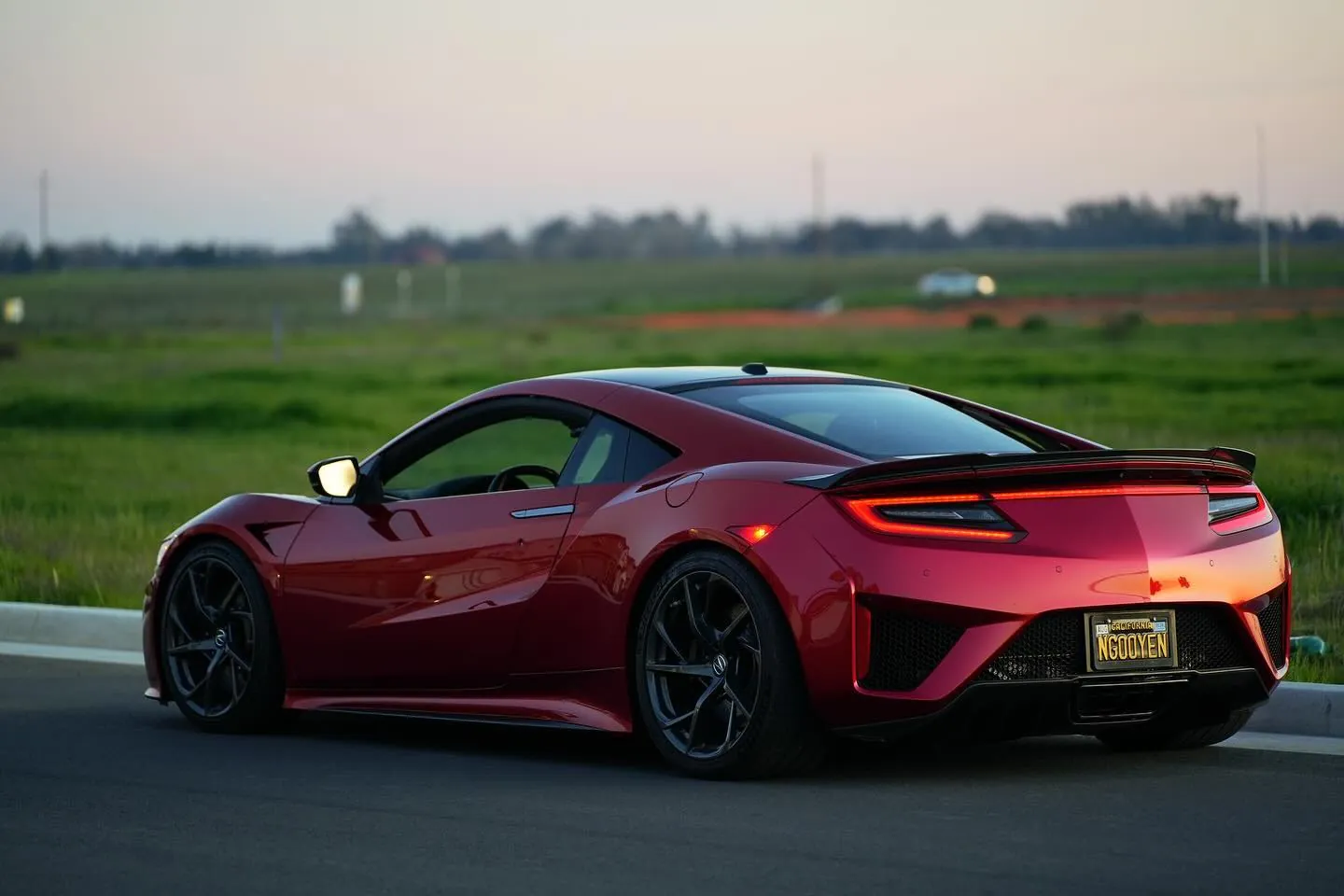
Photos from @ngooyen on Instagram. Follow for more.
Full transcript
Show the full transcript (47 lines) +
0:00What's up guys it's your boy John we back again here with another video today
0:04Today we're gonna be looking at a dash cam by Dasaita now
0:06This is a 4k Wi-Fi G sensors motion detection. It's great field view GPS had zone screen of course HDR 2
0:13So you're gonna have good quality some specifications on the back of the box if you guys were interested
0:19Right there and these little QR codes code
0:22Unwrap it
0:27Tab
0:29Manos right here
0:31beautiful
0:32accessories now, this also has a rear camera as well depending on how
0:39The cables are I might install it. Here's the camera itself pretty pretty small here's the size of my hand
0:47and maybe like awalled it right here, so
0:51It's not too big. Looks like there's the film for the back screen and then the 3m which is nice
0:58I use they use actual 3m and then you'll be able to put your camera right here
1:04And then here's that rear camera. Okay, and of course power really depends on how
1:11It's gonna look if it's too thick. I might not use
1:17You got some Velcro Velcro strap straps, sorry you get some Velcro Velcro straps
1:25I put it on which is nice. Oh
1:28You don't it's not though. It's you the pry tool and zip ties right here
1:32the USB cable it's a USB-C and then you have a little
1:419-Volt thing right there and you also I also got a hard wire kit
1:47So I'm gonna show you guys that
1:50so if I decide to hardwire it you can use this little fuse and
1:56Have it to ground. I think these are these adapters are generally after it gets to a certain voltage
2:03It will cut power. This is if you want to have your car parked and then here's the rear camera itself
2:09So let me open that because that's kind of interesting
2:13There's and it has like a little
2:21Microphone right there. Let's see if I get that in focus
2:25All right, so let's just get this installed and you
2:30Go from there
2:32All right, so we are in the Acura NSX
2:35There is a 12-Volt. You could do it by fuse, but I think I want to just do it by the accessory
2:41So I'm like I'm okay with. What they're just being on this and it's just a matter of
2:47snacking all and like hiding all the cables
2:50And you just loop the cables all the way around and it's just a USB C. So you plug
2:57the unit
2:59Which is right here and then you plug it into
3:06The USB C right here boom and then you'll have
3:12The goodies
3:13All right, you can see the USB cable right there
3:18Fished it can
4:34Dash cam now the dash cam is really good product in terms of quality
4:39easy to use it records and I have any issues now
4:45But it is a 4k camera that has the front and rear in the software is good
4:51The mobile app where you can view on your phone too is good
4:54So if you guys were interested in this product, I'll leave the links down below to pick it up. It's on Amazon and yeah
5:00Thank you guys for watching. I'll catch you guys in the next one
Machine-transcribed from the full-length video and lightly cleaned (product names fixed). Watch the video for exact wording.
Next step


