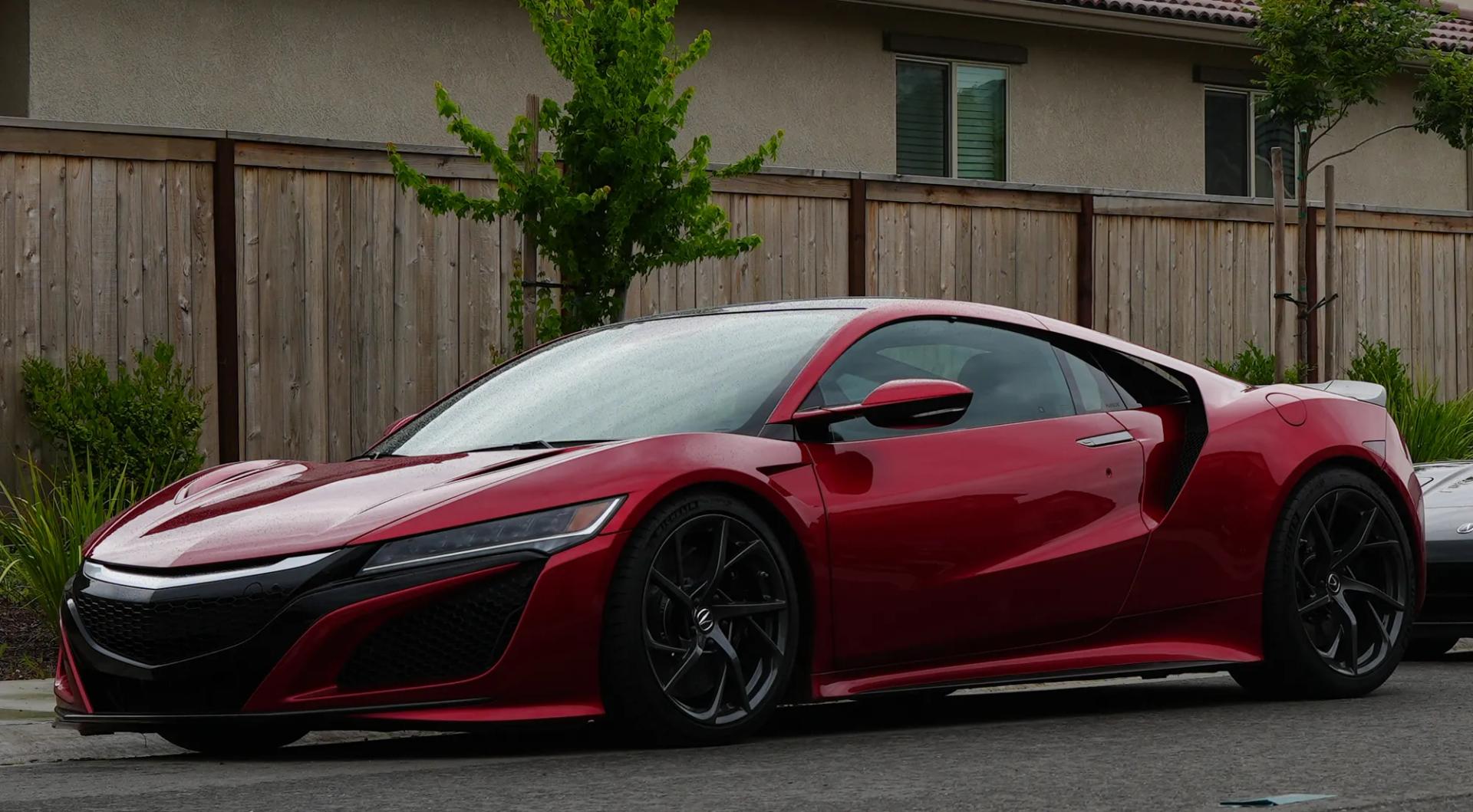
Gallery 8 photos
Photos from John's Instagram
Follow @ngooyen ↗Install guides for this car
Carlinkit Ai Box: Wireless CarPlay, Android Auto, YouTube and Netflix Through USB (Acura NSX)
Plug the Carlinkit Ai Box into the car's CarPlay USB port to get wireless CarPlay and Android Auto, plus a full Android system for YouTube and Netflix.
OEM Illuminated Carbon Fiber Door Sills: Acura NSX Install
Pull the door seal and carpet, find the hidden plug under the black tape, trim the carpet clips, and tape the wire in its channel.
Dasaita 4K Front + Rear Dash Cam: Unboxing and Install (Acura NSX)
Unbox the Dasaita 4K Wi-Fi dash cam, mount it with the included 3M pad, power it from the 12V accessory socket over USB-C and tuck the cable along the trim.
How to Set Up iPhone Apple CarPlay on an Android Head Unit (Wireless, Step by Step)
Pair your iPhone over Bluetooth, let the head unit hand off to Wi-Fi for wireless CarPlay, and see how maps, music and auto-reconnect work on an aftermarket Android unit.
Wireless Android Auto on an Android Head Unit: Full Zlink Setup Tutorial (Dasaita)
Update the head unit's Zlink app to 4.0.6 or newer, pair over Bluetooth, unlock Android Auto's developer settings to add wireless projection, connect once by USB, then switch on wireless Android Auto with battery saver off.