Apple CarPlay Adapter on an Android Head Unit
A first-look iPhone CarPlay dongle on an Android head unit: USB-to-Lightning, the AutoPlay app, an allow-USB prompt, then CarPlay, messages, Pandora and Waze come up on their own — pixel-sharp, no extra setup in this clip.
Full video (2 min): APPLE CAR PLAY on your Android HEADUNIT | IPHONE | iOS · John's YouTube channel
Get the parts
- CarPlay / Android Auto adapter (Amazon link from the description)Buy ↗
- Honda Civic option (Amazon link from the description)Buy ↗
- Amazon store link from the descriptionBuy ↗
- CarPlay / Android Auto adapter (AliExpress link from the description)Buy ↗
- Honda Civic Android radio (eBay link from the description)Buy ↗
- Seicane WRX Android head unit used in the video (link from the description)Buy ↗
As an Amazon Associate I earn from qualifying purchases. Some links are affiliate links.
Yes — you can install This kit on the Works with an Android head unit plus a CarPlay/Android Auto adapter and a USB-to-Lightning cable. John had not tried this adapter before this video with a 2 min DIY job. A first-look iPhone CarPlay dongle on an Android head unit: USB-to-Lightning, the AutoPlay app, an allow-USB prompt, then CarPlay, messages, Pandora.
Overview
John tries Apple CarPlay on an Android head unit with a dongle for the first time. You need the adapter and a USB-to-Lightning cable. A good sign when he plugs into USB is that the phone shows it is charging. The AutoPlay app is already on the unit and auto-starts; he allows the USB accessory, and CarPlay loads by itself as soon as the adapter is in and the unit has booted. He can see messages and the phone, opens Pandora (it loads from the phone; he's not sure about Wi-Fi in that moment), and calls the one-to-one CarPlay UI insane for how simple the adapter makes it. He doesn't go deeper because of private information on the phone. The app name on the head unit is AutoPlay — install that if you don't have it — and he likes how sharp Waze and the rest look. The description's first product link is the AliExpress adapter, then a tagged Amazon page for the same kind of adapter, a Seicane WRX head unit, a Honda Civic Amazon link, an eBay Civic radio, and an Amazon store link.
Vehicle & fitment
- Product
- Apple CarPlay / Android Auto adapter used with a USB-to-Lightning cable and the AutoPlay app on an Android head unit (Amazon adapter link in the description)
- Shown on
- Filmed on John's Android head unit (the description also links a Seicane WRX unit and a Honda Civic option)
- Works with an Android head unit plus a CarPlay/Android Auto adapter and a USB-to-Lightning cable. John had not tried this adapter before this video
- You also need the AutoPlay app on the head unit — he says to install it if it isn't already there
- The description links the adapter, a Seicane WRX head unit, and a Honda Civic option with an eBay item for a Civic radio
Always confirm fitment for your exact year and trim with the seller before buying.
Tools & parts
Tools
- USB-to-Lightning cable
Parts
- CarPlay / Android Auto adapter
- Android head unit with the AutoPlay app
- USB-to-Lightning cable
Video chapters
Step by step
- 1
Adapter and Lightning cable▶ 0:00
This is John's first time with this adapter. You need the dongle and a USB-to-Lightning cable. When he plugs into USB, the phone shows it is charging — a good sign.
- 2
Allow USB and let CarPlay load▶ 0:26
The AutoPlay app is already on the head unit and auto-starts. He allows the USB accessory, and Apple CarPlay comes up on its own once the adapter is in and the unit has booted.
- 3
Messages, Pandora and Waze▶ 0:56
He can read messages and use the phone UI. Pandora opens and starts loading from the phone. He calls the one-to-one CarPlay on an Android head unit simple and a little insane, and doesn't dig into every icon because of private information on the phone.
- 4
Install the AutoPlay app▶ 1:46
The app on the head unit is called AutoPlay — you need it installed to use this setup. He likes how sharp Waze and the rest of CarPlay look on the screen.
Wiring notes
- No dash wiring in this video: plug the adapter into the head unit's USB and use a USB-to-Lightning cable to the iPhone.
- Install the AutoPlay app on the head unit if it isn't already there, then allow the USB accessory when the prompt appears.
Get the parts
- CarPlay / Android Auto adapter (Amazon link from the description)Buy ↗
- Honda Civic option (Amazon link from the description)Buy ↗
- Amazon store link from the descriptionBuy ↗
- CarPlay / Android Auto adapter (AliExpress link from the description)Buy ↗
- Honda Civic Android radio (eBay link from the description)Buy ↗
- Seicane WRX Android head unit used in the video (link from the description)Buy ↗
As an Amazon Associate I earn from qualifying purchases. Some links are affiliate links.
FAQ
What vehicle does this head unit fit?
It is shown for the Works with an Android head unit plus a CarPlay/Android Auto adapter and a USB-to-Lightning cable. John had not tried this adapter before this video. You also need the AutoPlay app on the head unit — he says to install it if it isn't already there Always confirm your exact year, trim and factory audio with the seller.
How long does the install take?
John's full video is 2 min. Plan on that much time for a careful DIY install, plus extra if you are new to dash work.
What tools do I need?
Tools called out in the guide: USB-to-Lightning cable.
Does it support wireless CarPlay or Android Auto?
Check the product listing for wired vs wireless CarPlay / Android Auto before you buy; John shows what worked in the video.
Where do I get the parts?
Use the buy links on this page for the unit and any harnesses John used. Some links are affiliate links.
Is this beginner-friendly?
The guide breaks the job into 4 steps with timestamps into the video. If you can remove trim panels carefully, you can follow along.
John's Subaru WRX
More photos →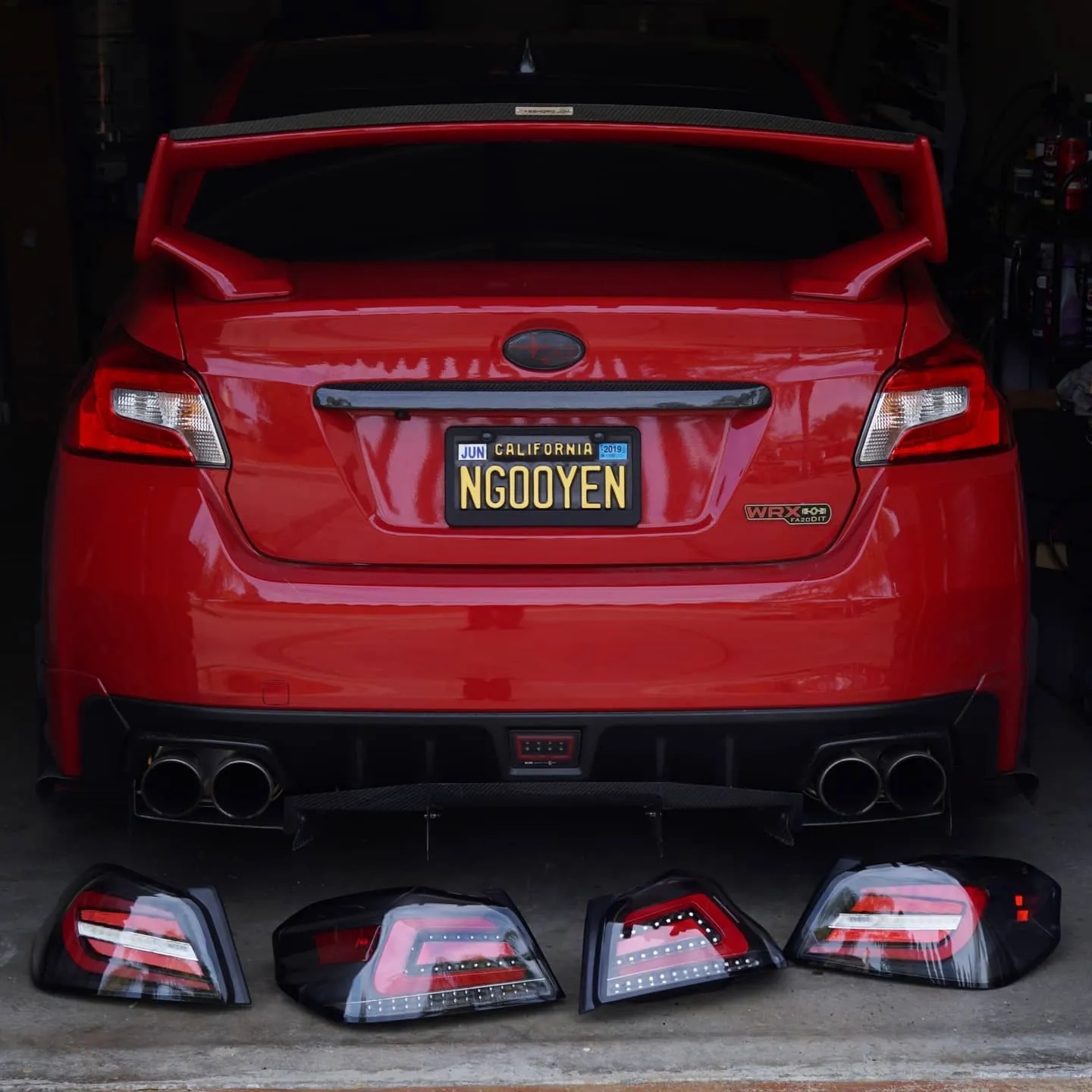
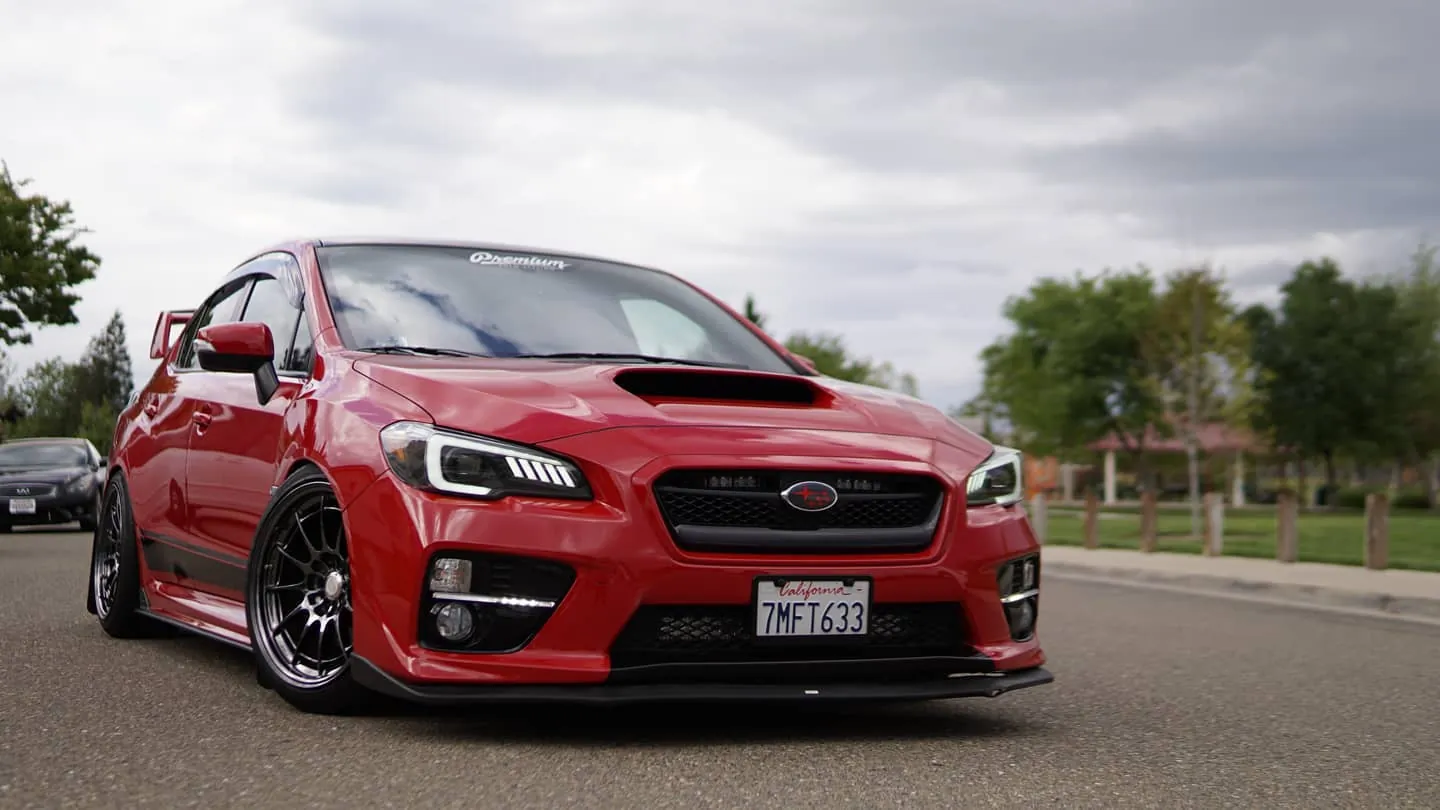
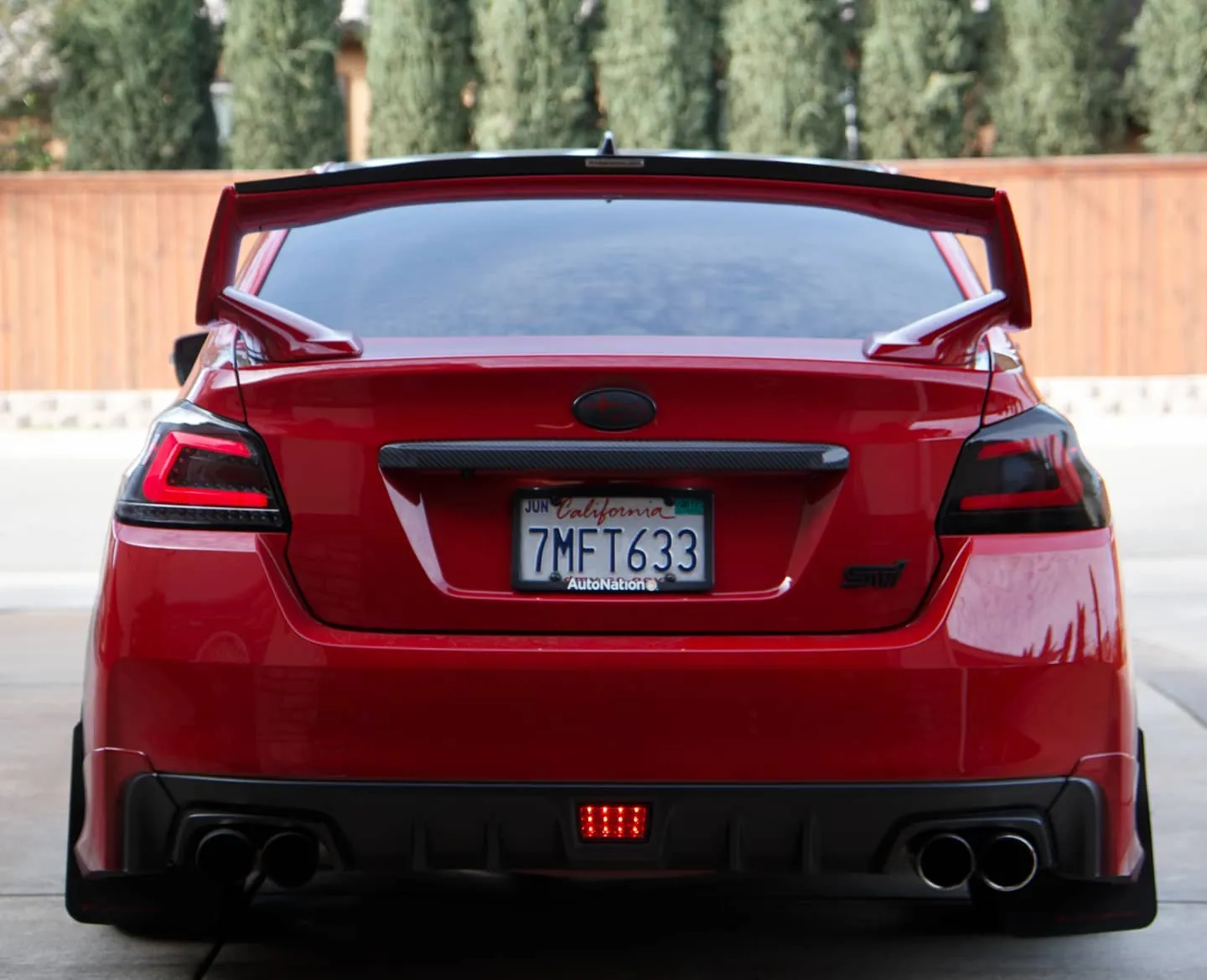
Photos from @ngooyen on Instagram. Follow for more.
Full transcript
Show the full transcript (36 lines) +
0:00Alright so we're going to use the Android head unit and we're going to test out
0:03Apple CarPlay for the first time. So you're gonna have to need to buy this
0:08adapter and once you get this adapter of course you want to use the USB to
0:12lightning. Now I never did this before so you're experiencing this for the
0:17first time. So a good indication right now is unplugged USB and it says it's
0:23charging so that's definitely good. Now the next thing you want to do is you
0:26want to go to the app actually already auto-plated so it says do you want this
0:31So it says do you want this USB to work?
0:35Yes, and it's in connection right now. So it automatically loaded the Apple CarPlay for me
0:41One as soon as I plugged it in and it booted
0:43So there you go Apple CarPlay
0:46If I can actually get that a little camera right there. So we have Apple CarPlay on the Android head unit
0:51It's actually talking about this
0:54And
0:56Now I can read all his text messages and his phone and stuff and pandora you might have a open pandora
1:01So we have open pandora right here
1:04And there you go. It's loading pandora. I don't know if he has Wi-Fi in my connection
1:09But it's actually loading pandora on the phone. So we'll see how that but you can see that. It's one to one
1:17Android Apple CarPlay on your Android head unit you guys believe this. This is insane
1:23Simple you just have to buy the adapter and you get how Apple CarPlay? That's amazing
1:29So other than that. There's all these other features
1:31I don't want to go into too deep
1:32, because there's probably a lot of the private information,
1:35but you have Apple CarPlay right there.
1:38There's Pandora card, stuff like that.
1:40Let's go back.
1:42That's amazing.
1:43It's gonna be a short video for today,
1:45but there you go.
1:46This is the app, it's called AutoPlay.
1:48If you guys don't have it installed,
1:49You're going to need that installed to have access to this kind of stuff.
1:53Dude, this is sick!
1:55Apple Cardplay, you put ways and stuff like that on your screen,
1:58and it's sharp, it's sharp, it's pixel sharp guys.
2:01Now that's it. That's it
Machine-transcribed from the full-length video and lightly cleaned (product names fixed). Watch the video for exact wording.
Next step


