iDoing Built-in Apple CarPlay on an Android Head Unit
Plug-and-play CarPlay on an iDoing Android unit: open Z-Link, use USB 1 and a Lightning cable, and CarPlay, Phone, Apple Maps, Messages, Podcasts and Siri come up with no extra adapter — though Android Auto on this unit still needs a dongle.
Full video (4 min): Built-in Apple Car play | Android Head Unit · John's YouTube channel
Get the parts
- iDoing Android head unit (AliExpress link from the description)Buy ↗
- iDoing-style WRX Android radio (eBay link from the description)Buy ↗
As an Amazon Associate I earn from qualifying purchases. Some links are affiliate links.
Yes — you can install iDoing on the Shown on an iDoing Android head unit with built-in Apple CarPlay through the Z-Link app. John uses an iPhone 7 Plus and says it should work with the iPhone 8, X, XS and XR as long as iOS is up to date with a 4 min DIY job. Plug-and-play CarPlay on an.
Overview
John walks built-in Apple CarPlay on an iDoing Android head unit. Open the Z-Link app, plug a Lightning cable into USB 1 on the back of the radio, and CarPlay starts immediately. He likes the minimal, low-distraction UI, the big icons and the clear resolution. Phone, Apple Maps (data comes from the phone, so you don't need a hotspot or tethering), Messages — dumbed down on purpose for driving, including voice — and Podcasts all work. He blurs his map location and avoids sending a real message. The nice part is that CarPlay is plug-and-play on this iDoing: no extra adapter. Some other Android units do need a dongle; he shows the adapter he uses, which also adds Android Auto. This iDoing does not have Android Auto built in, so that adapter is still how he runs Android Auto, and he says it works fine. If you just want CarPlay from the start, a unit like this is what he would look at. The description's buy links are an AliExpress page and an eBay item for the iDoing-style radio — there is no Amazon product link in this description.
Vehicle & fitment
- Product
- iDoing Android head unit with built-in Apple CarPlay via Z-Link (AliExpress and eBay links in the description). John also holds up the CarPlay / Android Auto adapter he uses on units that don't have CarPlay built in
- Shown on
- iDoing Android head unit (the description also lists an eBay WRX item for the same kind of radio)
- Shown on an iDoing Android head unit with built-in Apple CarPlay through the Z-Link app. John uses an iPhone 7 Plus and says it should work with the iPhone 8, X, XS and XR as long as iOS is up to date
- Use USB 1 on the back of the head unit with a Lightning cable — no CarPlay adapter is required on this unit
- This iDoing unit does not have Android Auto built in. John uses a separate adapter when he wants Android Auto
Always confirm fitment for your exact year and trim with the seller before buying.
Tools & parts
Tools
- Lightning cable to the head unit's USB 1 port
Parts
- iDoing Android head unit with built-in CarPlay / Z-Link
- Lightning cable
Video chapters
Step by step
- 1
Open Z-Link and use USB 1▶ 0:00
John is on an iPhone 7 Plus and says current iOS on an 8, X, XS or XR should work too. Open the Z-Link app, plug Lightning into USB 1 on the back of the head unit, and CarPlay starts immediately.
- 2
The CarPlay home screen▶ 0:46
He likes the minimal, contemporary UI: big icons, clear resolution, and fewer distractions while driving.
- 3
Phone, Maps and Messages▶ 1:04
He tries Phone (Siri confirms a call to "John N"), then backs out when his phone rings. Apple Maps pulls data from the phone, so you don't need a hotspot or tethering — he blurs his location. Pandora and Waze would also show up as icons if they're installed. Messages is intentionally simplified for driving, including sending by voice.
- 4
Built-in CarPlay vs an adapter▶ 2:43
On this iDoing, CarPlay is just a plug — no extra adapter. Some other Android units need a dongle for CarPlay and Android Auto; he holds up the one he uses. This iDoing does not have Android Auto built in, so that adapter is still how he runs Android Auto, and he says it works perfectly fine. If you mainly want CarPlay from the start, a unit like this is what he would look at.
Wiring notes
- No dash wiring in this video: open Z-Link and connect a Lightning cable to USB 1 on the back of the iDoing.
- This unit has CarPlay built in. It does not have Android Auto built in — John still uses a separate adapter for Android Auto.
Get the parts
- iDoing Android head unit (AliExpress link from the description)Buy ↗
- iDoing-style WRX Android radio (eBay link from the description)Buy ↗
As an Amazon Associate I earn from qualifying purchases. Some links are affiliate links.
FAQ
What vehicle does this head unit fit?
It is shown for the Shown on an iDoing Android head unit with built-in Apple CarPlay through the Z-Link app. John uses an iPhone 7 Plus and says it should work with the iPhone 8, X, XS and XR as long as iOS is up to date. Use USB 1 on the back of the head unit with a Lightning cable — no CarPlay adapter is required on this unit Always confirm your exact year, trim and factory audio with the seller.
How long does the install take?
John's full video is 4 min. Plan on that much time for a careful DIY install, plus extra if you are new to dash work.
What tools do I need?
Tools called out in the guide: Lightning cable to the head unit's USB 1 port.
Does it support wireless CarPlay or Android Auto?
Check the product listing for wired vs wireless CarPlay / Android Auto before you buy; John shows what worked in the video.
Where do I get the parts?
Use the buy links on this page for the unit and any harnesses John used. Some links are affiliate links.
Is this beginner-friendly?
The guide breaks the job into 4 steps with timestamps into the video. If you can remove trim panels carefully, you can follow along.
John's Subaru WRX
More photos →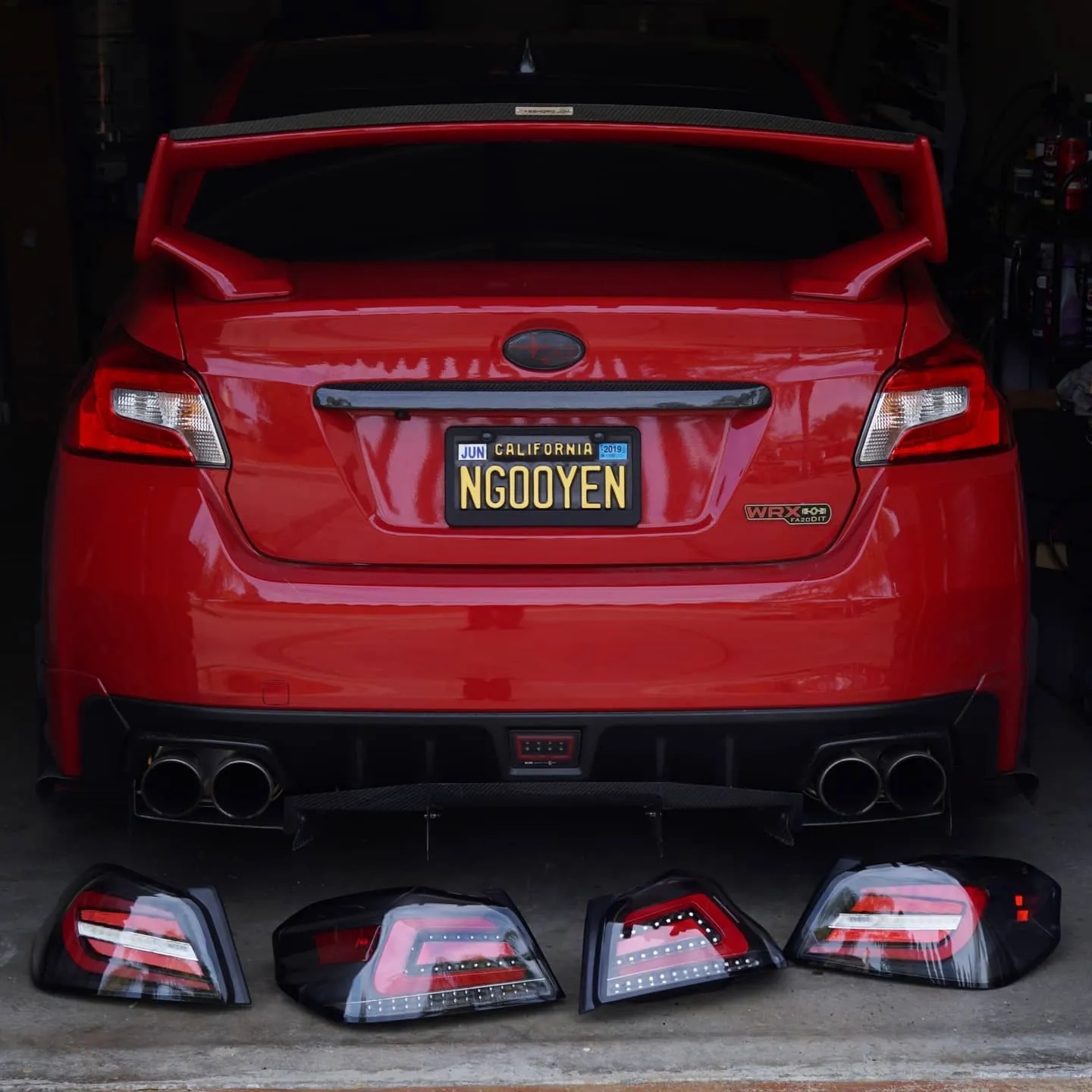
Photos from @ngooyen on Instagram. Follow for more.
Full transcript
Show the full transcript (54 lines) +
0:00Guys, it's your boy, John, and today we're gonna take a look at
0:03iPhone integration Apple CarPlay on the Android head unit.
0:07So let's get right into it.
0:13So we have the Android head unit turned on.
0:15We're gonna use, in this case, we're gonna use the iPhone 7 Plus,
0:19but this works with the 8, the 10, the 10S, the 10R,
0:22just have the latest iOS software.
0:24And what and what we have to do is we have to go into the app,
0:28Z-Link, and this is where Apple CarPlay is gonna happen.
0:31Now you just want to plug in your lightning connector to a USB.
0:36This is basically the USB that's in the back of this head unit.
0:40USB 1 is what you want to use and as you can immediately tell, CarPlay is happening.
0:46Now the user interface for Apple CarPlay looks fantastic.
0:50A minimal approach, very contemporary and very forward thinking.
0:54Less distractions the better when you're driving.
0:57is really easy to use. Big icons, clear resolution. It's just perfect. Now we can go into the
1:01every it's just perfect now we can go into the phone apps and stuff like that there's phone call john yes John well
1:20John n is me he swell he saw my name kinda weird oh my phone's ringing we don't want to do that so we go back and we there's maps now if you had Google if you had sorry if you had Pandora Pandora will
1:37work just as like it'll show up an icon here seem with Waze etc let's use apple master here and is it gonna show my location which I don't want to show you so I'm gonna blur it
1:55there ya go but yeah here's the here's the maps and it's pulling all the data coming from your phone so you don't have to use hotspot so if you don't have tethering or anything like that it's gonna be you know more affordable you see messages isn't how the messages
2:01coming from your phone, so you don't have to use hotspot.
2:04So if you don't have tethering or anything like that,
2:06it's gonna be, you know, more affordable.
2:09You can see messages.
2:10This is gonna have the messages apps looks like.
2:12And then should I send your message?
2:14Again, don't send a message.
2:21Let me know if there's anything else you need.
2:23Notice how it's very dumbed down.
2:25It's because it's for the driver experience.
2:28And then you can send messages to certain people.
2:43apple carplay it's plug-and-play for the ID doing you don't have to buy any adapters it's literally just a plug which is really nice and yeah podcast is but look how there's like all these
2:58icons still very cool it's really nice that this Android head unit has apple carplay built-in you don't have to buy an adapter now sir and a head units you do need to buy an adapter to have apple carplay I use this one right here this
3:01It's really nice that this Android head unit
3:03has Apple CarPlay built in.
3:05You don't have to buy an adapter.
3:06Now, certain head units you do need to buy an adapter
3:10to have Apple CarPlay.
3:11I use this one right here.
3:13This one will give you Apple CarPlay and Android Auto.
3:16Unfortunately, this head unit doesn't have
3:20an Android Auto built in.
3:21So if you want Android Auto,
3:22you would have to get this adapter.
3:24Now, because I'm an Android user,
3:26I do use the adapter and it works perfectly fine.
3:28But for those who don't have an Android Auto Android phone
3:32an Android phone, and they just want to use
3:33Apple CarPlay from the very beginning,
3:36something like this is, is definitely something to look at.
3:38But yeah, overall it's a really good unit, this is the iDoing head unit, so if you
3:45were interested in buying the iDoing head unit, links down below and where you can get
3:49it.
4:08You
Machine-transcribed from the full-length video and lightly cleaned (product names fixed). Watch the video for exact wording.
Next step


