iDoing Android Head Unit: 2012–2015 WRX Software Tour & Built-in CarPlay
A 17-minute software tour of the redesigned iDoing unit in a Subaru WRX: 2.5D glass, dimming with the headlights, UI skins, and built-in Apple CarPlay over USB.
Full video (17 min): Android Head Unit: In-depth Software look | built in Carplay! · John's YouTube channel
Get the parts
- Search Amazon for this iDoing 9-inch 2012–2015 WRX / STI / Forester unitSearch on Amazon ↗
- USB adapter for WRX/STI 2015 (Amazon link from the description)Buy ↗
- USB adapter for WRX/STI 2016+ (Amazon link from the description)Buy ↗
- iDoing 9-inch Android 12 unit for 2012–2015 WRX / STI / Forester / Impreza (link from the description)Buy direct ↗
- AliExpress listing (link from the description)Buy ↗
- Android Auto adapter on AliExpress (link from the description)Buy ↗
- eBay item for a 9-inch Subaru WRX 2013 Android unit (rover link from the description)Buy ↗
CodeiDoing coupon code (NGOOYEN) — NGOOYEN
As an Amazon Associate I earn from qualifying purchases. Some links are affiliate links.
Yes — you can install iDoing on the The iDoing store listing in the description is for Subaru WRX / STI / Forester / Impreza 2012–2015 with a 17 min DIY job. A 17-minute software tour of the redesigned iDoing unit in a Subaru WRX: 2.5D glass, dimming with the headlights, UI skins, and built-in Apple CarPlay over USB.
Overview
John walks the redesigned iDoing head unit in his WRX, focusing on software rather than a dash-out install. The front glass is a durable 2.5D / 3D-style panel; the screen is bright and dims when the headlights come on. He pages through the built-in UI skins — calendar, navigation, music and the other cards — and calls the software a step up from older Android units even if the hardware is similar. Built-in Apple CarPlay is the headline: plug in USB (he shows a clip of CarPlay running) and use Z-link. He also covers badge/logo options and switches back to his favorite original skin. The unit itself is listed on iDoing, AliExpress and an eBay item in the description; the first Amazon links are the WRX/STI USB adapters.
Vehicle & fitment
- Product
- iDoing 9-inch Android 12 radio / head unit for Subaru WRX / STI / Forester / Impreza 2012–2015, with built-in Apple CarPlay
- Shown on
- Subaru WRX (John's car; the listing is for WRX / STI / Forester / Impreza 2012–2015, and he says the same UI applies to other iDoing units)
- The iDoing store listing in the description is for Subaru WRX / STI / Forester / Impreza 2012–2015
- John says the same user interface applies to most iDoing units, including universal kits and vehicle-specific ones (he mentions Mazda, older Subaru, and Toyota Tundra)
- USB adapters in the description: one for WRX/STI 2015 and one for 2016+
Always confirm fitment for your exact year and trim with the seller before buying.
Tools & parts
Tools
- The unit is already installed; this video is a software tour
Parts
- iDoing 9-inch Android head unit for 2012–2015 WRX / STI / Forester / Impreza
- USB cable/adapter for CarPlay (2015 vs 2016+ listed separately)
Video chapters
- 0:00WRX redesign
- 0:22Glass and dimming
- 1:20UI skins
- 2:50Built-in CarPlay
- 9:00Colors and badges
- 15:02Favorite skin
Step by step
- 1
WRX redesign, same UI as other iDoing units▶ 0:00
John introduces the redesigned iDoing unit for the Subaru WRX and says the same interface shows up on most iDoing radios — universal or vehicle-specific, including Mazda, older Subaru, and Tundra kits.
- 2
2.5D glass and headlight dimming▶ 0:22
The front glass is a durable 2.5D / 3D-style panel (he shows the maker's durability clip). The screen is bright, then dims when he turns the headlights on.
- 3
UI skins and cards▶ 1:20
You can pick among several skins. The one he likes has calendar, navigation, music and other cards baked in so it looks less like stock Android and more like a finished head unit.
- 4
Built-in Apple CarPlay over USB▶ 2:50
The headline feature is built-in Apple CarPlay: plug in USB and it comes up. He has not tested every edge case on camera, but he shows a clip of CarPlay running and later points to Z-link as the CarPlay entry.
- 5
Colors and badges▶ 9:00
He talks through matching the UI to the car and changing the badge / logo like other Android units allow.
- 6
Back to his favorite skin▶ 15:02
He switches the interface one more time, back to the original skin he started with.
Wiring notes
- Apple CarPlay is built in; John says you plug in USB. The description lists separate USB adapters for WRX/STI 2015 and 2016+.
Get the parts
- Search Amazon for this iDoing 9-inch 2012–2015 WRX / STI / Forester unitSearch on Amazon ↗
- USB adapter for WRX/STI 2015 (Amazon link from the description)Buy ↗
- USB adapter for WRX/STI 2016+ (Amazon link from the description)Buy ↗
- iDoing 9-inch Android 12 unit for 2012–2015 WRX / STI / Forester / Impreza (link from the description)Buy direct ↗
- AliExpress listing (link from the description)Buy ↗
- Android Auto adapter on AliExpress (link from the description)Buy ↗
- eBay item for a 9-inch Subaru WRX 2013 Android unit (rover link from the description)Buy ↗
CodeiDoing coupon code (NGOOYEN) — NGOOYEN
As an Amazon Associate I earn from qualifying purchases. Some links are affiliate links.
FAQ
What vehicle does this head unit fit?
It is shown for the The iDoing store listing in the description is for Subaru WRX / STI / Forester / Impreza 2012–2015. John says the same user interface applies to most iDoing units, including universal kits and vehicle-specific ones (he mentions Mazda, older Subaru, and Toyota Tundra) Always confirm your exact year, trim and factory audio with the seller.
How long does the install take?
John's full video is 17 min. Plan on that much time for a careful DIY install, plus extra if you are new to dash work.
What tools do I need?
Tools called out in the guide: The unit is already installed; this video is a software tour.
Does it support wireless CarPlay or Android Auto?
Check the product listing for wired vs wireless CarPlay / Android Auto before you buy; John shows what worked in the video.
Where do I get the parts?
Use the buy links on this page for the unit and any harnesses John used. Some links are affiliate links.
Is this beginner-friendly?
The guide breaks the job into 6 steps with timestamps into the video. If you can remove trim panels carefully, you can follow along.
Find your car
Compare every CarPlay head unit I've installed in this car, or find your car in the CarPlay Upgrade Finder.
John's Subaru WRX
More photos →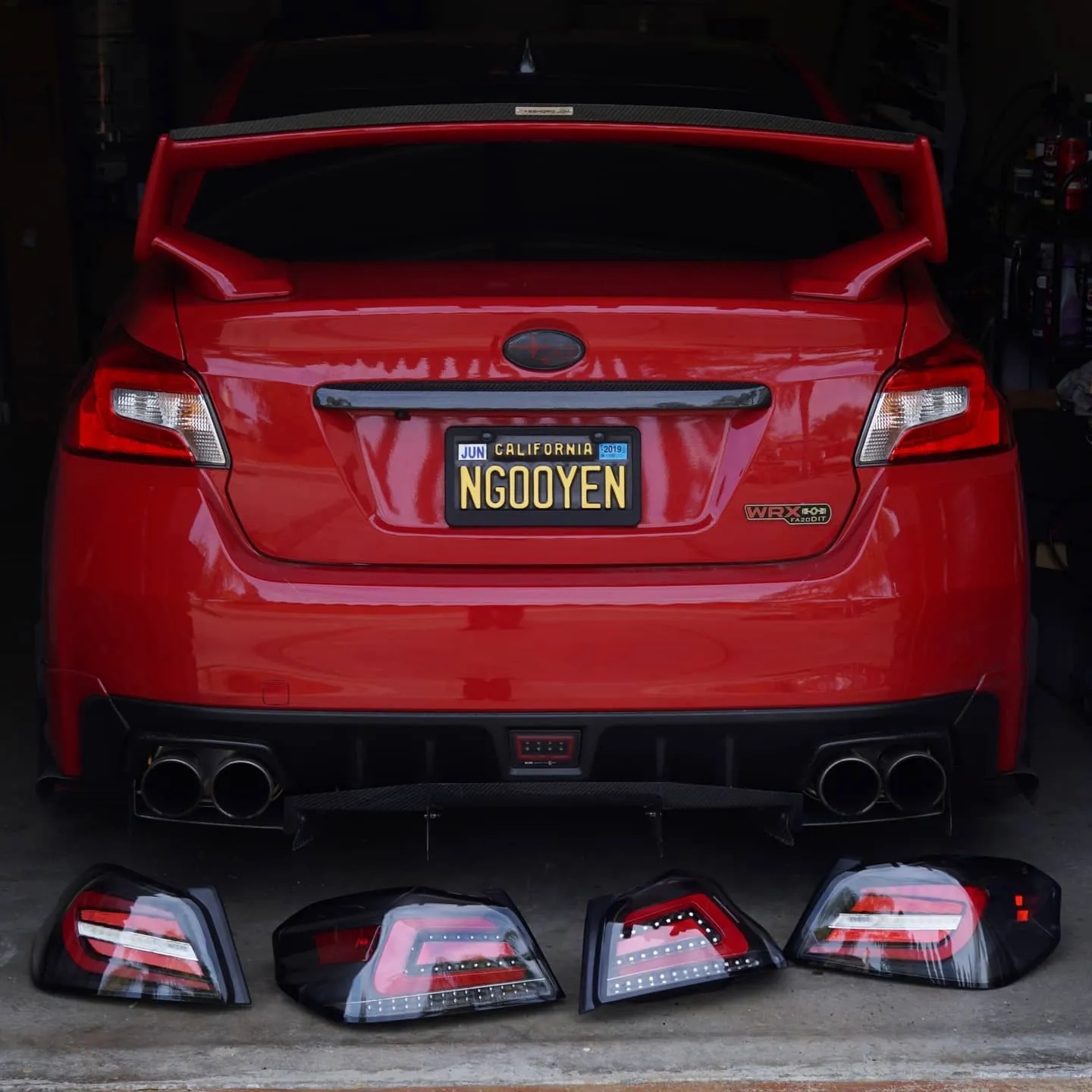
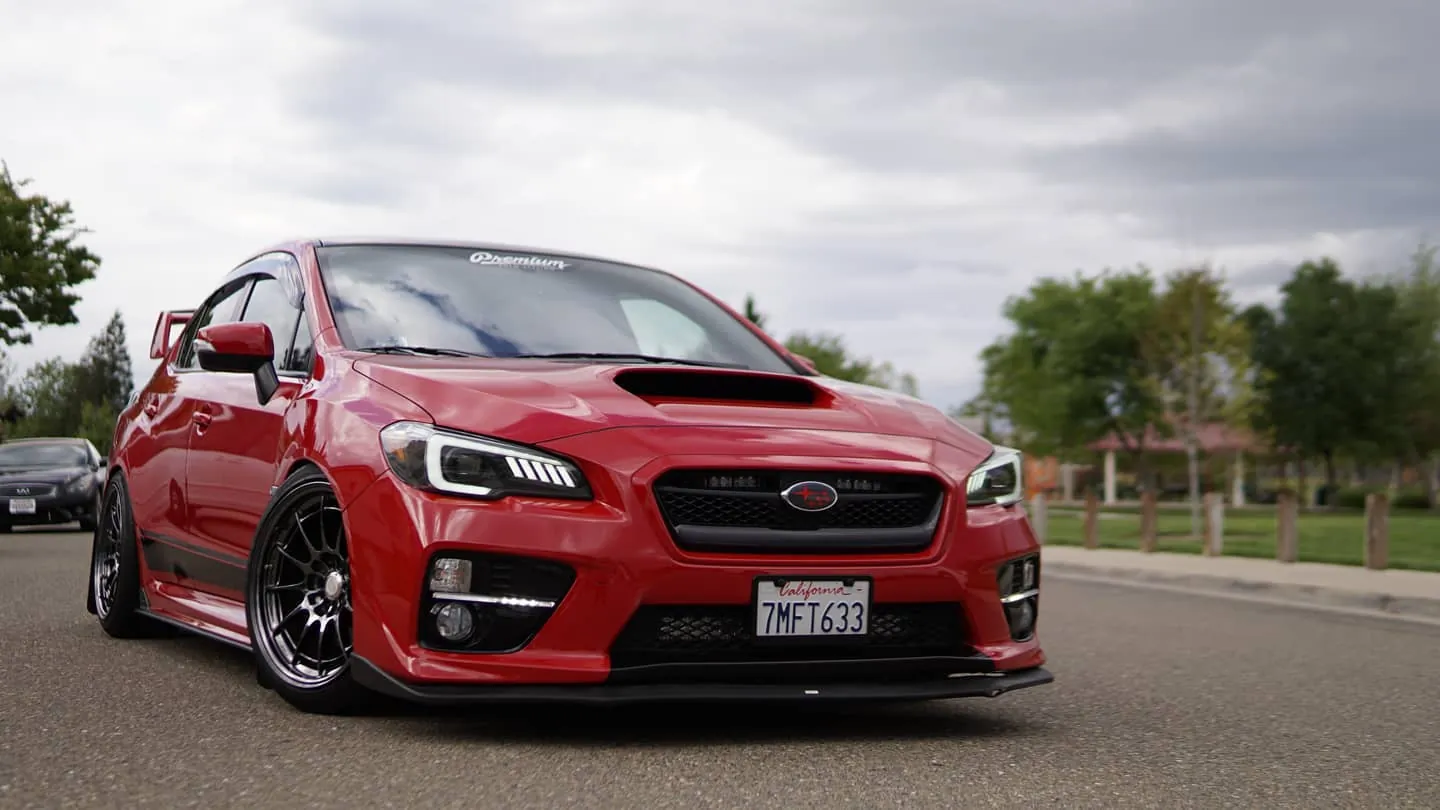
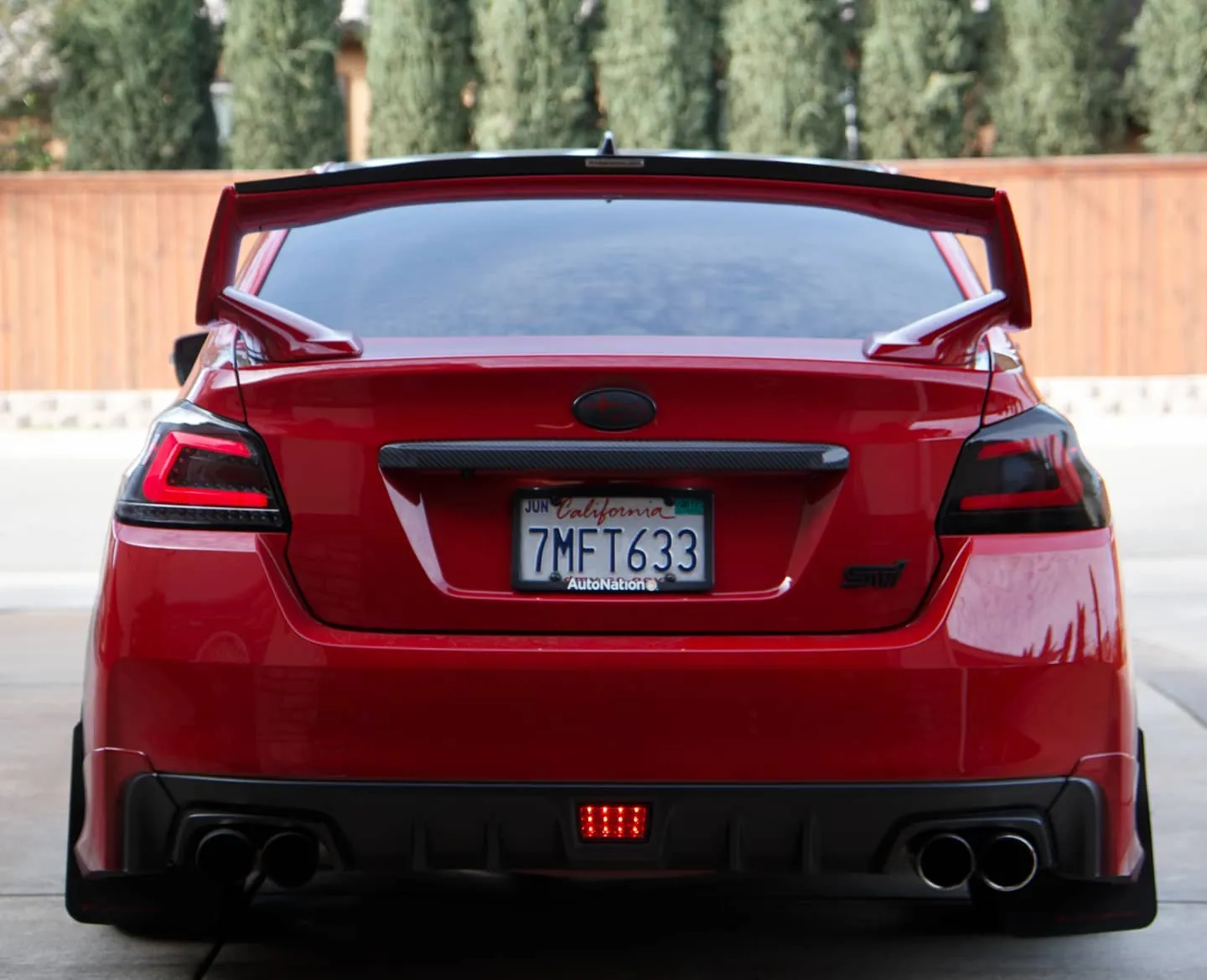
Photos from @ngooyen on Instagram. Follow for more.
Full transcript
Show the full transcript (223 lines) +
0:00What's up guys today? We're going to be taking a look at the new Android head unit redesign for the Subaru WRX
0:05But this will apply to most all iDoing head units core. So whether you get universal
0:10You get specifically tailored for your vehicle for I say a Mazda an older Subaru to Yoda tundra, etc
0:16It's gonna have a very similar user interface to this. So let's go check it out right here
0:22Now definitely something you can tell is the design is looking really let me get that light for you guys
0:28So you can see that the design is really nice
0:32Really actually the way it's designed is it has a front glass right here, and it's really durable
0:38They call it 2.5 D or 3 just check out this video of them testing it showing it how durable the screen is
0:46So the screen is actually very durable similar to what you see on there like a really high-end phone like Gorilla glass
0:51This is what it's kind of kind of used to
0:53Now let's the head unit right off the bat you can tell it's a really bright screen
1:00But you can turn on your headlights. So at night time like this right now
1:04It's 5 o'clock, but it's still pretty dark because it's so smoky here in California right now
1:08But when you turn on the headlights, you see how the whole screen dims
1:13And it's looking good. Let me try to make it so you guys can really focus on the video
1:18So the surroundings are gonna be a little bit darker
1:20But we're gonna be really primarily focusing on the user interface that iDoing has provided because I think a really interesting take
1:27Is this got this head unit has the user interface is a lot different than what I'm used to and that's really cool about what they're
1:34Doing with software wise so hardware wise they might be very similar nowadays, but they're their software wise
1:39It's it's they've been stepping it up
1:41So you can change the UI right off the bat and I'll show you guys that in a second
1:44Let's look at this general one. Now. This is the one that I picked
1:47It's like a fourth UI you can pick you have your calendar your navigation
1:52Music again blue two-picture ox and so forth. So only those six cards or there's even more right here
1:58But you can see how like it's so well baked in it looks very clean
2:02This icon right here is you're allowed to turn off your screen
2:06So when you're driving your city, let's say you're going you're going ham on the freeway or whatever
2:11You're tacking corners. You definitely want to have less distractions
2:15So having a button right there to just clean everything that's a huge plus now to turn it back on you can hit any of
2:21these buttons or
2:23The touchscreen itself and you can see it turns on this window icon looking thing
2:27This is an Android head unit. So there is apps
2:30So if you have use it use Google Play Store or you know, just download any kind of APK
2:35You'll be, fine here if you want to play classic plans or whatever any kind of game
2:40You know ingi your birds etc. You can play that on this because it has the full Play Store
2:44You can download all that while really nice is something like colors. This is called z-link this head unit
2:50It's very unique compared to others. It's because it has built-in Apple CarPlay now
2:54I haven't tested this specifically but I'll show you a video right here of Apple CarPlay working on this head unit
3:00It's awesome having a built-in all you have to do is plug the usb in and then
3:05Use or make sure you use your official Apple iPhone lighting cable
3:09And then you should have Apple CarPlay, which is a huge plus and a huge step forward for just Android head units out there
3:16Have everything built-in now. I have an Android myself because I have an Android
3:21I use something called auto play. You just buy this adapter, which I'll link below. It's not very expensive
3:27It's like 50 bucks if you want to have Android auto, so you can spend a little bit more if you're gonna use it for Android auto
3:32Now going through the
3:34Icon we can go through every single icon, but I don't think you really need that
3:39Controls is this is pretty important if you want to set up your
3:43Stereo control so if you want to see the serial controls, I can set up everything here, which is really nice
3:48I'll show you guys how to set up real quick
3:50So when I press up you see how it like actually little like change the screen volume up volume up
3:56volume down
3:57volume down next and
4:00You just kind of set up there. It's really intuitive and easy
4:05And I'm just so pressing the button here holding the button down and then I pick the setting
4:11So this one's gonna be sourced because we'll just use mode and for this talk thing will use GPS
4:17When you're finished you press that check mark and now I should have yep serial controls. I'm
4:30Easy connect
4:32This allows you to basically mirror your phone screen
4:36So you like if you don't have internet or a hotspot you can use your phone
4:40To
4:43To show that so let me demonstrate that real quick for you guys
4:46I mean I do I condone this doing you when you're driving and stuff like that
4:53Maybe it's not the best idea, but I just plugged in my note 8
4:58And it's already reading some stuff right there turn on sitting
5:03Okay, I guess it's the first time I ever did this so I have to turn a few things on
5:14This is I should allow you such a tracking and BAM
5:19the screens on
5:21So when you're driving and you know because some people not everyone has tethering on their phone you can mirror it like this
5:29That way this does have Wi-Fi, but let's say you like to watch
5:33You know, it's the screens mirrored. You can also still control it here
5:38So this video is playing here over here you can be driving if there is no kind of n, Annie's not saying hey
5:44You're not allowed to do that. You shouldn't be able to do that. You're driving. This is the car
5:47This is something that yeah, people can abuse but let's say if I'm driving and we're doing a road trip for six hours
5:54People want to watch YouTube they can do that and they can still get entertained. This is a infotainment state
6:00System so it's kind of on you if you're driving you're watching YouTube. That's obviously pretty distracting
6:06You know, it's up to you
6:09You're a grown person
6:10So I'm gonna unplug that and then
6:13We'll go through that more of the icons. So that was the circle is connect
6:18There's also the EQ if you want to see how the EQ looks like that
6:21I have mine set to soft and pretty much flat around the everything. That's how I like it
6:26You can also choose fade and stuff like that
6:30Let's see what else any
6:32GPS they have built in for GPS. Let's say you don't have a phone
6:36You can still have GPS similar to a tom tom. Tom similar to you know a
6:41Garmin you're not gonna have any issues with needing data to run
6:46GPS it's something like similar to an OEM unit actually my Subaru
6:52The original head unit had a user interface very similar to something like this right here
6:59And you can pick out your route and all that stuff like that and you can see this is yeah
7:03This is no data hooked up to it right now and it has that ability which is really nice
7:09Yeah, it's really nice
7:11So it's this is the first time it's loaded and it's actually really smooth
7:16This is an octa-core processor all the specs and stuff like that. I'll post it below
7:21But that's for my user interface. This is a 3d map and
7:25I'm able to you know rotate and all that goodness
7:28Without having any issues
7:31Now going through the app some more there's operation guides testers this
7:35Z-link that's what you want to use for Apple CarPlay like I mentioned earlier
7:40Radio, which is also very important now. Let's go to settings because this is what's kind of blown me away
7:45Most Android head units. I've been dealing with have the traditional like Android Oreo
7:52user settings now what this right here is it's very
7:56There's a skin on top of it make it very more more refined, which is awesome. Look at that
8:03There's there's Wi-Fi data usage device. Everything has its own icon and it's very clean
8:10In under general definitely something you want to check out press any key to start break wire auto net start navigation
8:26Fahrenheit or you know United States
8:28Backup camera it does have a backup camera. It's compatible and you can mirror the image or anything like that
8:35Also, if you want to mute the audio when you're reversing some people like it when you reverse you when you throw in a reverse
8:40It turns off the sound so that you can focus
8:45All this goodness right here lantern settings you can change your color of your
8:51your thingy look at that oh
8:54Pretty cool pretty cool
8:57I'm gonna keep mine to red
9:00Because it just matches my car more
9:03Mixing scales there's so many options. Look at that. There's so many options
9:09Even has door driver door position
9:12now
9:14There's also a factory which I'll show you the password here
9:17This is where all the cool cool stuff is in there now give me a second before I show you that and then here is
9:23Information regarding like backups and accounts if you want to link up your Google play your ways account stuff like that
9:30And you also have your system develop a options and like that that everything's pretty much
9:36You can change a lot
9:39Now for the Android version we have running 8.0
9:42Px5
9:43This is a bunch of mumbo jumbo that some of you might not understand, but here are the specs for those who are interested
9:49Yes
9:51All this information right there for you guys
9:56Now there's some serial MAC address, you know you guys can hunt me down and take the head unit
10:00But I'm not gonna borrow that out that whatever you guys want to do with that
10:05Now for factory settings
10:07I'm gonna show you guys it after I get the password so under factory you have all this password stuff
10:13I'm gonna tell you guys the password right now. It's gonna be three three six eight
10:17So there's three six eight confirm and you're gonna get additional settings the sleepmost setting is
10:23How long do you want to keep this thing on standby? I keep it on standby?
10:27So when I turn it on and off it just instantly turns on that's really convenient. Of course
10:31Of course, it's gonna take some more power
10:33But if you drive your car every day or at least one thing you'll be for perfectly fine
10:37I'll write a display and stuff like that. I don't know too much about that
10:40I think that if you have parking sensors in your car, you can have it display which my car
10:46I don't have anything equipped with that same with reverse parking light and stuff like reverse parking, line, all that stuff
10:51You can turn on the lines. You probably have seen the lines USB error
10:55Detection see most of this stuff is kind of like really advanced where you're just like I just keep it off
11:01I just keep it on default, but it's nice to know that's there
11:05MCU panel is
11:07If you want to keep these lights on
11:09Of course, I want to allow myself to download install any app. This is what that allow it does
11:15If you have a CAN bus system, you can change the way your car locks
11:19So it shows you which doors locked this car doesn't have any of that information on there
11:24So I don't have any of that. It just keeps look all this information AC information, of course
11:28I don't have the CAN bus, but if your car did you can have that kind of functionality and you can play with it
11:34Boot screen logo. That's also a really interesting one if you want to change it minds of Subaru
11:39Remember this head unit is it could be universal not this particular one
11:43But just generally in Android head units you can change your badge and all that
11:47So if you want to be kind of fancy when you turn your car on and you want to be a I don't know a Brembo break or
11:54You know, there's like a probably like, you know, there's Subaru. There's Yama
11:59I don't even know what this is, but this I mean, there's like this one's like a freaking perfume bottle or
12:06But I don't see Lamborghini or anything like that, but there's Cadillac and all that stuff which is it's fun
12:12You can change that volume balance settings and all this stuff. There's just so much
12:16Of course, you would generally want to keep this to default as USB 2.0 right now. You don't want 1.1
12:20The resolution is 1024 by 600
12:25And all this stuff can be looked at I don't want to show you too much
12:28I want to show you the cool stuff. So home launcher select. This has built in
12:34UI changes. I have it zero three the password
12:37It's gonna be 1818. I'm just gonna show you guys that
12:41So right now I'm on zero three. That's how let's see how zero four. It looks like to check how that looks like
12:47We go back to home and boom
12:50Now this is definitely more, you know, bronzy cool
12:53You still have that off-screen which is nice. It's a good touch
12:57But this is kind of like your user interfaces
13:00Music is just gonna be what kind of music you have stored in here
13:02So if you have mp3's or you if you plug in a USB, you can adjust it there radio Bluetooth music video player settings
13:09So this is one of the UI. Let's go to the next one
13:12We can click this button right here and hopefully we should be able to go back again
13:16Let's put. Put the password in an 1818. Oh
13:22This is the factory password the factory password is 3368
13:26So they were here and then we had to change the launcher selection that one's 1818
13:34So let's go to UI 05. Boom. Let's check out. It looks like
13:43What do you think of this one camera woman? I like the blue. Yeah, the blue is really nice
13:51and resolution on the screen is very crispy and
13:55The screen is very it's very vibrant and colorful
13:59I can kind of see this screen being really good on the cars that have more of that blue tint
14:01really good on cars that have more of that blue tint.
14:04I'm looking at you guys like Mustangs and stuff like that GM car like
14:07generally Ford has a lot of blue kind of colors.
14:10But look at this it kind of matches my upper screen right here
14:13here that kind of blue right to so it's cool and this is
14:16in the default screen. Now let's look at
14:27Let's go to my next UI.
14:30So the password again is 3368
14:33And then right here. Here
14:351818
14:36It's like they didn't want you to touch this stuff or some all those passwords found very similar to the other one
14:45But more like a navy blue and like just more like stealthy again that looks pretty cool
14:52But it's just user preference and then you have the Andrew auto
14:56And that's why whenever when you saw my initial screen
14:59It looked very different because I wanted to go for that different theme
15:02So I'm gonna change it one more time to the original one I the original one I had which was the first one
15:13UI03 so if you guys are UI03 comment down below
15:16Boom. It's it's it's nice. I like the big widgets and stuff like that. It is kind of a little bit brighter
15:22Maybe a little bit more distracting, but yeah
15:25Overall what I've been I've been using this head unit for a week now
15:38It's like to distort or the volume can get really really loud on my system
15:43Iattutto hang out like a two or three audio because I
15:47Actually have an amp so I guess it amplifies the sound and makes it super loud. So I'm usually down here. I'm never up there
15:54Bluetooth signals been really good. Why fights been brilliant. I had no issues
15:59I know I only had this head unit for a week
16:01But but in the week that I've been testing it everything has been working great. It's has never crashed
16:06It had never had any issues and iDoing their support
16:10They've they've been super helpful and like their responses are super quick
16:14And that's something that I would pay a little bit more money just to get that extra really good support now
16:21Is there anything I want to complain about honestly? No for 400 bucks
16:304500 bucks for this head unit. It's definitely there's nothing really I can complain about the screens great
16:34They upgraded the screen the previous screen had some backlight bleeding issues
16:39This one doesn't have that issue anymore. So it's like that's really good. The build quality
16:45We have actually improved it on because they use this better screen, which is again another really good thing for me
16:52I had a 2015 vents it fits in really nicely also very good. It,
17:01been reliable so if you guys were looking to buy this check on the links description below
17:06I have the iDoing which is remember that they've been really good and they have really
17:09good customer service so it's definitely something you guys should check out other than that um yeah,
17:15let me know if you guys have any questions on the UI. I know I want to really go deep dive into the UI
17:20because um you know it's not not everyone has seen the UI so just check out the GUI and stuff like
17:26that I think I really like it and um I covered so much stuff like that I just want to show you
17:30guys something a little bit unique with their their skin they have on top of this pretty cool
17:35Thanks for watching, peace out guys, and remember to subcribe. Peace!
Machine-transcribed from the full-length video and lightly cleaned (product names fixed). Watch the video for exact wording.
Next step


