EVBASE Real Carbon Door Handle & Side Camera Covers: Model Y Juniper
Wipe, peel, stick and hold for 15 seconds. Two quick peel-and-stick carbon upgrades.
Full video (3 min): Real Carbon Fiber Upgrades for Tesla Model Y Juniper! (Door Handles + Camera Covers) · John's YouTube channel
Get the parts
- Search Amazon for EVBASE Tesla Model Y JuniperSearch on Amazon ↗
- Find EVBASE Model Y Juniper carbon camera cover on eBayBuy ↗
- EVBASE carbon side marker / camera coverBuy ↗
- EVBASE carbon door handle coversBuy ↗
CodeEVBASE codes JOHN20 / JOHN15 — JOHN20 / JOHN15
DEALCode "JOHN20" for 20% off (per the video description)
As an Amazon Associate I earn from qualifying purchases. Some links are affiliate links.
Wipe, peel, stick and hold for 15 seconds. Two quick peel-and-stick carbon upgrades. This 3 min guide covers the Tesla Model Y Juniper and Model 3 Highland with tools, parts links and the full video. Confirm exact year and trim fitment with the seller before you buy.
Overview
Matte carbon overlays that match John's carbon mirror caps and add some scratch protection. Both are pre-taped. Clean the area, peel and press.
Vehicle & fitment
- Product
- EVBASE real carbon fiber door handle covers and side camera / turn-signal (side repeater) covers
- Shown on
- Tesla Model Y Juniper
- Tesla Model Y Juniper and Model 3 Highland (per the description)
Always confirm fitment for your exact year and trim with the seller before buying.
Tools & parts
Tools
- Microfiber towel
- Optional: rubbing alcohol
Parts
- Carbon door handle covers
- Carbon side repeater covers
Step by step
- 1
Door handles: clean, stick, press▶ 0:45
Wipe the handle with a microfiber towel, peel the backing, stick it on and press for 15 seconds. Leave a little clearance so the handle still presses normally.
- 2
Side repeaters: clean and peel▶ 1:38
Make sure the area is clean. Alcohol helps it get tacky, but a microfiber towel is good enough. Peel the double-sided tape.
- 3
Line up and hold▶ 2:04
There's some wiggle room to shape it. Apply about 10 lb of pressure for 15 seconds.
Get the parts
- Search Amazon for EVBASE Tesla Model Y JuniperSearch on Amazon ↗
- Find EVBASE Model Y Juniper carbon camera cover on eBayBuy ↗
- EVBASE carbon side marker / camera coverBuy ↗
- EVBASE carbon door handle coversBuy ↗
CodeEVBASE codes JOHN20 / JOHN15 — JOHN20 / JOHN15
DEALCode "JOHN20" for 20% off (per the video description)
As an Amazon Associate I earn from qualifying purchases. Some links are affiliate links.
FAQ
What vehicle does this install fit?
It is shown for the Tesla Model Y Juniper and Model 3 Highland. Always confirm your exact year, trim and factory audio with the seller.
How long does the install take?
John's full video is 3 min. Plan on that much time for a careful DIY install, plus extra if you are new to dash work.
What tools do I need?
Tools called out in the guide: Microfiber towel; Optional: rubbing alcohol.
Where do I get the parts?
Use the buy links on this page for the unit and any harnesses John used. Some links are affiliate links.
Is this beginner-friendly?
The guide breaks the job into 3 steps with timestamps into the video. If you can remove trim panels carefully, you can follow along.
John's Tesla Model Y
More photos →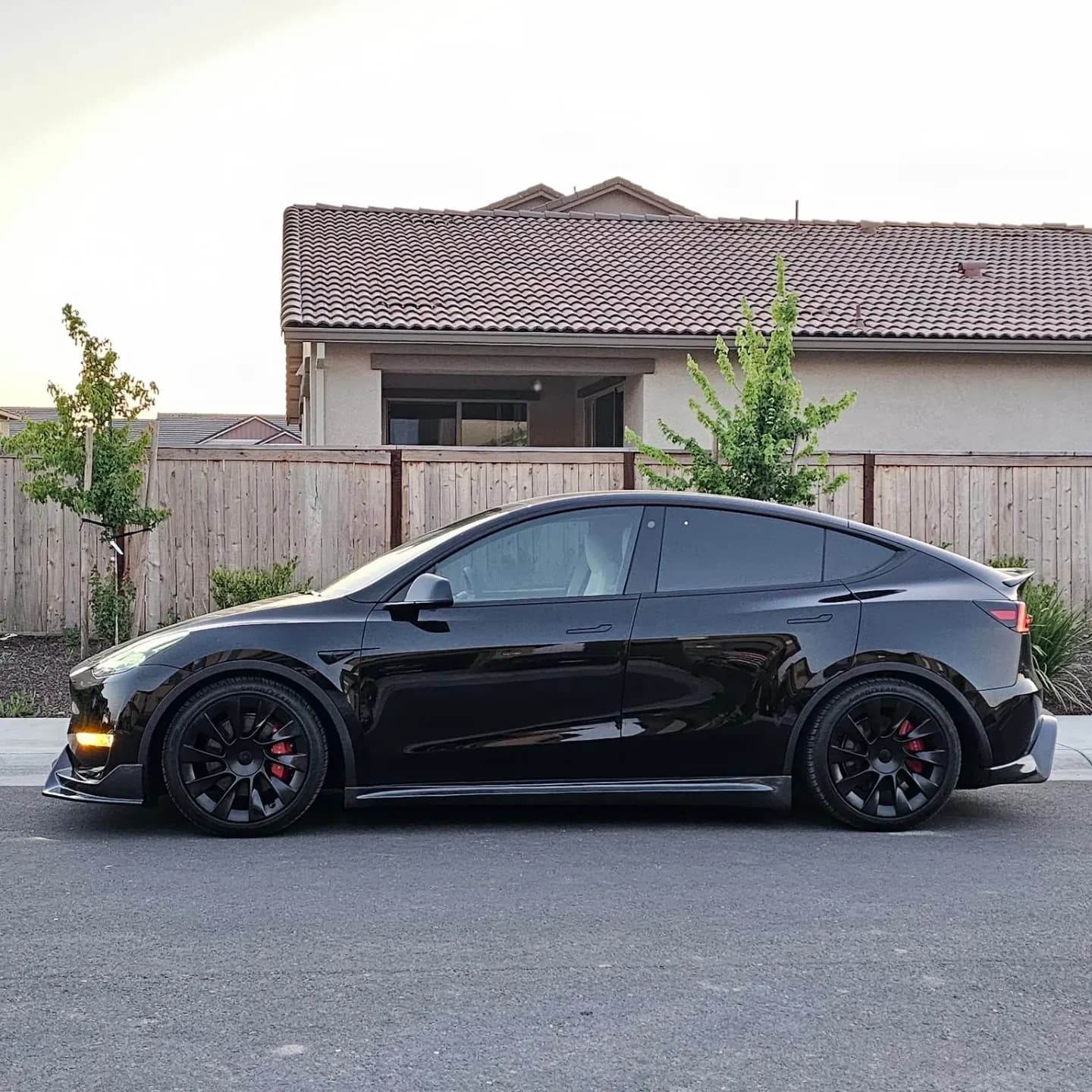
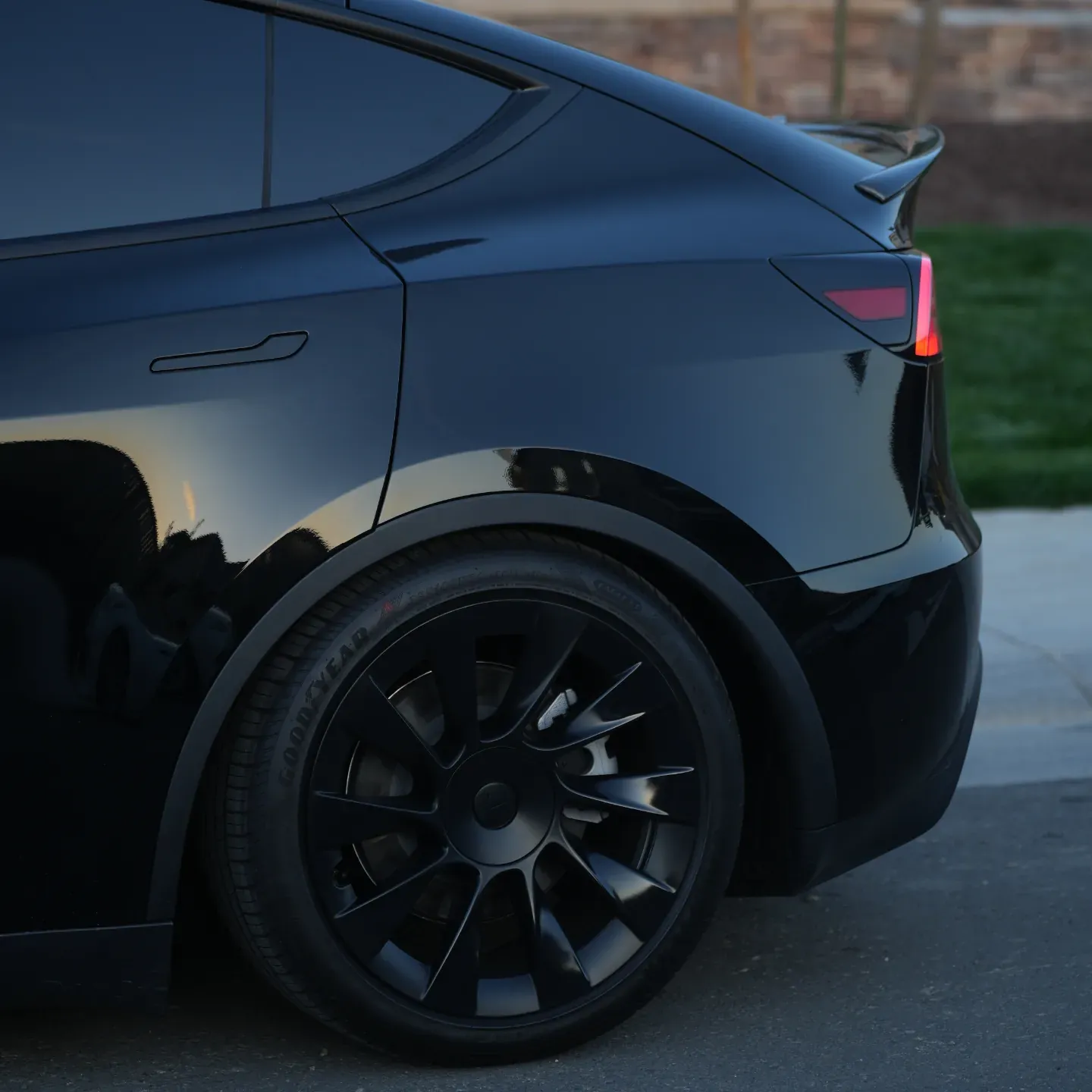
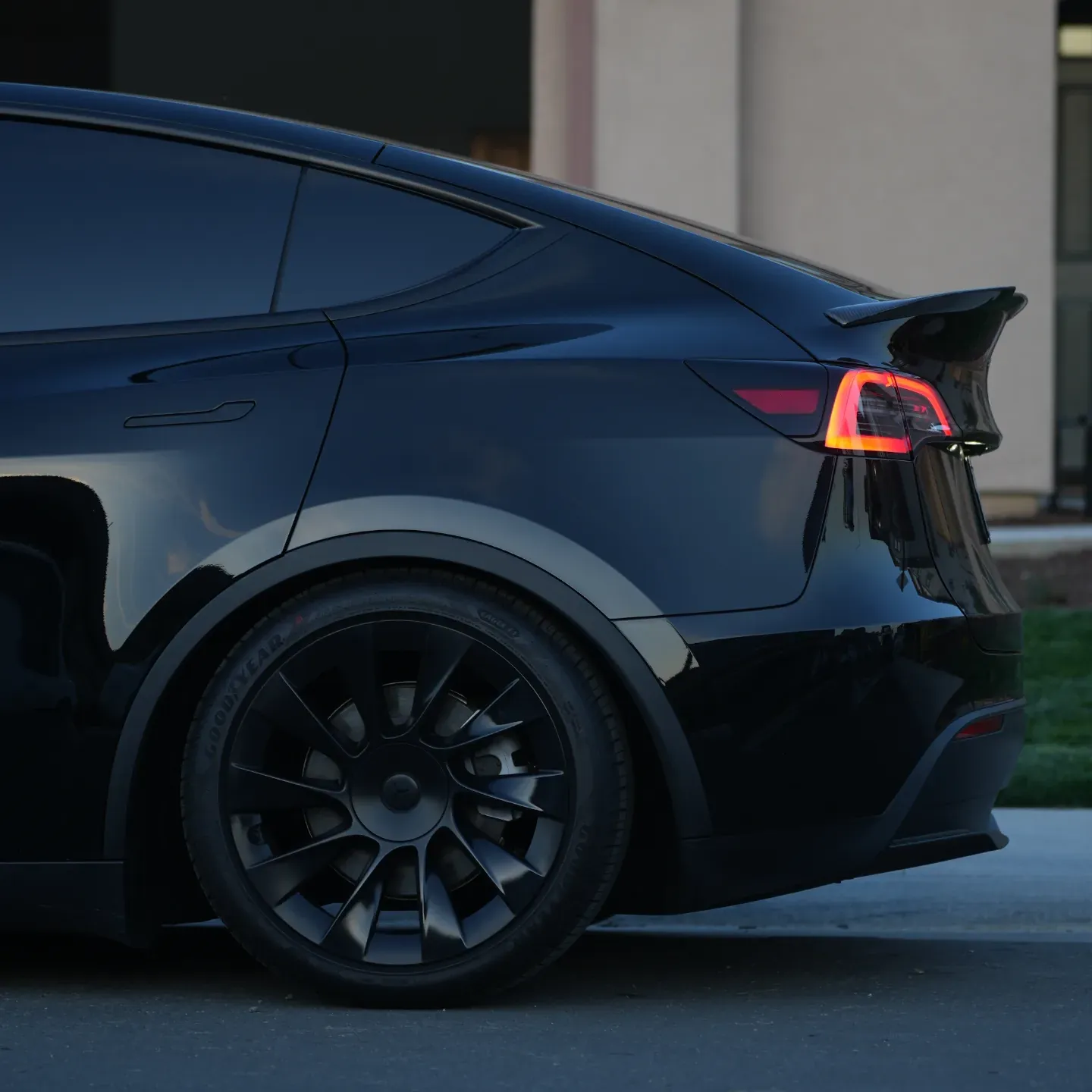
Photos from @ngooyen on Instagram. Follow for more.
Full transcript
Show the full transcript (30 lines) +
0:15What's up guys it's your boy John. We are back in here with another video today. We're on a lie
0:21It's the newest latest revision
0:24You can see the taillights. You guys were interested in some style
0:27We have some carbon fiber on the car ready like the mirror caps
0:31So we're gonna add some some carbon fiber to the door handles. It's really easy
0:37It's an over. That way it does protect from any scratches
0:41Think of it like maybe like a PPF a little bit in a way, but just
0:45actual real carbon fiber and applying it's pretty easy. You just wipe it down with a microfiber towel, which I did here
0:51On stick and then press down for 15 seconds. So we build the backing
0:56Ins
1:15That way when you press on it, there's that little bit of clearance where
1:20You're good to go
1:24carbon fiber side repeaters on
1:27The Tesla Molana wide Juniper. So we will have it right here. We have a theme going on the carbon fibers.
1:33Mirror caps the door handles now we're gonna do the side repeaters. So, this piece right here
1:38It's very easy to install because all you do is put it on and that's it. So just remove the double-sided tape
1:45Make sure this clean area is clean. Just wipe it down with a microfiber towel
1:49You could use alcohol to make sure it's really nice and tacky, but I think a
1:55Microfiber towel is good enough. You have just peeling the backing
2:00All right, so took it off now
2:04I like to put about 10 pounds of pressure on it. Let's get it lined up. There is some
2:11Wiggle, room so you can still kind of shape it right here and the he said worse those three lines
2:17You could add more if you want to but I feel like from the EV base. It's perfectly fine
2:23there you go
2:25one two three four five six seven eight nine ten eleven twelve thirteen fourteen fifteen and
2:33And voila it's done. I think it looks great really compliments the carbon fiber
2:38And it's because it's a matte and carbon fiber. You don't really notice it
2:42It's just a nice little touch and then you do get that two tone because now you have the plastic right here
2:49Then you have the carbon fiber
2:50So you have it's a little more interesting to look at because it's plastic carbon
Machine-transcribed from the full-length video and lightly cleaned (product names fixed). Watch the video for exact wording.
Next step


