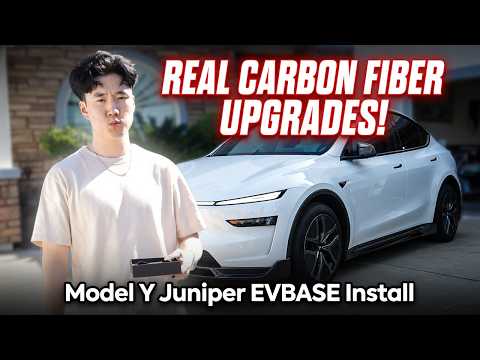
TESSTUDIO Rear Center Fridge: Tesla Model Y Juniper Install & Review
Hook the 3.6L fridge onto the second-row lip, plug it into USB and it chills cans in 5–10 minutes. It has a heat mode too.
Full video (7 min): I Installed a Fridge in My Tesla Model Y Juniper… Is It Actually Useful? · John's YouTube channel
Get the parts
- TESSTUDIO 3.6L rear center fridge, Model Y Juniper (Amazon)Buy ↗
- Find TESSTUDIO 3.6L rear center fridge Model Y Juniper on eBayBuy ↗
As an Amazon Associate I earn from qualifying purchases. Some links are affiliate links.
Hook the 3.6L fridge onto the second-row lip, plug it into USB and it chills cans in 5–10 minutes. It has a heat mode too. This 7 min guide covers the Tesla Model Y Juniper with tools, parts links and the full video.
Overview
A small fridge that sits in the unused cavity in front of the second-row middle seat. It hooks onto a lip, powers from the car's USB, and cools drinks fast. John (6 ft) shows the middle seat is still usable.
Vehicle & fitment
- Product
- TESSTUDIO 3.6L rear center console refrigerator: cools down to 5°C, heat mode up to 50°C, USB powered, removable grill, holds about four cans
- Shown on
- Tesla Model Y Juniper
- Tesla Model Y Juniper (per the description)
Always confirm fitment for your exact year and trim with the seller before buying.
Tools & parts
Tools
- Screwdriver (optional, only if you use the bracket screws)
Parts
- TESSTUDIO fridge + bracket
- USB cable (included)
Step by step
- 1
Find the lip▶ 1:48
Where the second-row carpet meets the center section there's a small lip. The bracket hooks onto it.
- 2
Hook it on▶ 2:02
Option 1: remove the two bracket screws, hook the bracket on the lip, slide the seats forward and screw it in. John's faster way: set it in place and push. It stays nice and snug.
- 3
Power it from USB▶ 2:28
Plug it into the car's USB. It defaults to cool mode at 5°C, the lowest setting.
- 4
Cool or heat▶ 3:16
Raise the temperature or switch to heat mode (up to 50°C) to keep food warm. The condenser fan is quiet, and you won't hear it with the HVAC fan on.
- 5
Use the space▶ 4:07
It holds about four cans. Remove the grill for larger items like takeout.
Wiring notes
- Powered entirely by the Model Y's USB port
Get the parts
- TESSTUDIO 3.6L rear center fridge, Model Y Juniper (Amazon)Buy ↗
- Find TESSTUDIO 3.6L rear center fridge Model Y Juniper on eBayBuy ↗
As an Amazon Associate I earn from qualifying purchases. Some links are affiliate links.
FAQ
What vehicle does this install fit?
It is shown for the Tesla Model Y Juniper. Always confirm your exact year, trim and factory audio with the seller.
How long does the install take?
John's full video is 7 min. Plan on that much time for a careful DIY install, plus extra if you are new to dash work.
What tools do I need?
Tools called out in the guide: Screwdriver (optional, only if you use the bracket screws).
Where do I get the parts?
Use the buy links on this page for the unit and any harnesses John used. Some links are affiliate links.
Is this beginner-friendly?
The guide breaks the job into 5 steps with timestamps into the video. If you can remove trim panels carefully, you can follow along.
John's Tesla Model Y
More photos →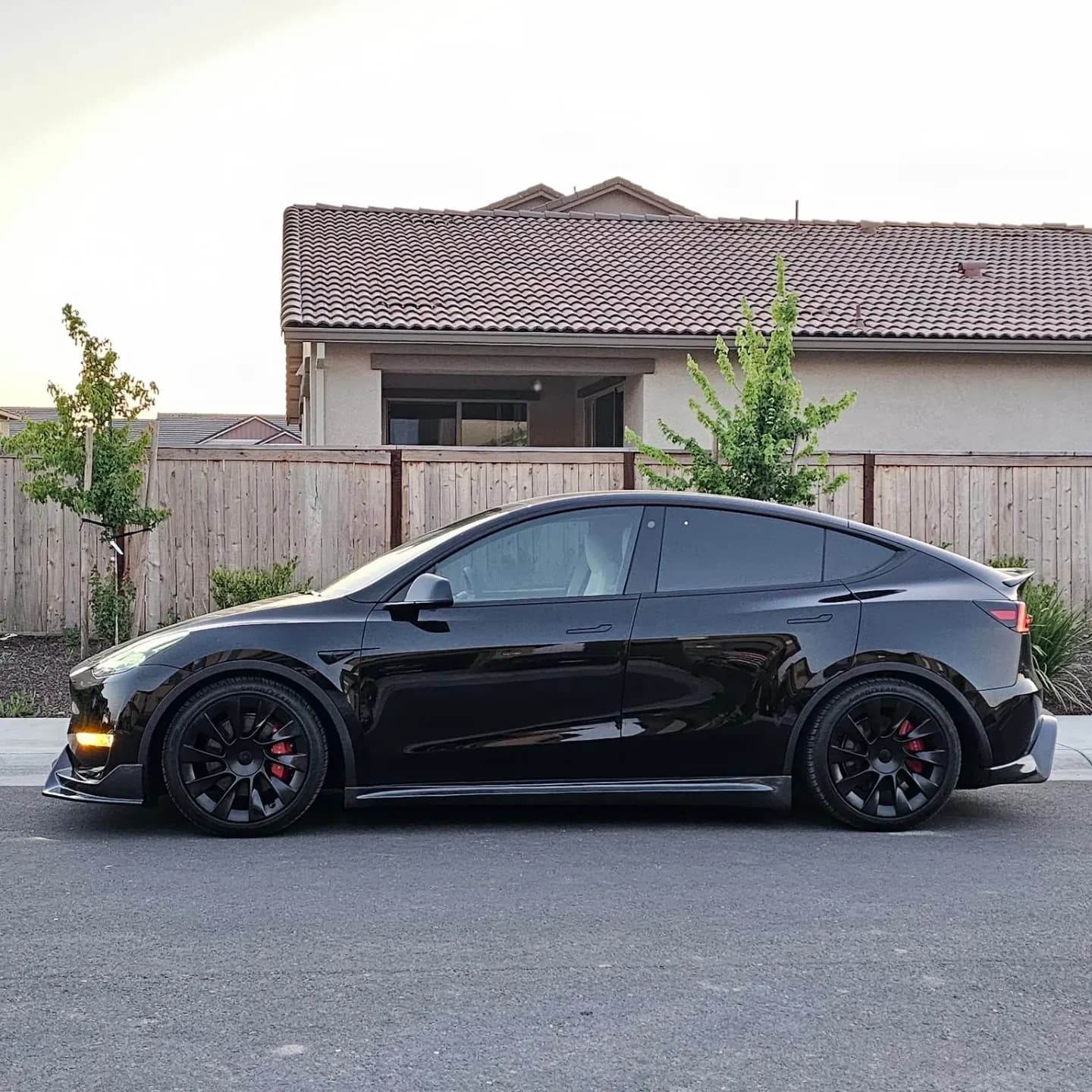
Photos from @ngooyen on Instagram. Follow for more.
Full transcript
Show the full transcript (124 lines) +
0:22Good boy John, we are back again here with another video.
0:25We have something for the new Mont Y
0:26so if you guys are interested in summertime
0:28you know, you're going on road trips and whatnot.
0:31I have a little fridge on the second row.
0:33So this one holds cans, and as a father
0:36I got some baby balls, whatnot.
0:38So, always good to keep things chill.
0:41Very fast shipping, very.
0:42Very easy to install.
0:44And the unit doesn't take that much room
0:46in the middle second row, which is impressive.
0:49While holding like multiple cans.
0:52So this is like a, you know
0:54one of those energy drinks, Kirk Lynch, shout out.
0:57But look, fits in there right there, you can put
1:00you can probably put four cans
1:01and it's very easy to install.
1:04You get a little bracket right here
1:07and all you do is actually just push it in
1:09and it kinda just locks in place.
1:11That's it.
1:12As far as power and like plug and playness
1:15it just uses the USB.
1:16So the USB in the Tesla is actually enough to power it.
1:21So if yours are interested
1:22I'll leave a link right here below.
1:24So let's go to the install.
1:26All right, so we're in the second row here
1:29and you can see there's plenty of room right here.
1:33There's like a cavity you don't really use.
1:35So this isn't taking any space.
1:37Now in the middle row, like the second row of middle seat
1:41who really sits here?
1:42I'll show you how I am as a six foot person
1:45sitting in the middle.
1:46But, here we go here.
1:48So if you look down here, it's really dark
1:51but where this carpet meets this kind of center section
1:55there's a little lip.
1:57So you kinda just?
1:58Just hook that on that piece of that lip right there.
2:02And for me, you could either take this
2:04these two screws out, hook it on the lip right here
2:08push the chairs forward, and then screw it in like this.
2:11Or for what I would do, from my experience
2:15do it really fast is you just honestly
2:17just put it in like this, and then you just push it in.
2:20It's on there good.
2:21And if you wanna tighten anything
2:24but it's on there, nice, nice and snug.
2:28And all you have to do is to power the unit itself.
2:33It's like that.
2:34And 5C is as low as it goes.
2:37So it defaults to the cooling mode.
2:39You can increase the temperatures.
2:41Now, the condenser fan is actually pretty quiet.
2:45It's quiet, it's as quiet as maybe
2:49or I have it at seven degrees on the fan
2:51I don't know if the fan speed on the Tesla is.
2:59It's on medium speeds here.
3:02here
3:03forget about it, you're not gonna hear it.
3:05Now, if you had the fans off
3:07you could hear like a pop kind of whirl.
3:09So it's not too distracting or anything.
3:11It's just something that you could set it and forget it
3:14and not have to worry too much about it.
3:16Now, the next thing is you can increase the temperatures here
3:19and also there is another functionality
3:22where you can apply a heat mode.
3:25And the heat mode is just to keep things warm
3:28and stuff like that.
3:29And see how far it can go up.
3:31So 50C, that's pretty warm.
3:35Let's keep it on the cool mode.
3:37That's what I'm gonna be using most of the time.
3:39And I just love how this USB can power a refrigerator.
3:43That's actually kind of mind blowing.
3:45As far as what's inside here, you got this nice gasket.
3:50Remember, you can fit multiple cans.
3:52And even though I just plugged it in
3:55and I was kind of testing it earlier
3:56within like five, 10 minutes, it actually got really cool.
4:00So that's always really nice.
4:01And the can is cold to the touch already
4:04even though I've only been testing it for five minutes.
4:07And yeah, you can remove this little grill right here
4:14to add larger items.
4:15Let's say you got takeout or whatnot.
4:17You can put it in here, but you can put the can this way
4:22but I think for most people, drinks would be ideal.
4:26And you can hold like four can soda cans
4:29or like in this case, I like to drink a little energy
4:33drinks, especially if I'm going on. on road trips
4:35from North cow to So-Cow, you want your drinks cold.
4:39All right, so yeah, where I left off
4:42was that you can fit four soda cans
4:45and you just get a lot of space as a test.
4:49So I'm very comfortable in this suit right here.
4:52And obviously the Model Y has excellent middle row
4:56because there is a flat floor, there's no transmission hub.
5:00So this is something I can do to consider right here.
5:04As far as leg room, I guess if I wanted to be in between
5:09you can see my toes right here.
5:11It's not bad, six feet tall.
5:16This would be my probably more ideal, comfortable
5:19than the people in the middle sides
5:22can utilize all this space.
5:31space because this section right here
5:34it goes so deep without you realizing it.
5:37So you're not, it doesn't feel like you're losing much.
5:40You gain a refrigerator slash like a heater
5:44to have to eat your food, which is also a plus. l
5:47But yeah, if you guys are interested in this product
5:49I'll leave it down a link down below.
5:51The quality is really nice soft touch material right here
5:53like a rubber soft touch.
5:55I had the screen protector on
5:57but you can remove the screen protector.
5:59I just think I like the overall aesthetic of it.
6:01It matches.
6:02It's like design for the interior of the Model Y.
6:05So you can see how this lip goes up
Machine-transcribed from the full-length video and lightly cleaned (product names fixed). Watch the video for exact wording.
Next step