Hondata Jailbreak Tour: Flashing an Integra Type S & Civic Type R
John takes his Integra Type S (and a friend's Civic Type R) to the Hondata tour stop in Sacramento: the wait, registering and locking a new FlashPro to the car, picking a map with pops, the 8-minute flash, and what to do while it runs.
Full video (10 min): FL5 & DE5 Get tuned! Full Hondata Jailbreak Tour Experience! | Civic Integra Type R / S · John's YouTube channel
John takes his Integra Type S (and a friend's Civic Type R) to the Hondata tour stop in Sacramento: the wait, registering and locking a new FlashPro to the car, picking a map with pops, the 8-minute flash, and what to do while it runs. This 10 min guide covers the Hondata FlashPro on the 2023+ Integra Type S (DE5).
Overview
There weren't any good videos showing what the Hondata tour is like, so John filmed the whole thing. He and a buddy with a Civic Type R head to the Sacramento stop, where the lot is full of Type Rs and Integra Type S cars. After about two hours of waiting, a Hondata tech walks through the FlashPro Manager software on a laptop: check for all green checks (the FlashPro sees the ECU), register the new FlashPro to its owner, then use Online > Lock to Vehicle, which ties it to that car's VIN. If you ever sell the car, unlock it first so you can sell the FlashPro. The car was bone stock, so the tech loaded the stock base calibration and made one change: John asked to try the crazy pops and bangs, which only run in Sport+ and are easy to turn back off. The flash itself takes about 8 minutes. Expect warning lights and beeps on the dash while the ECU is rewritten, keep the battery healthy (use a tender if it's low), and don't touch anything. The tech's horror story is a customer tripping over the cable mid-flash and bricking the ECU. When it's done, switch the ignition off, turn it back on, unplug and go for a drive. A first-impressions video on the pops and power was coming next.
Vehicle & fitment
- Product
- Hondata FlashPro ECU flash (jailbreak and base map with optional pops), done at the Hondata tour
- Shown on
- John's Acura Integra Type S DE5 (bone stock at the time) and a friend's Honda Civic Type R FL5
- Hondata FlashPro on the 2023+ Integra Type S (DE5) and Civic Type R (FL5), as shown in the video
- Shown at a Hondata tour event; the description has no buy links
- Map settings and power claims are for this specific event and car; your tuner's advice comes first
Always confirm fitment for your exact year and trim with the seller before buying.
Tools & parts
Tools
- Laptop with Hondata FlashPro Manager
- Hondata FlashPro and cable
- Battery tender if the battery is low
Parts
- Hondata FlashPro (registered and locked to the car)
- Base calibration for a stock car, with pops and bangs enabled in Sport+
Video chapters
- 0:00Heading to the Hondata event
- 0:34Exploring the tour cars
- 2:02Preparing for the flash
- 3:33FlashPro software setup
- 4:45Selecting the tuning map
- 6:29Flashing the ECU
- 9:14Post-flash testing
Step by step
- 1
Off to the tour▶ 0:00
Hondata is in town, so John brings his Integra Type S for a jailbreak and flash, with a buddy in a Civic Type R.
- 2
The lot▶ 0:34
More Type Rs and Integra Type S cars than John had ever seen in one place, including one on BBS 19s sitting a bit lower than his.
- 3
The wait▶ 2:10
About two hours in line. Other than popping the hood, the owner doesn't have to do anything.
- 4
Check connectivity▶ 3:30
In FlashPro Manager, press start twice and confirm all green checks. That means the FlashPro is good and it can see the car's ECU.
- 5
Register the FlashPro▶ 4:16
A brand-new FlashPro gets registered to its owner first.
- 6
Lock it to the car▶ 4:46
Online > Lock to Vehicle ties the FlashPro to the car's VIN.
Tip: If you part ways with the car, unlock it first so you can sell the FlashPro. Otherwise it stays tied to that car.
- 7
Load a calibration▶ 5:09
The car is bone stock, so the tech loads the base map. The modification window lets you tailor it. John picks the crazy pops and bangs, which only run in Sport+ and are easy to turn back off.
- 8
Flash and expect warnings▶ 7:18
While the ECU is rewritten you'll see all sorts of dash errors and hear beeping. That's normal. The flash takes about 8 minutes.
Warning: Don't move or trip over the cable during the flash. The tech has seen a bricked ECU from exactly that.
- 9
Battery▶ 9:00
Make sure the battery is full. If it's low, put a battery tender on it before flashing.
- 10
Finish up▶ 9:36
Switch the ignition off when prompted, then turn the car back on, unplug everything and go for a drive.
Wiring notes
- FlashPro plugs into the car's OBD-II port and the laptop by USB during the flash.
FAQ
What vehicle does this install fit?
It is shown for the Hondata FlashPro on the 2023+ Integra Type S (DE5) and Civic Type R (FL5), as shown in the video. Shown at a Hondata tour event; the description has no buy links Always confirm your exact year, trim and factory audio with the seller.
How long does the install take?
John's full video is 10 min. Plan on that much time for a careful DIY install, plus extra if you are new to dash work.
What tools do I need?
Tools called out in the guide: Laptop with Hondata FlashPro Manager; Hondata FlashPro and cable; Battery tender if the battery is low.
Where do I get the parts?
Parts are listed in the guide; confirm current links and fitment with the seller.
Is this beginner-friendly?
The guide breaks the job into 10 steps with timestamps into the video. If you can remove trim panels carefully, you can follow along.
John's Acura Integra Type S
More photos →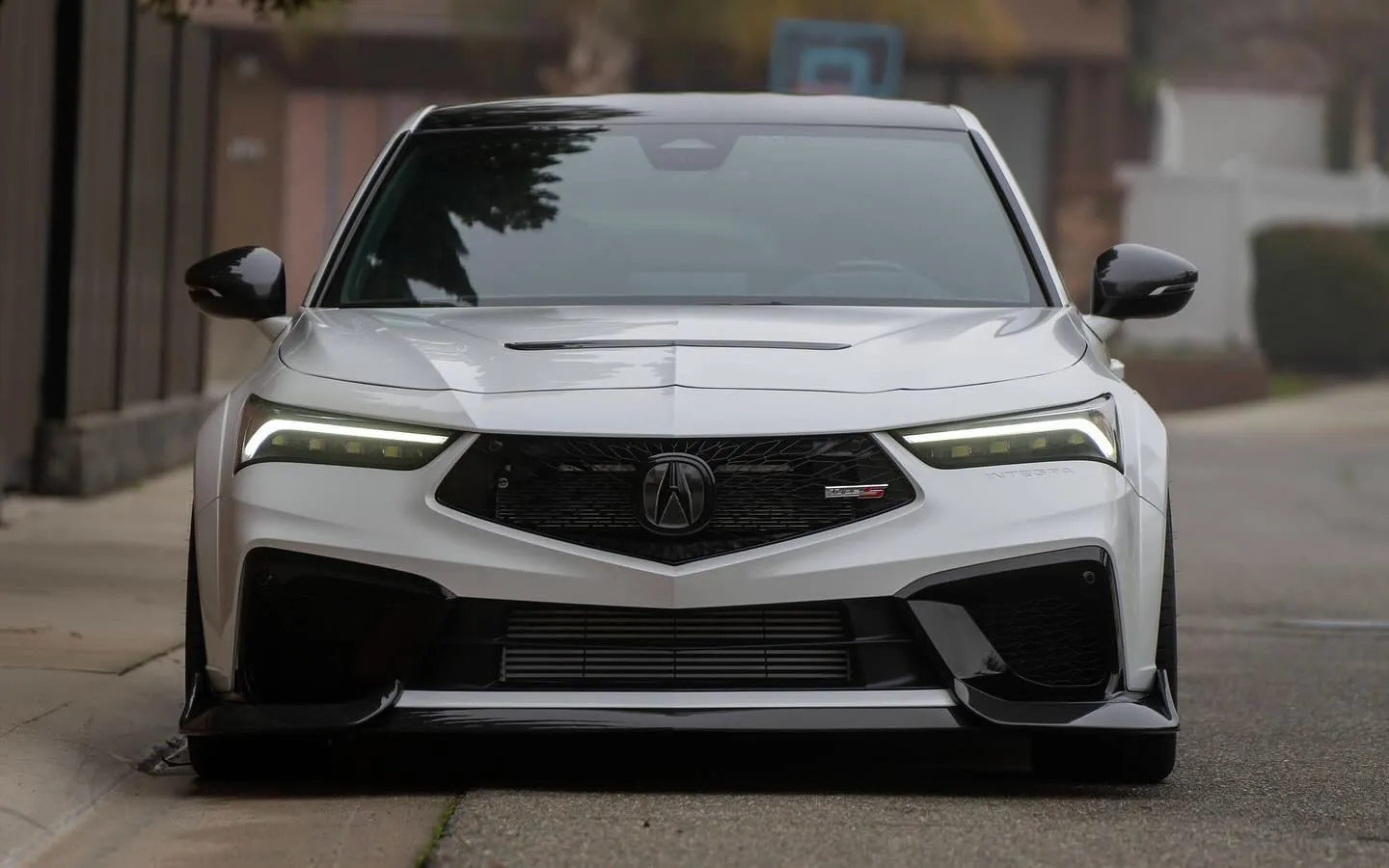
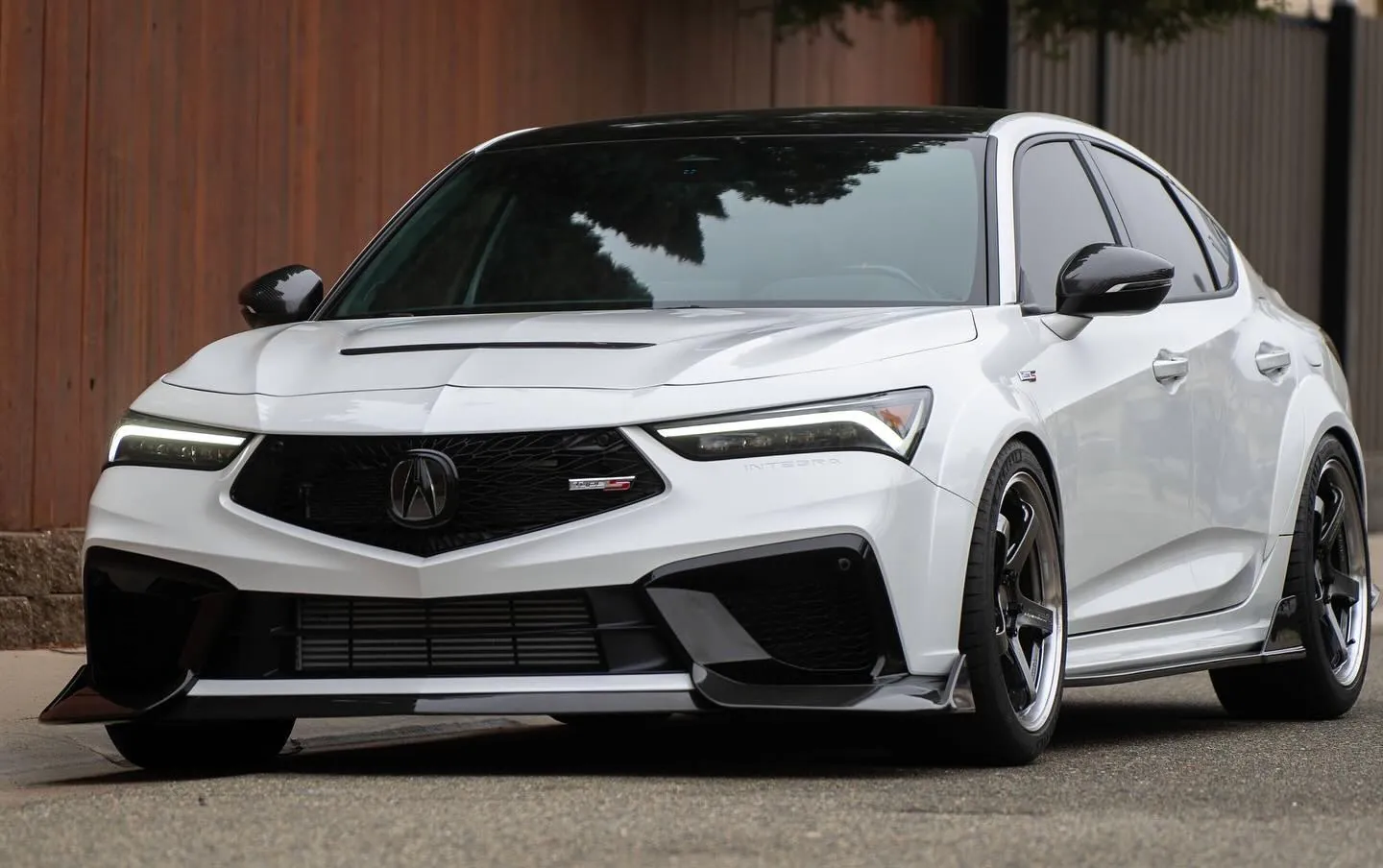
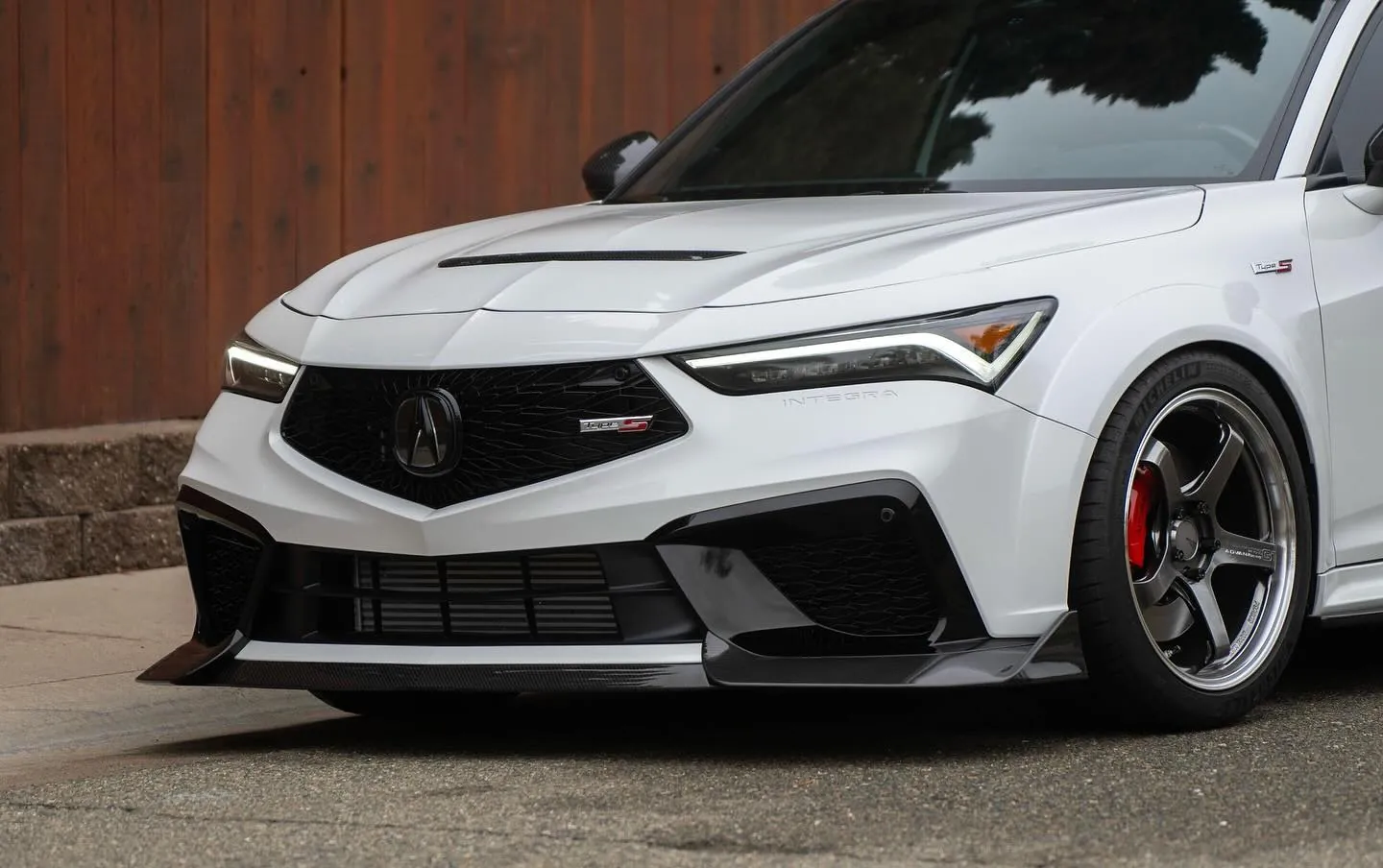
Photos from @ngooyen on Instagram. Follow for more.
Full transcript
Show the full transcript (87 lines) +
0:00guys it's your boy John we are back in here with another video we have an
0:04exciting video Hondata is coming into town so we are doing a little jailbreak
0:10and flash for the Integra Type S I also have my buddy right here with the
0:15Civic Type R so I mean we're gonna make it to Hondata let's see it we are
0:34We are at the Hondata Tour here in Sacramento and oh it is bright.
0:41Check out these Type Rs.
0:42I've never seen so many Type Rs and Integra Type S ever.
0:47We got the blue, white, red, pick that out we got my baby right there.
1:02We got
1:03We got my Integra Type S.
1:04Then we've got this one. This one's a little bit lower than mine, which is cool.
1:07I've.ve got the bbs's on the 19th.
1:11I think the one's sweet.
1:18My goodness. Yeah, I'm gonna walk around, do a little b-roll of all the type Rs.
1:23Type Rs.
2:10All right, after what seems to be 2 hours,
2:20next you don't have, to do anything except for the hood never mess with a
3:27civic with a laptop man exactly man especially, especially when up when he has a
3:30Hondata shirt on so pretty much right now this is the flash pro manager
3:37software so go and press the start button twice for me real quick thank
3:43one more time. Perfect. So now you can see right down here, we have all green checks. So
3:53typically before you flash a car or do anything, you lock to a registry. We wanna make sure
3:57that all green checks are here. This means everything checks out. The flash pro is good.
4:02or pick up the ECU in the car. So connectivity wise is very good. So. Since this is a fresh
4:08setup might as we'll give you guys a rundown hopefully there's not too much
4:10glare we're gonna go to initially on a brand new flash pro we are going to
4:16register the FlashPro. So this FlashPro window here will have a
4:20registered owner, tab. This week, this will be blink.
4:23It is. a new Flash Pro for John. So if I may have you fill it out or I for you, I'll do it
4:30for you. So resuming, um, yeah initial flash flow set up for any car that has
4:46step would be to go to online top left hand corner lock to vehicle and always
4:53make sure if you ever do part ways with the car you unlock it that way you can
4:56sell the FlashPro otherwise it's tied to that car so right here it's gonna
5:00verify your, your van once it's done we're now locked to your car and here
5:09comes the fun part now we can. Now, we can load up a calibration for this
5:12Integra Type S so your car is a bone stock or do you have some parts I have
5:17bone stock brand new drop-in. Okay. And of course, I have to ask, do you want more pops and spe
5:30bangs or are you here with the soft burbles. I think I want to create like try it, try it.
5:35Okay, for you. Try the crazy pops the pop. Gotcha. Okay, then it's pretty easy to go back.
5:39So in here, whenever you load up a tune there is a modification window. This window here is
5:45is, gonna help you, Taylor, the map to your liking.
6:15Let's go. Let's go. All right, man. I'll probably will change it.. Yeah and changing it. So it's only a
6:28you upload that. Okay cool. That's all we have to do here. The map is already pretty much loaded up. We've made the one change for John. And which is states to pops and banks. Click on okay. Do you need internet to do.
6:45at least when you first open up the
7:15So this part is we're not flashing the car.
7:18Think to note in this process, you will see that your dash
7:22is gonna have all sorts of crazy errors.
7:25You might hear some beeping, some noises,
7:27but that's perfectly fine,
7:28because the ECU is being rewritten.
7:30So you're start to see of C, it's sweet.
7:33You'll notice it.
7:34But the flash alone takes about eight minutes or so.
7:37Once it's done, it'll prompt you to drop the car,
7:39turn it off, turn it back on and go for a drive.
7:42Sweet.
7:43Yes, and see, now it's, yeah.
7:44of the warranty normal and the pops are only on sport plus yes.
8:44Flash in the car, right?
8:46The most recent call I've had,
8:48or flash in the car, buddy gets out,
8:50trips over the cable, makes fun of it,
8:52breaks the ECU and it's a nightmare.
8:55So during this moment, just stay still.
8:58Okay.
9:00Make sure you have a full of battery.
9:02If your battery's low, put a battery tender.
9:03Yeah, speck the car, right?
9:04The most recent call I've had, flash in the car, buddy gets out, trips over the cable, trips over the cable, makes the ECU, breaks the ECU, and it's a nightmare.
9:06During this moment, just stay still, stay still., make
9:09we will resume after it it's back
9:17alright so you're just about done with the flash. This last part should go by pretty quickly.
9:20Hopefully, you'll catch it while it's on camera.
9:23That way you guys see, you know, how it looks at the end of it.
9:28Just to know, yeah. If I didn't mention it before, this flashing takes about about about 8 minutes for flash.
9:33Thanks man.
9:36Please switch off the ignition.
9:38Go to the new set.
9:39Press this one.
9:40Press this one.
9:41Now you can turn the car on, but watch the cable.
9:43You can just turn the car
9:45Oh yeah, the
9:53There you go. You're good.
9:56Unplug everything, go for a drive,
9:58and then take in with you to get some first impressions of it.
10:03First impressions of the Hondata 91 Octane 2
Machine-transcribed from the full-length video and lightly cleaned (product names fixed). Watch the video for exact wording.
Next step


