Phearable Tune on the Integra Type S / Civic Type R: Flash, Maps & First Drive
John moves his Integra Type S from the Hondata Stage 1 91-octane tune to a Phearable tune with a PRL HVI intake: the laptop flash, the 10-minute drive-in, setting the five traction maps with the resume button, and how the pulls feel.
Full video (6 min): +70WHP/+80WTQ Phearable Tune FL5/DE5 Type R/S | Impressions with PRL HVI · John's YouTube channel
John moves his Integra Type S from the Hondata Stage 1 91-octane tune to a Phearable tune with a PRL HVI intake: the laptop flash, the 10-minute drive-in, setting the five traction maps with the resume button, and how the pulls feel. This 6 min guide covers the Phearable tune for the FL5 Civic Type R and DE5 Integra Type.
Overview
John had just installed the PRL HVI intake and was coming off about a week on the Hondata Stage 1 91-octane tune. He liked that tune's traction-control improvement and better third-gear mid-range, about 30 more horsepower, but it wasn't enough for him. The Phearable tune is flashed from a plain Windows laptop. Make sure the battery is charged, and after the flash drive gently for about 10 minutes before you push it. He runs the Phearable Stage 2 tune for the intake with pops. The multi-map setup works with cruise control off: hold the resume button a few seconds, then pick 1 to 5. The description lists them: Street1 (base, limited slip), Street2, Race1, Race2 (traction control almost off) and Valet. He keeps it on 1 because he likes the traction control. Cruising feels natural, and the rev hang is improved. Second gear feels quicker than stock, and third gear is "nasty". His take: it's a lot more powerful than stock and a good enough step from Hondata, with a real surge in third gear. If stock is fine for you, it's fine. He paid for it with his own money and found the tuner responsive and professional.
Vehicle & fitment
- Product
- Phearable tune (Stage 2 map for the intake, with a pops option and five multi-map traction settings), with a PRL HVI intake
- Shown on
- John's Acura Integra Type S DE5 with a PRL HVI intake (the tune is for the FL5 Civic Type R / DE5 Integra Type S, per the video title)
- Phearable tune for the FL5 Civic Type R and DE5 Integra Type S, as named in the video title
- John's car was already jailbroken and tuned by Hondata (Stage 1, 91 octane) before this
- The +70 WHP / +80 WTQ figure is from the video title; the description says that coming from a Hondata tune it's more like a 40+ hp difference and didn't feel that much faster
Always confirm fitment for your exact year and trim with the seller before buying.
Tools & parts
Tools
- Windows laptop with the tuning software
- Battery charger or tender (make sure the car is charged)
Parts
- Phearable tune (Stage 2 map with pops)
- PRL HVI intake
- Previously: Hondata FlashPro Stage 1, 91 octane
Video chapters
Step by step
- 1
Where he started▶ 0:00
PRL HVI intake freshly installed, on the Hondata Stage 1 91-octane tune: better traction control and mid-range, about 30 more horsepower, but not enough for him.
- 2
Flash from a laptop▶ 0:41
The tune flashes from a Windows laptop. Make sure your car's battery is charged before you start.
- 3
Drive easy for 10 minutes▶ 1:01
After the flash, drive about 10 minutes and make sure everything is good before you step on it.
- 4
Stage 2 with pops▶ 1:43
Now on the Phearable Stage 2 tune for the PRL HVI intake, with the pop tune enabled.
- 5
Pick a map▶ 1:55
With cruise control off, hold the resume button a few seconds, then choose 1 to 5. 5 is valet, and 4 allows the most slip.
Tip: Street1 is the base street map with limited slip and the best traction. John stays on 1.
- 6
Cruising and rev hang▶ 2:40
Around town it feels very natural. Rev hang (the throttle staying open a moment after you lift) feels improved.
- 7
Pulls▶ 3:25
Second gear feels quicker than stock. Third gear is where it really pulls.
- 8
Final thoughts▶ 4:34
A lot more powerful than stock and a good enough upgrade from Hondata. If you're happy with stock, that's perfectly fine too. Not sponsored: he paid for it himself.
FAQ
What vehicle does this install fit?
It is shown for the Phearable tune for the FL5 Civic Type R and DE5 Integra Type S, as named in the video title. John's car was already jailbroken and tuned by Hondata (Stage 1, 91 octane) before this Always confirm your exact year, trim and factory audio with the seller.
How long does the install take?
John's full video is 6 min. Plan on that much time for a careful DIY install, plus extra if you are new to dash work.
What tools do I need?
Tools called out in the guide: Windows laptop with the tuning software; Battery charger or tender (make sure the car is charged).
Where do I get the parts?
Parts are listed in the guide; confirm current links and fitment with the seller.
Is this beginner-friendly?
The guide breaks the job into 8 steps with timestamps into the video. If you can remove trim panels carefully, you can follow along.
John's Acura Integra Type S
More photos →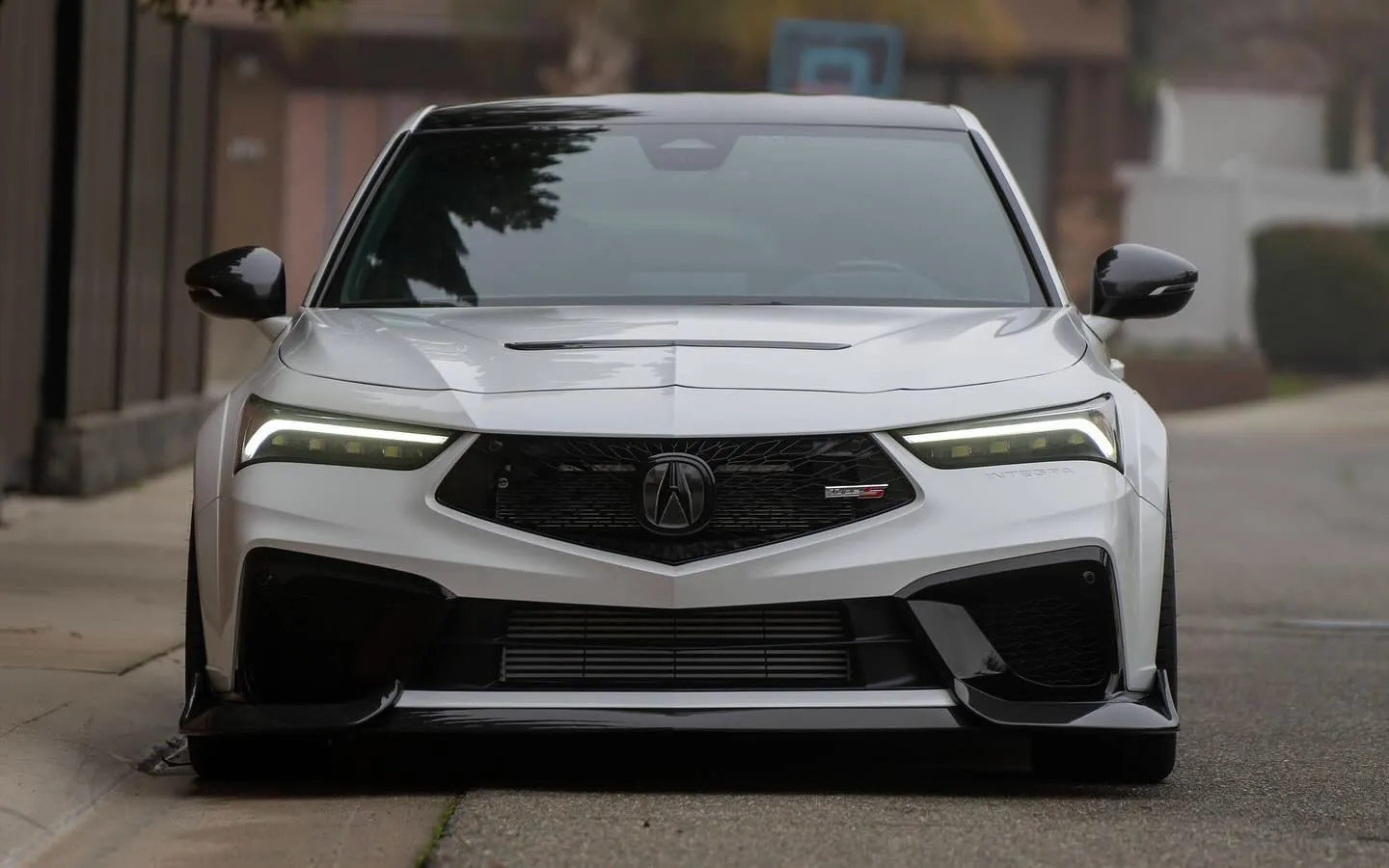
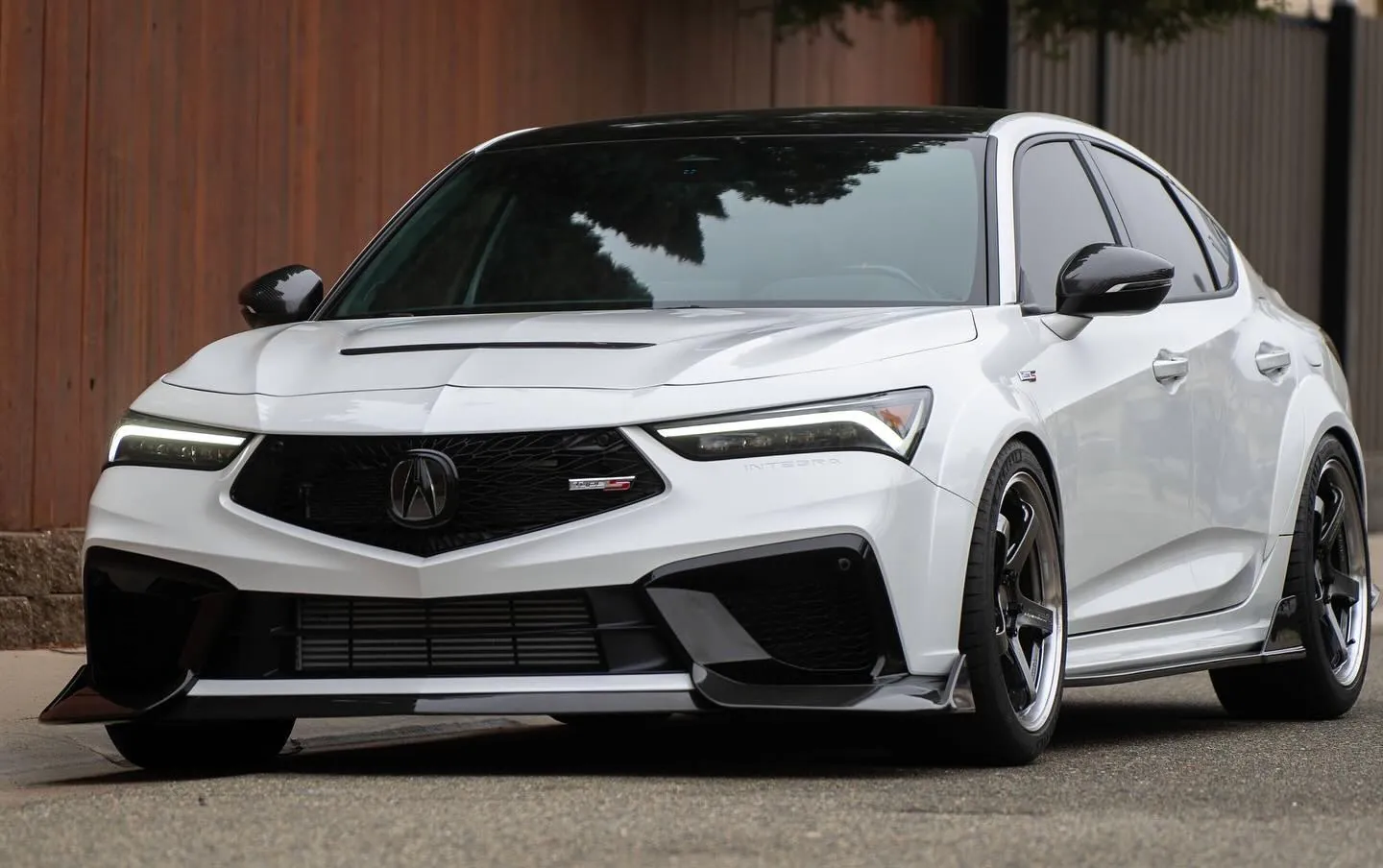
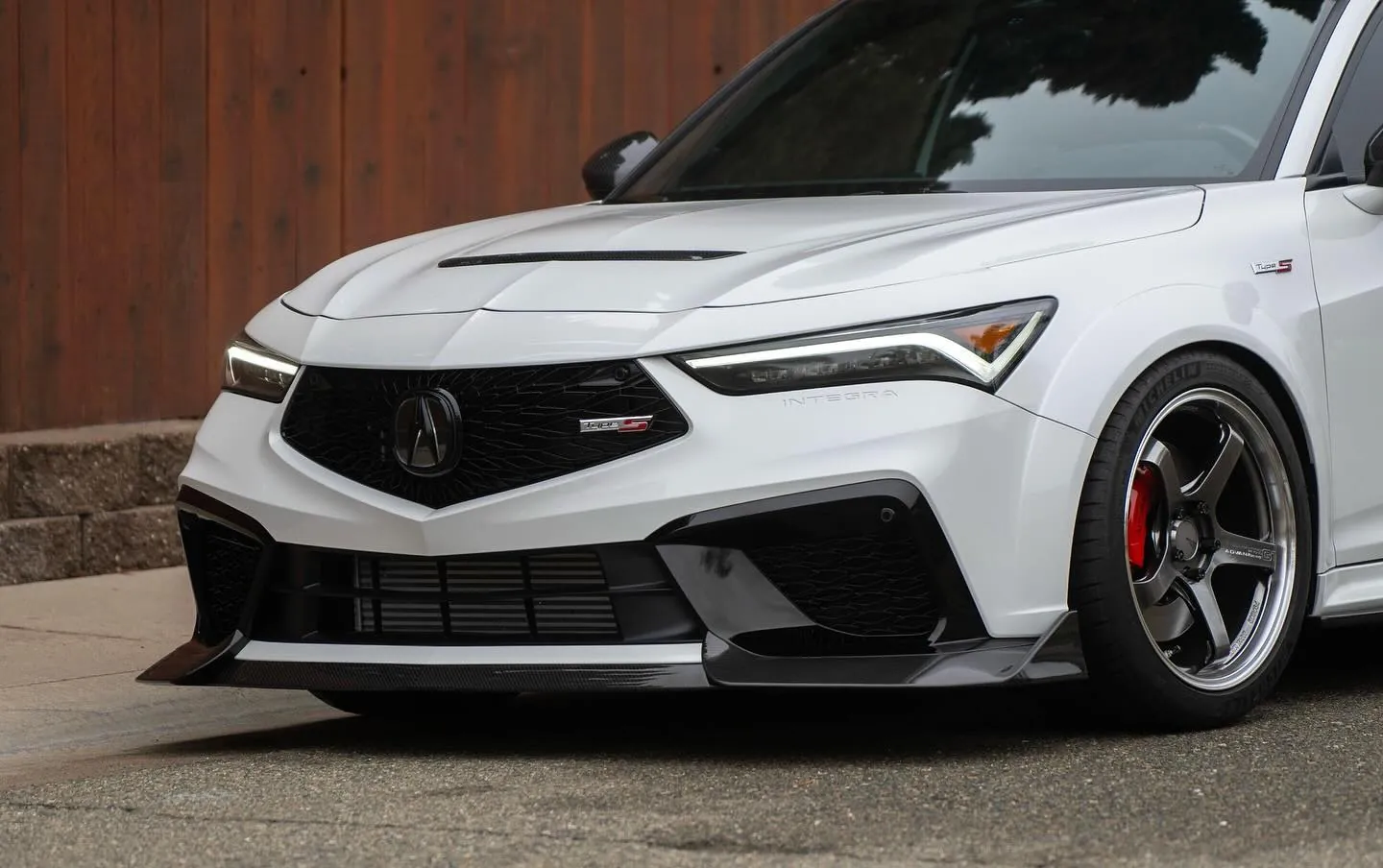
Photos from @ngooyen on Instagram. Follow for more.
Full transcript
Show the full transcript (82 lines) +
0:00What's up guys, it's your boy John back again here with another video
0:04Actually recently installed the intake actually a few minutes ago, but now we're gonna do something
0:09Amazing to get all the juices all that horsepower ringing it out- with a Phearable tune
0:16Now currently I'm on the Hondata Stage 1 91
0:20Octane tune. It's great
0:22Great traction control improvement the power mid-range on third gear is
0:26is better. About 30 more horsepower, some torque. It is slightly noticeable, but it's
0:32not enough for me. So,, Phearable Tune coming in. And I have my little Gameboy.
0:40With this Gameboy right here, it's just a Windows laptop. You know, I'm a PC builder nowadays.
0:47I don't really use laptops. And I use for laptops, I use a Mac. But anyways, pretty
0:54easy it's gonna flash that bad boy in there and we should be good to go make
1:01sure your car is charged and that you see so after you flash your tune you have to
1:11drive about for 10 minutes make sure everything's good and then you can step,
1:16step on it, get that power difference so I want to take it easy for
1:20the next 10 minutes right around a little bit get used to everything and
1:24And yeah, that's just for the instructions.
1:28All right, so we just waited 10 minutes,
1:32got everything figured out.
1:33My camera keeps running out of batteries
1:35because I've been recording so much today.
1:38But anyways, we have the Phearable Stage 2 Tune
1:43with the intake upgrade, PRL HVI Intake.
1:51Now I have it on the pop tune.
1:53So we got that.
1:55For you to set up the maps,
1:58there's like a multi-tune, have cruise control off.
2:02Then you want to hold the resume button a, a few I seconds.
2:09And then you can 1, 2, a, 3, 4, 5.
2:125 is val
2:13valet.
2:144 is the most aggressive.
2:16A lot of wheel will slip.
2:193 is more real slip.
2:211 and 2 are mostly for street tuning
2:24and I'll put the information down here.
2:26I'm gonna keep it at one,
2:28because I actually really like
2:31the traction control the way it is.
2:33Next off, let's go for a drive.
2:40So when you're just cruising around the streets,
2:43neighborhoods and whatnot, it feels very good.
2:55and more just natural feeling it feels great shifting through the gears now if
3:02you don't know what a rev hang is when you shift your gears it holds like the
3:07You let go of the gas and it keeps
3:09the gas on a little bit longer.
3:11I'm making it kind of, a natural feeling
3:14not like you're a part of the car.
3:25Turn off the AC.
3:27But yeah, let's do a little second gear pull.
3:37Easy with the shifting.
3:39Really wanted to feel that second gear pull.
3:41The second gear pull felt great.
3:43I'm used to a lot of fast cars,
3:45so I'm not saying like this is blowing my mind
3:46or anything, but it's definitely faster than stock.
3:51and that 80 horsepower difference, you can feel it, little spring
3:59and step.
4:00Alright this is a good stretcher road that I can actually go a little
4:07hard in.
4:14Get a third gear pull, third gear is nasty.
4:33Alright what a day.
4:36So is the Phearable tune a must have.
4:41Honestly, it is a lot more powerful than stock.
4:46Going from the Hondata, too favorable.
4:50Give or take, it's a good enough upgrade.
4:54You definitely feel that surge in third gear.
4:58Now, multiple map tunes are great, like the.
5:02Control the traction control
5:03I love it because I want the extra power.
5:06I was like an extra 250 bucks.
5:08If you can buy a combo through all of them, it might be more worth why.
5:11I had my car jail broken by Hondata, so I went with them first and
5:18Had about I guess a little about a week of had the Hondata tune and now I got the
5:24Intake plus the Phearable tune for the intake and um. Yeah, it's good
5:31I'm happy overall. I'm not my mind is not blown or anything, but it's an extra power and it feels good
5:38if you guys
5:42Like stock you'd be perfectly fine with stock to be. Honest if you want more power go for the Phearable
5:48I know there's other tuner options, but the Phearable just seems to be that's all the what everyone's talking about
5:54I didn't wasn't sponsored by Phearable. I pay with it my own money and
5:59You know I asked him a bunch of questions on Facebook, and he was pretty cool
6:03John Vega, so he was really responsive and
6:06professional. Anyways, thank you guys for watching. Catch you guys in the next one. Peace.
Machine-transcribed from the full-length video and lightly cleaned (product names fixed). Watch the video for exact wording.
Next step


